



What Is an AI Video Note Taker?
An AI video note taker is a tool that helps users capture, transcribe, summarize, and organize information from videos.
Instead of manually typing notes while watching, an AI video note taker can process spoken content in a video and convert it into readable notes. Depending on the tool, it may generate:
- Video transcripts
- AI summaries
- Key takeaways
- Timestamped notes
- Action items
- Study notes
- Meeting notes
- Searchable content
This makes it especially useful for students, professionals, researchers, content creators, and teams who regularly watch or review long video content.
For example, if you have a 45-minute lecture or meeting recording, an AI video note taker can help you quickly understand the main points without rewatching the entire video.
Best AI Video Note Taker Options for YouTube and Online Videos
There are several ways to use AI to take notes from YouTube videos, lectures, webinars, online courses, and recorded meetings. The best option depends on where you watch videos, how often you need notes, and whether you prefer a desktop workflow or a hands-free experience.
Below are three common types of AI video note takers.
1. Online AI Note-Taking Platforms (Otter, Notta, Fireflies)
-
Fast and accurate transcript generation powered by cloud AI
-
Topic extraction and content segmentation to break long videos into logical sections
-
Automated summaries and key point highlights for quick review
-
Speaker detection when working with interviews or panel videos
-
Searchable note libraries to find concepts across videos
-
Export options to Notion, Google Docs, or PDF for easier organization
These platforms work well for users who handle long videos on a desktop, such as students, analysts, researchers, and professionals reviewing lectures, interviews, webinars, or meeting recordings.
However, they may require extra steps. In many cases, you need to upload a file, download audio, copy and paste a video link, or wait for cloud processing. This can be less convenient if you want to take notes from videos quickly or while you are away from your computer.
Best for: desktop users, long recordings, meetings, research videos, and structured transcript workflows.
2. Browser Extensions for YouTube Notes (Eightify, Glasp, Tactiq)
-
One-click AI summaries directly beside the video
-
Highlighting tools that let you mark important timestamps
-
Real-time transcript extraction from YouTube's caption system
-
Automatic note formatting for clearer study notes
-
A native Chrome-based workflow that feels smooth and unobtrusive
However, they also have limitations. Since they depend on a browser environment, they may not work well when you are watching videos on a phone, using the YouTube mobile app, learning while commuting, or reviewing content outside YouTube.
They are also less flexible for non-YouTube sources, such as Zoom recordings, Udemy courses, downloaded videos, podcasts, or videos played from other apps.
Best for: desktop YouTube users who want fast summaries, highlights, and timestamped notes.
3. AI Earbuds — A Hands-Free AI Note Taker for YouTube and Any Video Platform
If you want to take notes from videos without uploading files, copying URLs, or staying tied to a browser, AI earbuds offer a more flexible option.
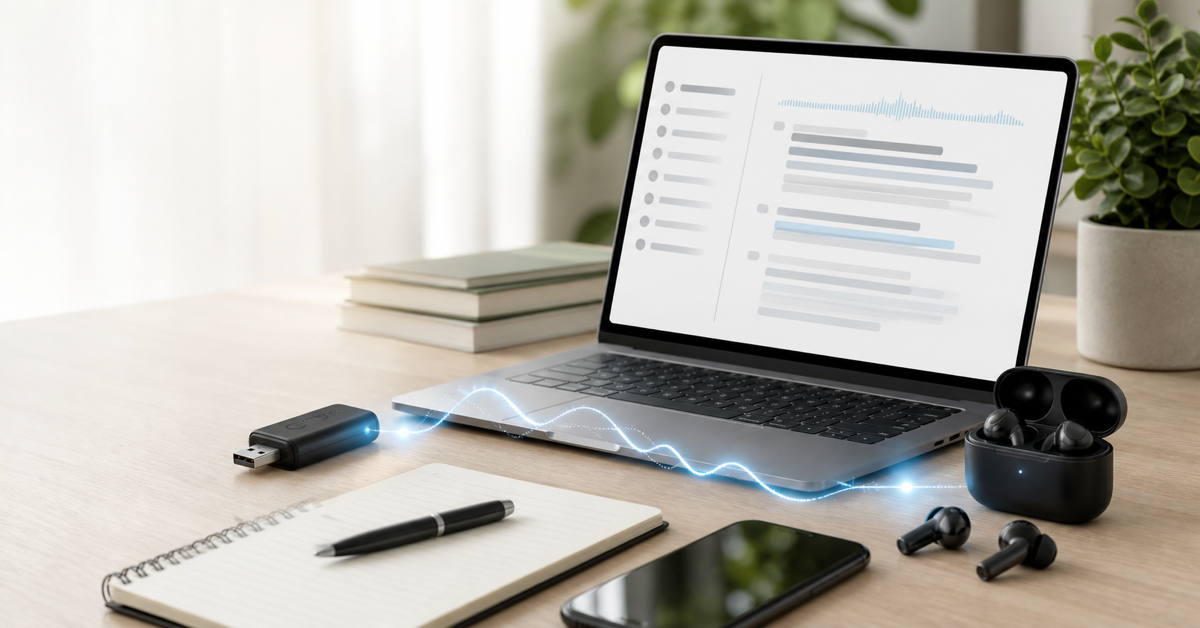
viaim AI earbuds work as a hands-free AI note taker by capturing audio directly while you watch or listen. Instead of depending on a specific platform, browser extension, or uploaded file, viaim can help turn spoken content into notes from different audio sources, including YouTube videos, online courses, webinars, meetings, podcasts, and training videos.
To use viaim for video note-taking, you simply connect the earphones to your phone or laptop via Bluetooth, open the viaim app, select the audio or video recording mode, and play your video. The app can then help capture the audio and generate notes for later review.
This makes viaim especially useful when you want to take notes while:
- Watching YouTube videos on a phone or laptop
- Listening to online courses
- Reviewing webinars or training videos
- Learning while commuting or walking
- Watching videos while multitasking
- Capturing notes from non-YouTube platforms
Compared with browser extensions, viaim is not limited to YouTube or desktop Chrome workflows. Compared with upload-based platforms, it reduces the need to manually prepare files before generating notes.
Best for: users who want a hands-free AI video note taker that works across different devices, apps, and video platforms.
Quick Comparison: Which AI Video Note Taker Should You Choose?
| Option | Best For | Strengths | Limitations |
|---|---|---|---|
| Online AI note-taking platforms | Long recordings, meetings, research videos | Accurate transcripts, summaries, exports, searchable libraries | May require uploads, links, or cloud processing |
| Browser extensions | Desktop YouTube note-taking | Fast YouTube summaries, timestamps, highlights | Usually limited to browser and YouTube workflows |
| AI earbuds like viaim | Hands-free video and audio note-taking | Works across phones, laptops, apps, and audio sources | Requires earbuds and app workflow |
If you mainly watch YouTube videos on a desktop, a browser extension may be enough. If you need detailed transcripts from long recordings, an online AI note-taking platform can be a strong choice. But if you want to turn videos into notes while using different devices, apps, or platforms, a hands-free AI note taker like viaim may offer a more flexible workflow.
Why Use AI to Take Notes from Videos?
Manually taking notes from videos is possible, but it is not always efficient. You may miss important details, spend too much time pausing the video, or end up with unorganized notes.
Using AI to take notes from videos can help you work faster and review information more easily.
Save Time on Long Videos
Long videos often contain valuable information, but not every minute is equally important. AI can help identify the main points and turn them into a shorter, easier-to-review format.
Instead of spending an hour watching and writing notes, you can use AI-generated notes to quickly understand the key ideas.
Capture Key Points More Accurately
When taking notes manually, it is easy to miss details while listening. An AI video note-taking tool can transcribe the spoken content and create a more complete record of what was said.
This is useful for lectures, interviews, meetings, product demos, and webinars where accuracy matters.
Create Searchable Notes
AI-generated video notes can make it easier to find information later. Instead of searching through an entire video, you can search your notes for specific topics, keywords, decisions, or action items.
Review Videos Faster
Whether you are studying, preparing for a meeting, or reviewing training materials, AI notes can help you revisit important information without watching the full video again.
Video to Notes AI: What Can It Generate?
A video to notes AI tool does more than convert speech into text. It can help organize video content into different types of useful outputs.
| Output | What It Means | Why It Helps |
|---|---|---|
| Transcript | Converts spoken content into text | Gives you a complete written record |
| Summary | Condenses the video into a shorter version | Helps you understand the video faster |
| Key takeaways | Highlights the most important points | Makes review more efficient |
| Timestamped notes | Connects notes to specific video moments | Lets you revisit key sections quickly |
| Action items | Extracts tasks or next steps | Useful for meetings and team discussions |
| Study notes | Turns lectures into learning materials | Helpful for students and online courses |
| Searchable notes | Lets you search for keywords later | Makes information easier to find |
The best AI video note taker should help you move from a long video to clear, structured, and searchable notes.
FAQs About AI Video Note Takers
How do I get AI to take notes from a video?
You can use an AI video note taker to automatically transcribe the video, summarize the key points, and organize the content into structured notes. This works well for lectures, meetings, webinars, training videos, interviews, and YouTube content.
Can AI turn a video into notes?
Yes. AI can turn a video into notes by converting speech into text, identifying important topics, and generating summaries, key takeaways, timestamps, or action items.
What is the best way to turn videos into notes?
The best way is to use an AI video note-taking tool that can transcribe the video, summarize the main points, and create notes you can search, edit, and share.
Can I take notes from YouTube videos automatically?
Yes. With an AI video note taker, you can generate notes from YouTube videos by transcribing the audio and summarizing the key ideas. This can help you learn from tutorials, interviews, lectures, and educational videos more efficiently.
Can AI take notes from lecture videos?
Yes. AI can help turn lecture videos into study notes by summarizing key concepts, extracting important details, and organizing the information for later review.
Is an AI video note taker better than manual notes?
For long or information-heavy videos, an AI video note taker is usually faster and easier to review than manual notes. However, manual editing is still useful if you want to add personal thoughts, context, or highlights.
Final Thoughts
Turning videos into notes manually can take a lot of time, especially when working with long lectures, meetings, webinars, or YouTube videos. An AI video note taker can make the process faster by transcribing spoken content, summarizing key ideas, and organizing important information into structured notes.
Whether you want to study more efficiently, review meetings faster, or capture insights from online videos, AI can help you move from video content to clear, searchable notes with less effort.
If you regularly work with video-based information, using an AI video note-taking tool like viaim can help you save time and keep your notes easier to review, search, and use.


Share:
Is It Legal to Record a Meeting? U.S. State Laws Explained (2026)
10 Thoughtful Productivity Gift Ideas for 2026