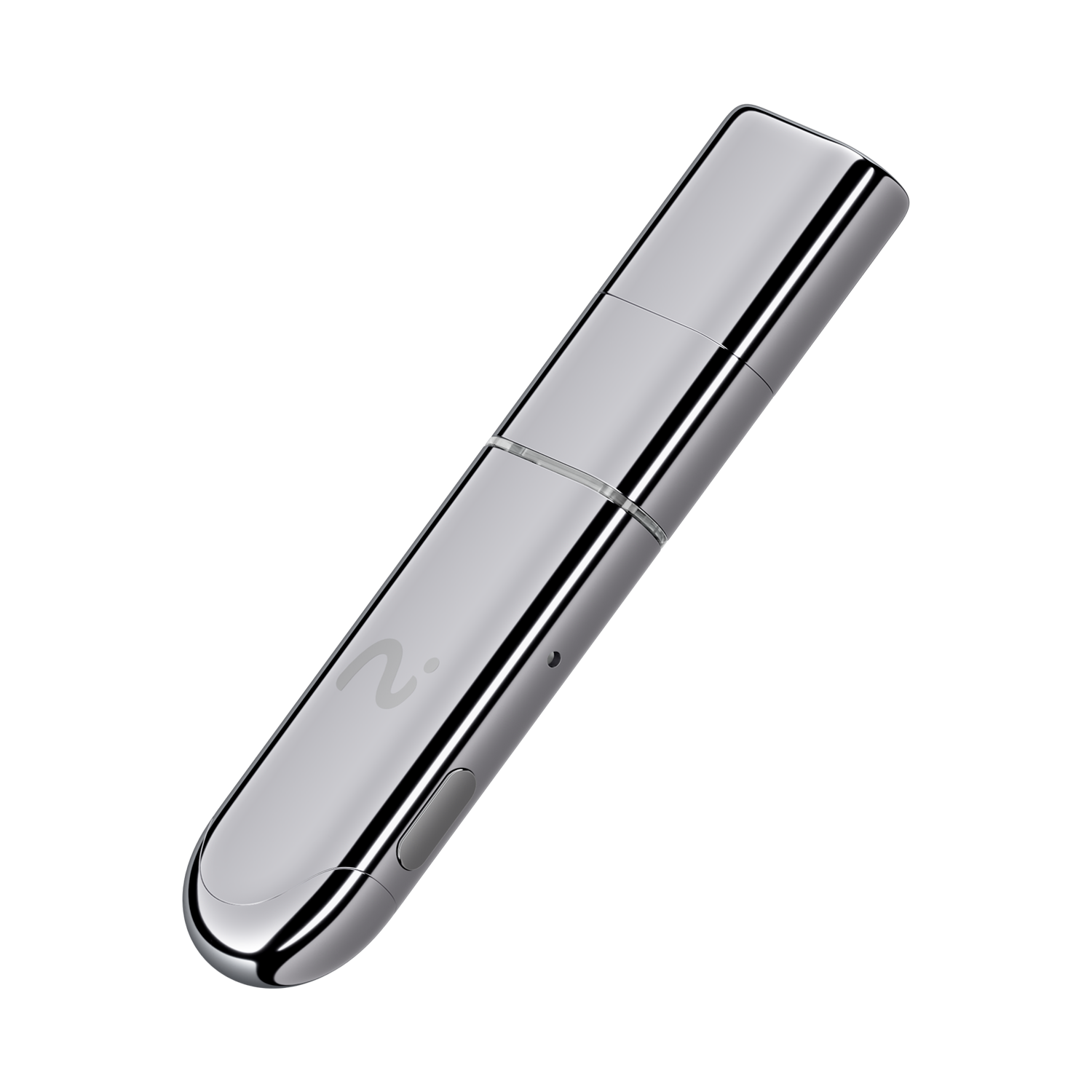
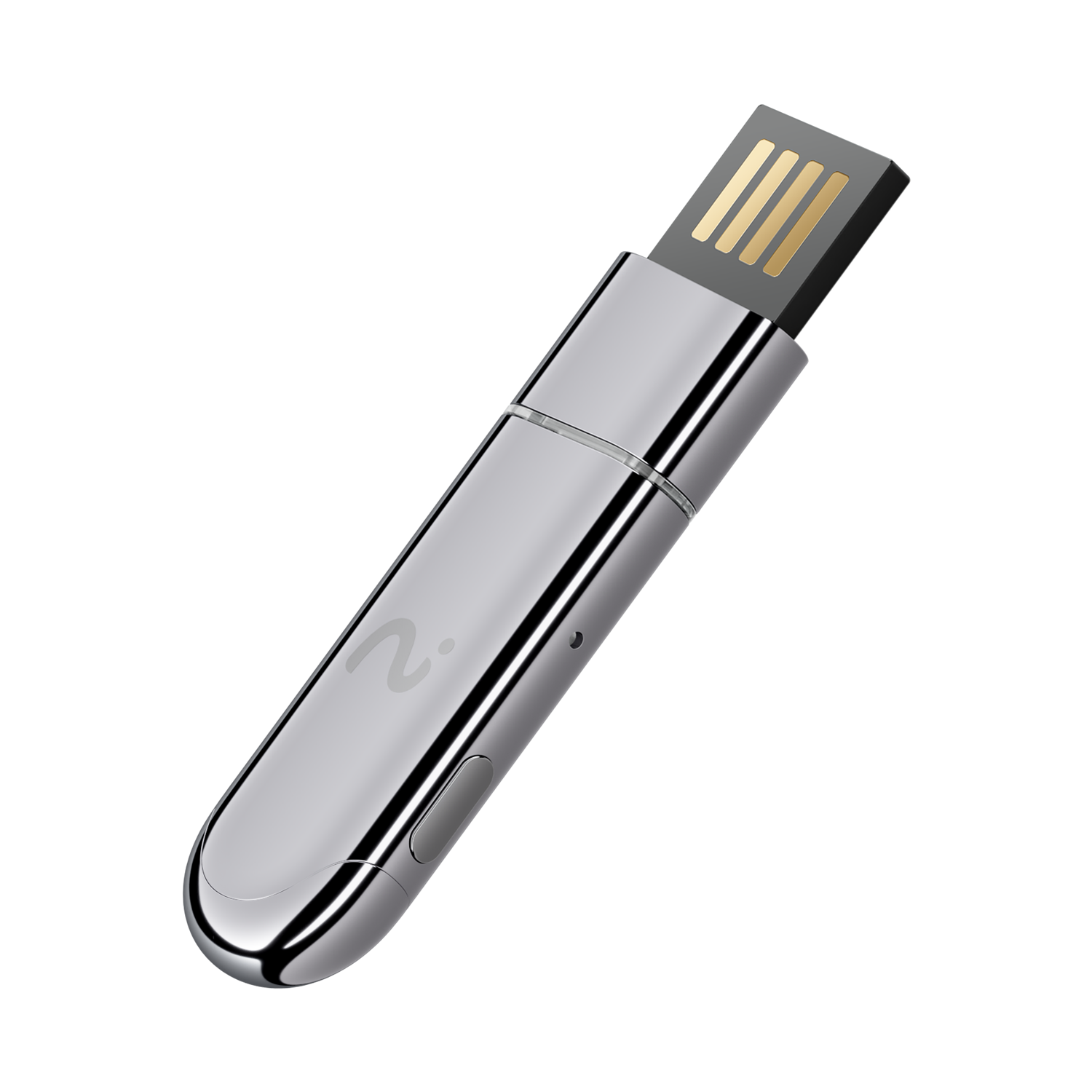
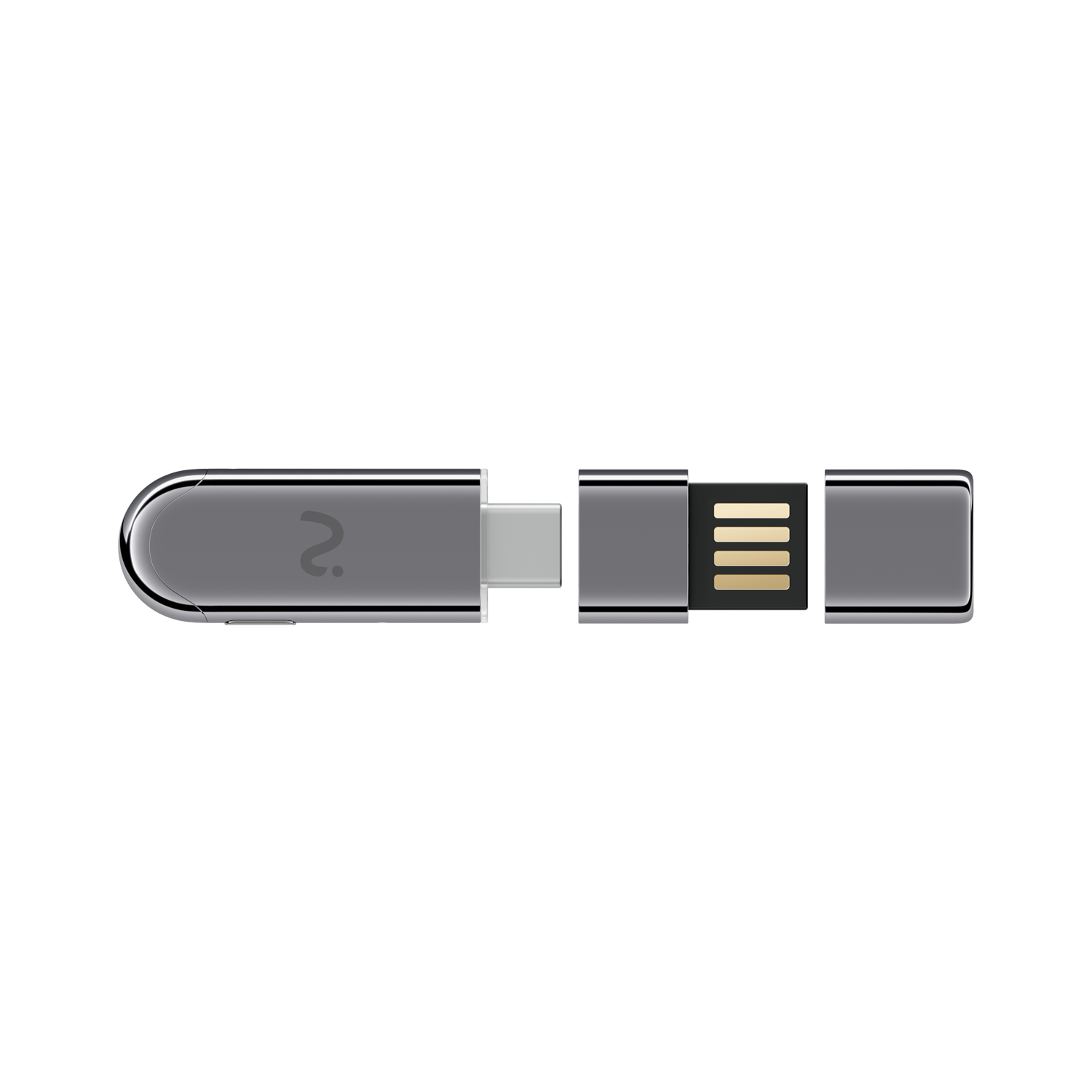
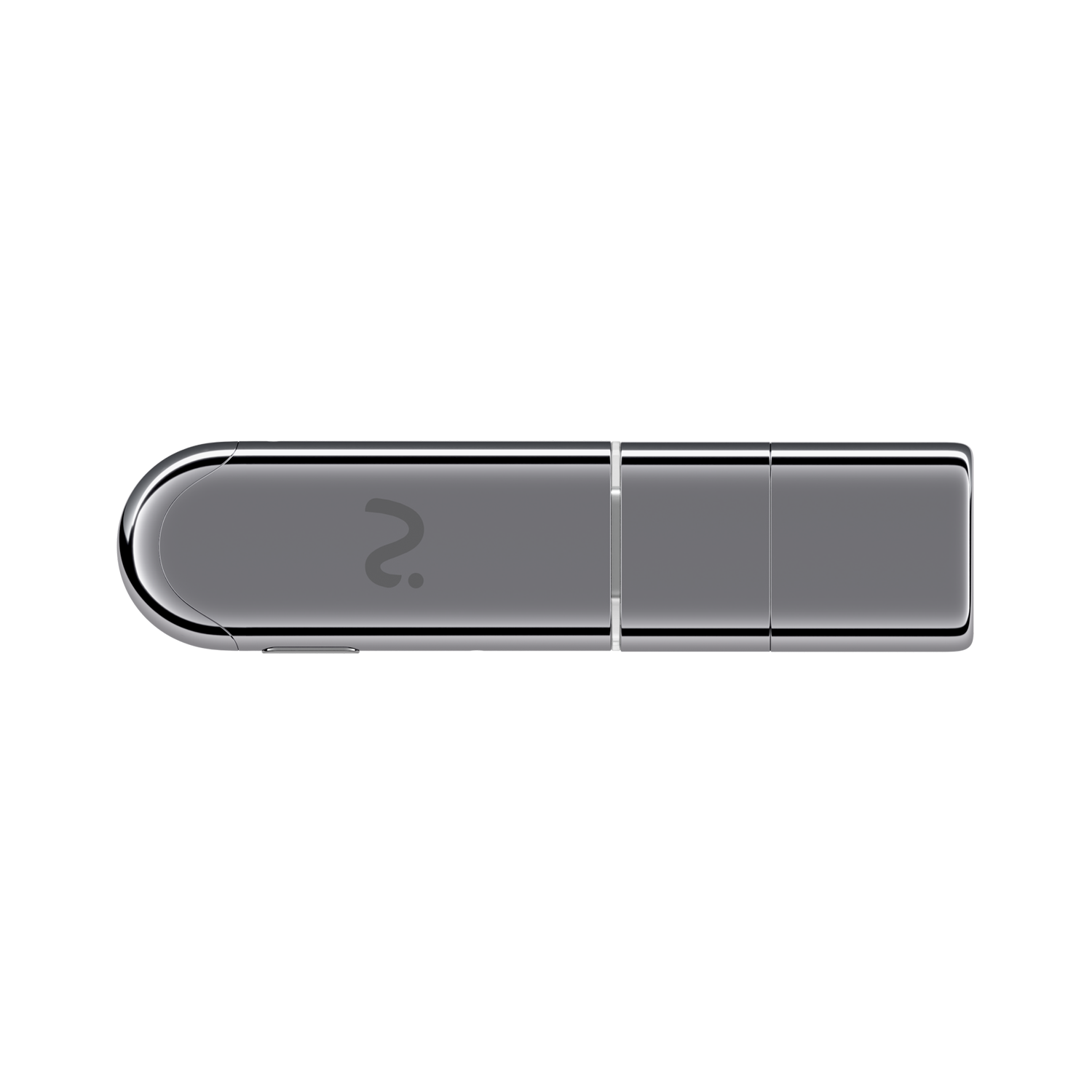
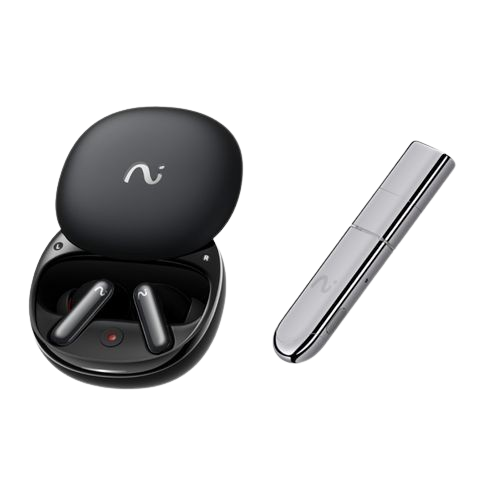
viaim NoteKit – A Desktop AI Note Taker for Computer-Based Meetings
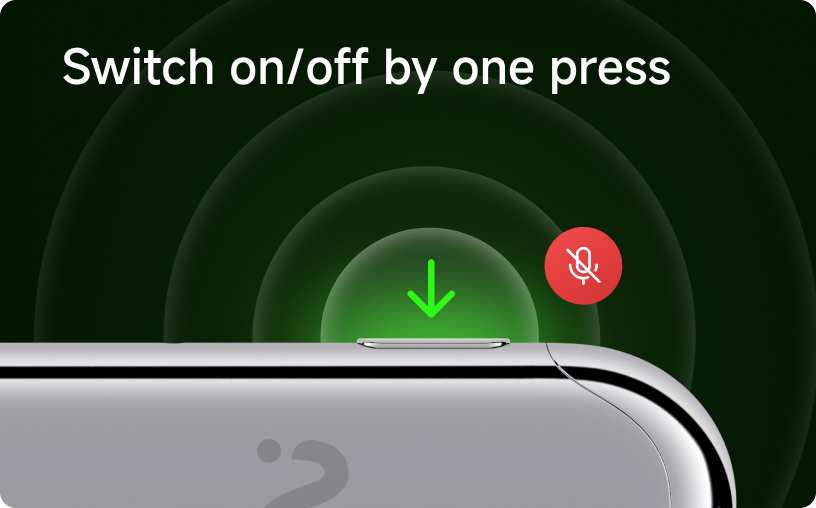
- • One-Press Recording: Start or stop instantly
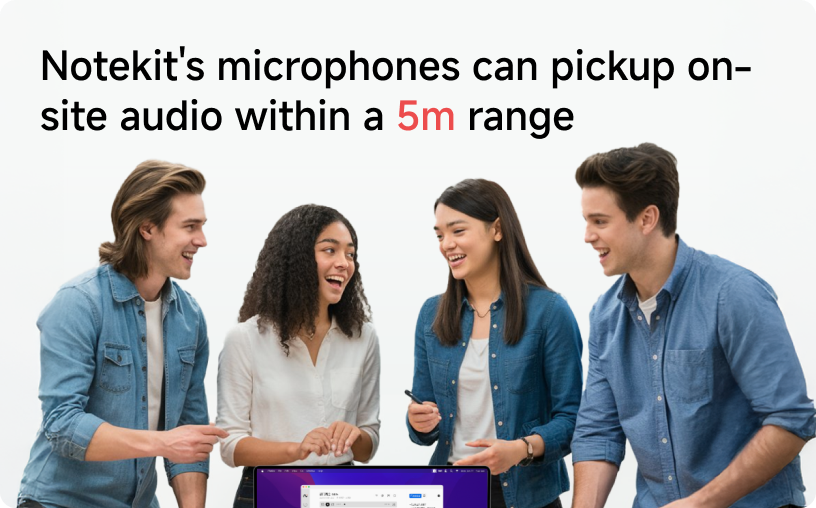
- • Wide-Range Capture: Picks up on-site audio within a 5m range
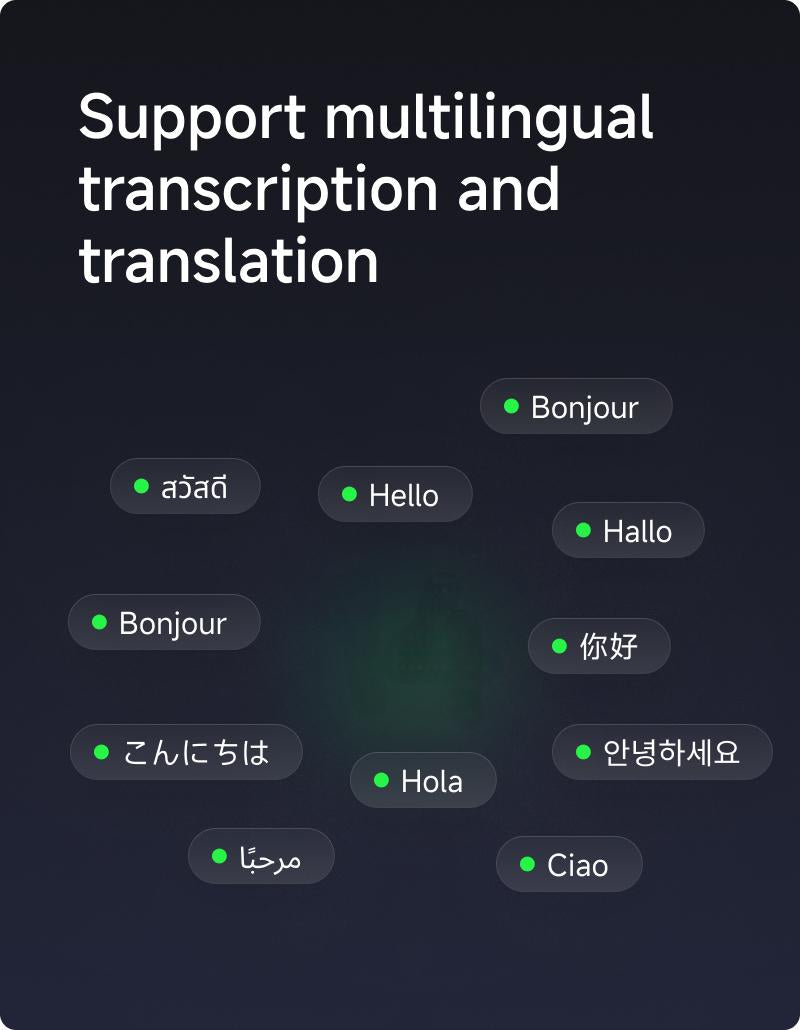
- • Seamless Transcription & Translation: Live transcribe in 78 languages
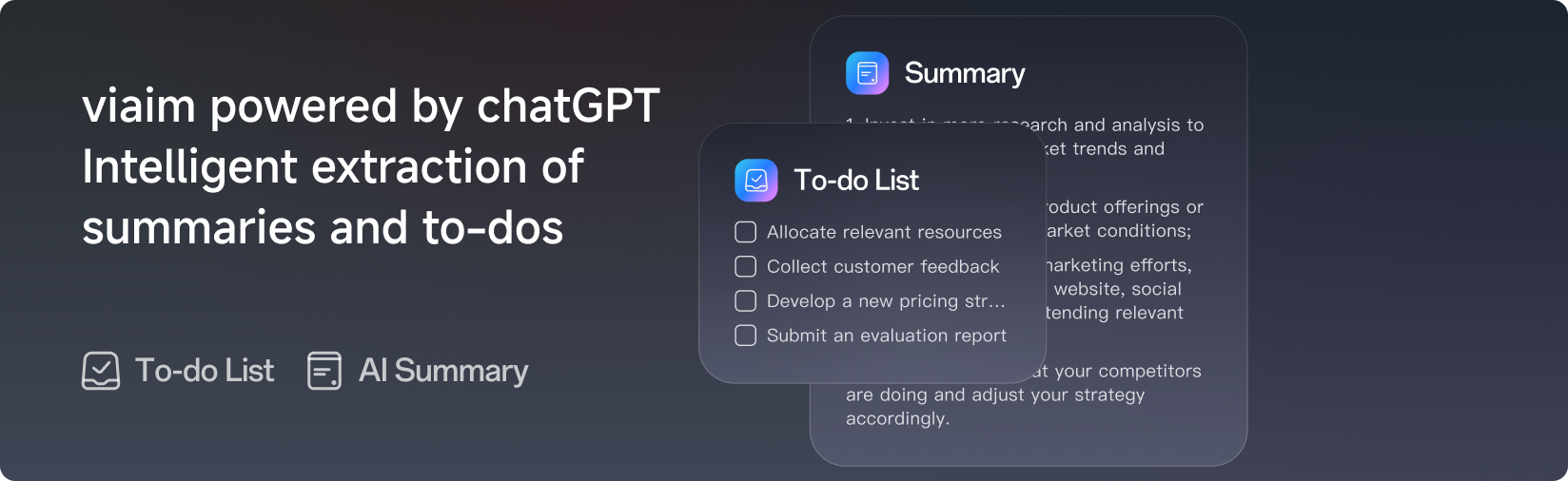
- • Smart Summaries: Automatically extract key points & to-dos
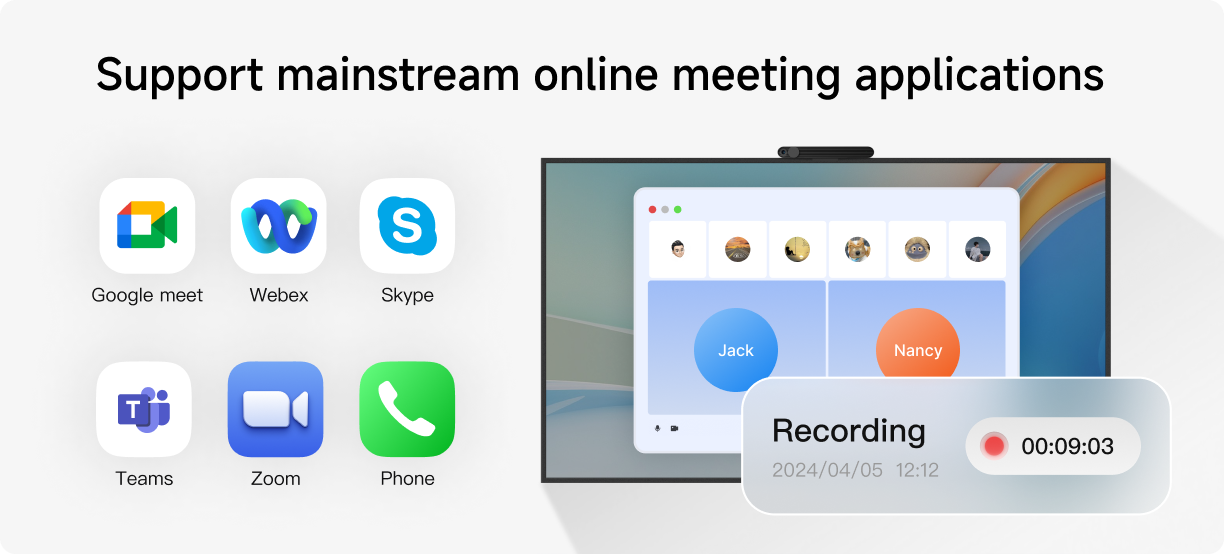
- • Works with Major Meeting Apps: Compatible with Zoom, Google Meet, Teams & more
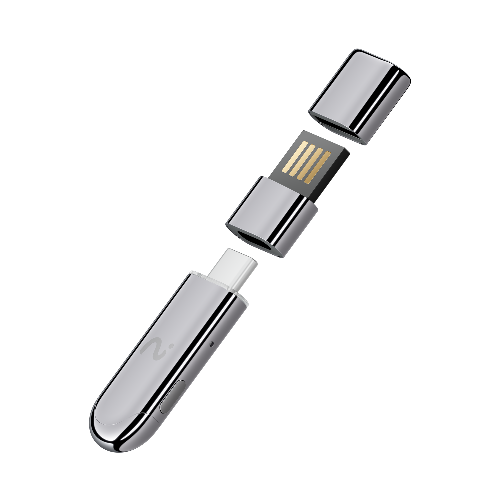
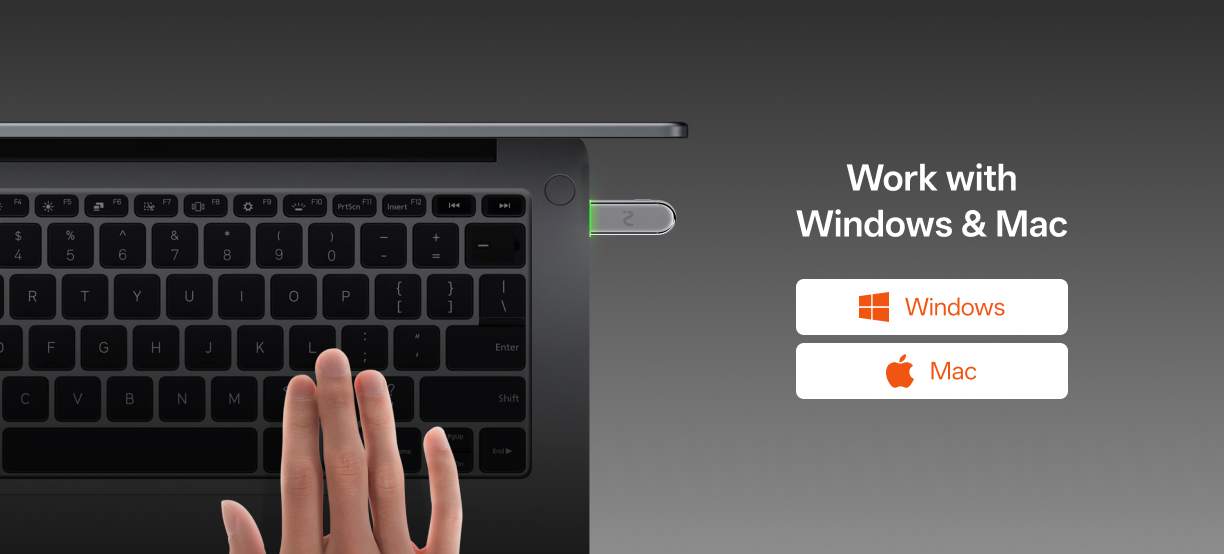
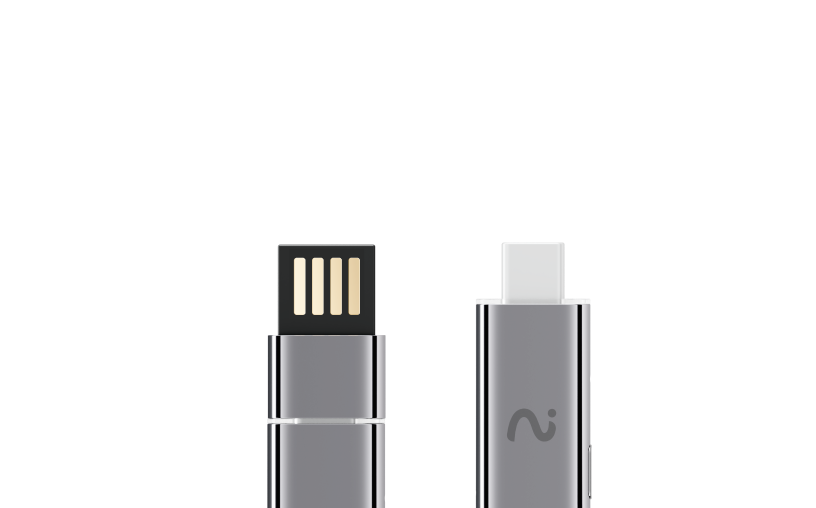
- • Plug & Work: Seamlessly supports Windows & Mac
- • Certified Secure: ISO 27001, ISO 27701, SOC 2 Type II, HIPAA & EN 18031 compliant
Every Viaim device comes with 600 mins/month of transcription for free.


Enjoy FREE Shipping on all orders within the U.S.
Canada Shipping is available now.
Free 30-Day Returns for your peace of mind.
Check out our full shipping policy & return policy for more details!
We offer our devices a 12-month warranty that provides coverage for your item in the event of damage or not work well.
What exactly is viaim NoteKit?
viaim NoteKit is a desktop-focused AI note taker built specifically for meetings.
Unlike wearables, NoteKit is designed to live on your desk — always ready to capture, transcribe, and summarize meetings with high accuracy.
It’s ideal for:
- Online meetings
- In-person meetings at your desk
- Daily standups, reviews, and planning sessions
If most of your work happens at a desk, NoteKit fits naturally into your workflow.
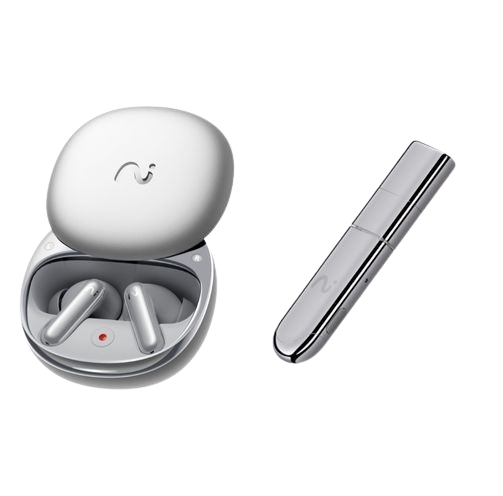
How is NoteKit different from viaim earbuds?
They serve different meeting scenarios.
- viaim earbuds are optimized for mobility and spontaneous recording
- viaim NoteKit is optimized for structured, desk-based meetings
NoteKit offers:
- More stable positioning
- Optimized microphones for desk environments
- A distraction-free, always-on meeting companion
Many users choose NoteKit for workdays and earbuds for everything else.
Why not just use Zoom or Google Meet transcripts?
Built-in meeting transcripts are often:
- Inaccurate
- Hard to search later
- Limited to a single platform
viaim NoteKit works across platforms:
- Zoom, Google Meet, Microsoft Teams
- In-person meetings
- Hybrid setups
It turns meetings into organized, searchable knowledge, not just raw text.
Is NoteKit always listening?
No.
NoteKit only records when you explicitly start a session.
Nothing is captured in the background.
You stay fully in control of:
- When the recording starts
- When it stops
- What gets saved
Do I need a subscription to use NoteKit?
Every NoteKit includes 600 free transcription minutes per month.
You only need a subscription if:
- You exceed the free minutes
- You want advanced AI summaries and workflows
No mandatory subscription just to access your notes.
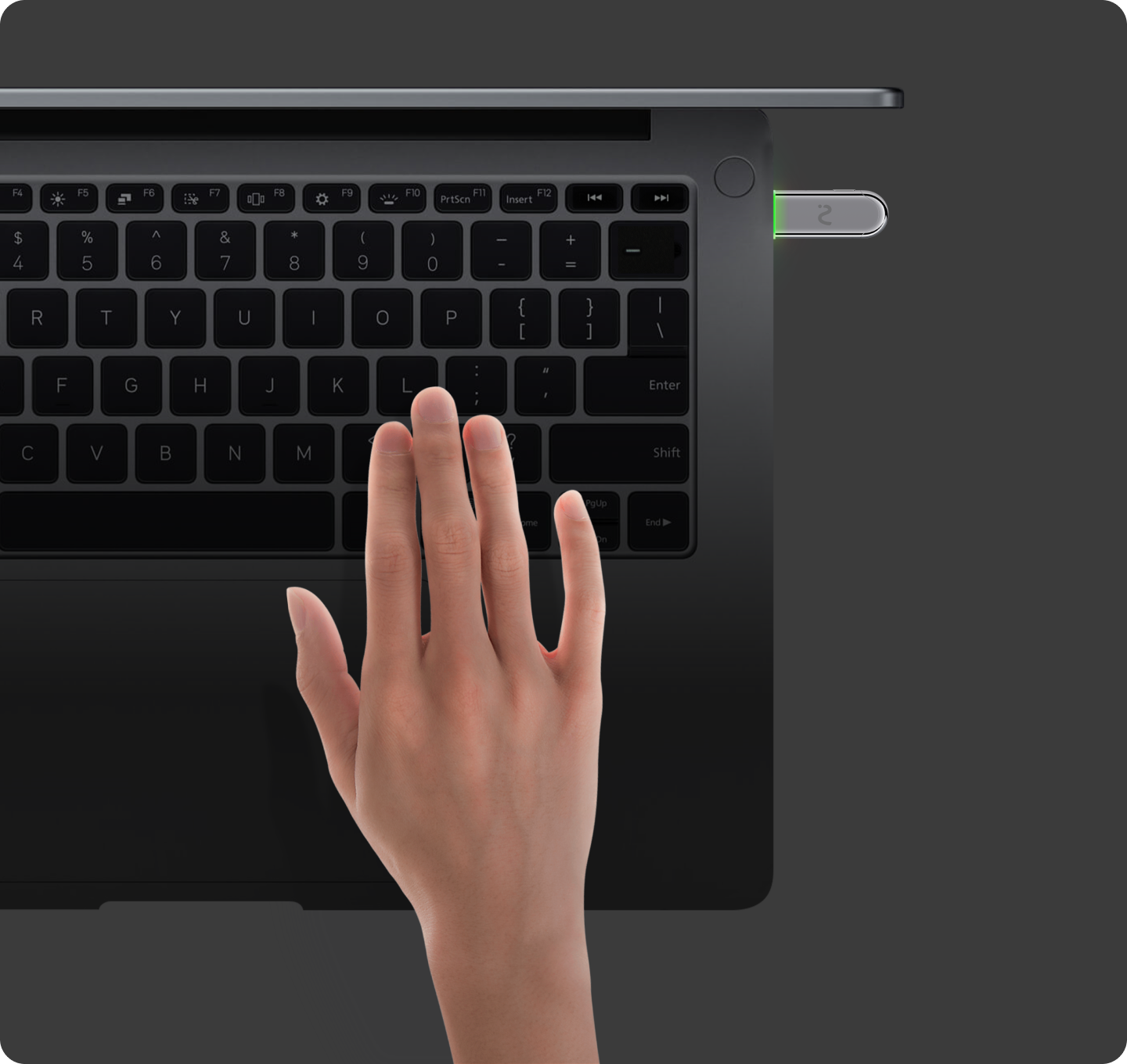
Computer recording with NoteKit
NoteKit is designed for computer recording, allowingyou to record meetings and convert them into text onyour computer.
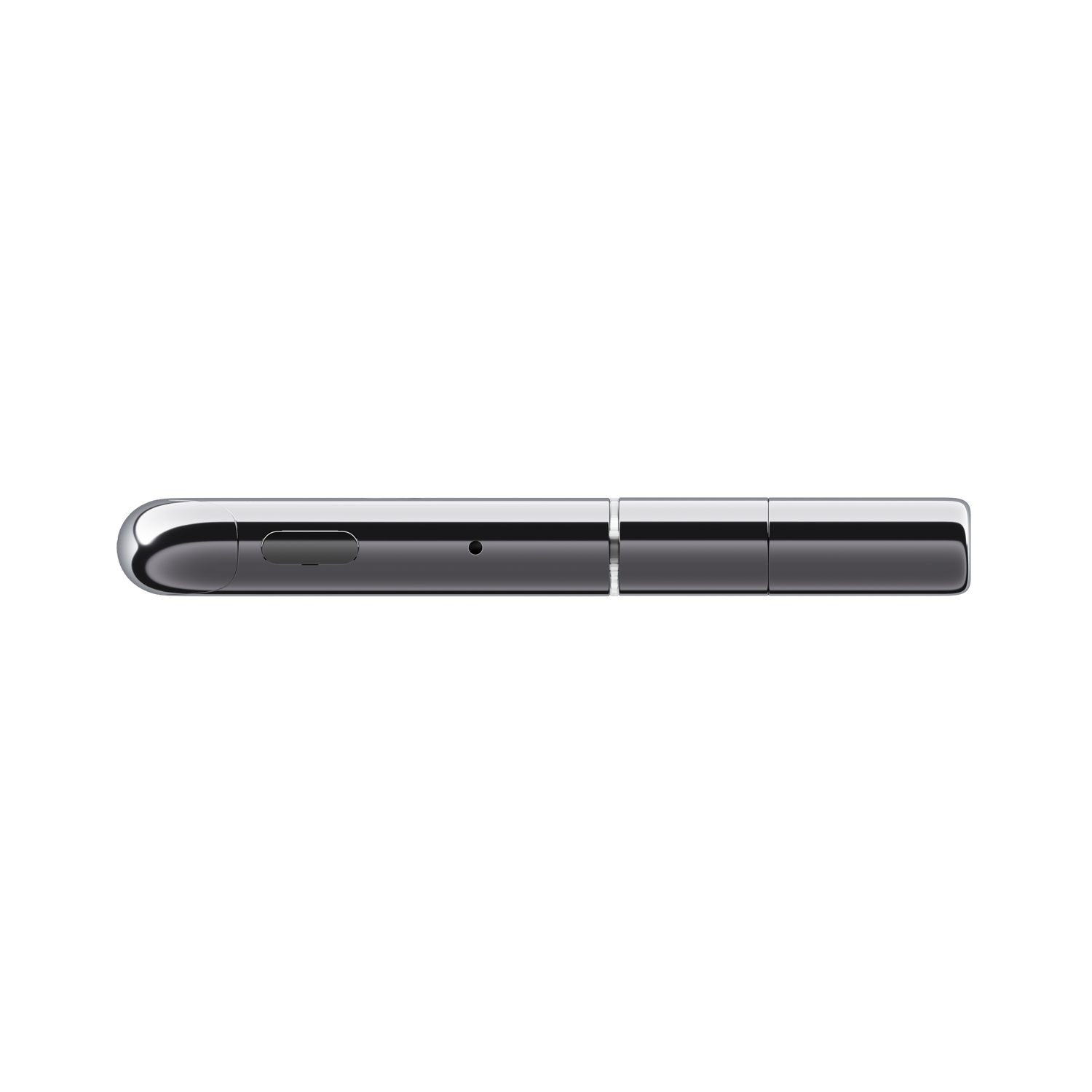
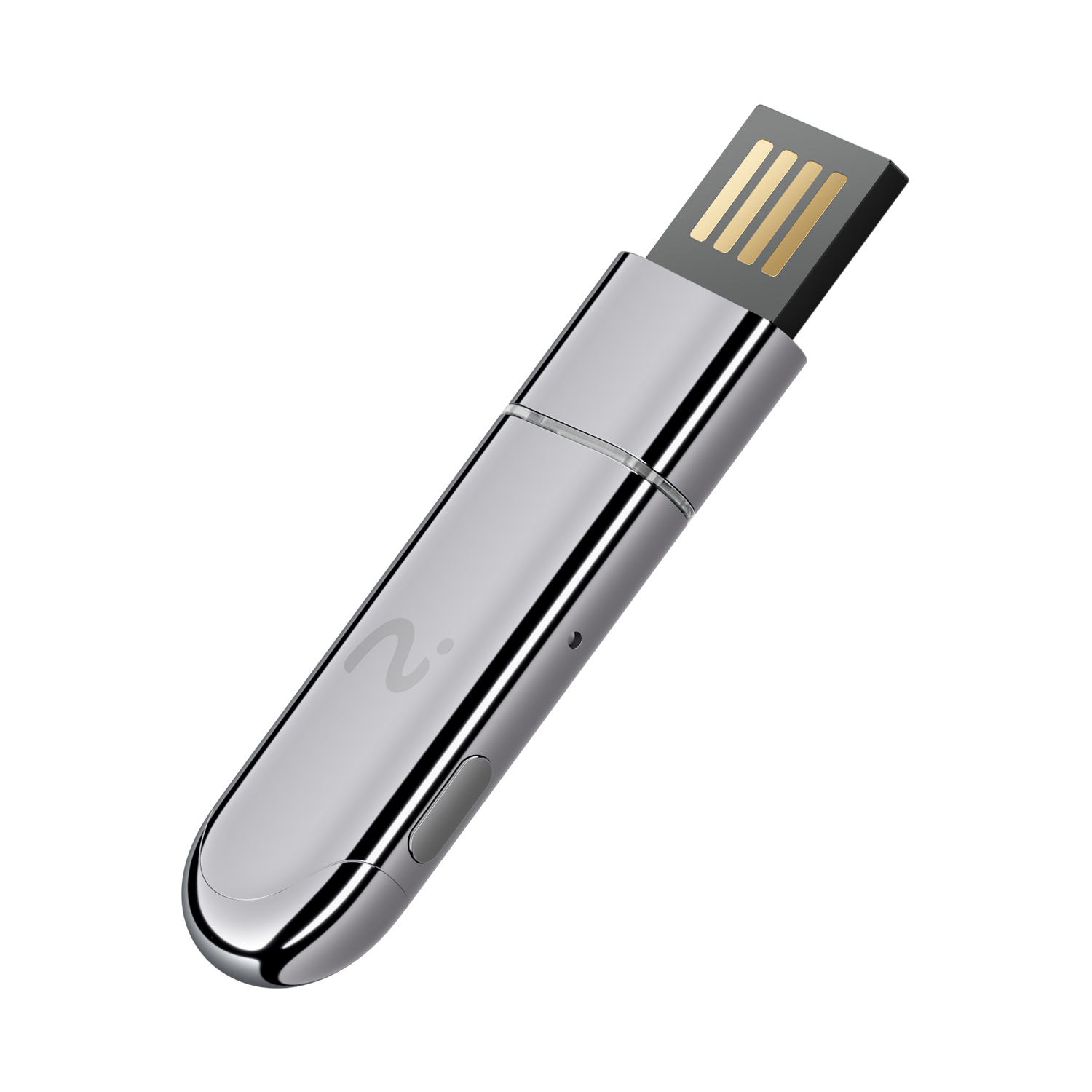
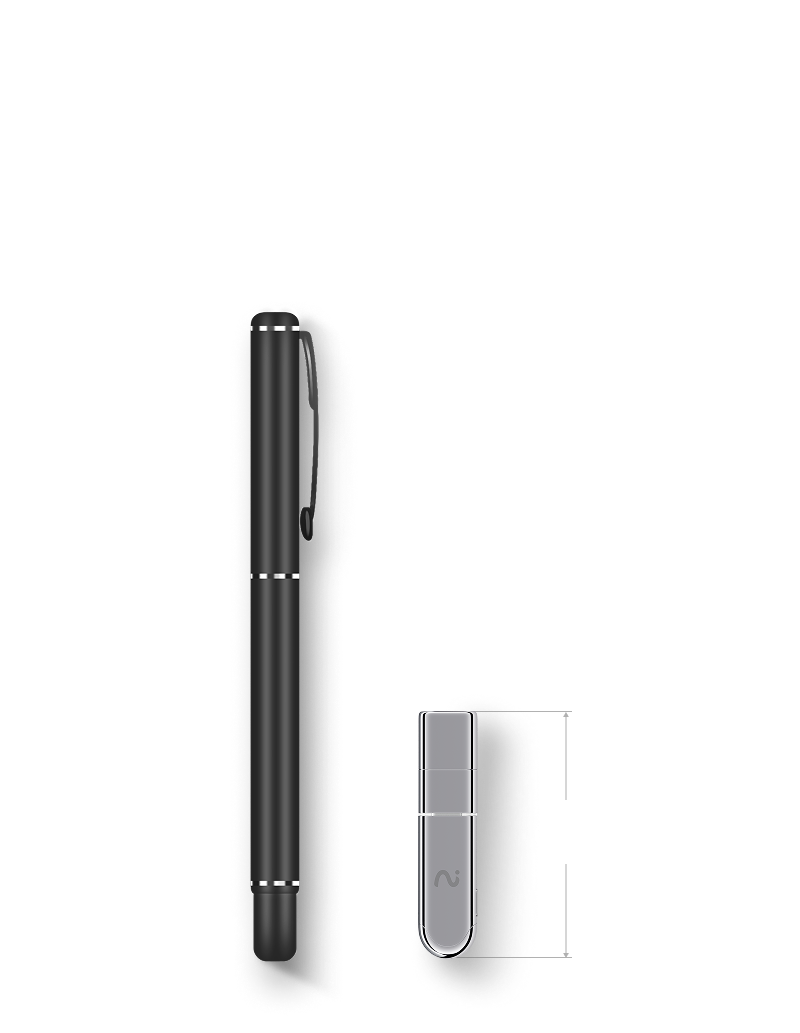
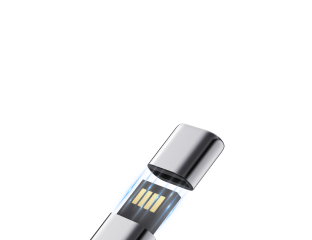
Your desktop AI recorder, sleek like a pen.


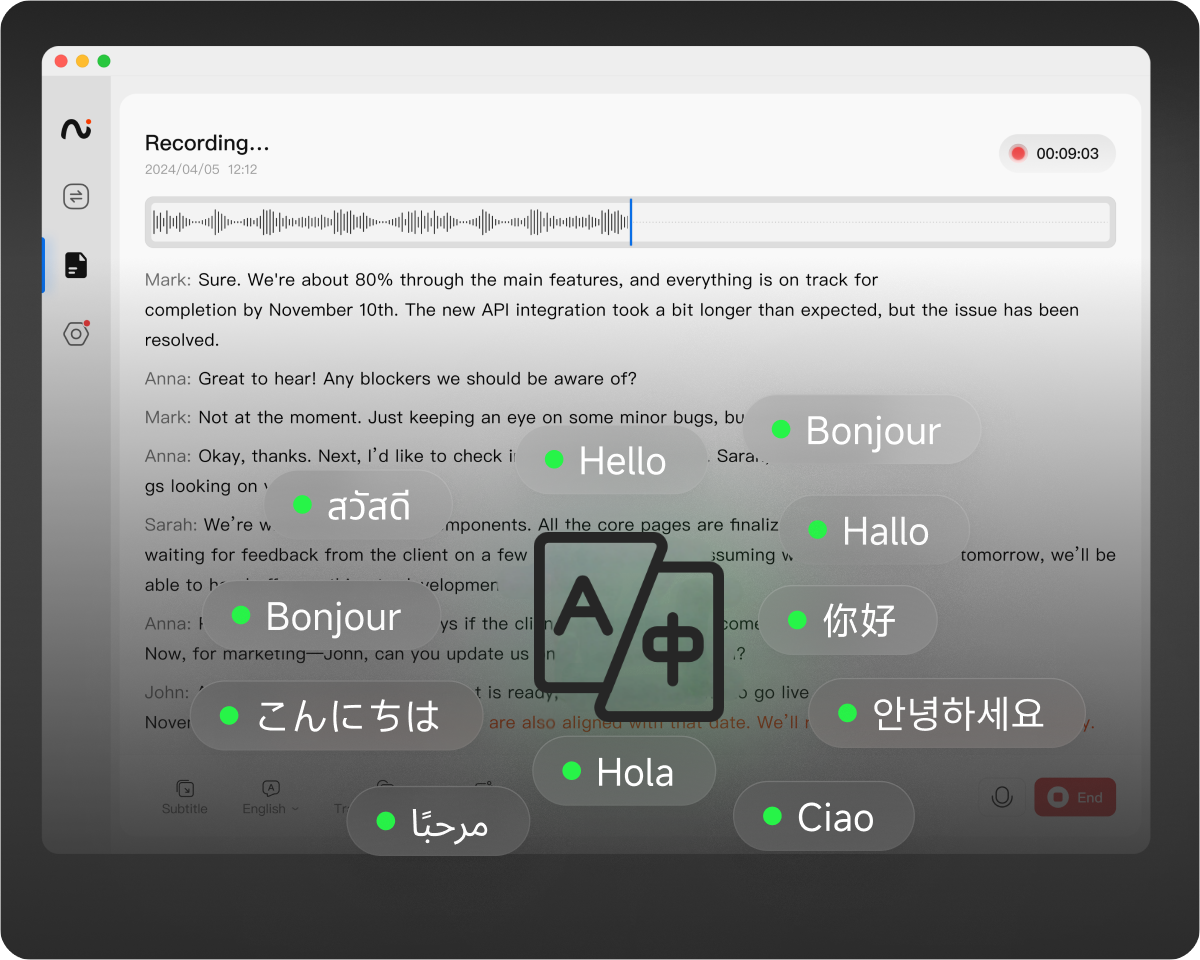
Online Meetings Speech-to-Text
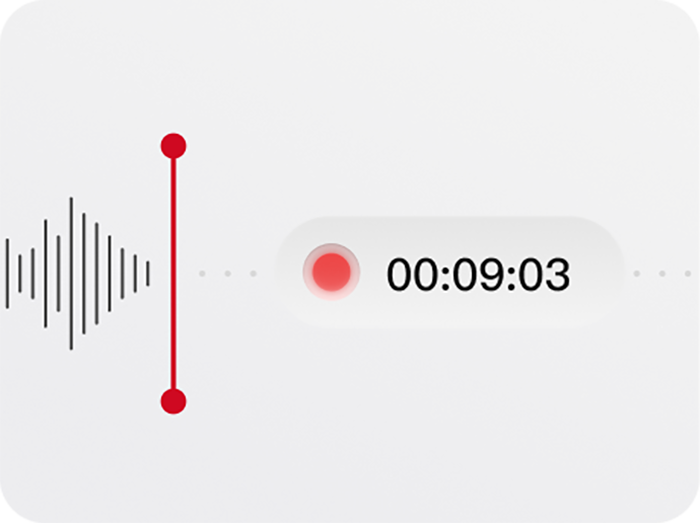
Record meetings and audio content on your computer and convert them into text, supporting multi languages.
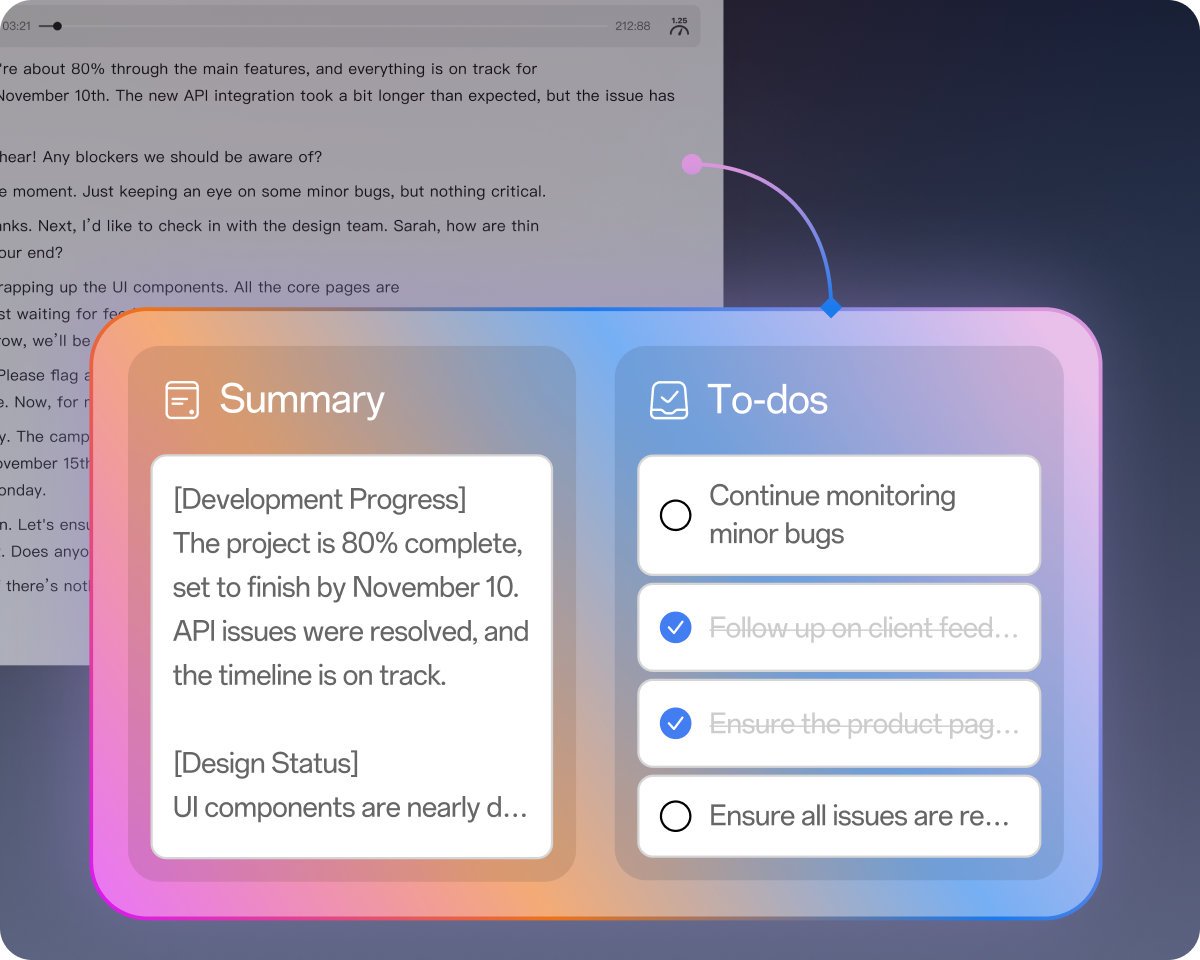
Extract Summaries and To-Dos
Generate "summaries" and "to-do lists" with one tap,save you from organizing key information manually.

External Subtitles for Foreign Videos
Simulate video subtitles to help you understand foreign videos without translations and get the latest information quickly.
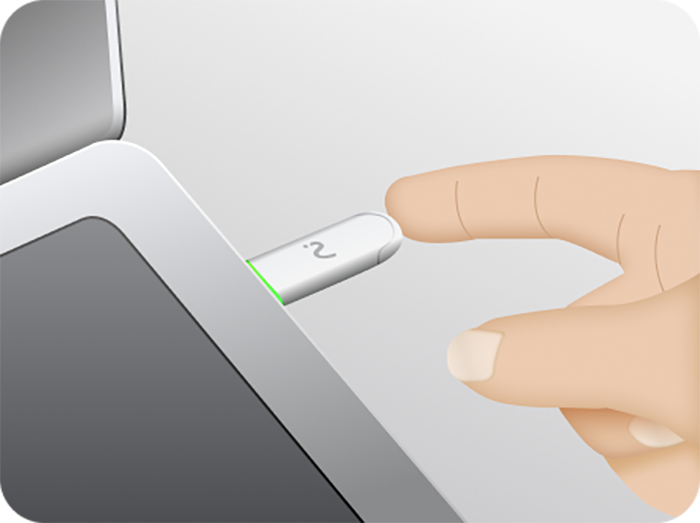
Easily turn the microphone on or off with the physical button on NoteKit.


Keep up with online meetings using the paired viaim earbuds and check the recorded transcription on your laptop.


Access your recorded content seamlessly across all devices under the same account.


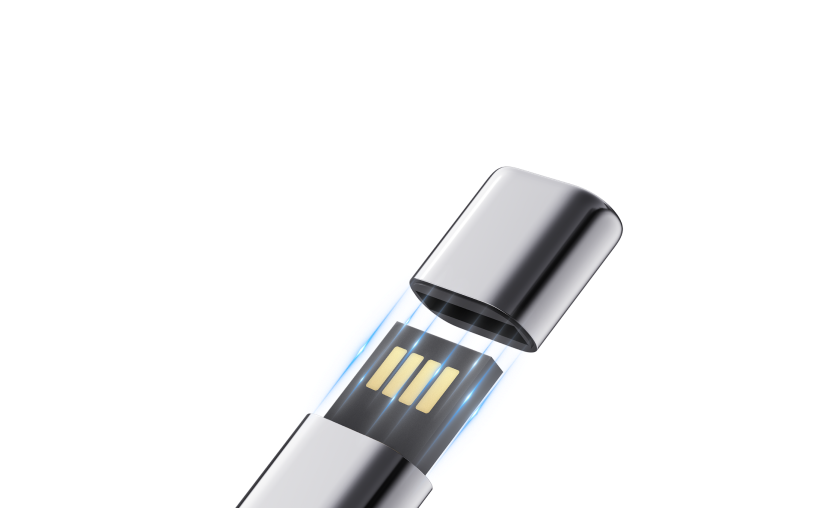
Setup free, desktop client download needed.






Product specification
Audio and Microphone
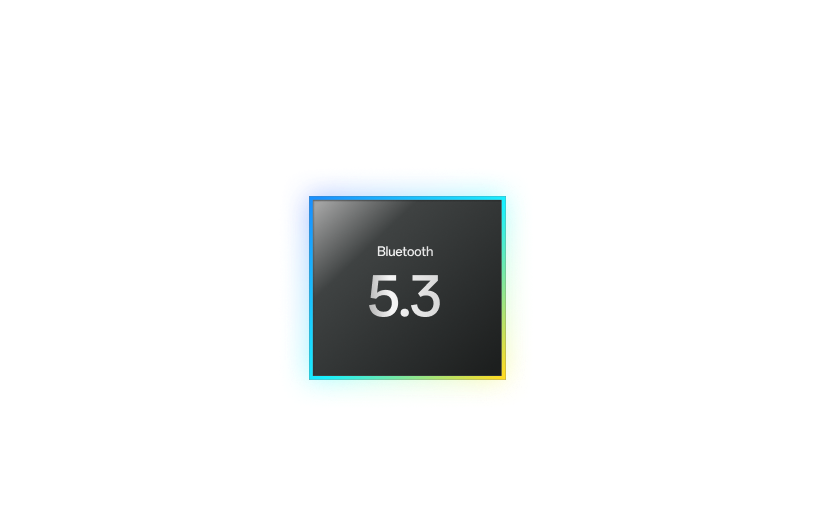
Connectivity
Compatibility
Design and Dimensions