
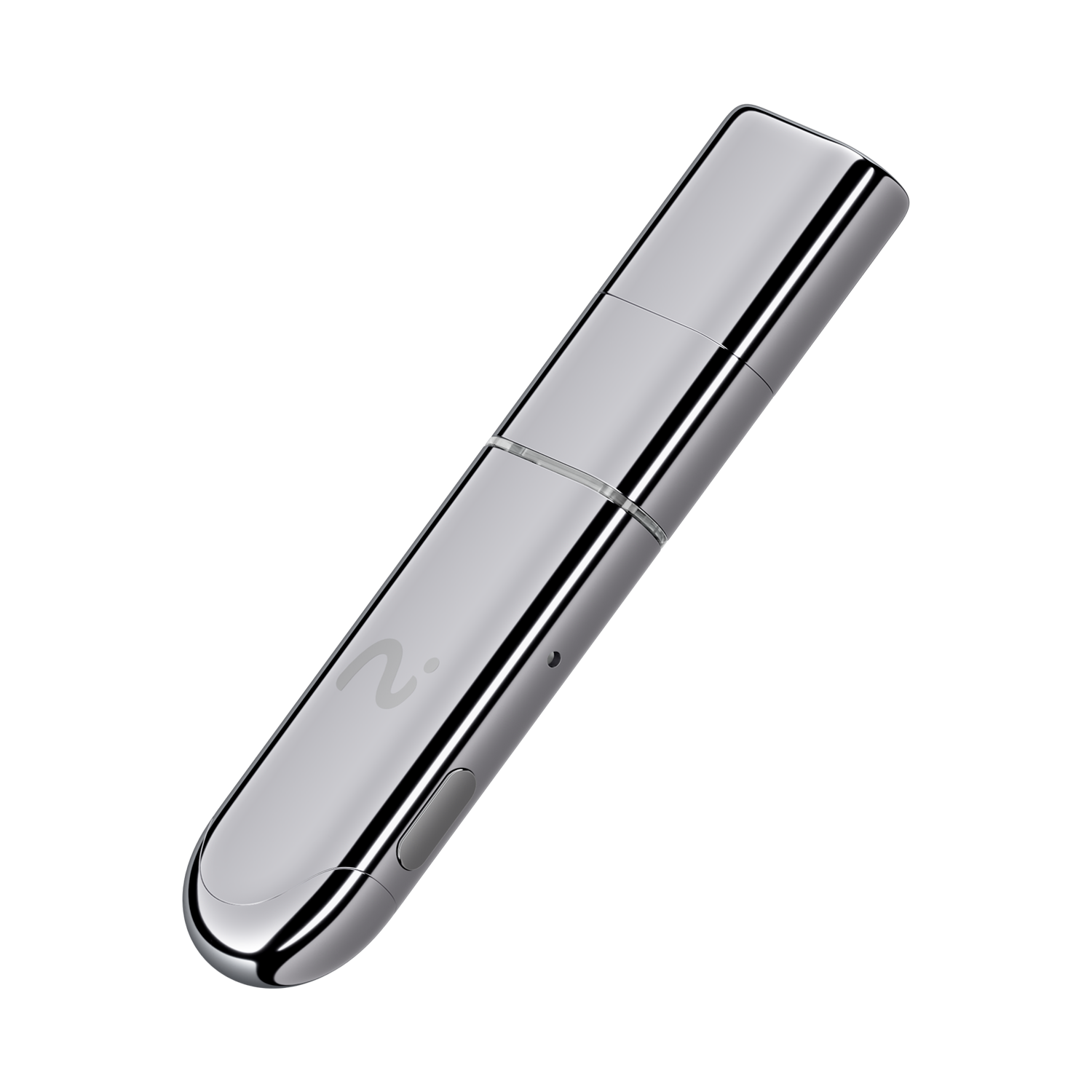
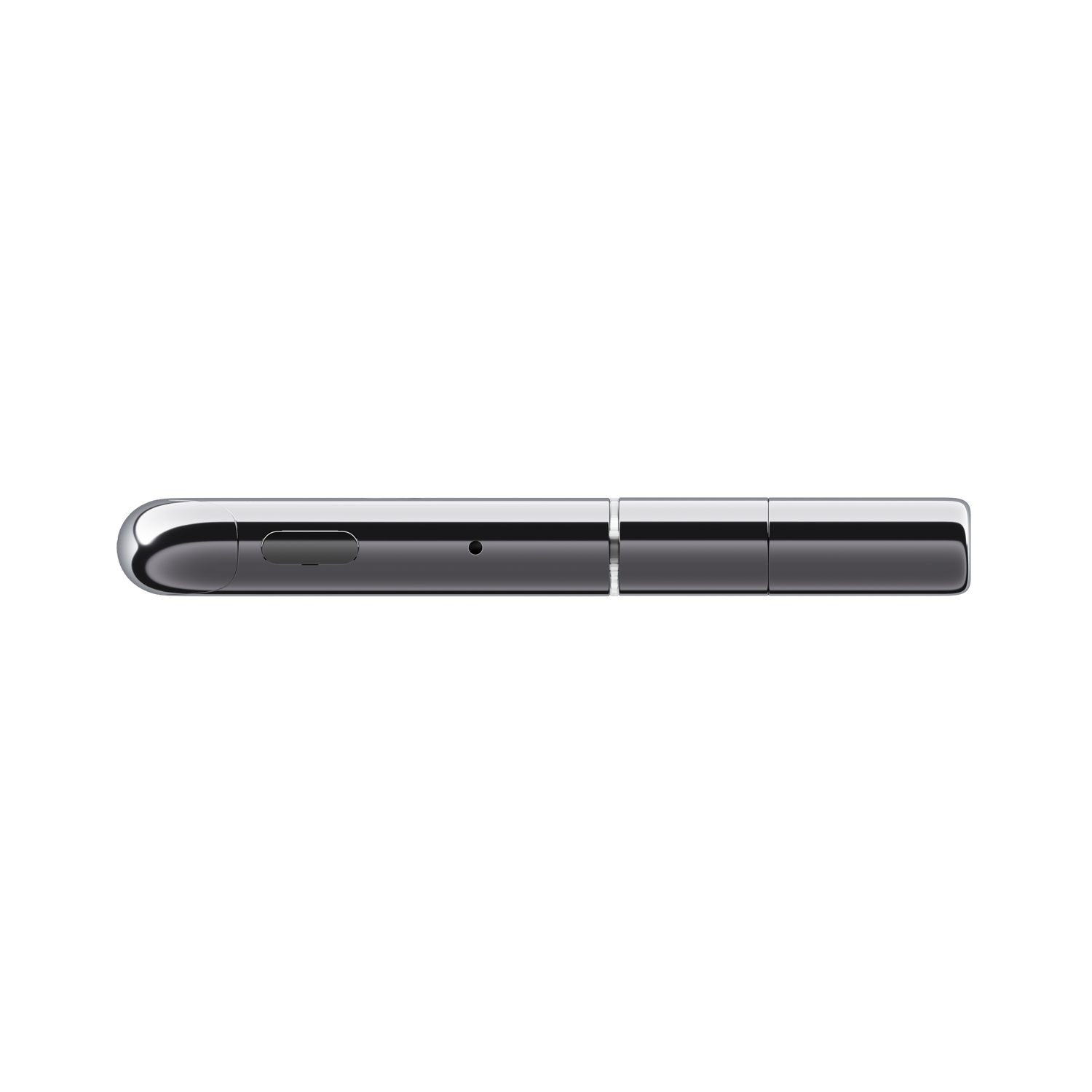
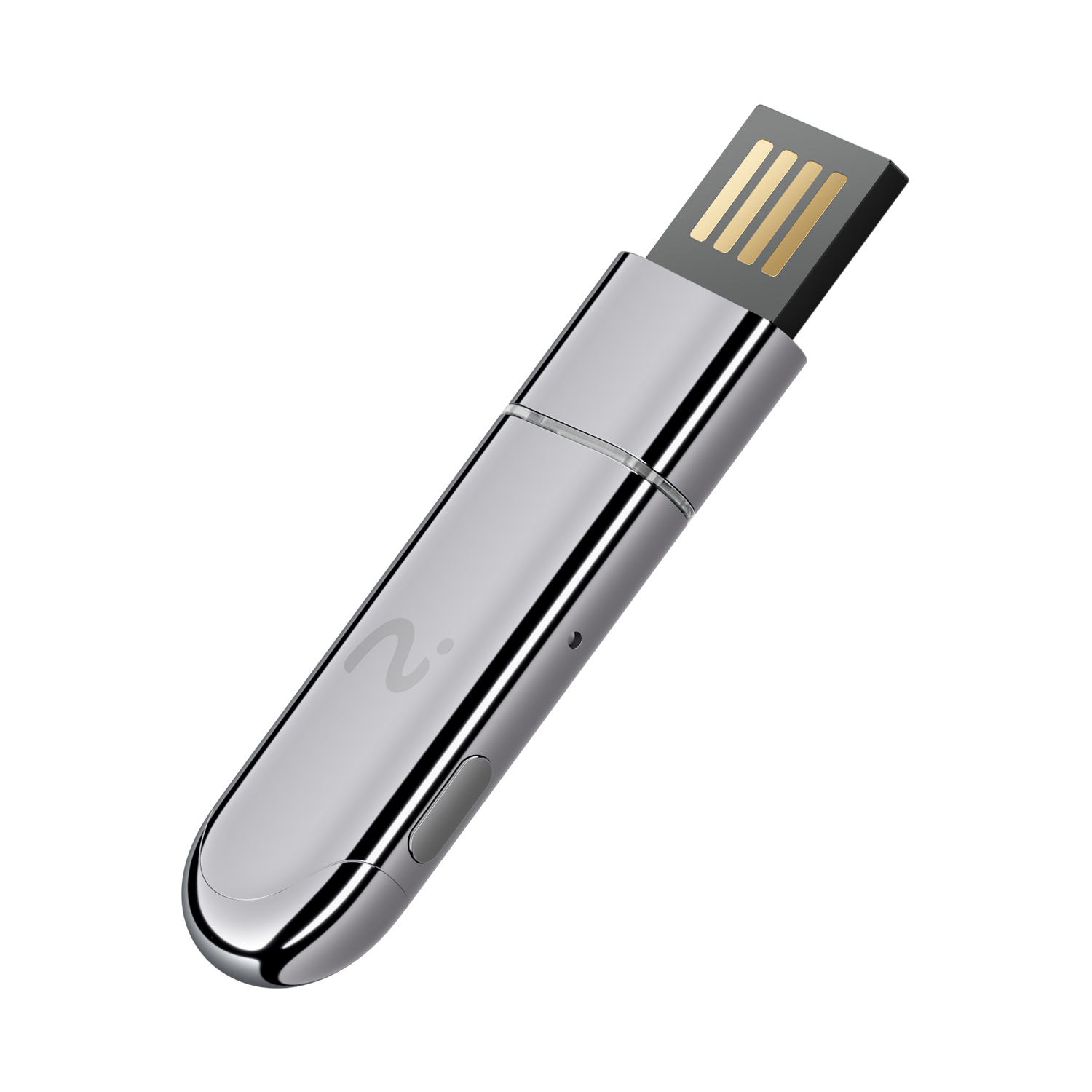
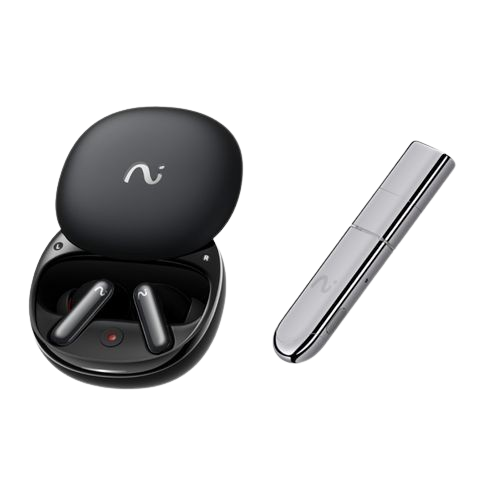
viaim NoteKit – AI Note Taker for Computer Based Meetings
- One-Press Recording: Start or stop instantly
- Wide-Range Capture: Picks up on-site audio within a 5m range
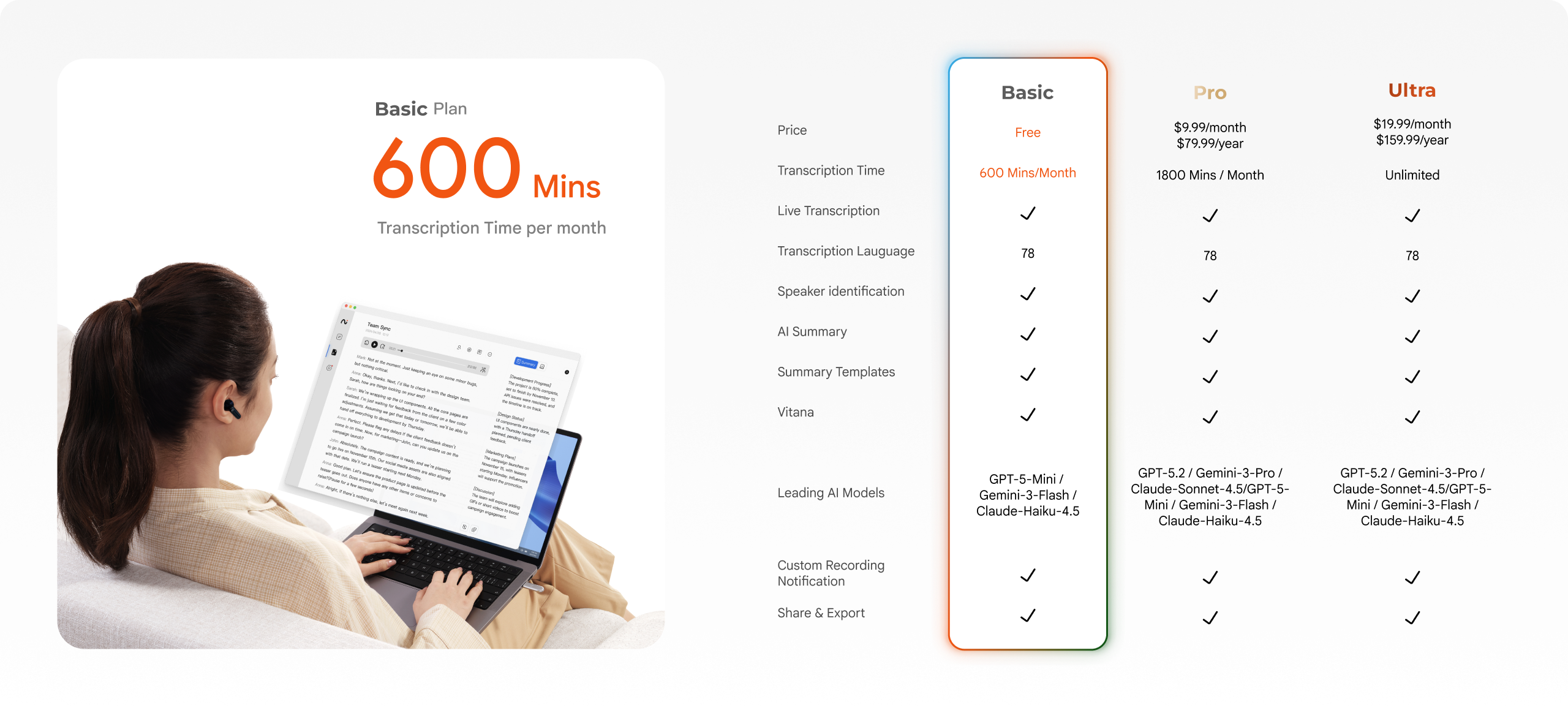
- Seamless Transcription & Translation: Live transcribe in 78 languages
- Smart Summaries: Automatically extract key points & to-dos
- Works with Major Meeting Apps: Compatible with Zoom, Google Meet, Teams & more
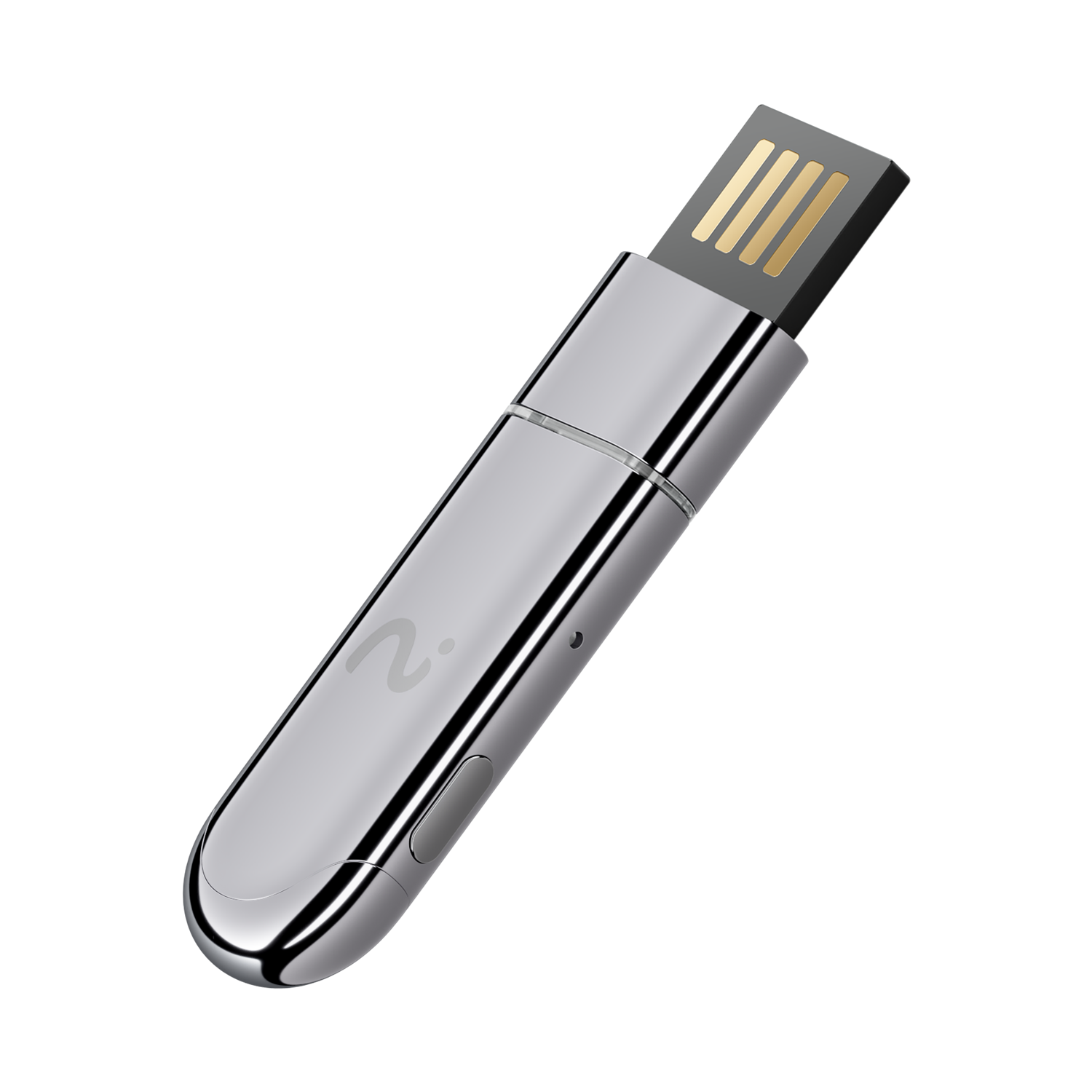
- Plug & Work: Seamlessly supports Windows & Mac
- Certified Secure: ISO 27001, ISO 27701, SOC 2 Type II, HIPAA & EN 18031 compliant
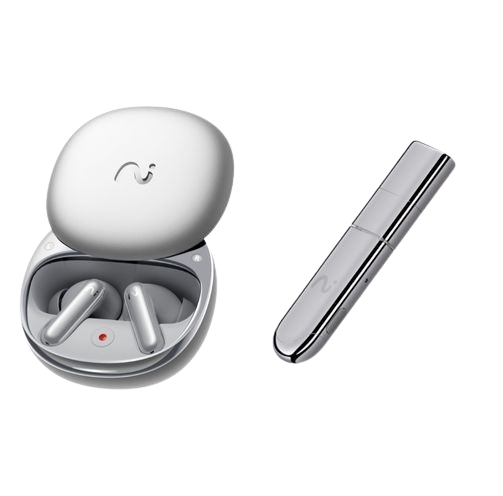
Pairs well with
Free shipping within 1-2 business days.
30-day risk-free return
12-Month Warranty
Worry-Free Delivery
viaim NoteKit – AI Note Taker for Computer Based Meetings
How NoteKit Works
How NoteKit Works

Start Recording in Seconds
Effortless and
elegant operation

Plug into your computer

Open the NoteKit App

Start Recording
From Meetings to Clear Actions

Turn Meetings into Text
Never miss a word — NoteKit converts your meeting into text in real time.
Real-time Translation with External Subtitles
Simulate video subtitles to help you understand foreign videos without translations and get the latest information quickly.
Automatic Notes & To-Do Lists
Stop organizing notes manually Automatic summaries Action items auto-generated
Sync across devices
Your notes, available anywhere
- Sync across devices
- Easy sharing under one account
A Real Device,
Not Just Software
Works perfectly with other viaim devices for
a complete recording setup.
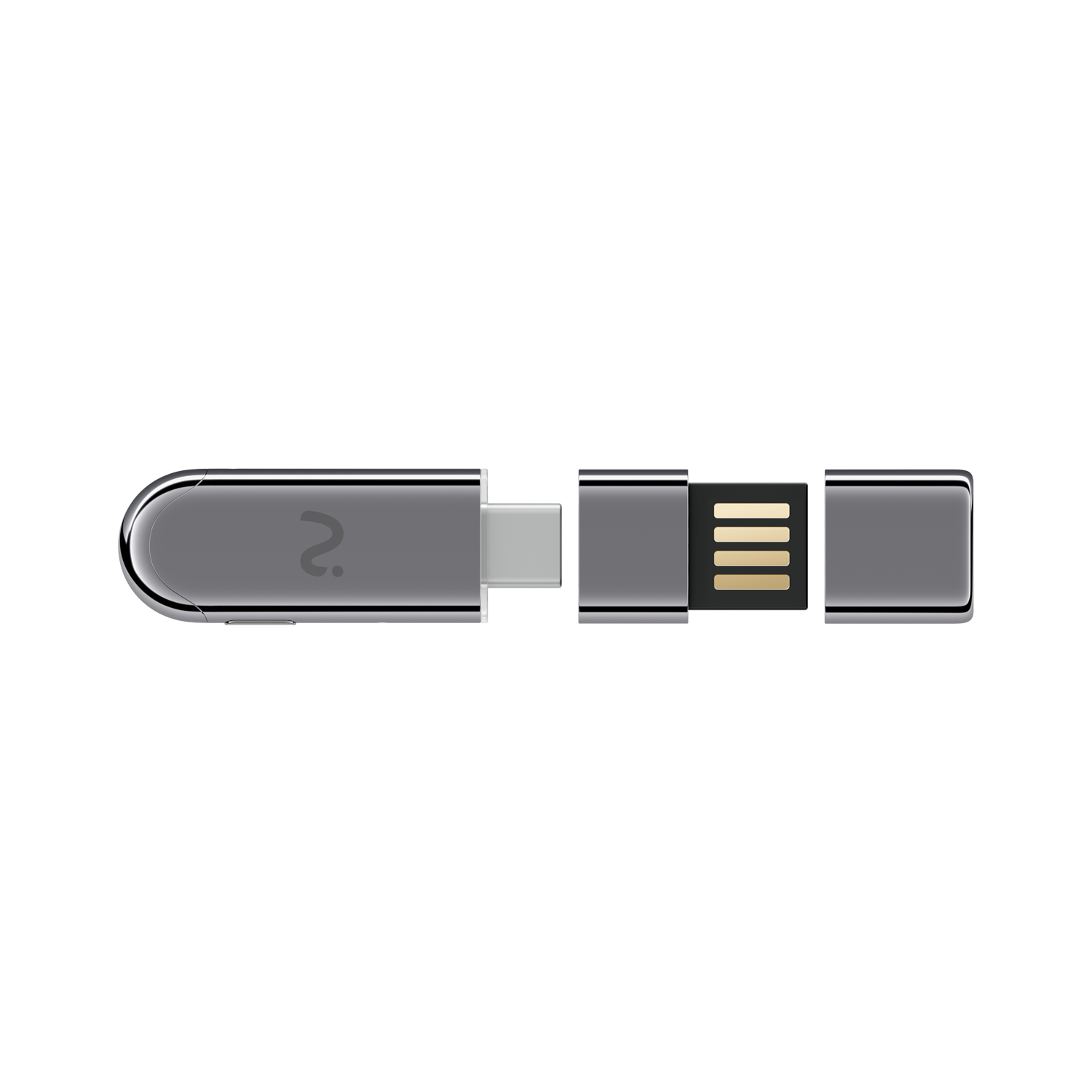
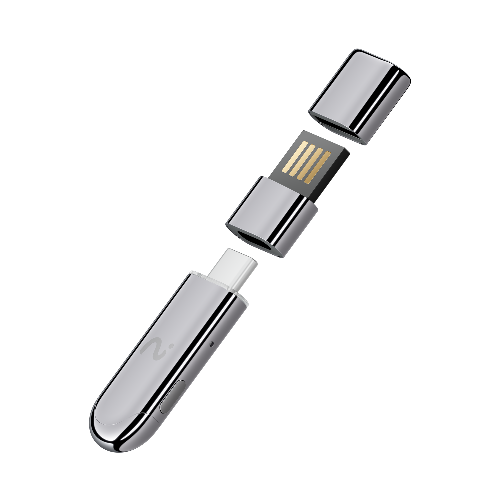
Magnetic
Storage Lid

Integrated Reversible Connector

Circular LED Light Strip

Bluetooth 5.3


Get Started for Free


AI That Listens, Thinks, Acts.


Product details
Audio and Microphone
Microphone
Dual Microphones
Recording Function
Supports online calls and live recording
Internal Audio Recording
Supported
Connectivity
Connection to Computer
USB-A, USB-C
Connection to Audio Devices
Bluetooth
Bluetooth Version
5.3
Bluetooth Transmission Range
10 meters
Compatibility
Operating Systems
Windows 10 or above
Design and Dimensions
Weight
8.5g
Dimensions
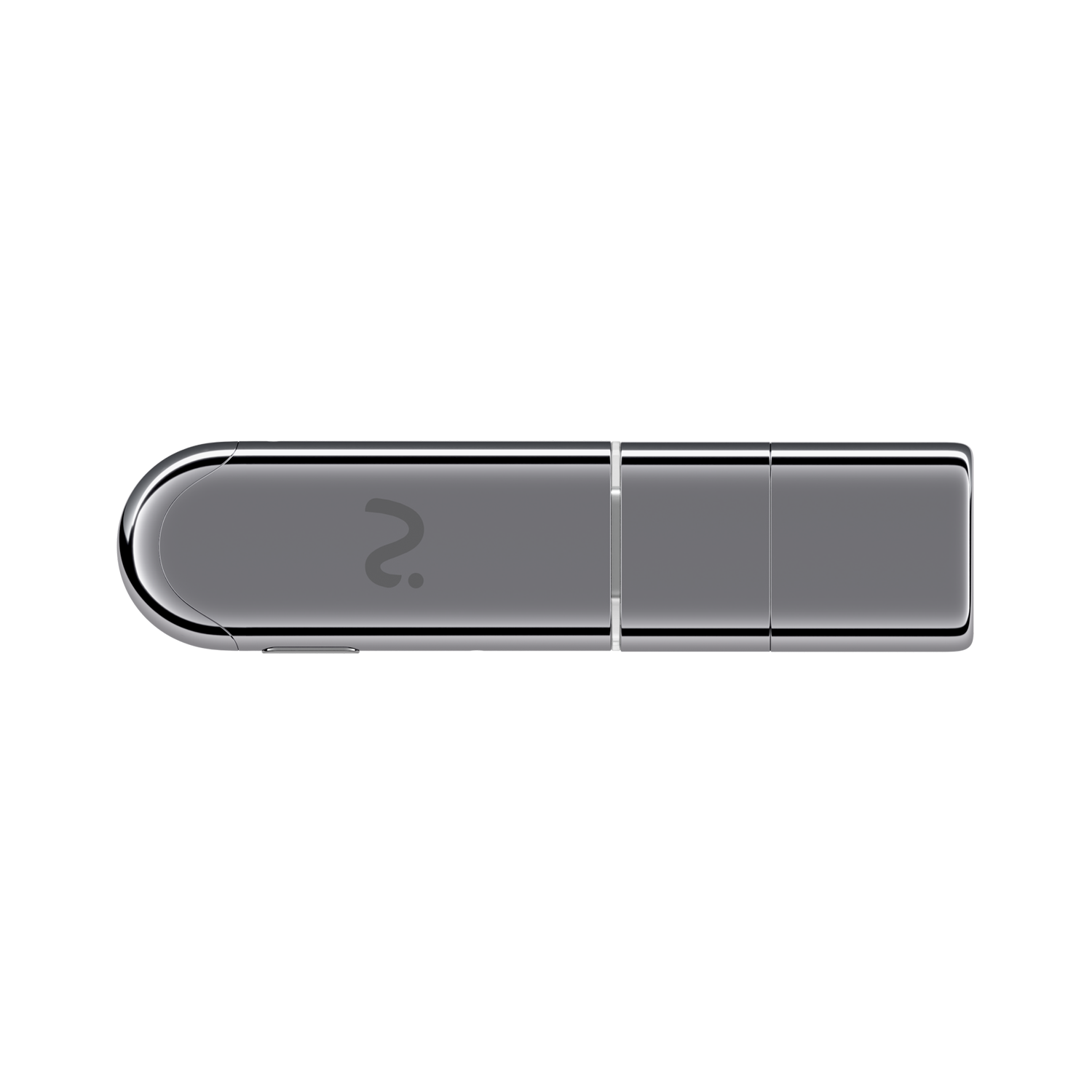
60.1 × 15 × 7mm
Included in the Box

NoteKit

Quick Start Guide


FAQs
Can I use NoteKit without viaim earbuds?
Yes. NoteKit works independently. viaim earbuds are optional and enhance certain use cases, but are not required.
Do I need to download an App?
Yes. You need to download the desktop version of viaim app to work well with NoteKit.
Does NoteKit notify others when recording?
By default, a recording alert is enabled to notify others.You can customize this behavior based on local laws and personal preferences.We strongly encourage responsible and transparent recording.
Do I need to charge NoteKit?
No. NoteKit connects directly to your computer, just like a USB flash drive.
Where are my recordings and notes stored?
Your recordings and transcripts are securely stored under your account and synced across devices.
Is NoteKit always recording?
No. Recording only starts when you activate it in the app.