

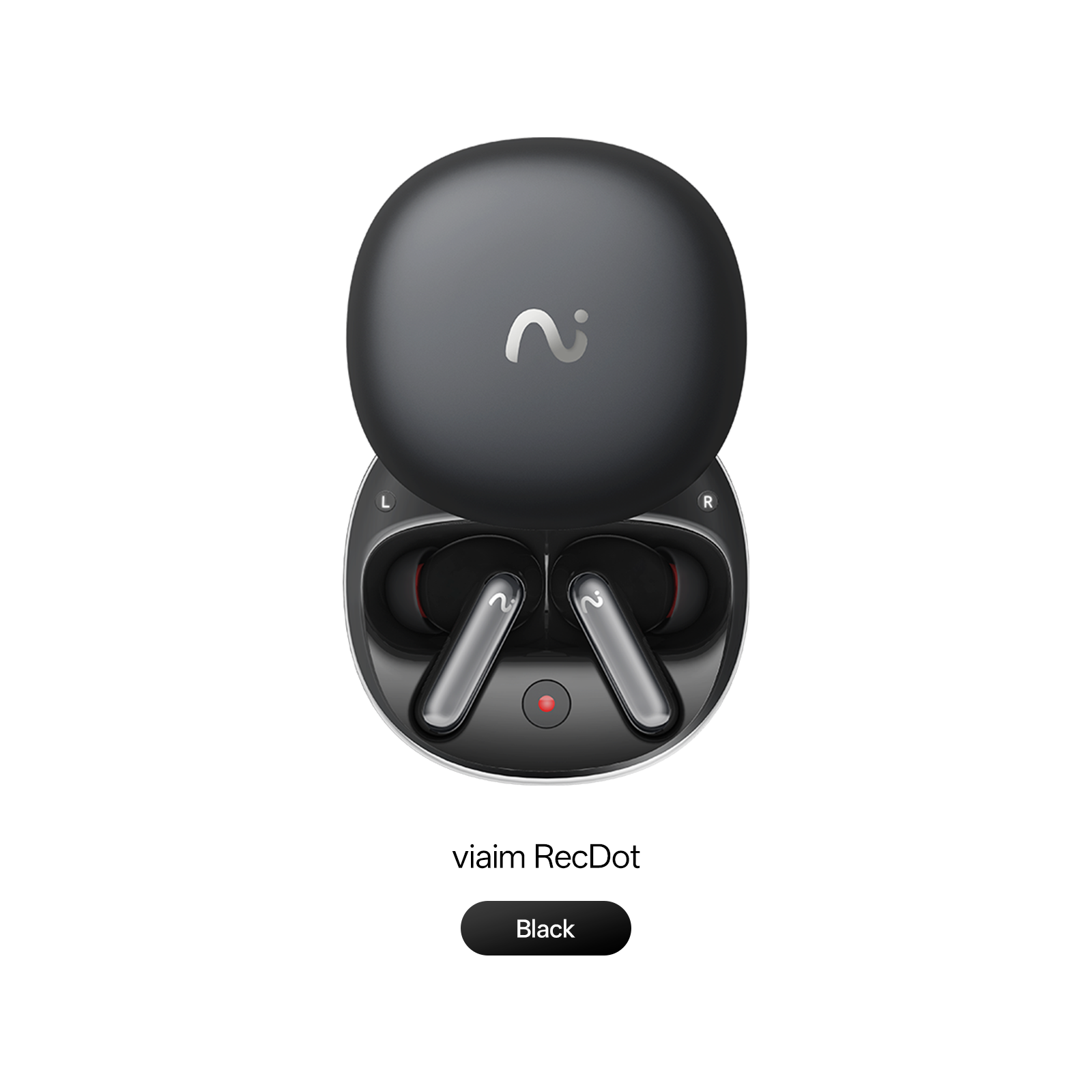
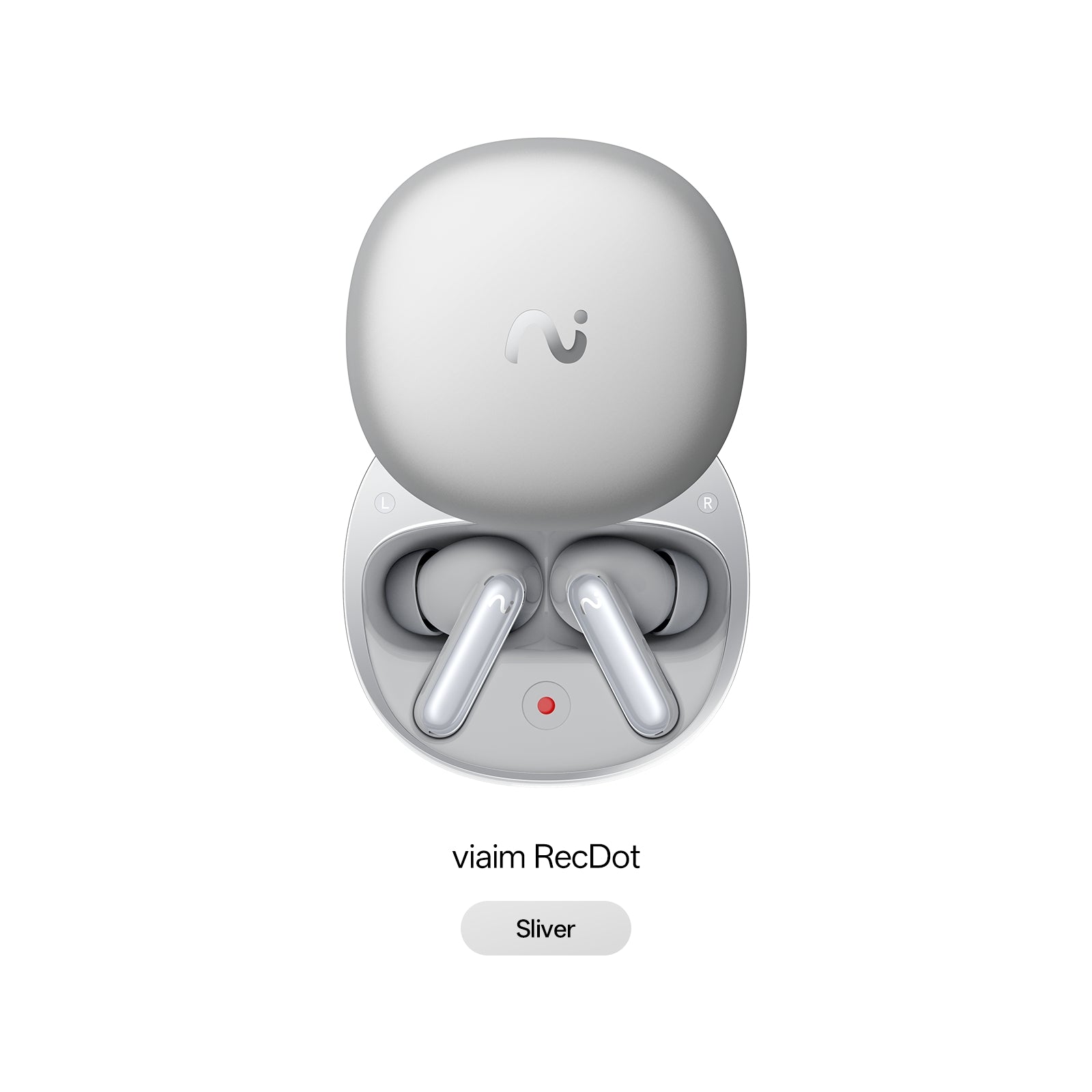
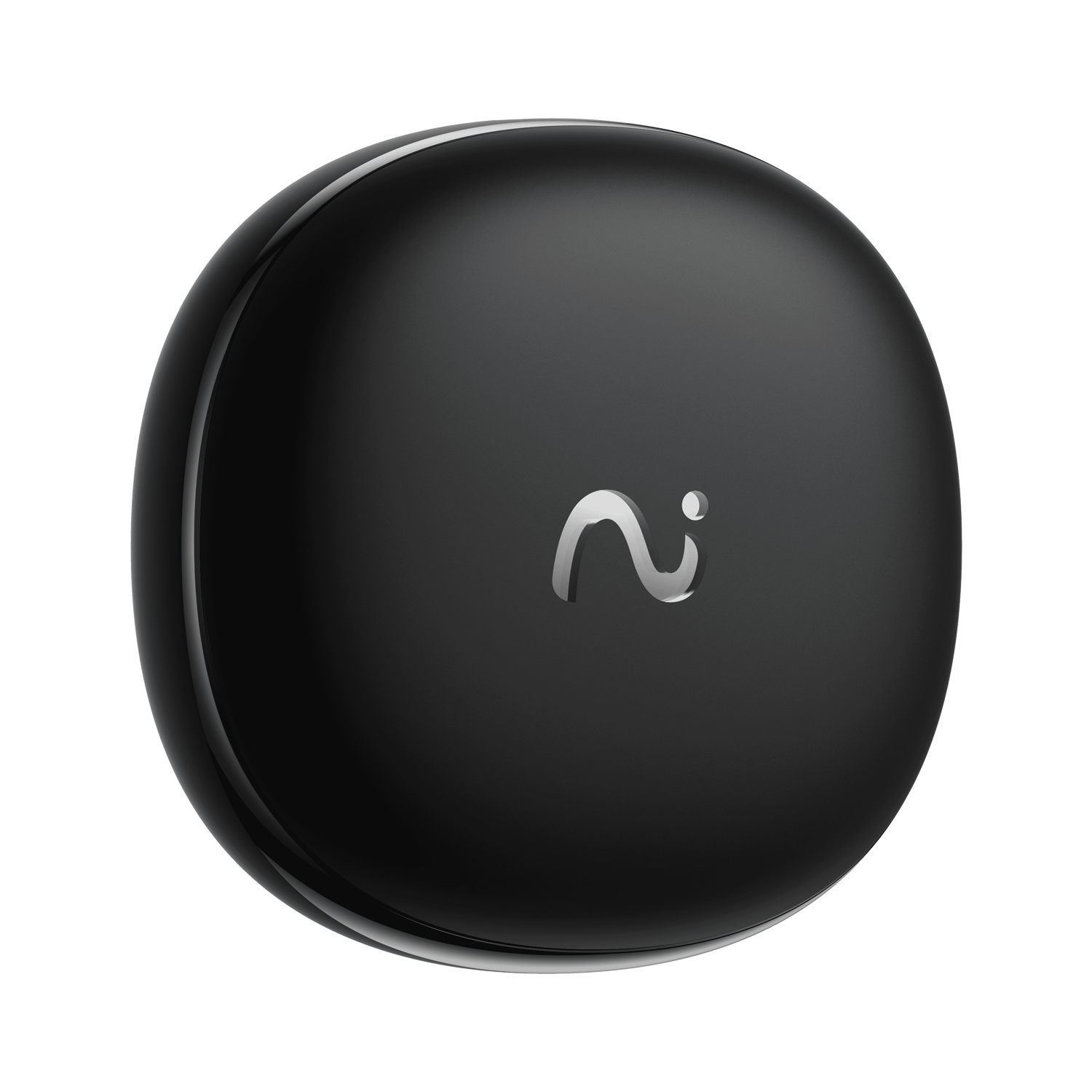
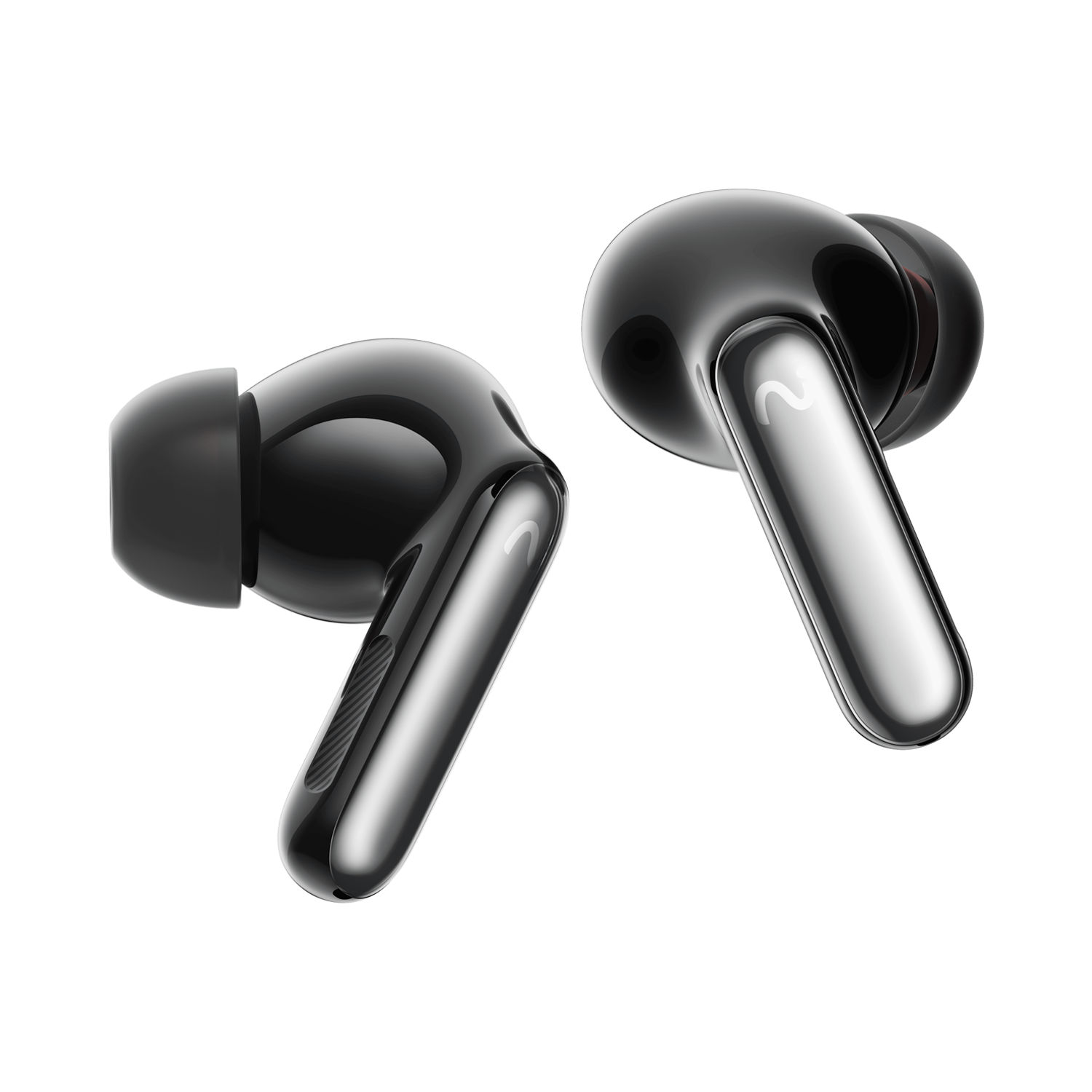
viaim RecDot – AI Note Taking Earbuds for Real Work
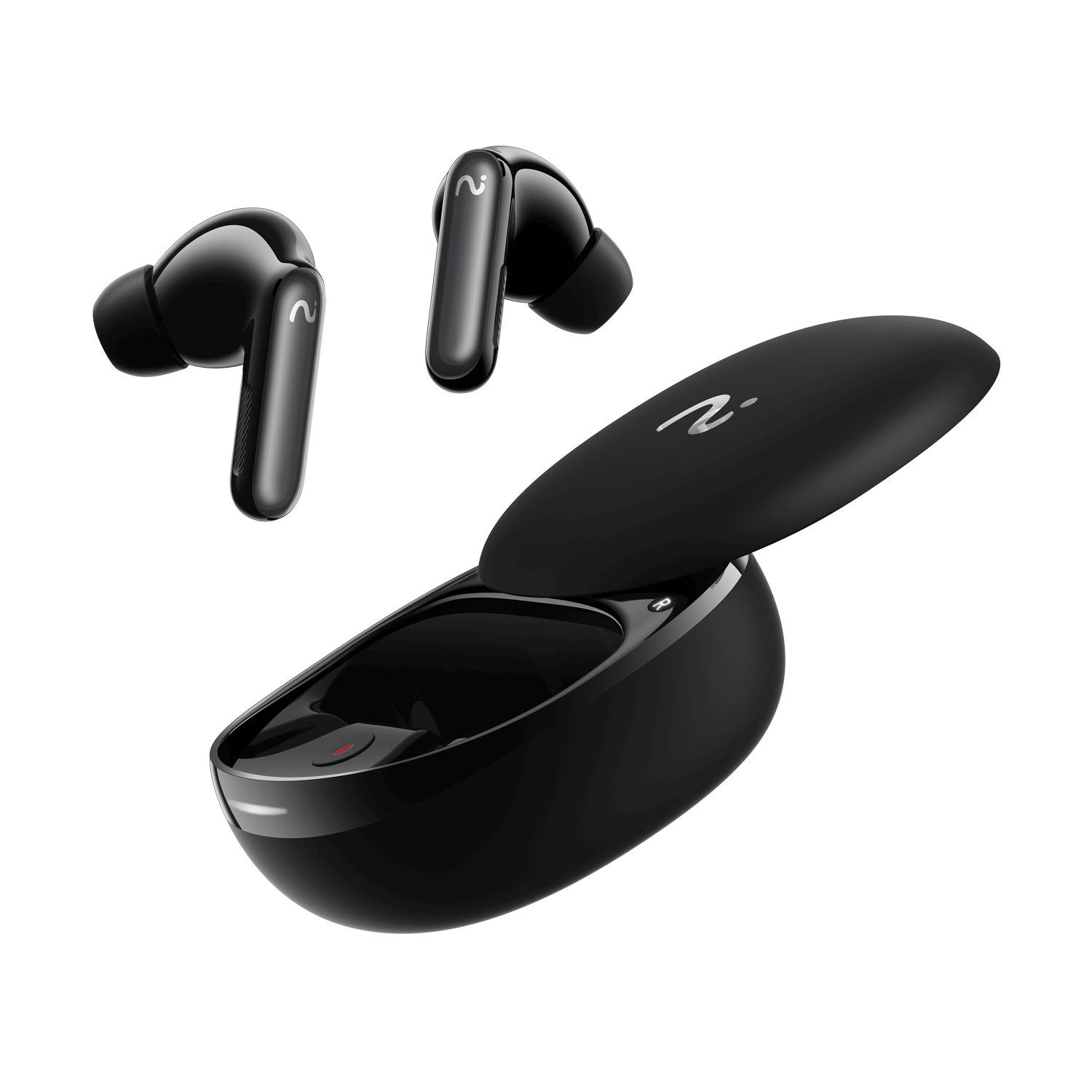
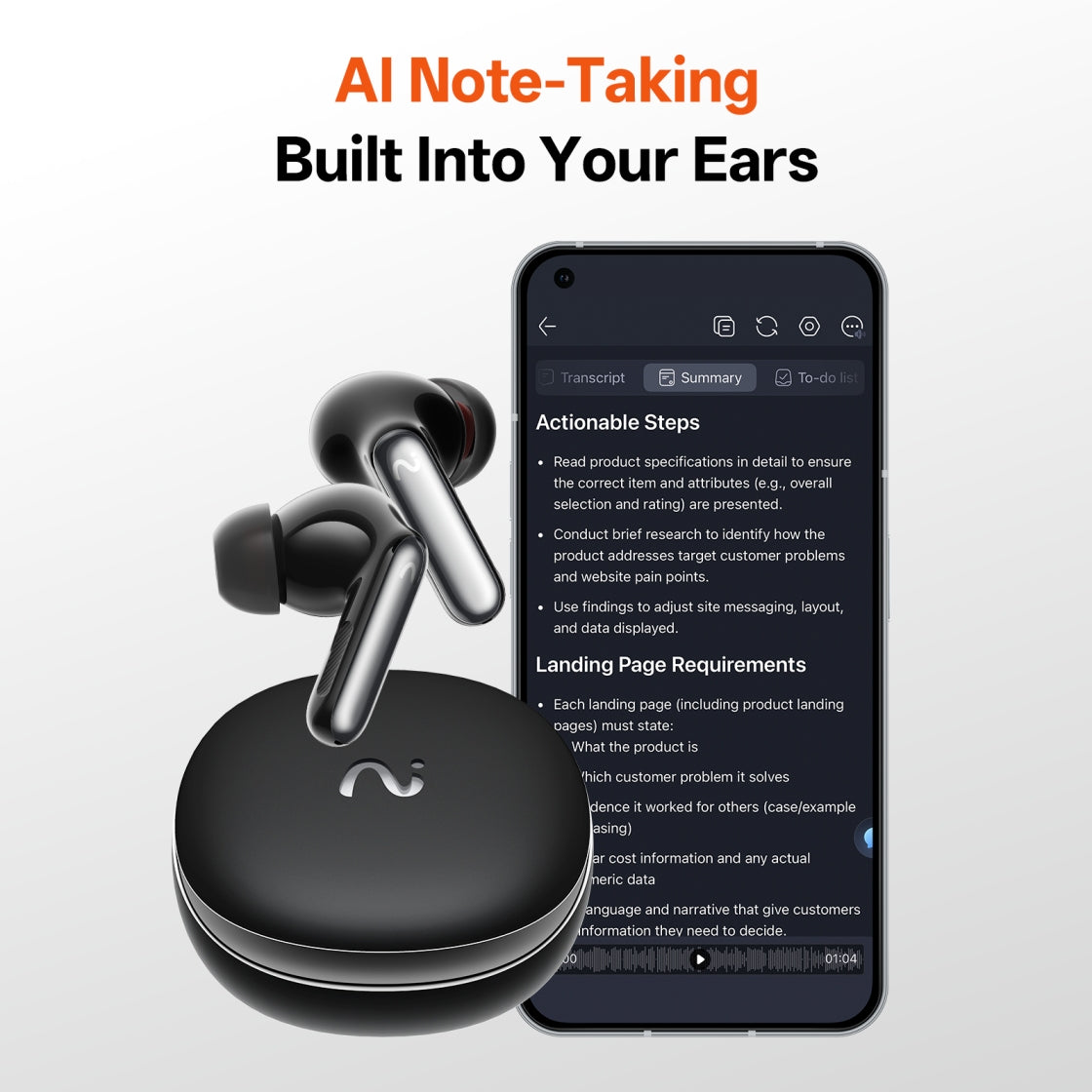
The World's First AI Note-Taking Earbuds
- FlashRecord: Capture every word — Record from case & earbuds
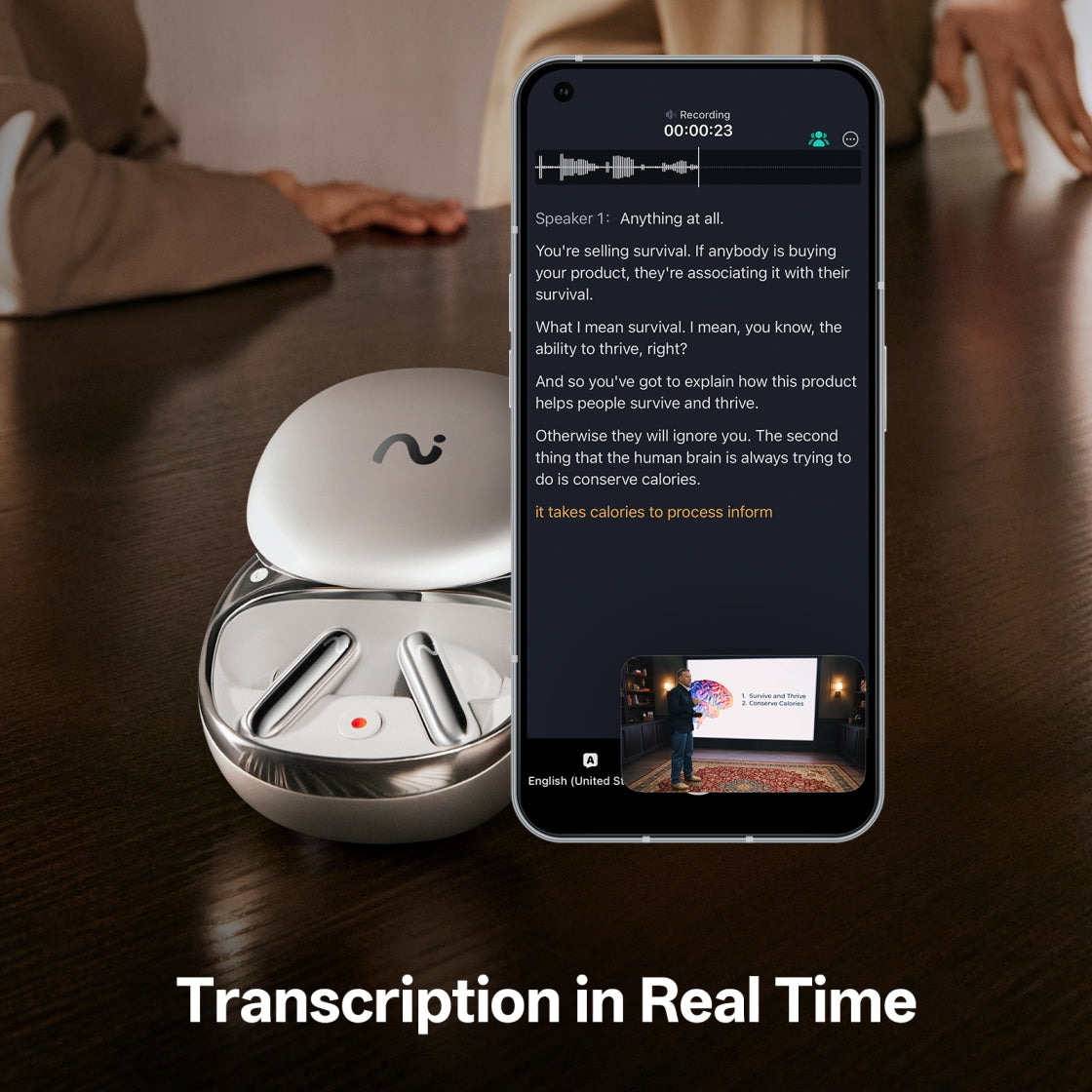
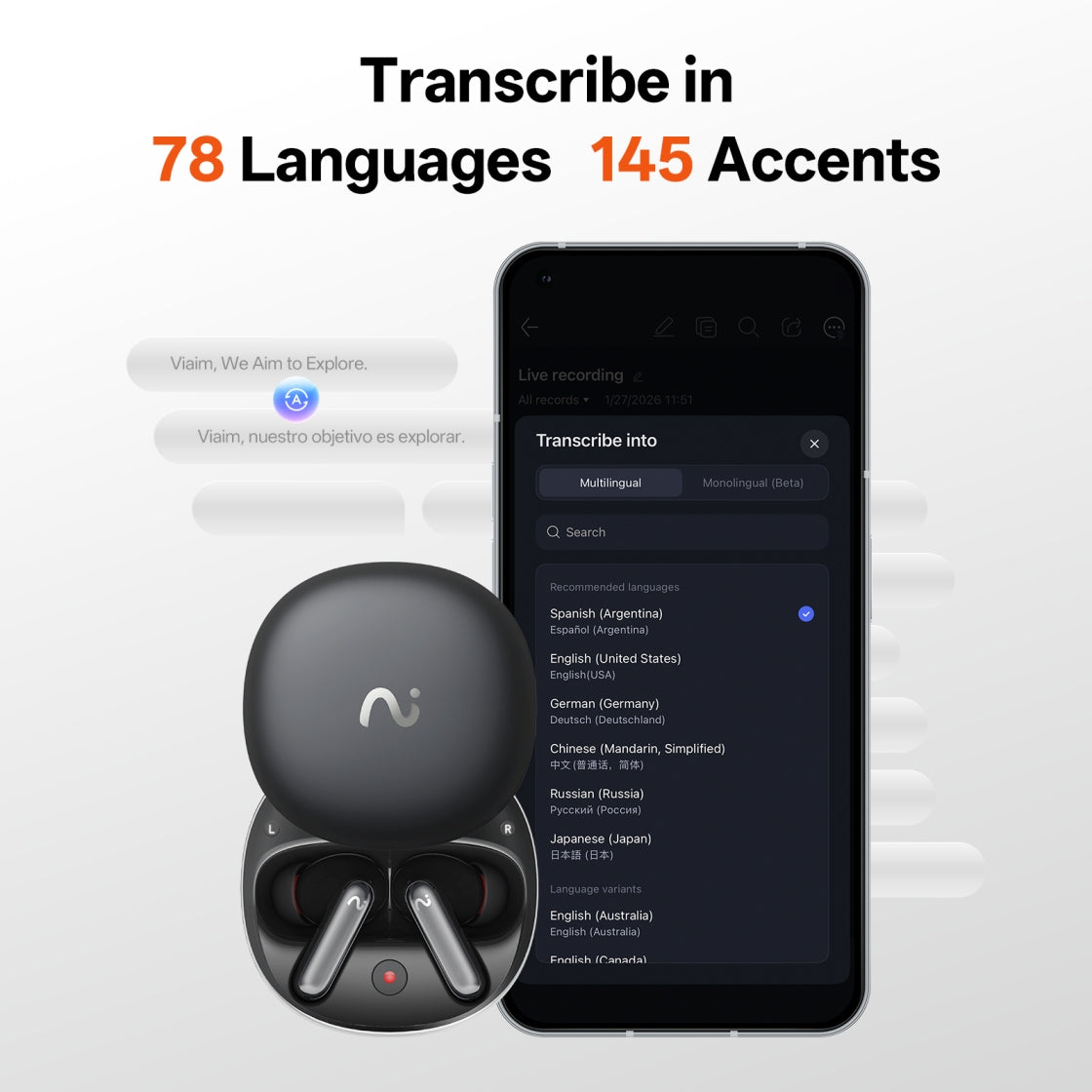
- Seamless Translation: Live transcribe in 78 languages
- Smart Assistant: Turn moments into notes & next steps
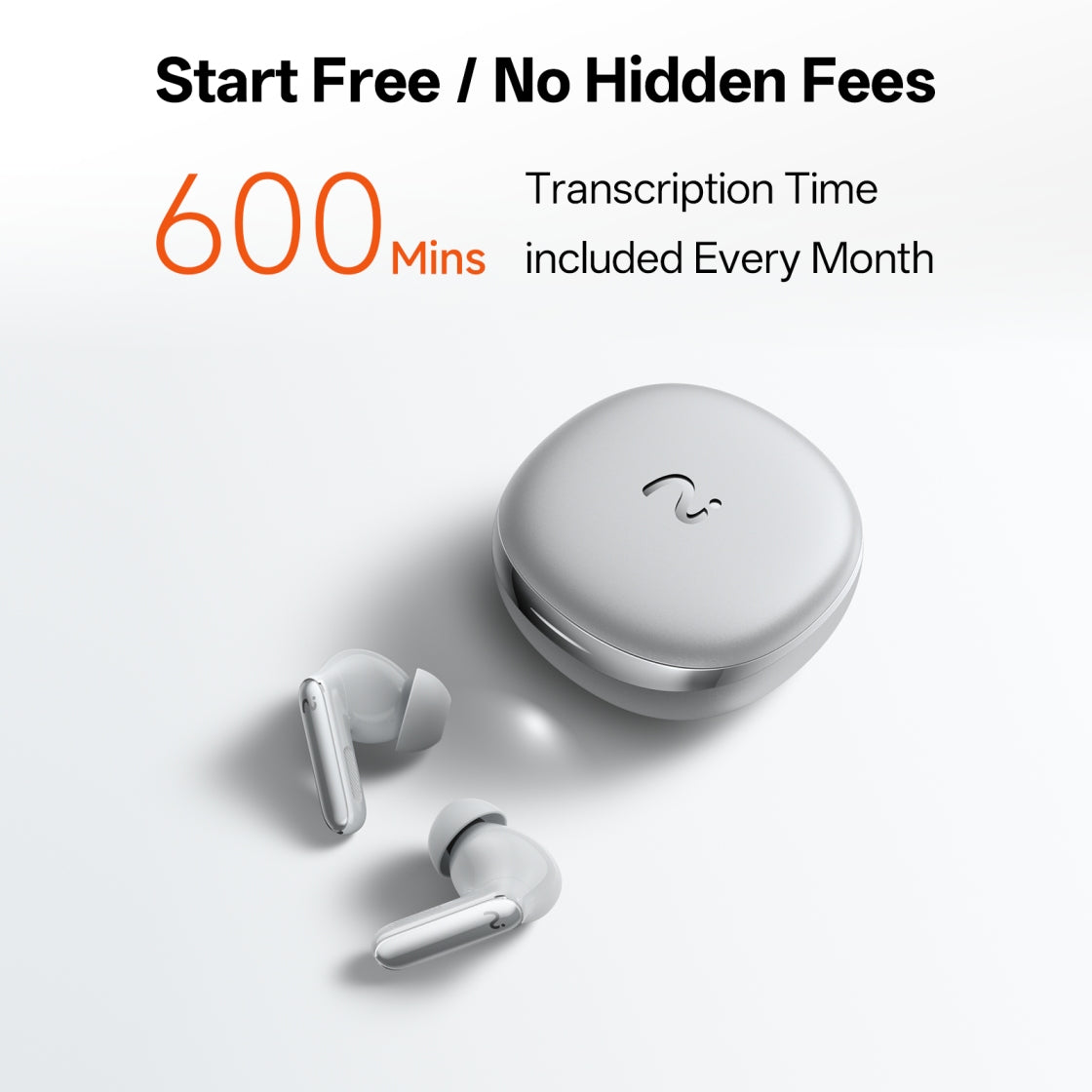
- Start Free: 600 mins/month transcription included, upgrade when needed
- Certified Secure: ISO 27001, ISO 27701, SOC 2 Type II, HIPAA & EN 18031 compliant
- Immersive Audio Experience: Hi-Res + Active Noise Cancellation
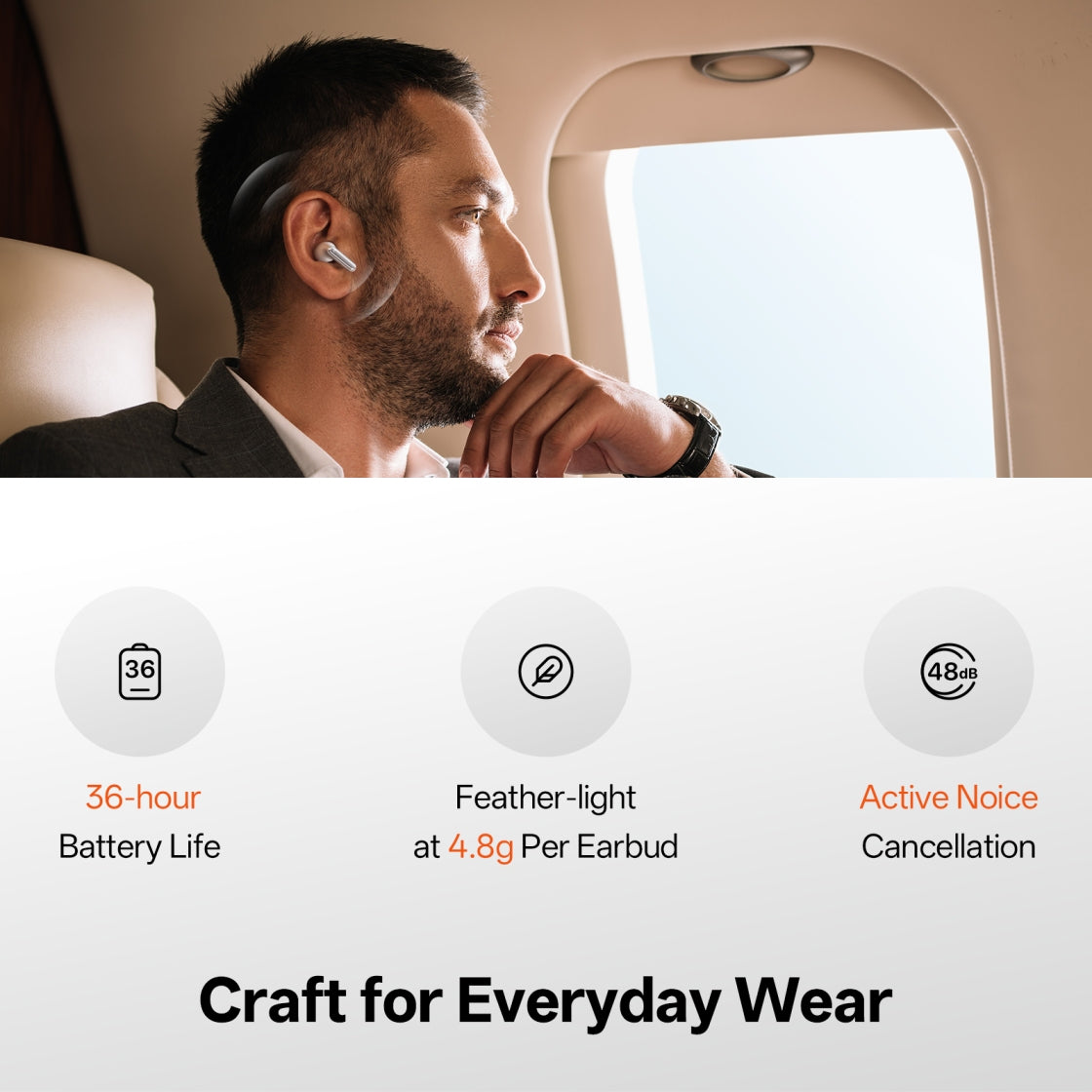
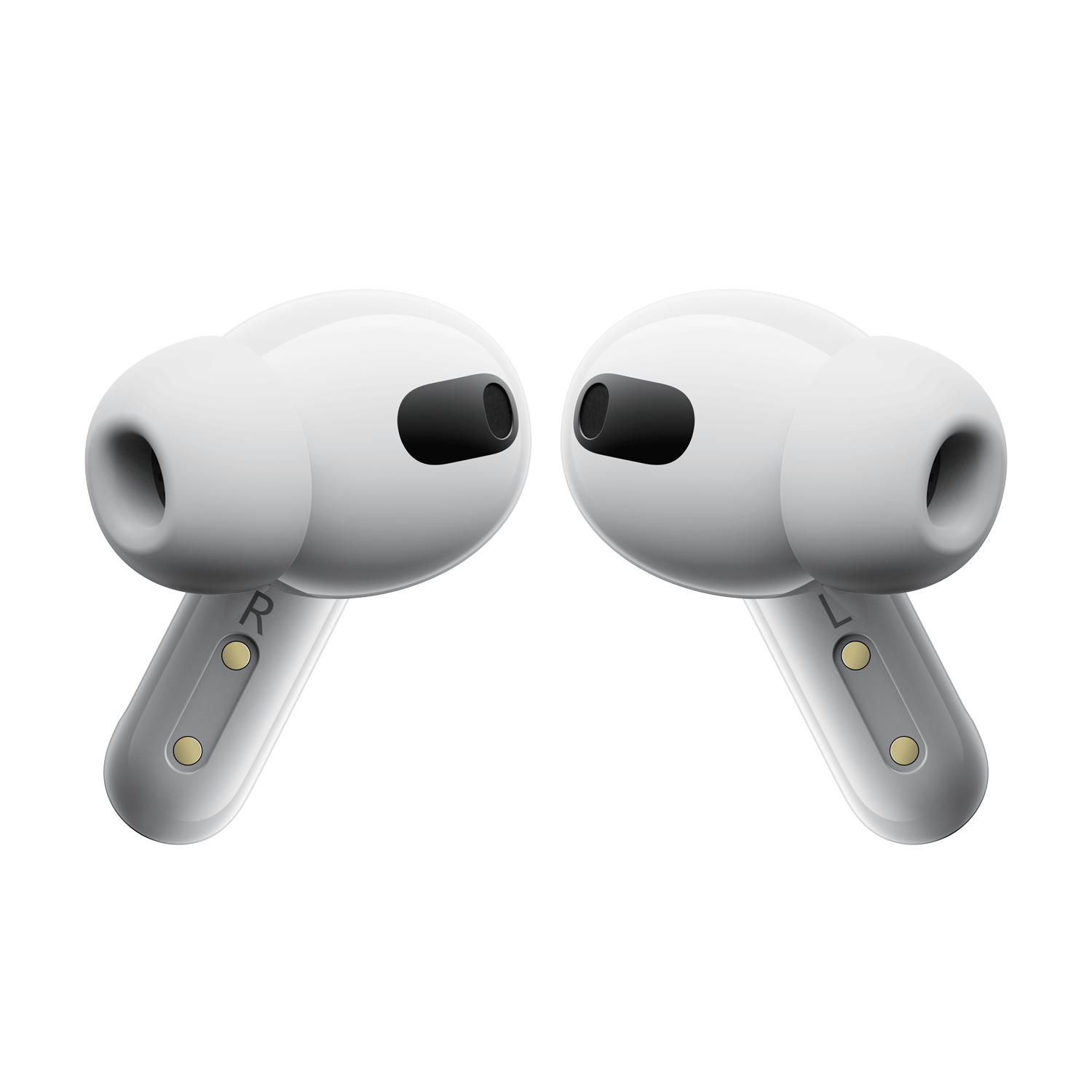
- Built for Real Life: 36-hour battery life & feather-light at 4.8g per earbud
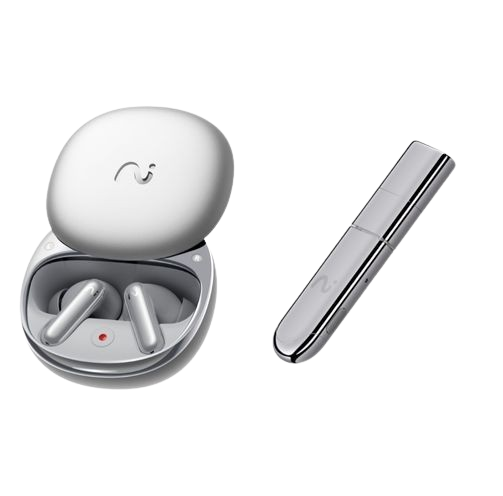
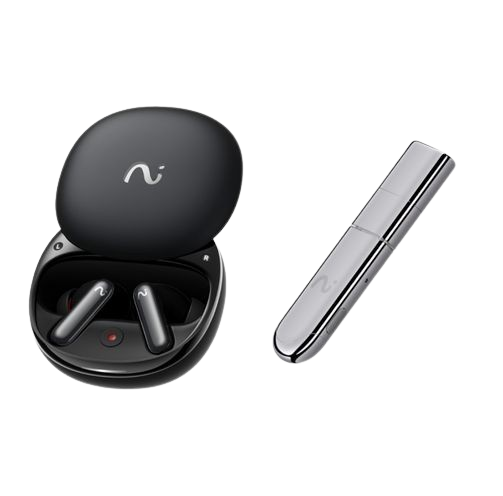
Pairs well with
Free shipping within 1-2 business days.
30-day risk-free return
12-Month Warranty
Worry-Free Delivery
viaim RecDot – AI Note Taking Earbuds for Real Work
More than Earbuds.
More than Earbuds.
AI that Works for You.
AI that Works for You.


One Device, Every Conversation
Made for Real Life That Matters

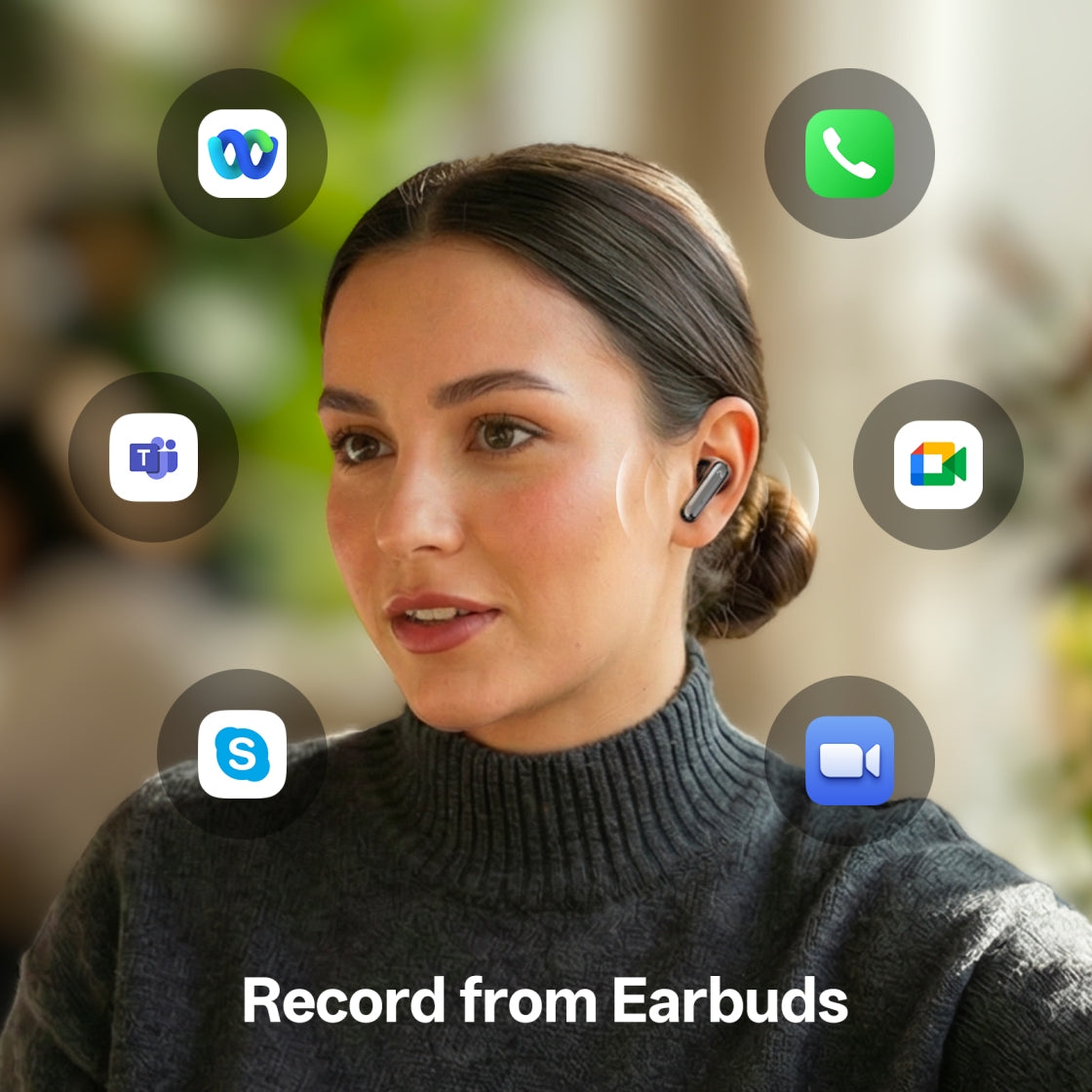
On a call? Just talk.
RecDot records and transcribes phone and internet calls automatically.
Perfect for client calls, Zoom meetings, and remote interviews.
For Learning & Research
Turn any content into notes.
Play a podcast, webinar, or video — RecDot captures and converts it in real time.
In a meeting? Stay present.
Be fully present while AI handles the documentation.
Get clear summaries and action items instantly after every meeting.
Speak different languages. Understand everything.
RecDot records the original speech while instantly translating it into your language in real time.
Voice Recording, Always Ready
Never miss a thought — even without your phone

Record from Earbuds
Long-press the earbuds to capture meetings, calls, or ideas — discreet and effortless.

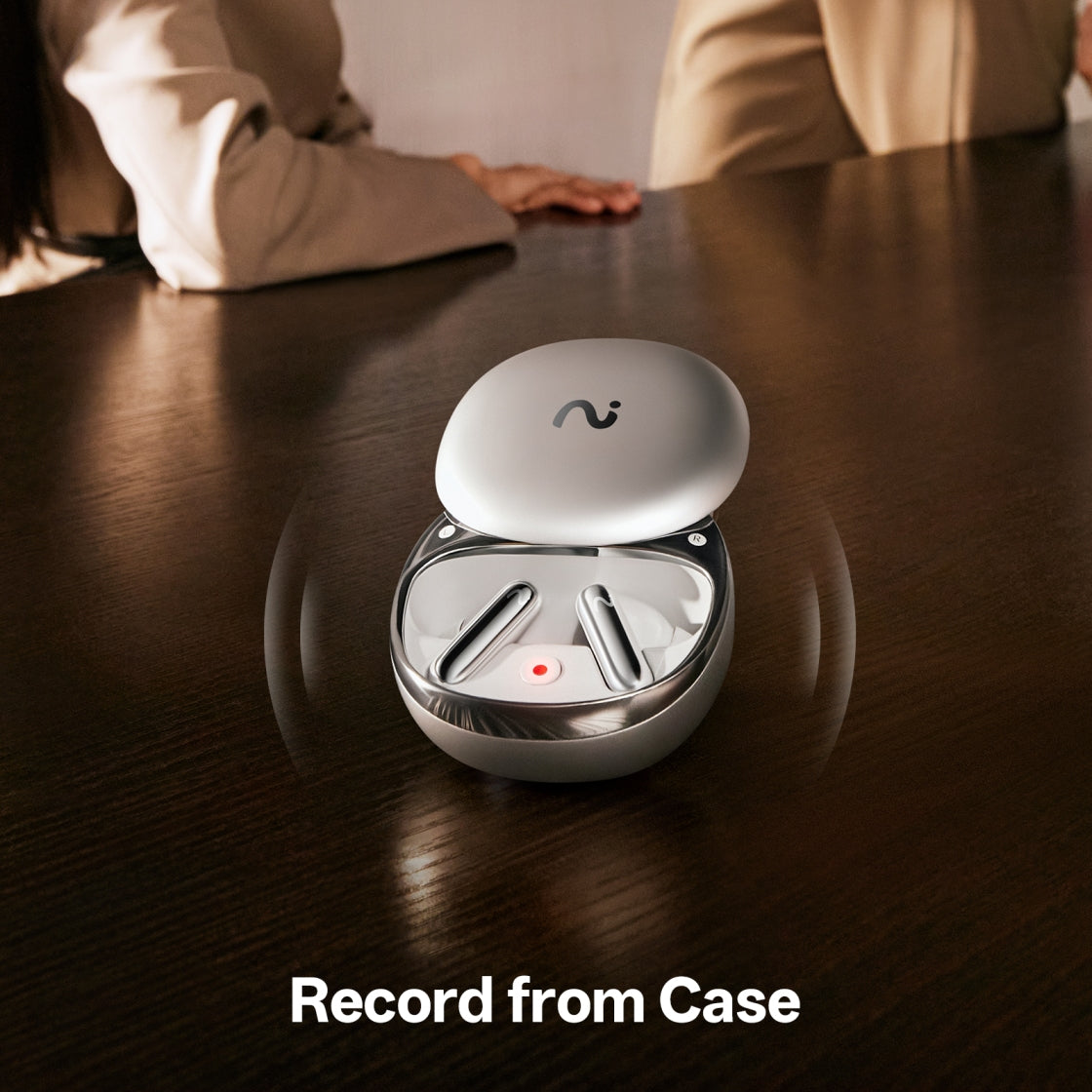
Record from Charging Case
Not wearing earbuds? Open the case and start recording meetings or conversations instantly.
Understand Every Word,
In Any Context
Convert speech into precise, searchable text — ready to review, edit, and act on.


Your Conversation Turns into Summaries
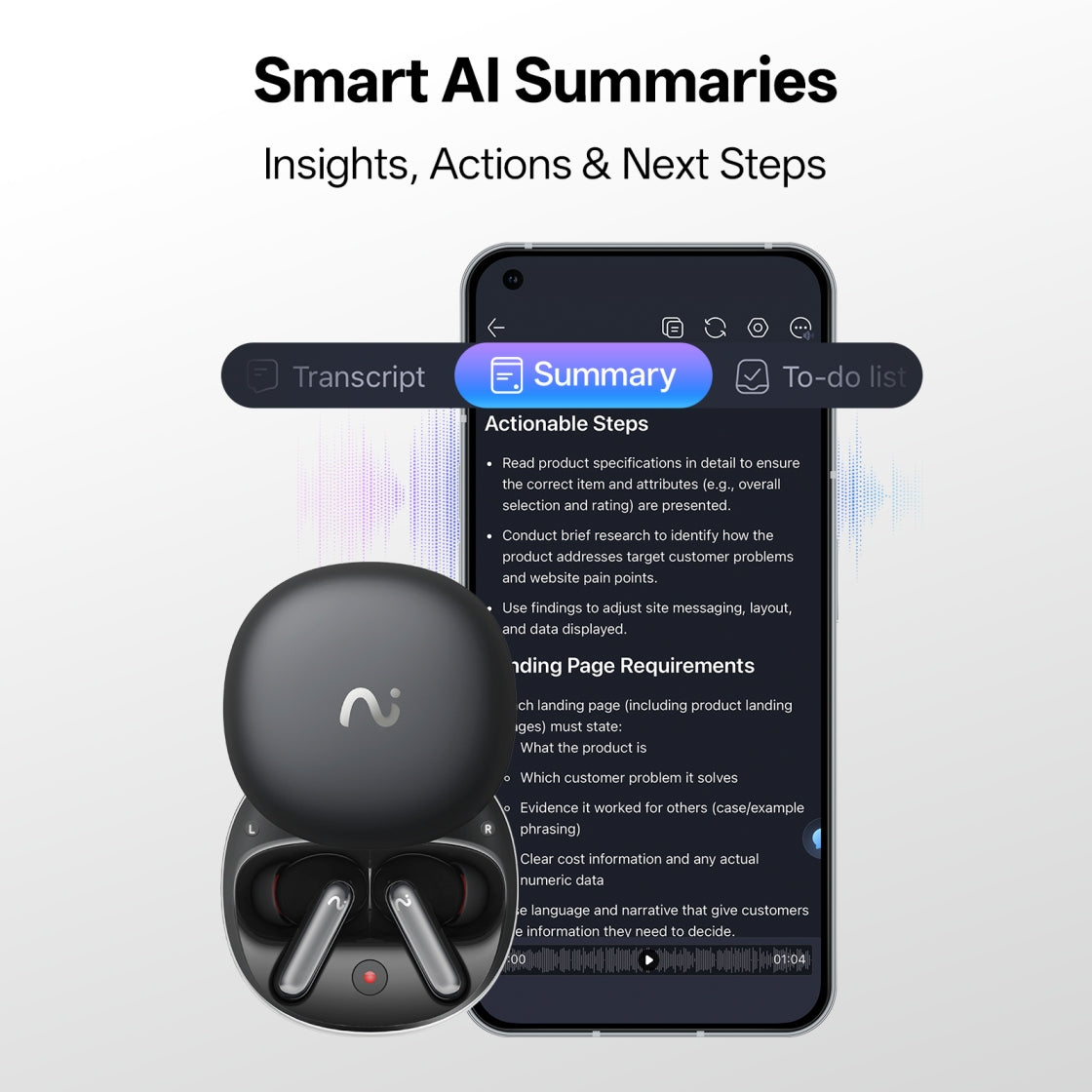
Turn conversations into notes, insights, mindmap & next steps, automatically.

Instant summaries that make sense
Automatically generate notes, key points, action items, and mind maps — ready to share.
Built-in templates
Use ready-made templates for different industries and scenarios, or create your own custom templates tailored to your workflow.
Regenerate with your prompt
Refine summaries with your own instructions until they match exactly what you need.


Record or Upload Anything
Not everything starts with RecDot — and that’s okay.
Upload recordings or documents. viaim processes them with the same AI intelligence — organizing content, extracting key points, and linking everything together.

Organized by Projects with Spaces
Your AI Workspace for Focused Knowledge: Group recordings, notes, and documents by project or topic. With clearer context, Vitana delivers more accurate, relevant answers.

Ask Vitana, Get Clear Answers
Answer based on your knowledge: Ask anything about your meetings, notes, or documents.Vitana searches across your recordings and organized Spaces to give answers based on your own knowledge — not generic internet results.

Turn Insights into Action
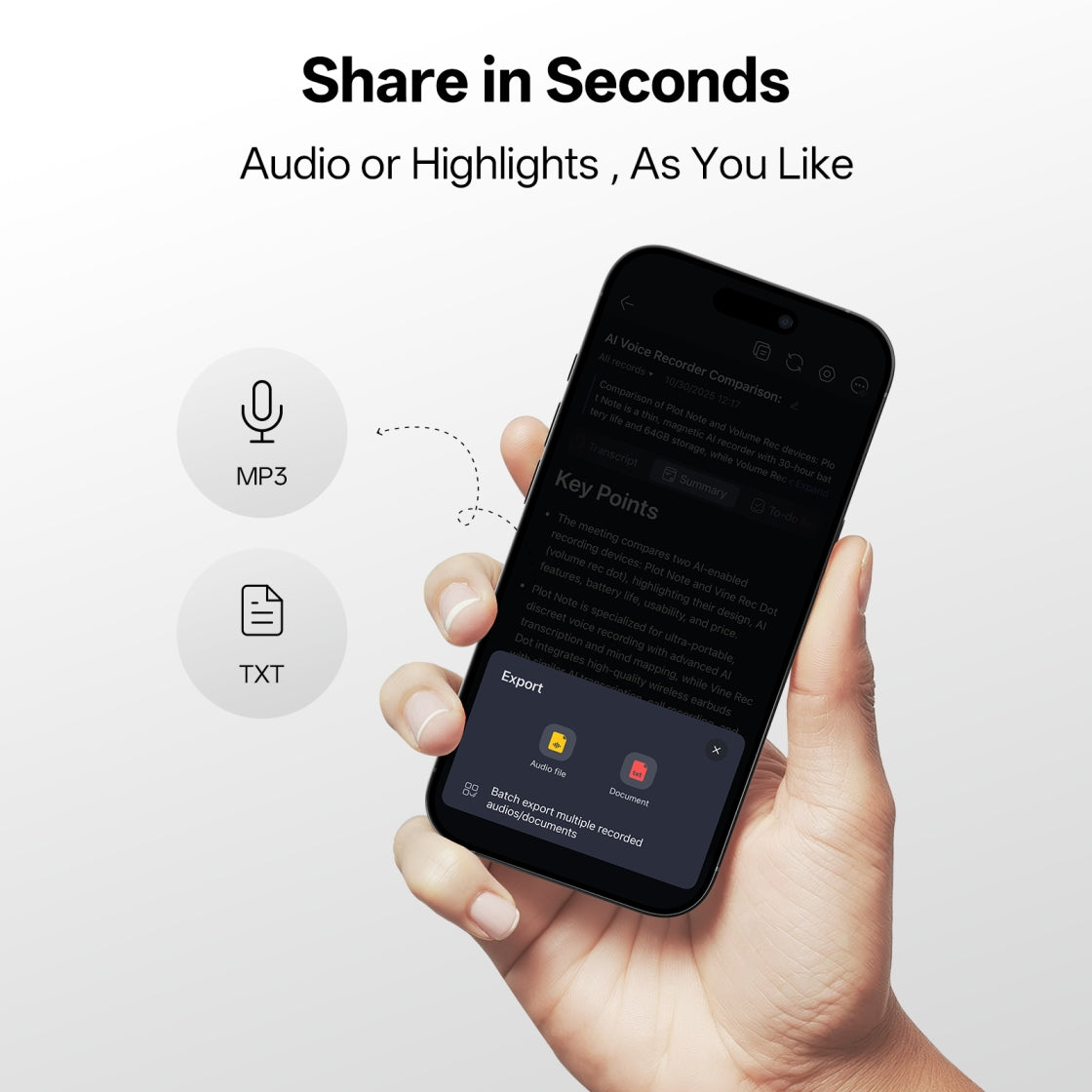
Share Insights in the Format You Need: Turn your recordings and notes into structured outputs.
Export summaries, transcripts, and highlights into ready-to-use formats — so you can quickly share, present, or build on them.
Record with RecDot.
Review Anywhere.

Control Your Device in the viaim App


Smart Recording Control
Start or manage recordings directly from the app.

Custom Recording Notification
Stay compliant wherever you record. Customize recording notifications based on local regulations and your preference.

Personalized Device Settings
Adjust controls, recording preferences, and device behavior — so RecDot works the way you work.

Review & Edit on Web

Edit Summaries with Ease
Refine AI-generated summaries and highlight the insights that matter.

Work with Your Notes Faster
Search, edit, and organize recordings directly from your browser.

Access everything from your browser
Sign in on Web to review and edit recordings anytime.

Built with privacy at the core

IOS 27001
Certification

ISO 27701
Certification

DJCP
Certification

SOC 2 Type II
Certification

HIPAA
Certification

Not Just AI.
Works where you do.
Note-taking earbuds, designed for real life.


Tech Specs
Sound & Microphone
Driver Unit
11mm titanium-coated dynamic driver
Noise Cancellation
48dB depth active noise cancellation
Microphones
Triple microphones + bone conduction microphone
Audio Codecs
SBC, AAC, LHDC
Connectivity & Control
Bluetooth Version
5.2
Dual Device Connection
Supported
Voice Control
Supported
Instant Recording
Supported
Battery & Charging
Earbud Battery Life
9 hours
Earbuds + Charging Case Battery Life
36 hours
Charging Methods
Wired / Wireless
Earbud Battery Capacity
63mAh
Charging Case Battery Capacity
550mAh
Design & Weight
Earbud Weight
4.8g each
Charging Case Weight
52g
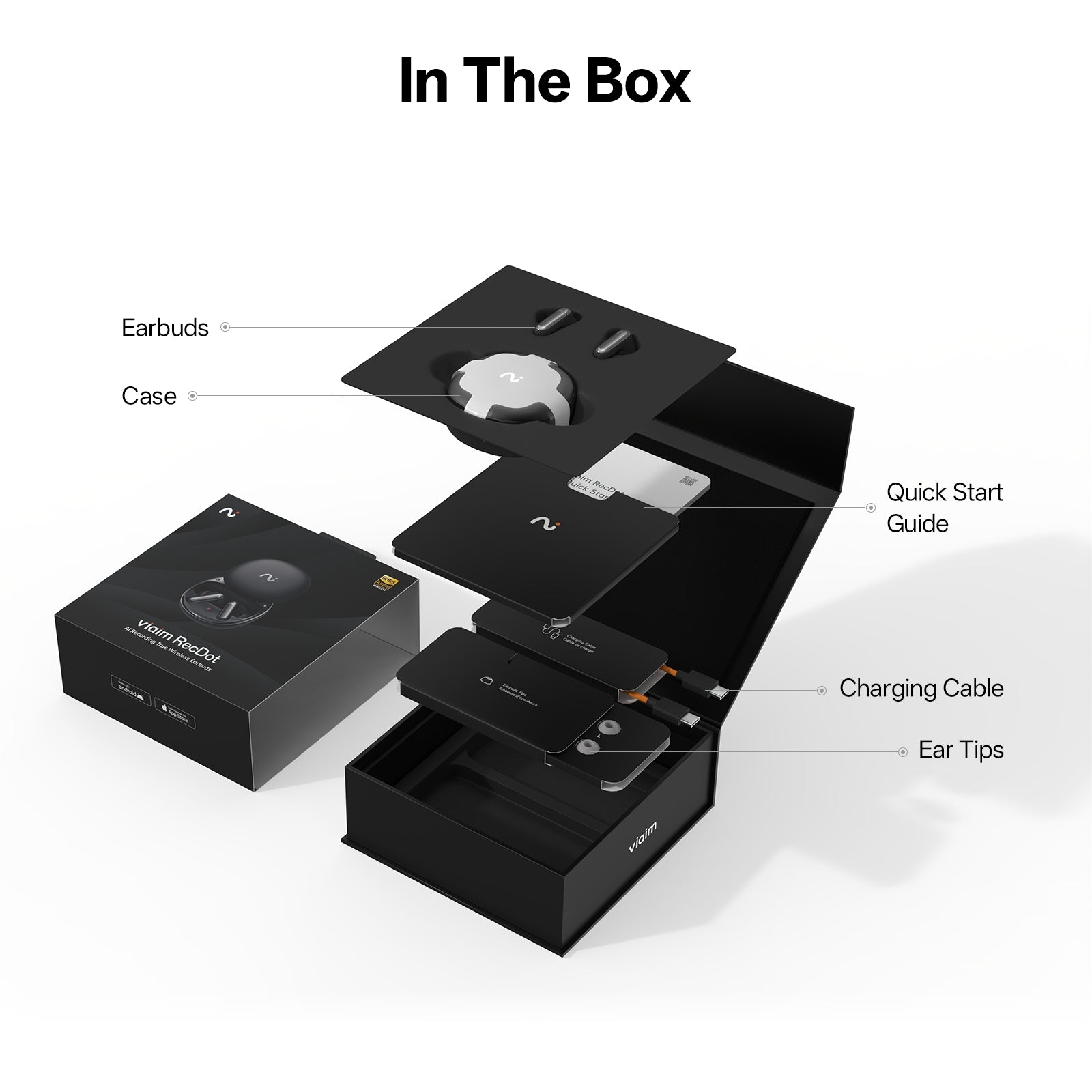
Included in the Box

Earbuds

Case

USB-C Cable

Quick Start Guide


FAQs
What exactly is RecDot?
RecDot is an AI-powered note-taking device built into earbuds.
It records conversations, transcribes them into text, and turns them into structured summaries, insights, and action items — automatically.
How is RecDot different from a normal voice recorder?
Unlike traditional recorders, RecDot doesn’t just capture audio.
It understands conversations — turning them into searchable transcripts, summaries, and answers you can actually use.
What can RecDot record?
RecDot can capture:
- Phone and internet calls
- In-person meetings
- Podcasts, videos, and online content
- Personal voice notes and ideas
Can I record without my phone?
Yes.
You can start recording directly from the earbuds or the charging case.
Is it legal to record conversations?
Recording laws vary by country and region.
RecDot provides customizable recording notifications to help you stay compliant with local regulations.
We recommend always informing participants before recording.
What kind of summaries can RecDot generate?
RecDot automatically creates:
- Key points
- Action items
- Structured summaries
- Mind maps
You can also customize the format using templates or your own prompts.
Can I edit or refine the AI results?
Yes.
You can regenerate, edit, or ask AI to adjust the summary based on your needs — shorter, more detailed, or focused on specific topics.
Can I upload my own files?
Yes.
You can upload audio recordings, documents, or notes, and viaim App will process them with the same AI capabilities.
Do I need the app to use RecDot?
The app is used to control recordings and manage device settings.
For deeper work like editing summaries and organizing notes, you can use the web platform.
Do I need a subscription to use RecDot?
No.
You get 600 minutes of transcription every month for free — no subscription required.
Are there any hidden fees?
No.
All pricing is transparent, and you only upgrade if you choose to.
Is it just for work?
Not at all.
While RecDot is built for professional use, it’s also perfect for learning, personal notes, and everyday ideas.