
Frequently Asked Questions
Have a question about viaim products? Find clear answers about choosing a device, recording, AI features, shipping, returns, security, and your viaim AI account.
Products and Recommendations
Clear answers about viaim hardware, recording, AI features, and choosing the right device.
Which viaim device is right for me?
Choose RecDot if you want in-ear AI note-taking earbuds for phone calls, internet calls, in-person meetings, everyday listening, and instant recording from the earbuds or charging case.
Choose OpenNote if you prefer an open-ear design for long wear, multitasking, and staying aware of your surroundings while recording and taking AI notes. OpenNote starts FlashRecord from the earbuds and supports call noise cancellation.
Choose NoteKit if most of your meetings happen on a Windows or Mac computer through Zoom, Microsoft Teams, Google Meet, or similar platforms. It is a plug-and-play USB AI note taker and works independently without viaim earbuds.
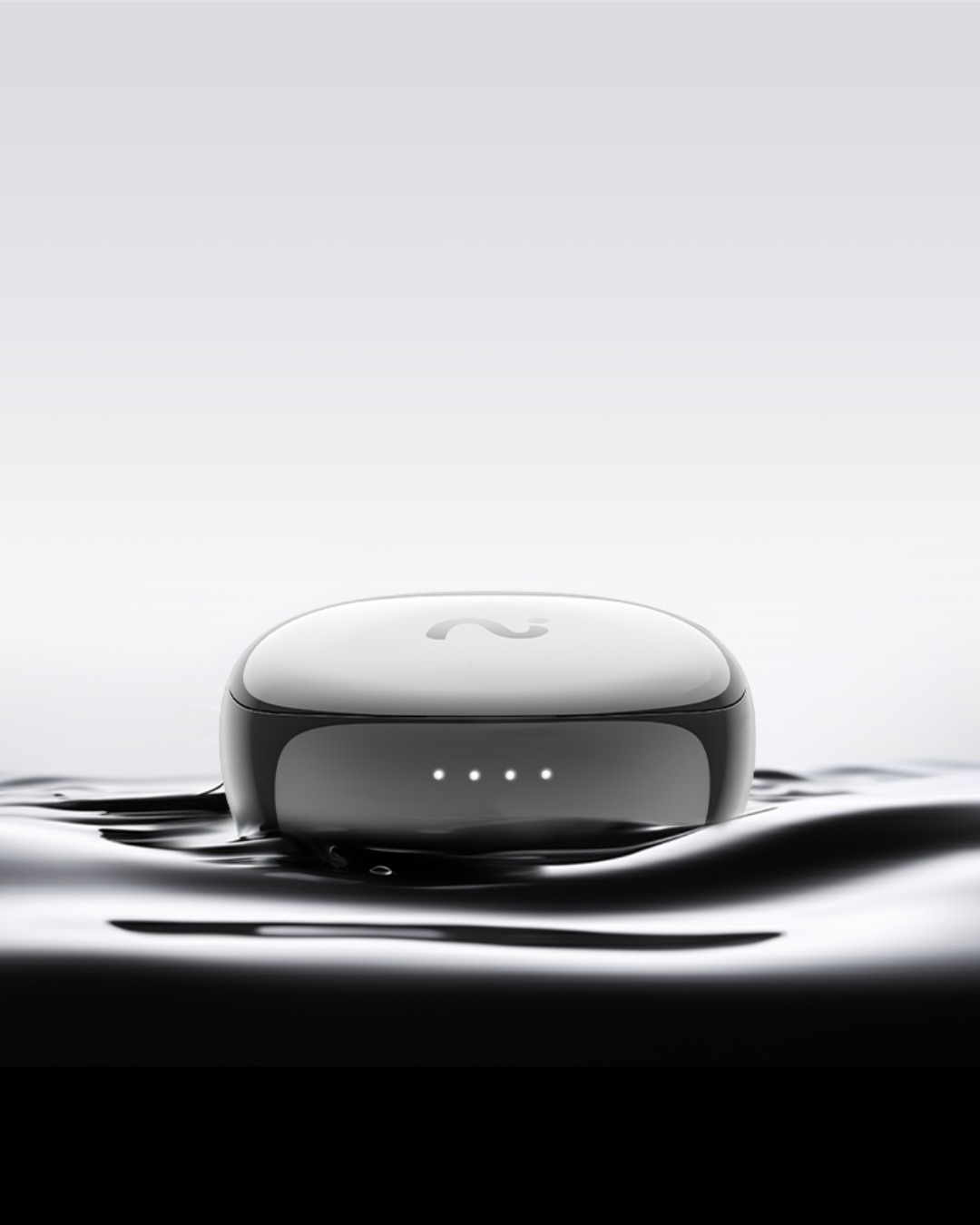
Choose Nano+ if you want compact in-ear AI recording earbuds with 45 dB ANC and an everyday form factor.
What is the difference between RecDot, NoteKit, OpenNote, and Nano+?
RecDot is in-ear AI note-taking earbuds with FlashRecord, phone and internet call capture, Hi-Res audio, 48 dB ANC, up to 36 hours of total battery life, and a charging-case recording button.
NoteKit is a USB AI note taker for computer-based meetings. It works with Windows and Mac, supports Zoom, Google Meet, Microsoft Teams, and more, and captures audio within approximately 5 meters.
OpenNote is an open-ear AI note-taking earbud device with FlashRecord, up to 53 hours of total battery life, and call noise cancellation. Its open-ear design helps you stay aware of your surroundings.
Nano+ is a compact AI recording earbud device with 45 dB ANC and an optional NoteKit bundle. Product features and availability may vary by configuration.
Which viaim product is best for in-person meetings?
RecDot and OpenNote are the best fits for in-person meetings. Choose RecDot when you want in-ear noise isolation, phone and internet call capture, or the option to start recording from the charging case. Choose OpenNote when you want an open-ear design that keeps you aware of your surroundings during meetings, walking, or multitasking. Both support recording, transcription, summaries, and action items.
Which viaim product is best for online meetings?
NoteKit is designed for computer-based meetings on Windows or Mac. It works with Zoom, Microsoft Teams, Google Meet, and other meeting applications, and connects directly to your computer through USB. You do not need viaim earbuds to use NoteKit. RecDot and OpenNote can also capture internet calls and online meeting audio in supported setups.
How is viaim different from a standalone AI voice recorder?
Standalone AI voice recorders are primarily dedicated recording devices. viaim combines recording and AI note-taking with everyday hardware: RecDot and OpenNote integrate capture into wearable earbuds, while NoteKit is designed for computer-based meetings. viaim can turn recordings into searchable transcripts, summaries, key takeaways, action items, and other structured notes.
How is viaim different from normal earbuds?
viaim devices combine everyday audio or computer audio capture with AI note-taking. Depending on the device, you can record phone calls, internet calls, in-person conversations, meetings, ideas, podcasts, or online content, then create transcripts, translations, summaries, action items, and searchable notes.
How does FlashRecord work?
FlashRecord starts recording from supported viaim earbuds without first opening the app. RecDot, OpenNote, and Nano+ can start recording directly from the earbuds. RecDot can also start recording from its charging-case button. The recording syncs to the viaim app when the device reconnects, so you can review and process it later.
Can I record without opening the viaim app?
Yes, on supported earbud devices. FlashRecord lets RecDot, OpenNote, and Nano+ start recording directly from the earbuds. RecDot can also start recording from the charging case. NoteKit requires the viaim desktop app to be activated for recording.
Can I record without my phone nearby?
Yes. RecDot can start recording from the earbuds or charging case, and OpenNote can start recording from the earbuds without a phone nearby. The recording can sync when the device reconnects. An internet connection and the viaim app or web platform are required for cloud processing, transcription, translation, and AI summaries.
Can viaim record phone calls?
RecDot and OpenNote are designed to capture phone and internet calls in supported device and app setups. Recording laws vary by country and region. viaim provides customizable recording notifications, and we recommend informing participants before recording and following applicable laws.
Can viaim record Zoom, Microsoft Teams, and Google Meet meetings?
Yes. NoteKit is designed for computer-based meetings and supports Zoom, Microsoft Teams, Google Meet, and more on Windows and Mac. RecDot and OpenNote can also capture internet calls and online meeting audio in supported setups. Always follow the meeting platform rules and applicable recording-consent laws.
Can I review viaim recordings on a computer?
Yes. You can sign in to the viaim web platform at viaim Web to review, edit, search, and organize recordings and AI notes in a browser. The viaim app is used for device control, recording management, and syncing.
How many languages does viaim support for transcription and translation?
viaim supports transcription and translation in 78 languages. See the complete list at store.viaim.ai/pages/language-support. Paid Pro and Ultra plans also support simultaneous multilingual transcription in up to 3 languages, according to the current plans page.
What AI features are included?
The viaim service can provide live transcription, translation, smart summaries, key takeaways, action items, mind maps, templates, searchable notes, sharing, and export features. Feature availability and usage limits depend on the device, account, and subscription plan.
Can I use RecDot or OpenNote as regular earbuds for music and calls?
Yes. RecDot and OpenNote can be used for everyday listening and calls in addition to AI recording. RecDot has Hi-Res audio, 48 dB ANC, and up to 36 hours of total battery life. OpenNote uses an open-ear design, supports call noise cancellation, and has up to 53 hours of total battery life.
What is the NoteKit + RecDot or OpenNote bundle?
The bundle combines a viaim earbud device with the NoteKit USB recorder. It provides wearable recording for in-person conversations and a dedicated computer-based meeting recorder for online meetings. RecDot and OpenNote can also be purchased and used without NoteKit.
Shipping and Delivery
Current store shipping coverage, processing times, tracking, and import charges.
Where does viaim ship to?
This store currently ships orders to the United States and Canada. Shipping availability may vary by address. Please check the Shipping Policy and checkout for the latest availability. This store currently does not promise worldwide shipping.
How long does delivery take?
Orders are typically processed within 1–2 business days. Standard shipping is estimated at 3–7 business days after processing. Delivery may take longer for remote areas, holidays, extreme weather, or other transportation delays.
How can I track my order?
After your order ships, viaim will email you a tracking number. You can also track your order on the Order Track page.
Do I need to pay customs or import duties?
Canadian orders may be subject to applicable duties, taxes, or customs fees on delivery. These charges are the recipient’s responsibility and are not included in the product price. Check local customs requirements before ordering.
What are the shipping rates?
Shipping is free for orders to the United States. Orders to Canada have a USD $15 shipping fee. Please confirm the final shipping cost at checkout.
Returns and Refunds
How to request a return, cancellation, refund, or replacement.
What is the viaim return policy?
Under the current Return and Refund Policy, return requests must be submitted within 30 days of order placement. If an order has already shipped, you may request a return after it is delivered. Items must be in their original condition, with original packaging and accessories. Please review the policy for exclusions and complete terms.
How do I start a return or exchange?
Contact service@viaim.ai with your order number and reason for return. The support team will provide return instructions and the return address. viaim does not currently offer direct exchanges; for a different item, complete a return for a refund and place a new order.
Who pays return shipping?
Return shipping is normally the customer’s responsibility. viaim covers return shipping when the product is defective or was shipped in error, subject to support review and confirmation.
How long does a refund take?
After viaim receives and inspects the returned item, inspection and refund processing may take up to 7 business days. Refunds are usually sent to the original payment method. Credit-card refunds typically take an additional 3–5 business days to appear, depending on the bank.
Can I cancel an order?
Orders may be cancelled before shipment by contacting service@viaim.ai. If the order has already shipped, you may request a return after delivery under the Return and Refund Policy.
Warranty
Coverage for viaim hardware and how to submit a claim.
What warranty do viaim products come with?
viaim hardware products include a 1-year limited warranty from the date of purchase for verified manufacturing defects and functional hardware failures under normal use. The warranty does not cover normal wear and tear, accidental or misuse-related damage, unauthorized repair, water or external-factor damage, lost or stolen products, or products purchased from unauthorized sellers.
How do I make a warranty claim?
Email service@viaim.ai with your order number or proof of purchase, a description of the issue, and photos or video if applicable. Please back up stored data before sending a product for service, because viaim is not responsible for data loss during repair or replacement.
Security and Privacy
Current security and privacy information for viaim products and services.
Is viaim secure? Does it comply with data privacy standards?
The viaim Trust Center lists security and privacy programs and controls covering areas such as data access, encryption, monitoring, and data erasure. viaim reports certifications or compliance information including ISO 27001, ISO 27701, SOC 2 Type II, and EN 18031. For current compliance information and security documentation, visit the viaim Trust Center. viaim does not sell your data to third parties.
How are recordings and transcripts handled?
Recordings and transcripts are stored under your viaim account and can sync across supported devices. Cloud-based transcription, translation, and AI processing require an internet connection. Review the viaim Trust Center for current security, privacy, and data-handling information.
viaim AI Account and Subscription
Free Basic access, paid plan limits, setup, and cancellation.
Do I need a subscription to use viaim products?
No. A paid subscription is optional. viaim devices can be used for recording, playback, and local storage without a paid plan. The free Basic plan includes 600 transcription minutes per month and core AI features. A paid plan is useful when you need more transcription time or advanced features.
What is the difference between the Basic, Pro, and Ultra plans?
Basic is free and includes 600 transcription minutes per month, 78 languages, standard AI models, 1 custom template, and up to 10 workspaces.
Pro includes 1,800 transcription minutes per month, simultaneous multilingual transcription in up to 3 languages, premium AI models, 10 custom templates, up to 20 workspaces, and the viaim Knowledge Base.
Ultra includes unlimited transcription, simultaneous multilingual transcription in up to 3 languages, premium AI models, 20 custom templates, up to 40 workspaces, and the viaim Knowledge Base. Check the current plans page for current pricing and billing options.
What AI features require a paid plan?
Paid Pro and Ultra plans primarily add higher or unlimited transcription limits, simultaneous multilingual transcription, premium AI models, expanded custom templates and workspaces, and the viaim Knowledge Base. Feature availability and limits can change, so check the current plans page.
How do I set up the viaim app?
Download the viaim app on a supported iOS, Android, Mac, or Windows device, create or sign in to your free account, and pair your viaim device as instructed. NoteKit requires the viaim desktop app. Step-by-step guides are available in the Product Academy and User Guide.
Can I cancel my subscription at any time?
Yes. You can cancel from the viaim app or by contacting service@viaim.ai. Your plan remains active until the end of the current billing period.