
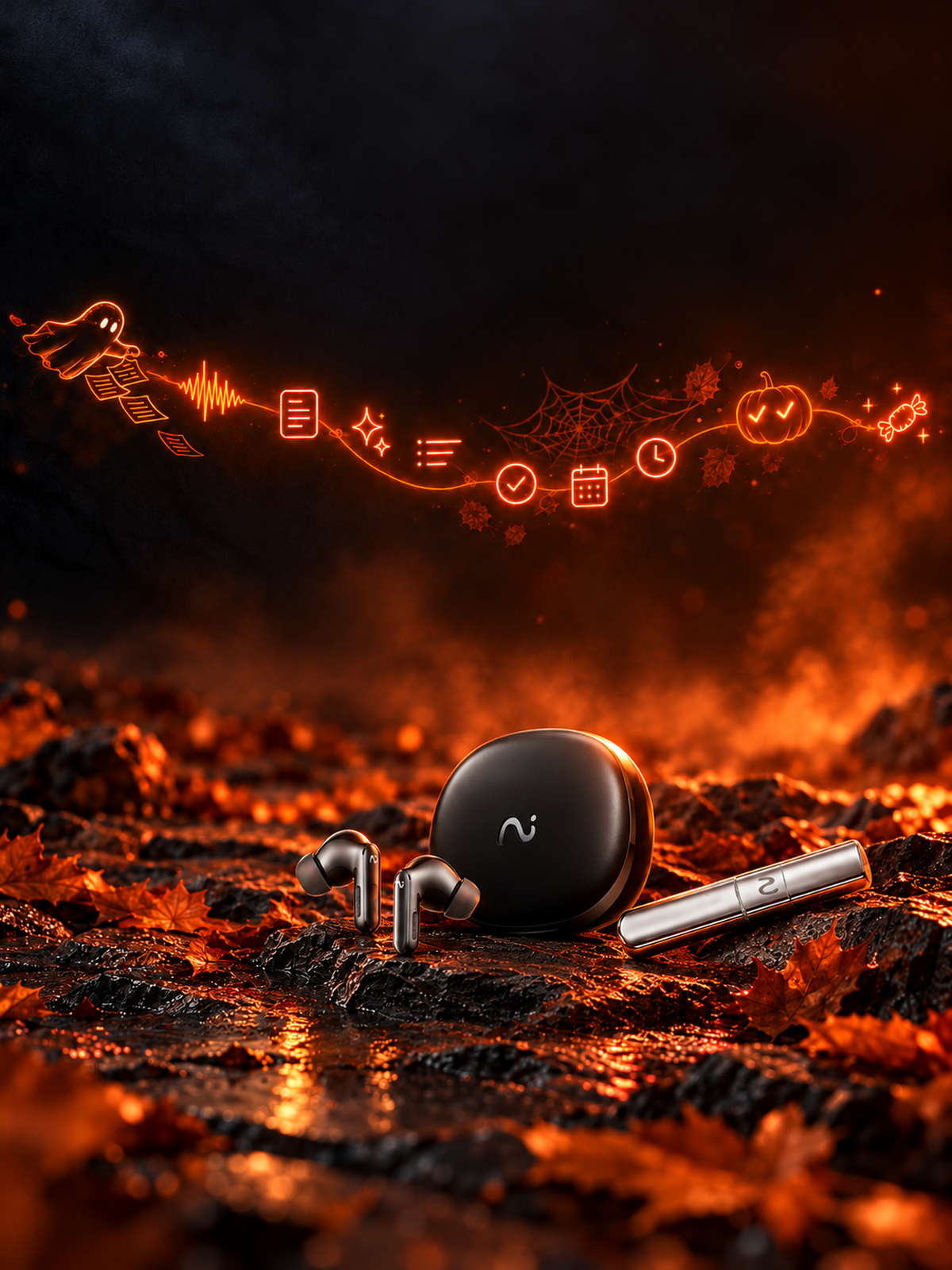
How FlashRecord Works?

Record from Earbuds
Long-press the earbuds to capture meetings, calls, or ideas — discreet and effortless.

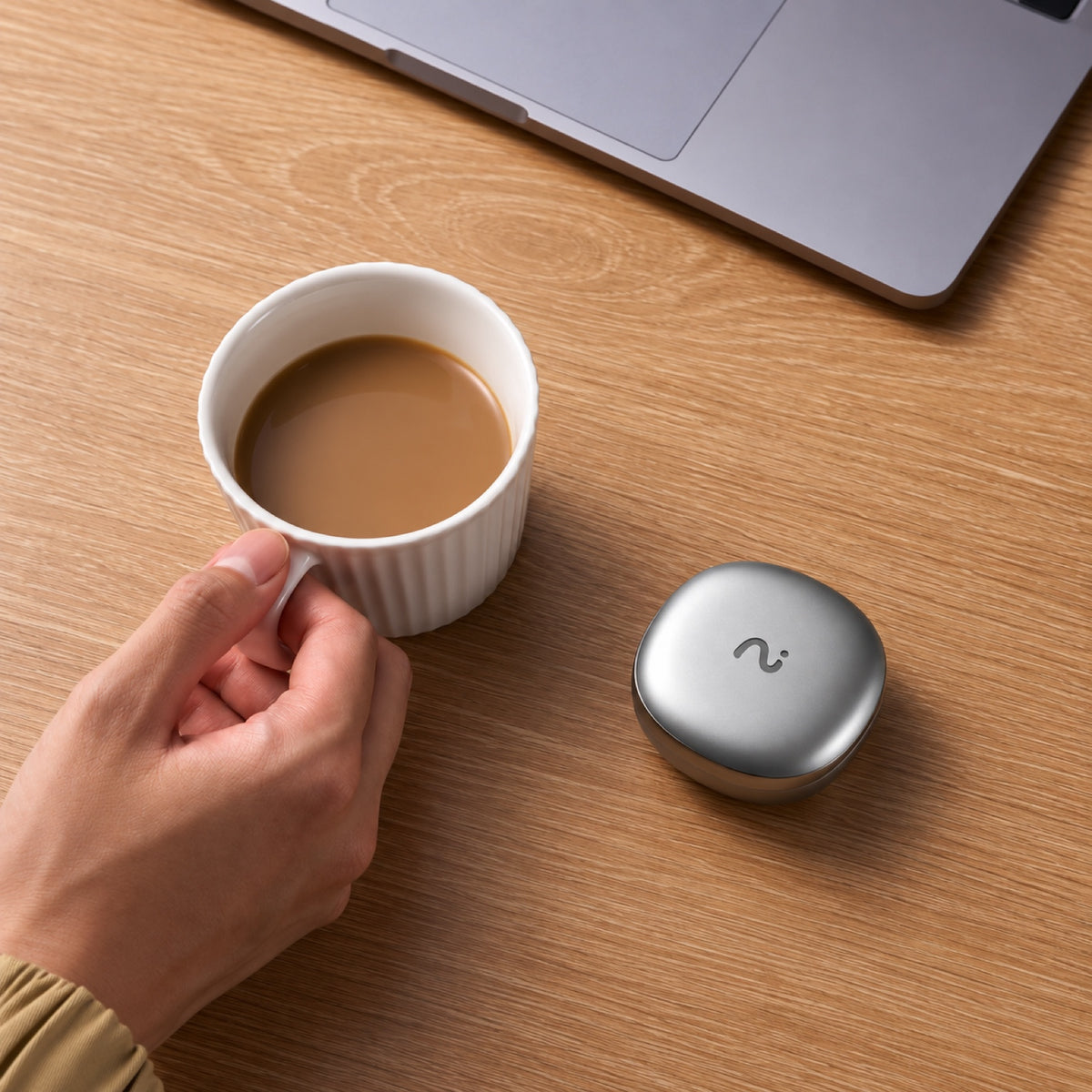
Record from the Charging Case
Open the case and press the red dot button to start recording instantly.
Record the Way Your Day Actually Happens.

Phone Calls
Capture commitments, customer needs, dates, numbers, and follow-up actions.

Meetings
Stay in the conversation instead of dividing your attention between listening and note-taking.
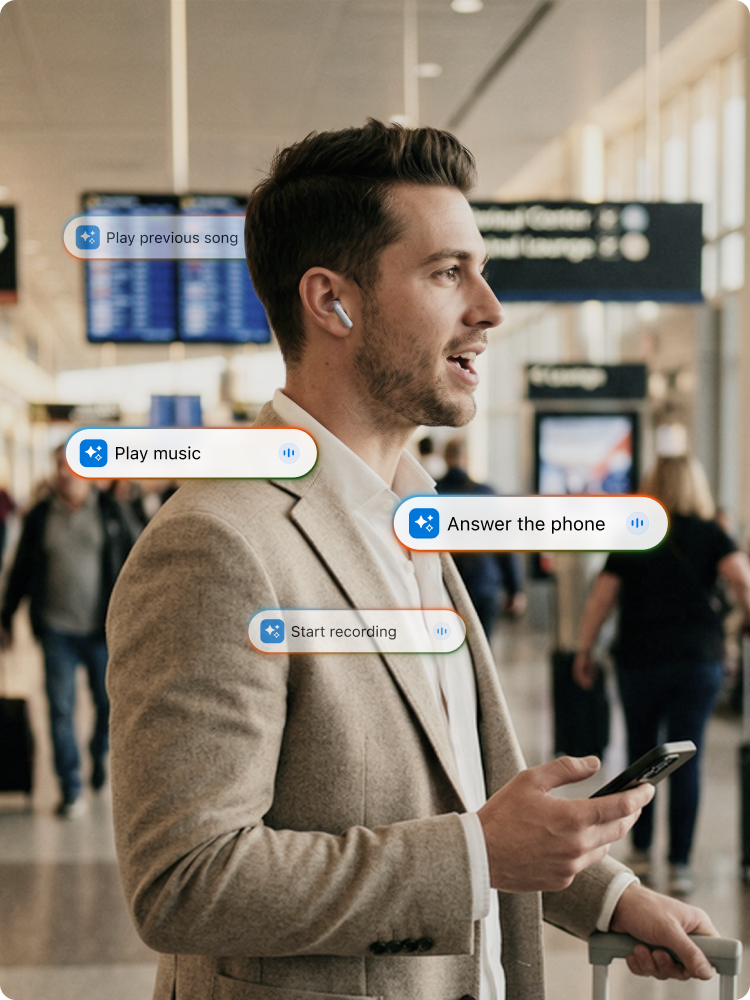
On the Move
Record ideas while walking, commuting, riding, or moving between appointments.
Recording Is Only the Beginning
FlashRecord captures the moment. viaim turns it into information you can search, review and act on.
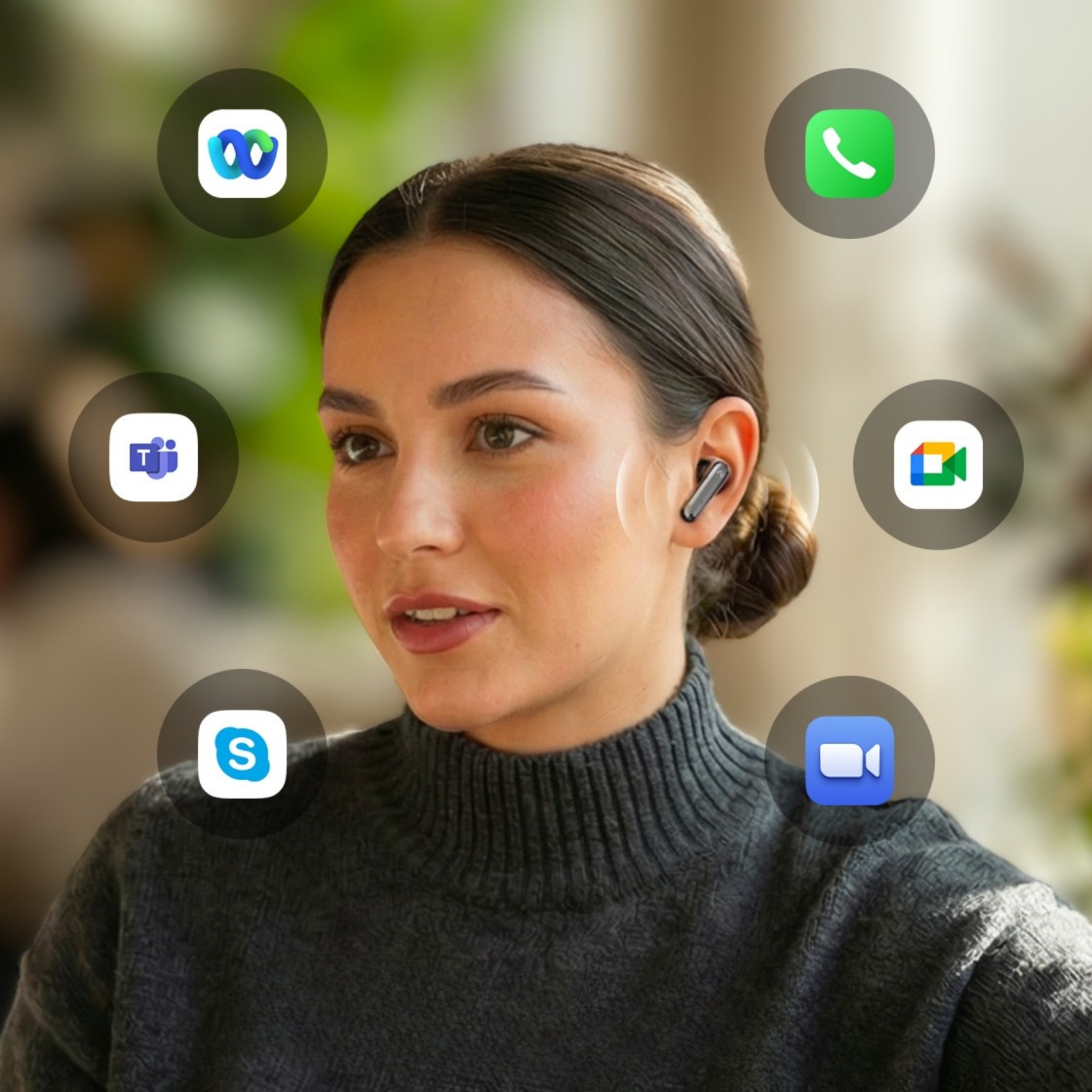
Record
Voice recording, always ready.
Start recording instantly. You focus on talking. let viaim do the rest.
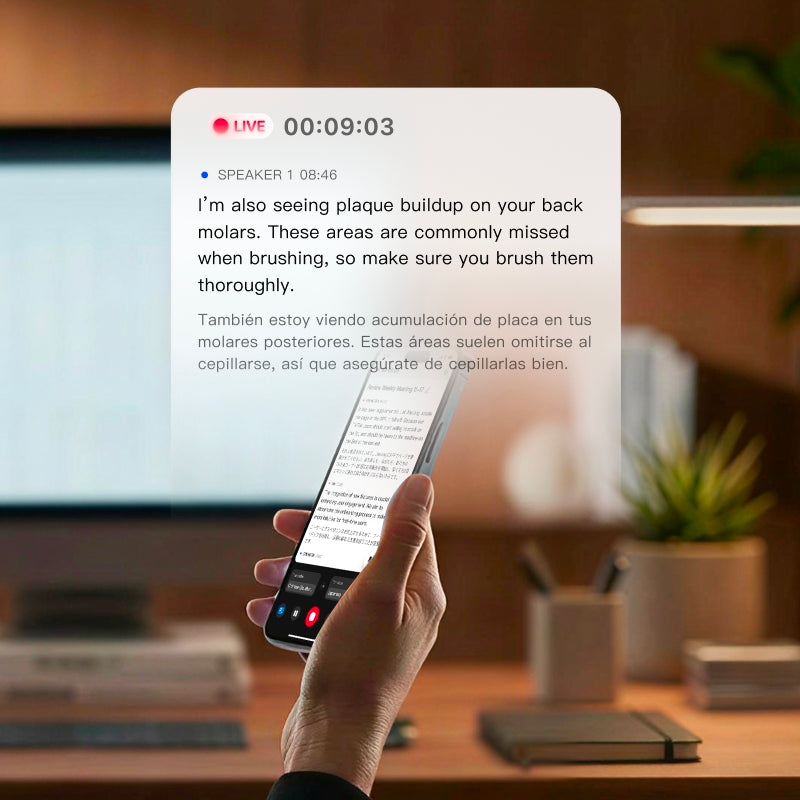
Transcribe
Real-time transcription
Convert audio into searchable text across 78 languages and 145 accents.
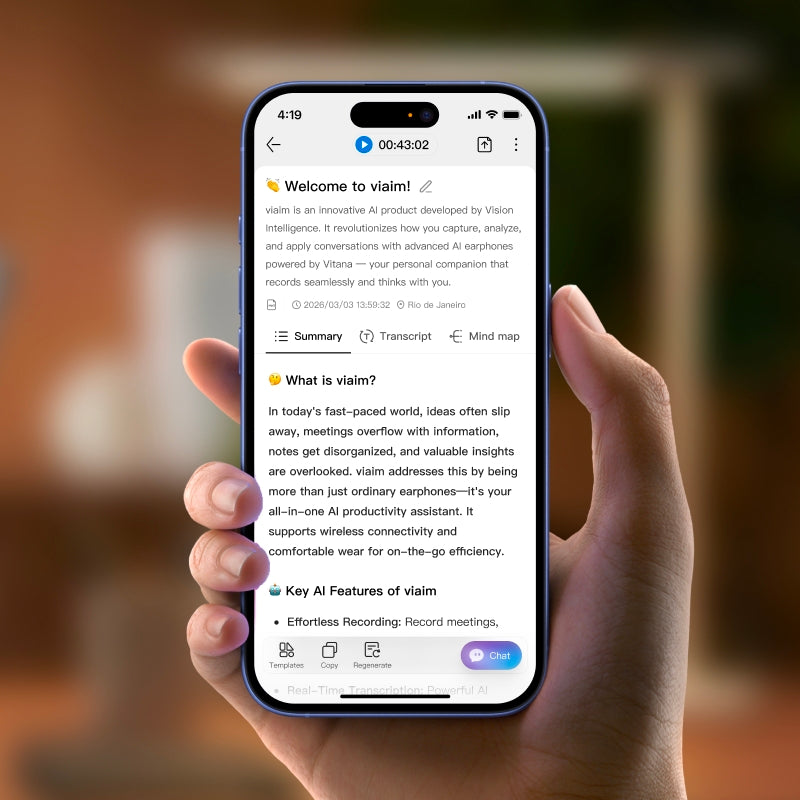
Summary
AI Note Taking
Generate key points, decisions, and structured meeting notes.

Act
Take Action
Review action items, ask Vitana questions, and organize recordings in Spaces.
Less Friction Than Traditional Recording
viaim
Recording Apps
Recording Devices
Record Responsibly.



FAQs
What is FlashRecord?
FlashRecord lets you start recording directly from your viaim earbuds or charging case, without first opening the viaim app. It is designed for quickly capturing calls, meetings, conversations, and voice notes when reaching for your phone would be inconvenient.
Do I need to open the viaim app before recording?
No. You can start a FlashRecord directly from the earbuds. With RecDot, you can also start recording by pressing the button on the charging case.
After the recording is complete, open the viaim app to access, transfer, transcribe, and summarize the recording.
Where are FlashRecord files stored?
FlashRecord files are temporarily stored locally on one earbud before they are transferred to the viaim app.
The left and right earbuds each have their own storage. They do not share a single combined storage pool.
Can I choose which earbud stores the recording?
No. There is currently no manual option to choose whether a recording is stored on the left or right earbud.
When you start a FlashRecord using the charging case button, the system automatically selects the earbud with more available storage.
Can FlashRecord automatically switch between the left and right earbuds?
No. Each FlashRecord is stored on a single earbud from start to finish. The recording cannot continue automatically on the other earbud if the selected earbud runs out of storage.
How can I tell which earbud is recording?
When recording is started from the charging case, the L or R indicator on the case shows which earbud is being used to store that recording.
When you initiate recording with your earhones, you will hear a corresponding prompt tone.
What happens if the selected earbud runs out of storage?
If the earbud being used for the recording becomes full, the recording will stop.
The system will not automatically switch to the other earbud during the same recording, even if the other earbud still has available storage. To reduce the chance of interruption, transfer or clear existing recordings regularly before starting a long recording.
Is FlashRecord included with my viaim device?
Yes, FlashRecord is available on all viaim earbuds.
Choose How You Want to Record.
![[Products] viaim OpenNote - CES Innovation Award and industry recognition](http://store.viaim.ai/cdn/shop/files/opennote_awards.jpg?v=1770129054&width=1600)

- FlashRecord: Instant recording with one tap on the charging case or earbuds
- Record from the App
- FlashRecord: Instant recording with one tap on earbuds ONLY
- Record from the App
- FlashRecord: Instant recording with one tap on earbuds ONLY
- Record from the App
- ANC
- Transparency mode
- Voice passthrough
- ENC
- ENC
- ANC
- Transparency mode
In-ear
Open-ear
In-ear
36 Hours
53 Hours
40 Hours