Sound. Focus. Clear calls.
Explore RecDot as your everyday earbuds.
FIRST TIMER?
Subscribe to our newsletter and be the first to hear about our new arrivals, special promotions and online exclusives.
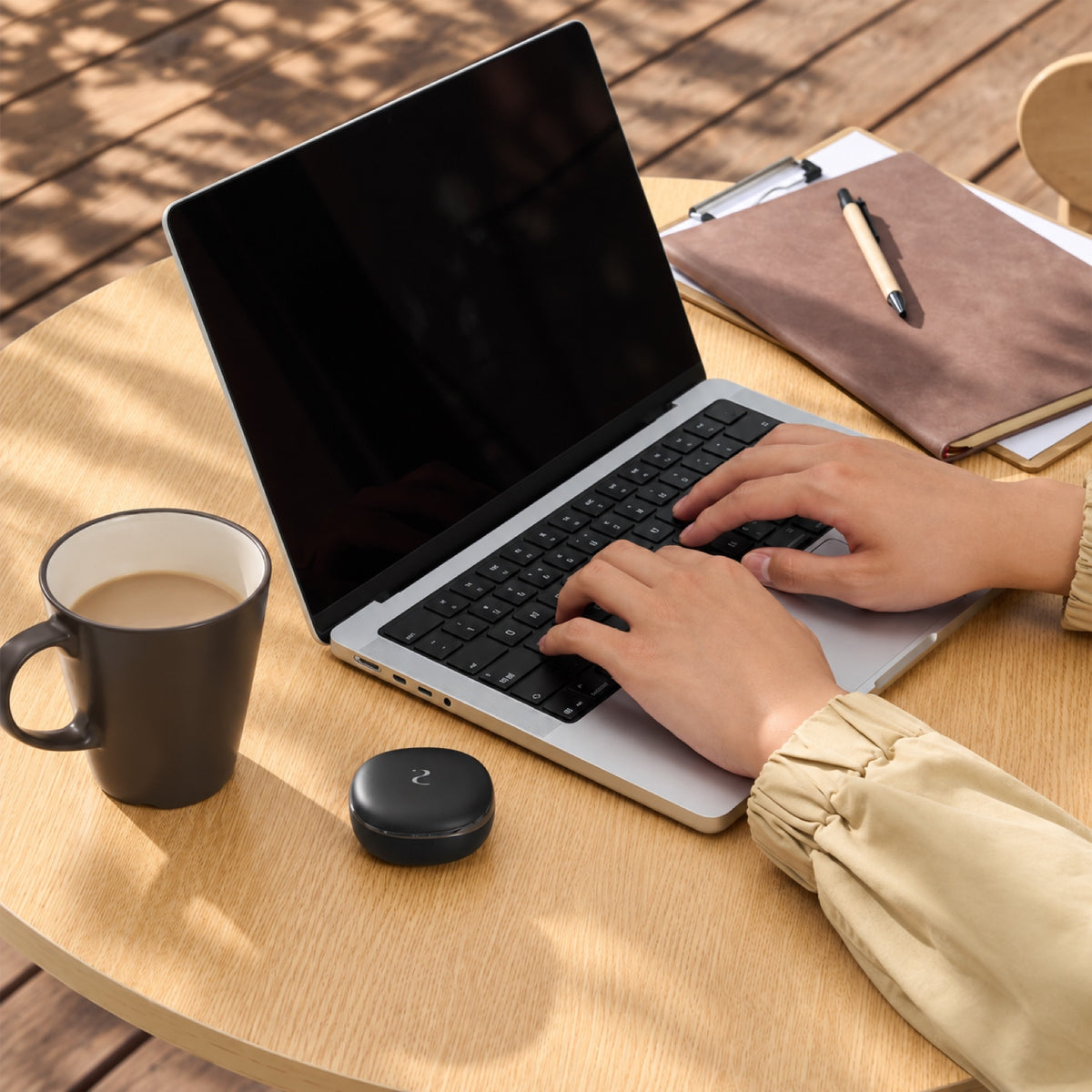
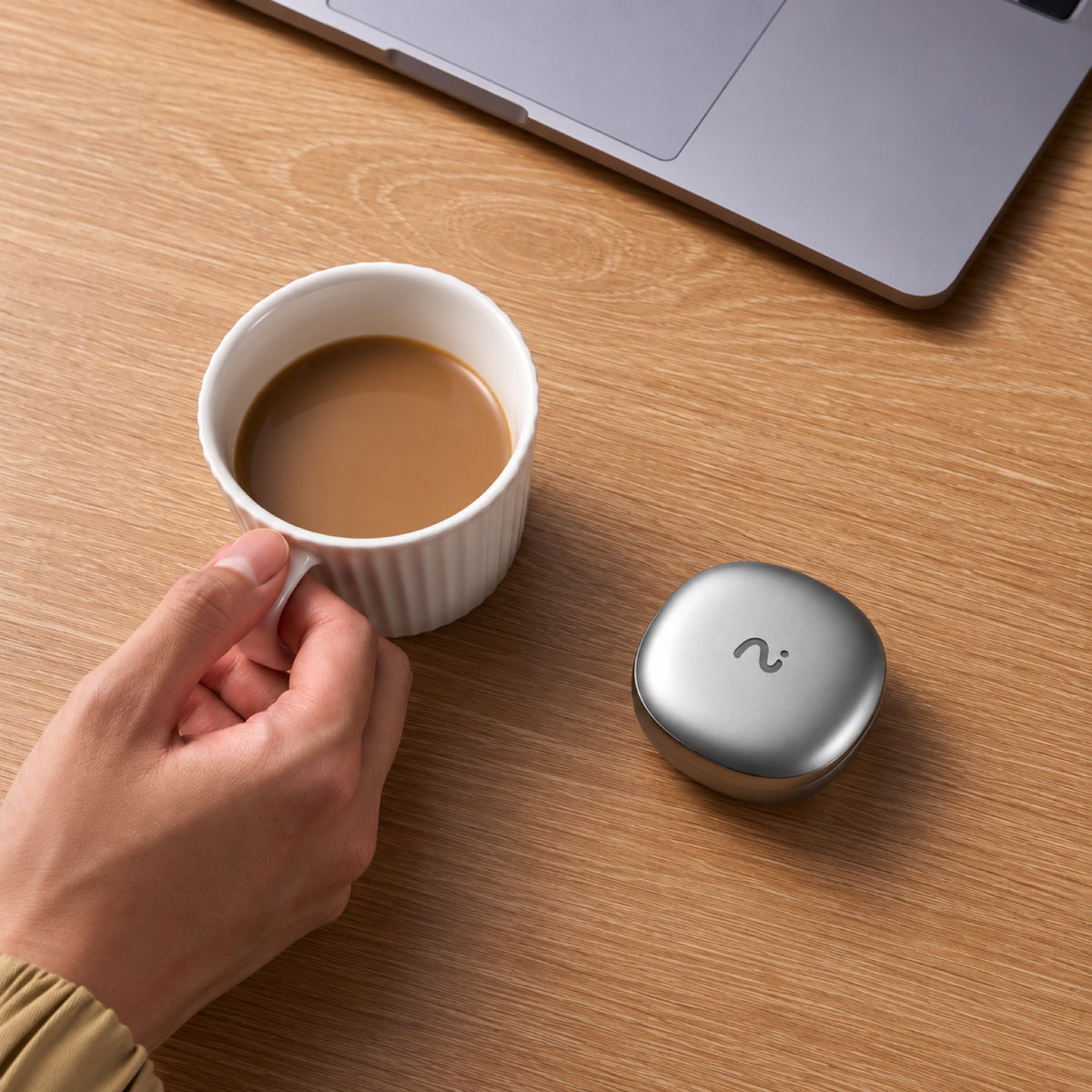
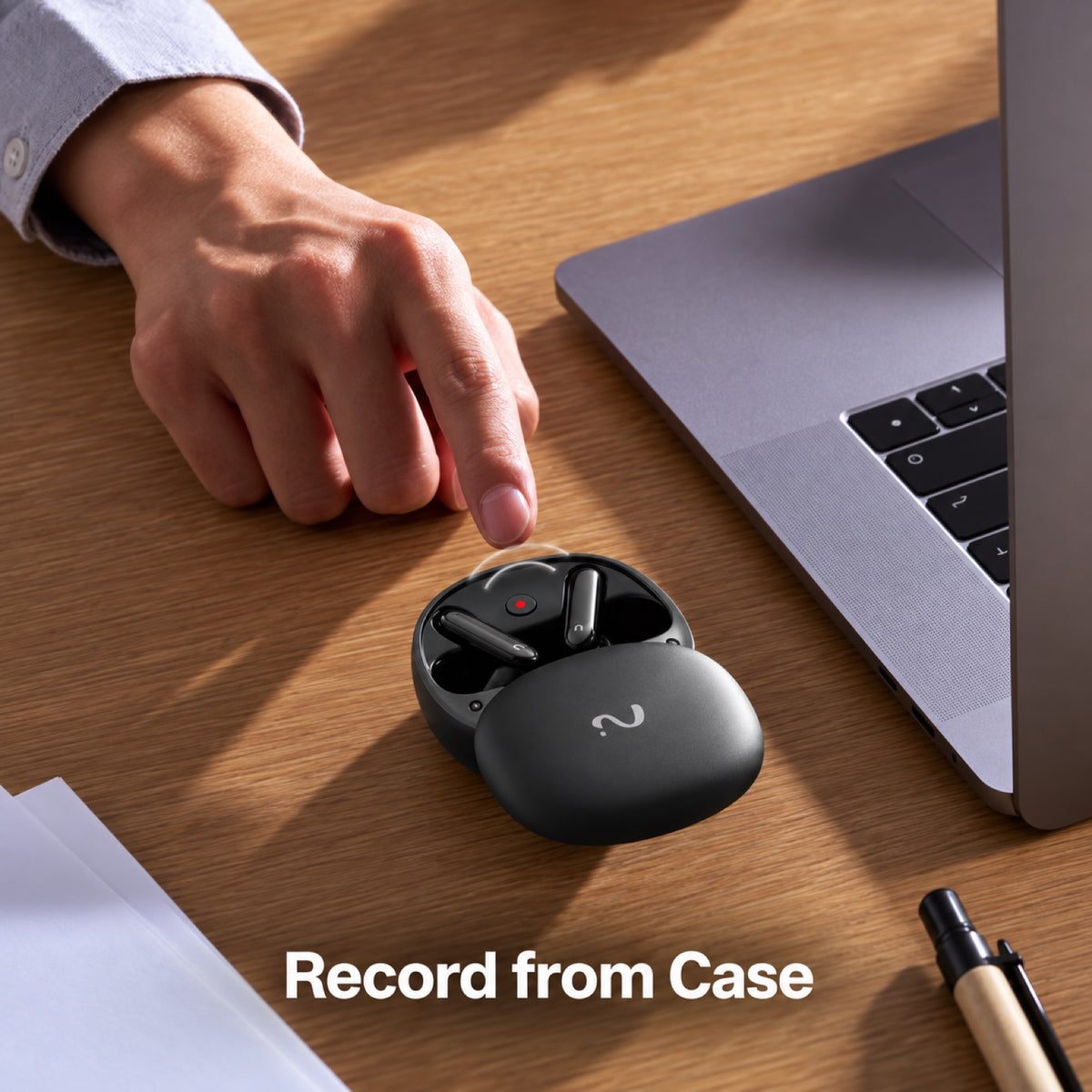
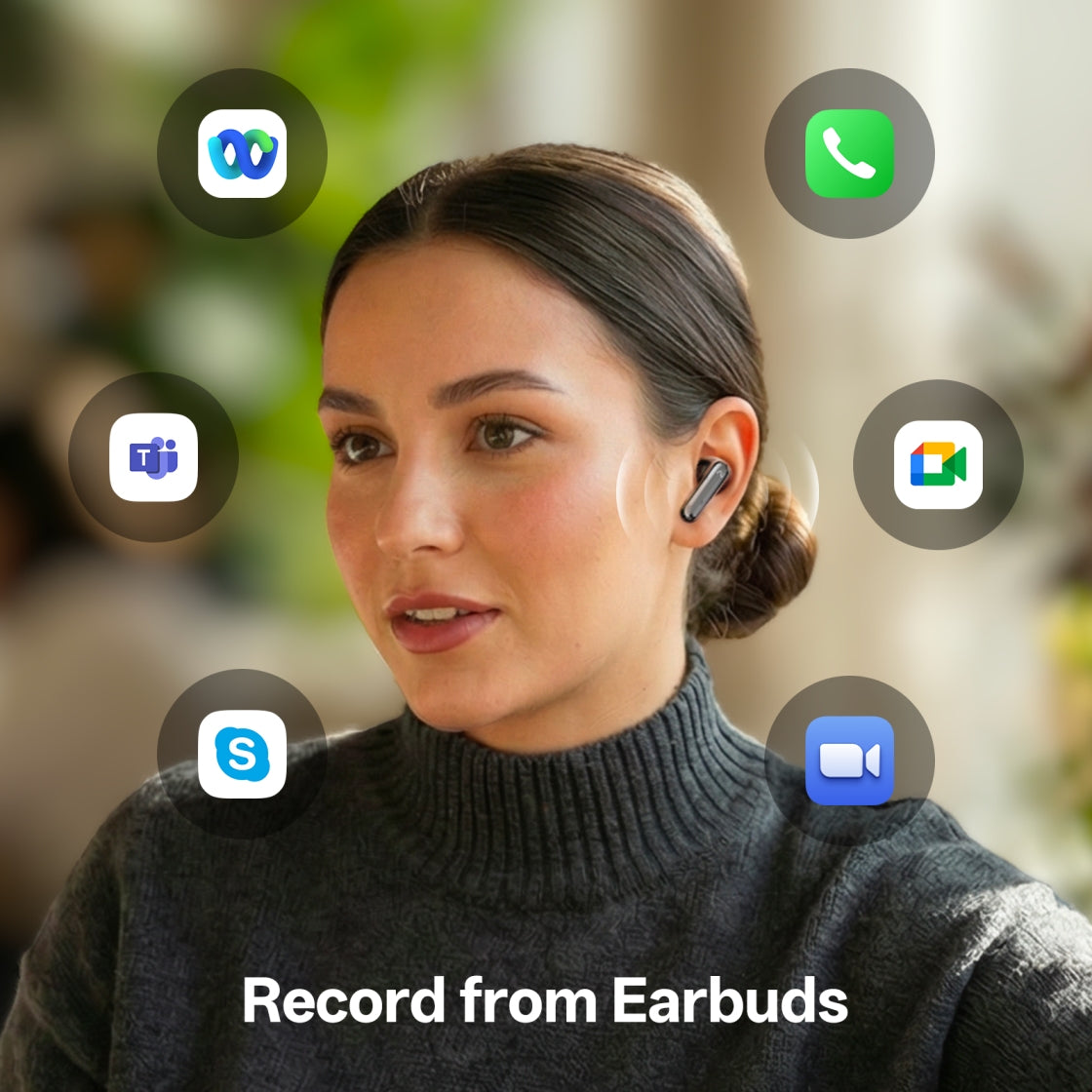
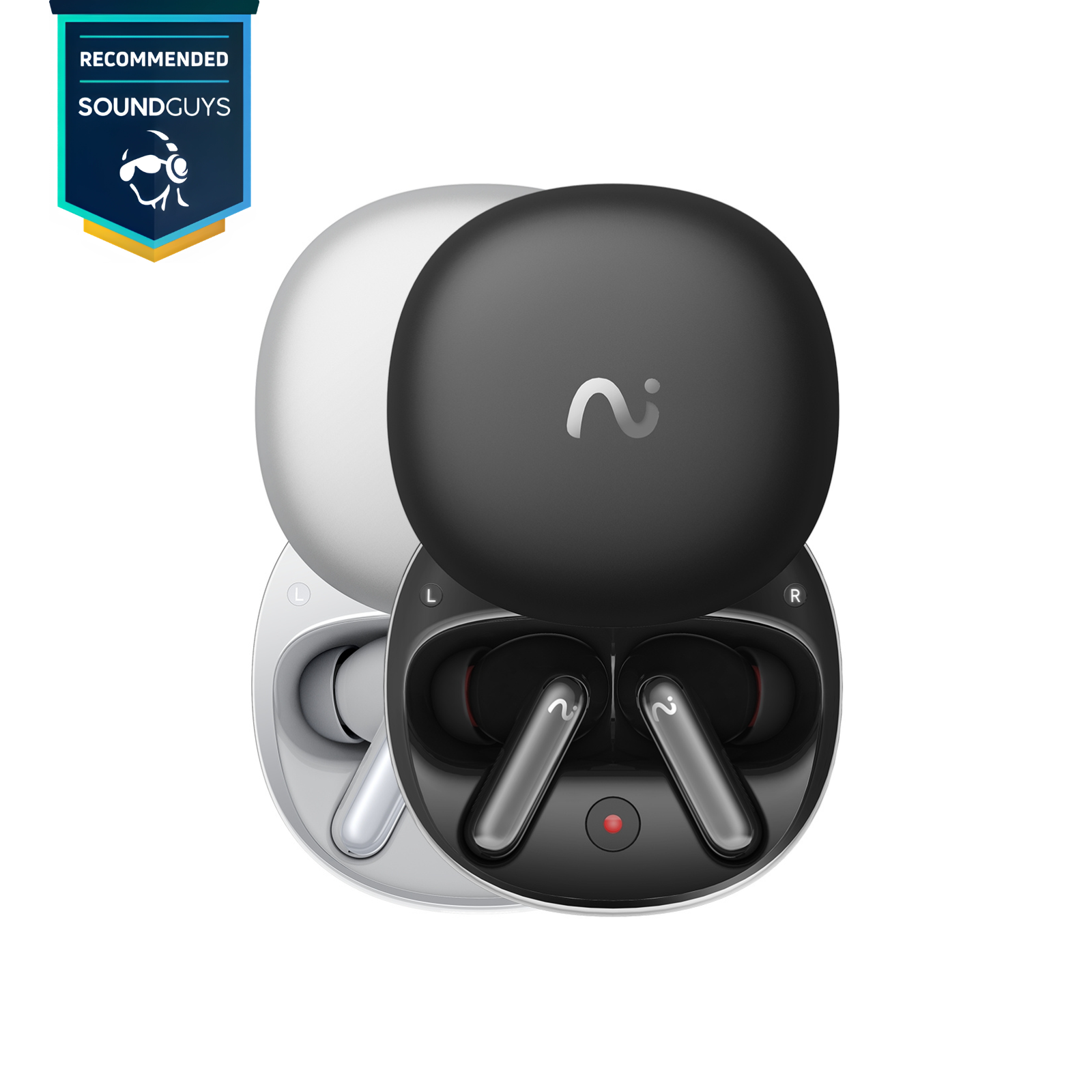
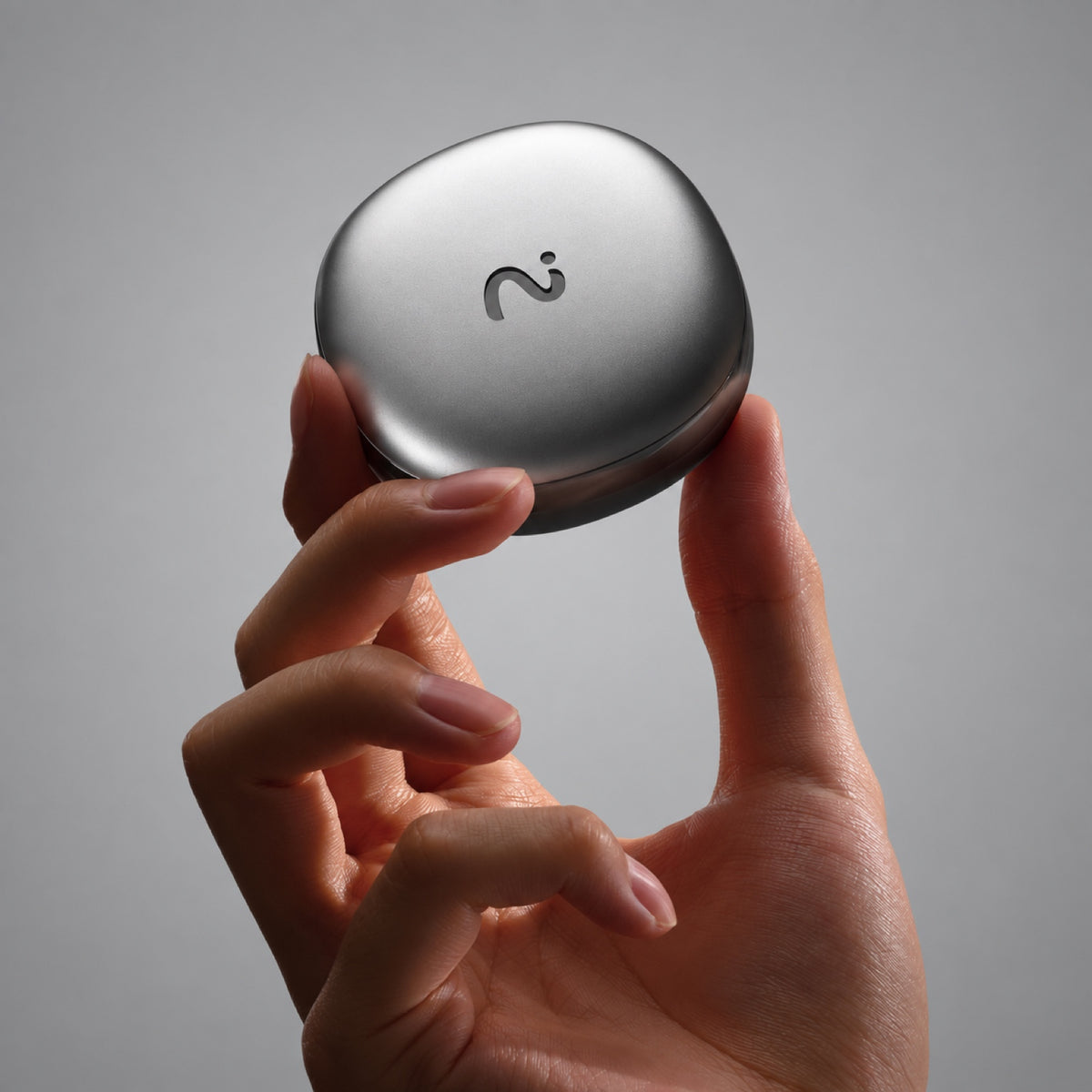
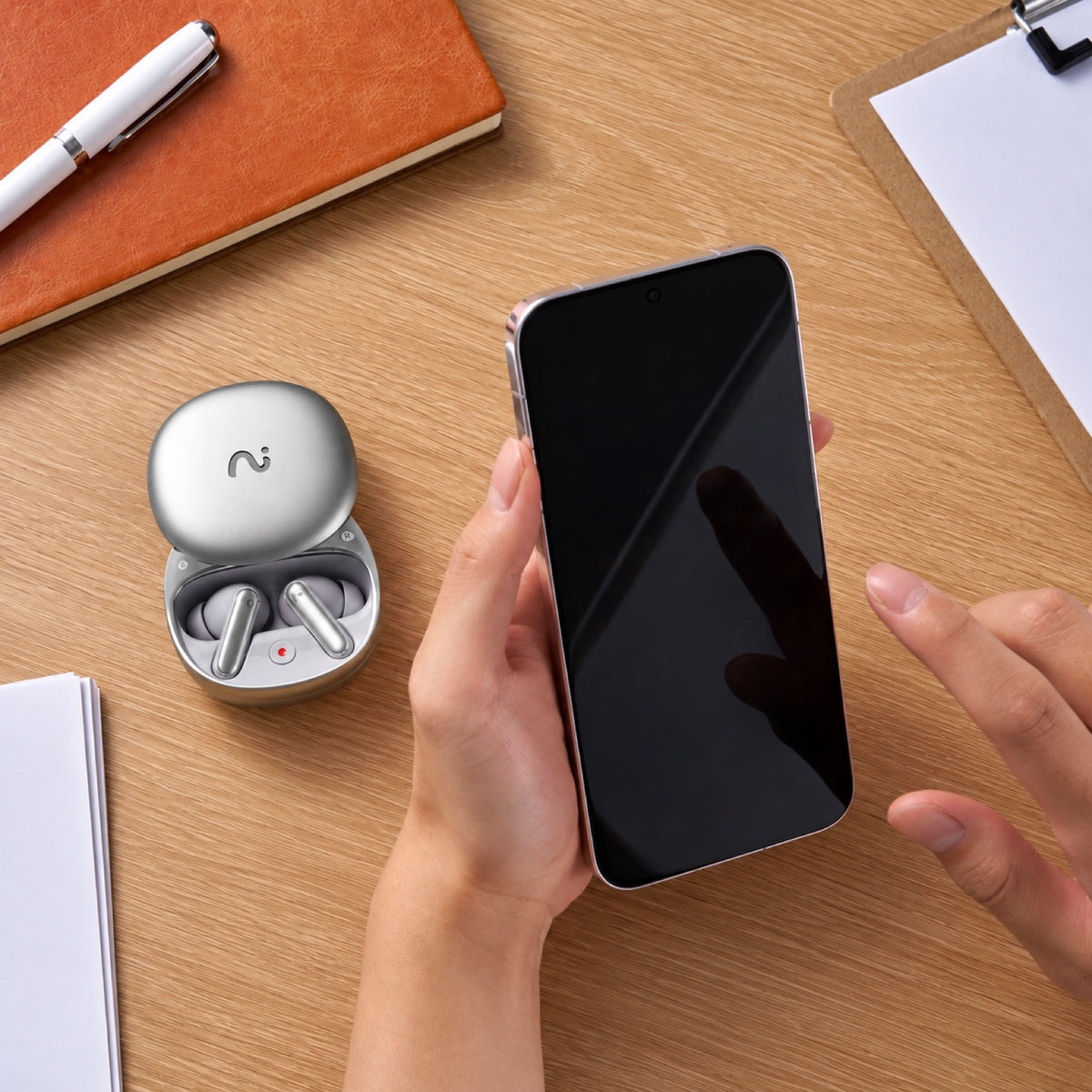
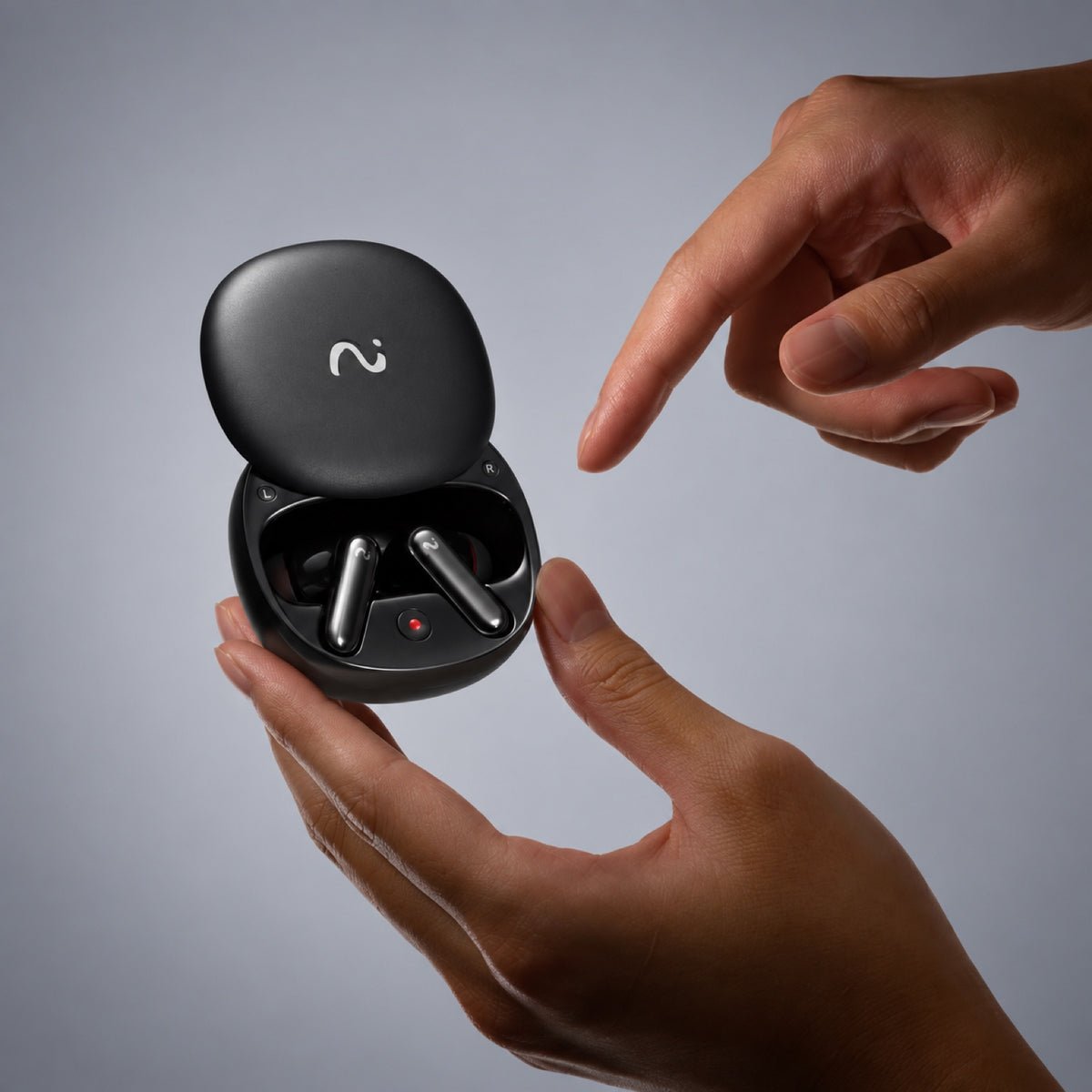
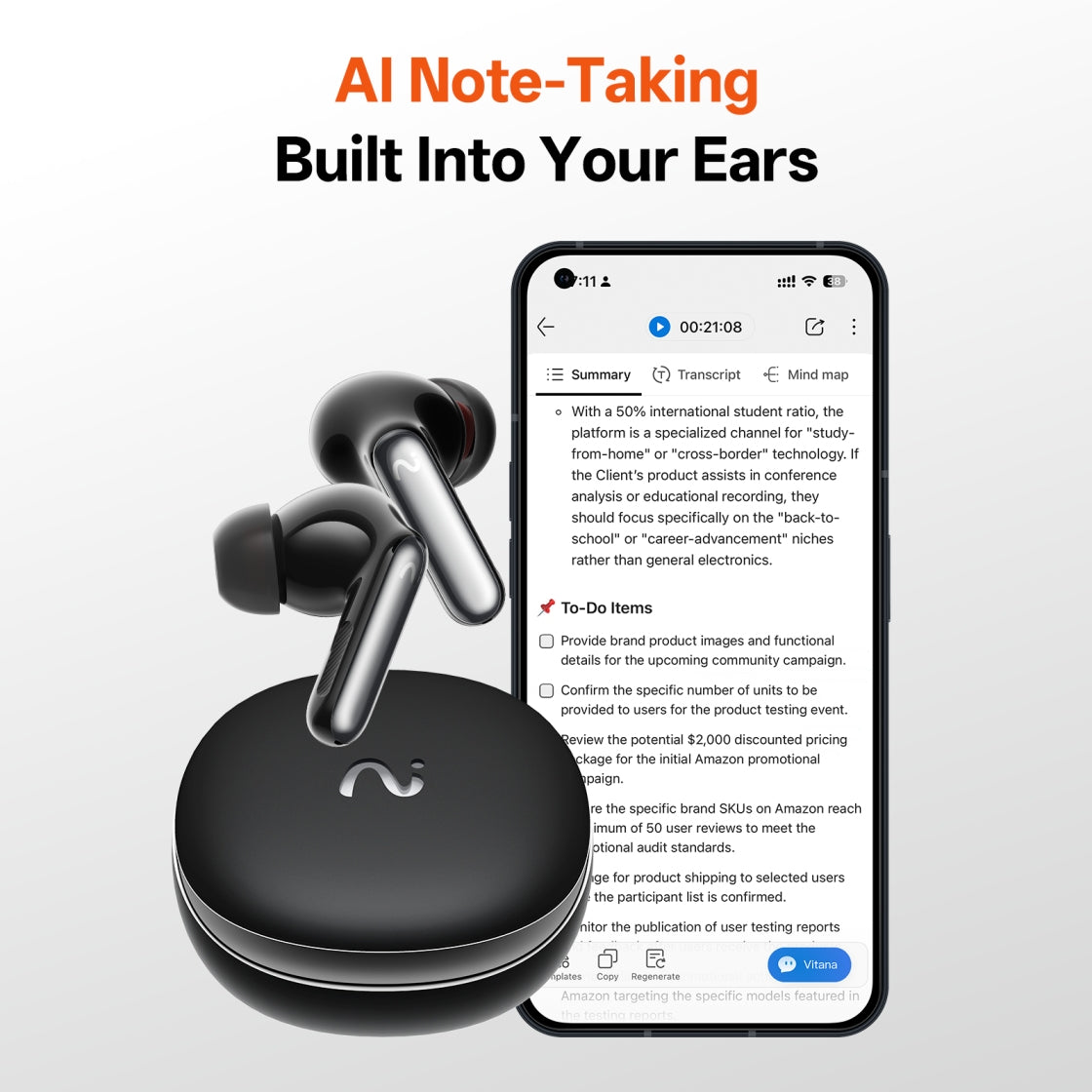
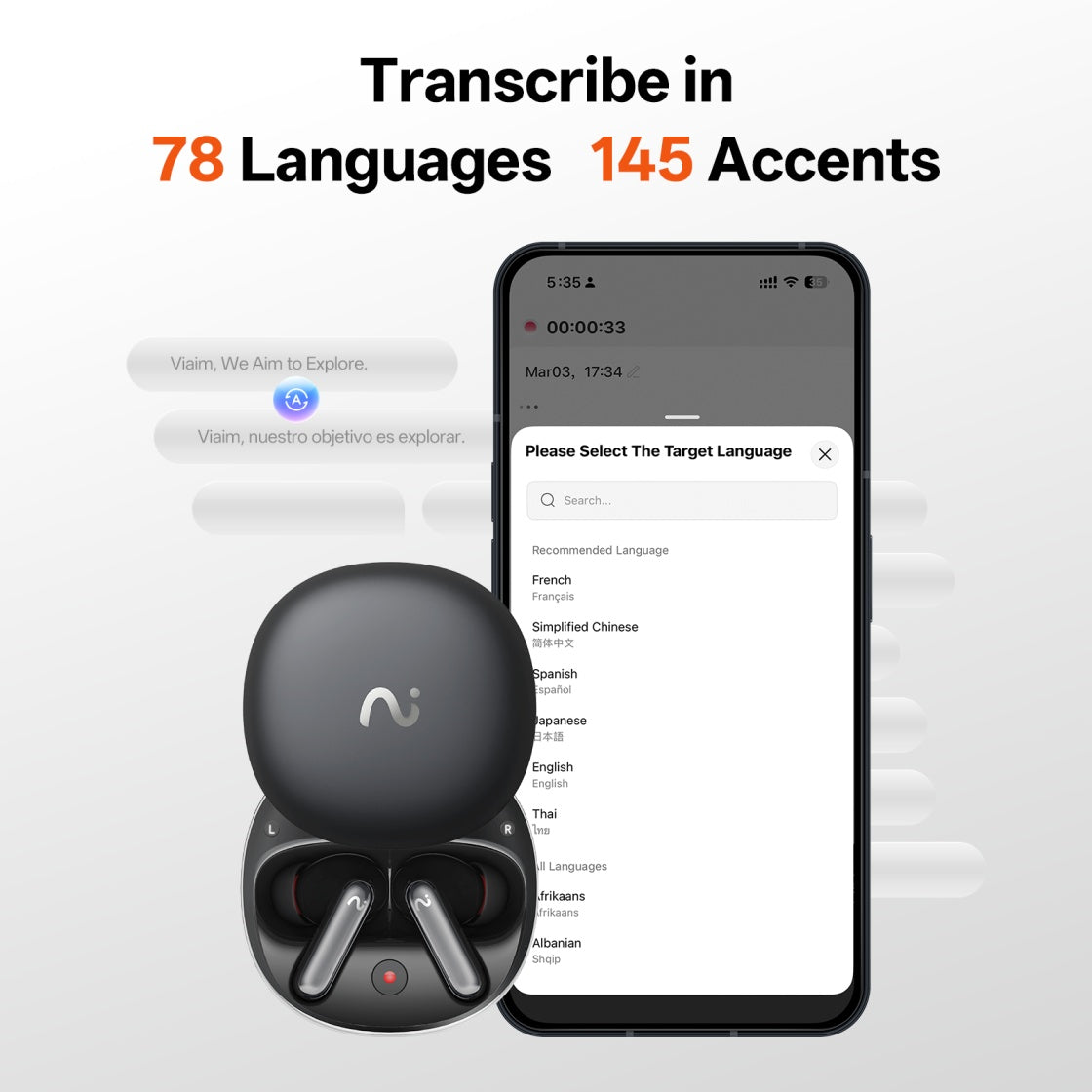
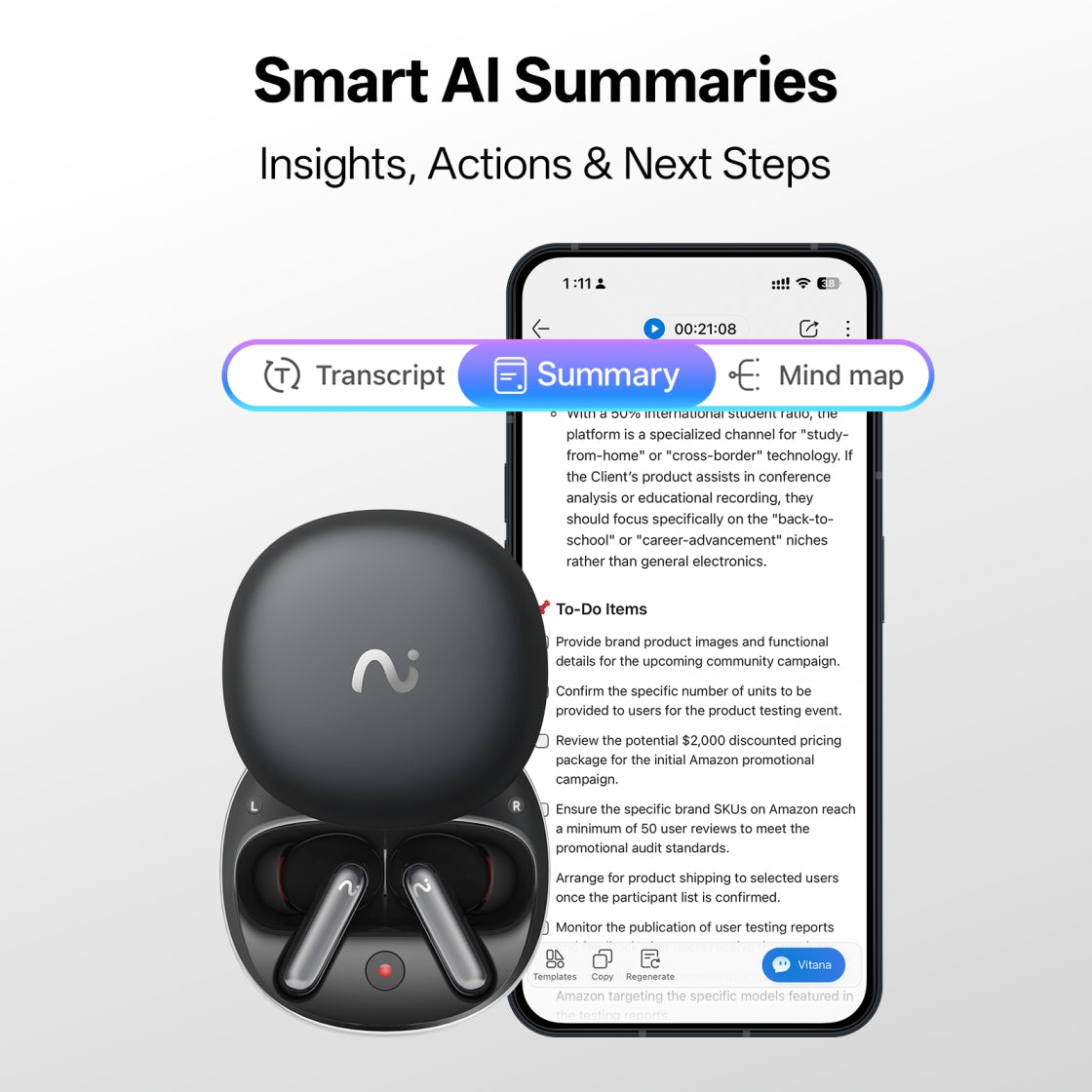


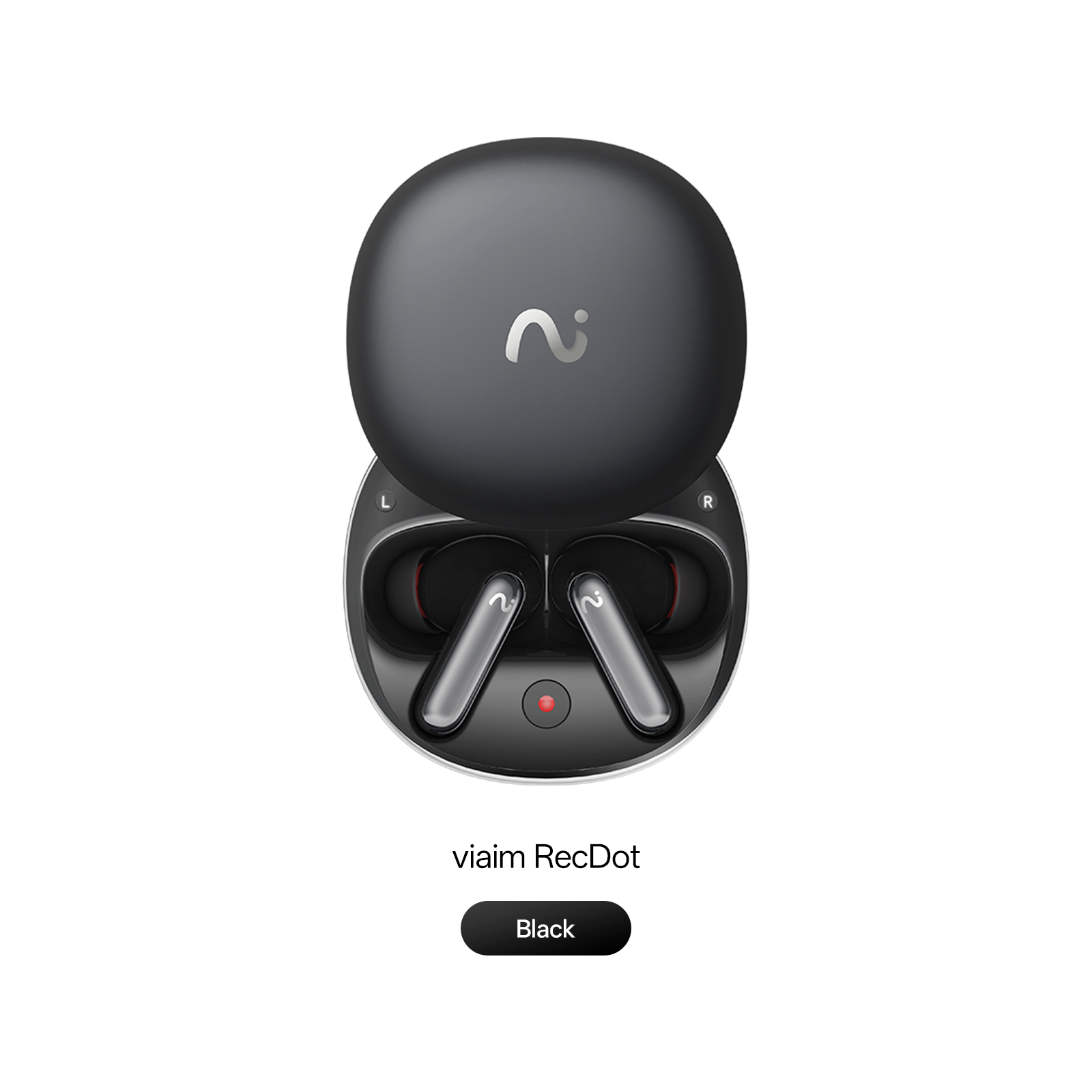
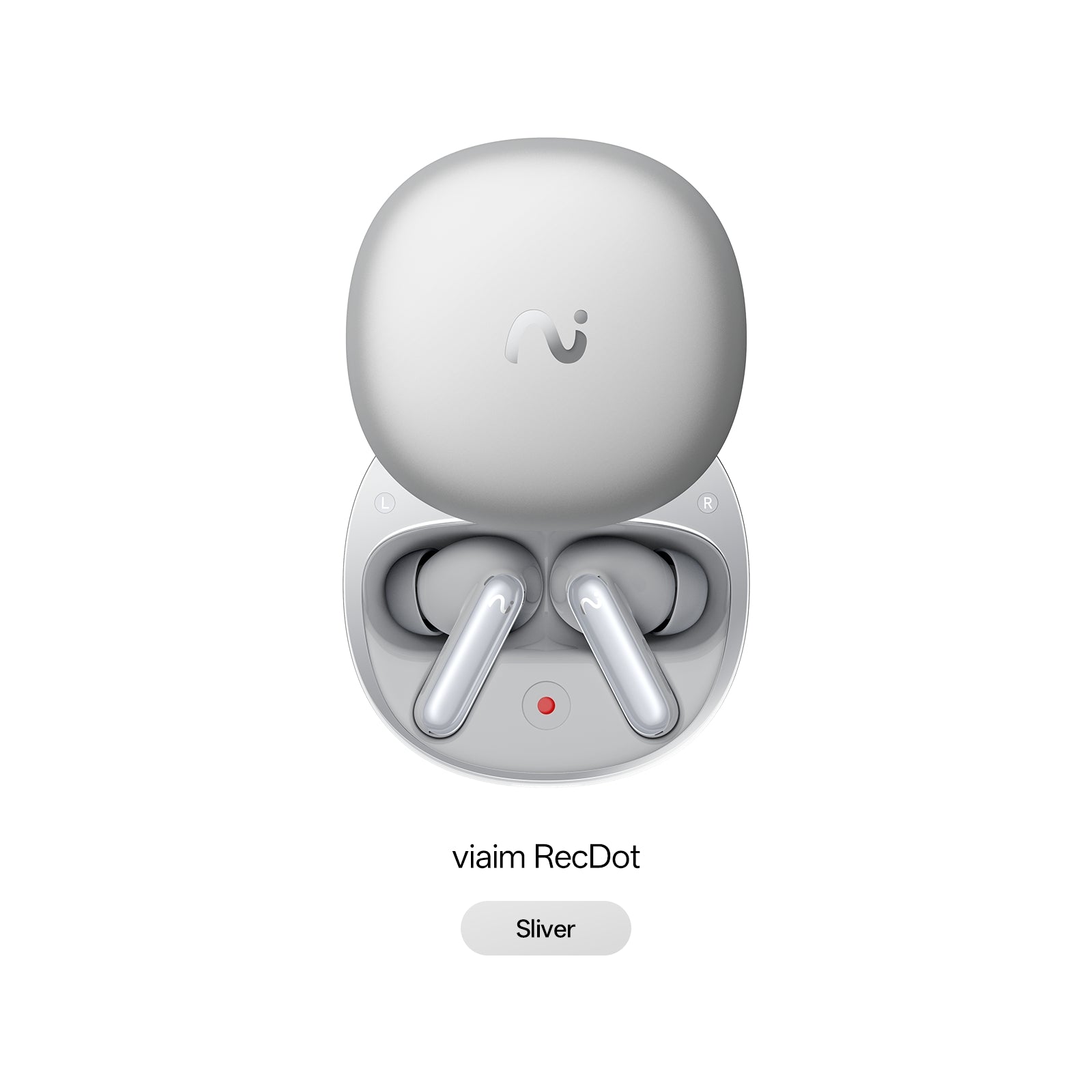
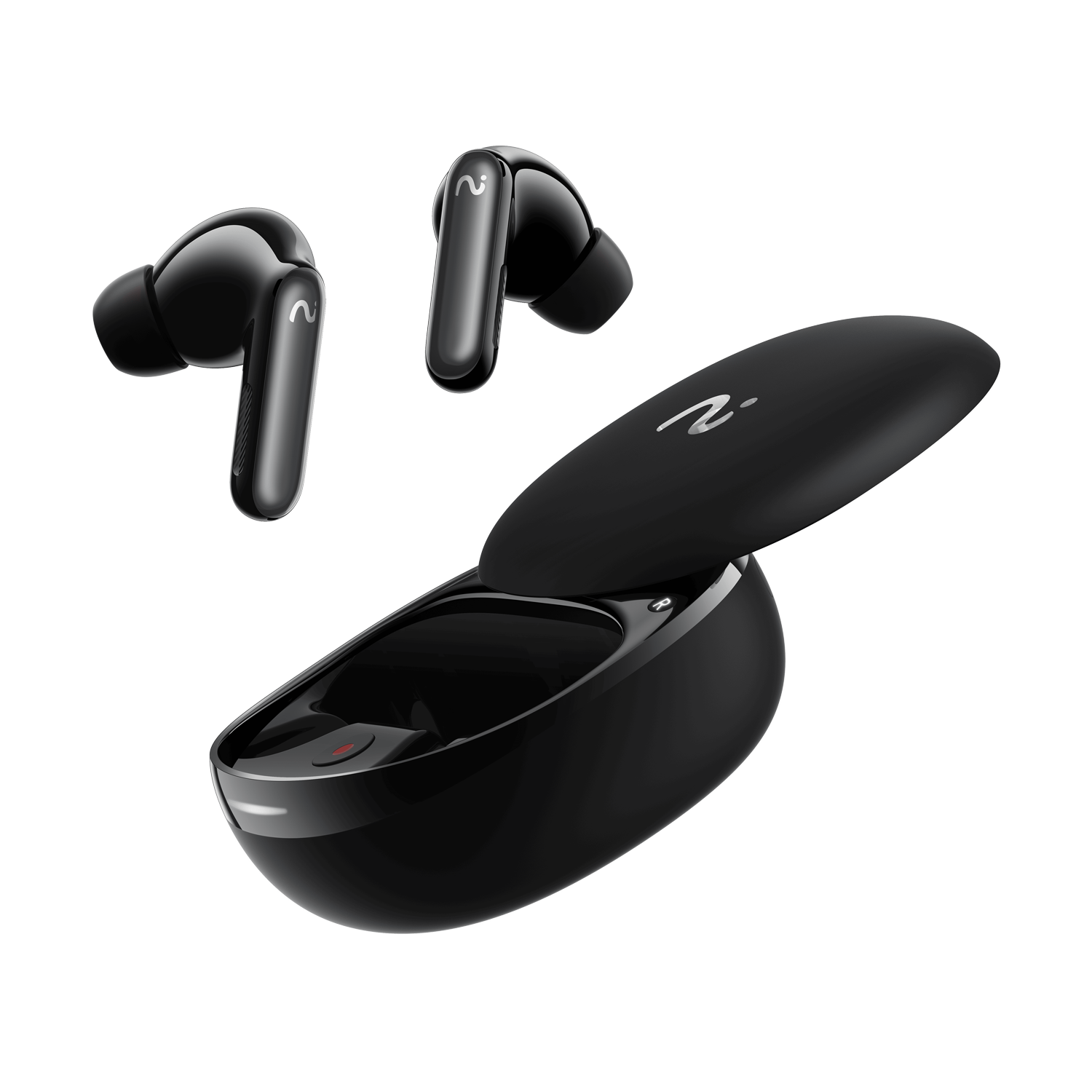
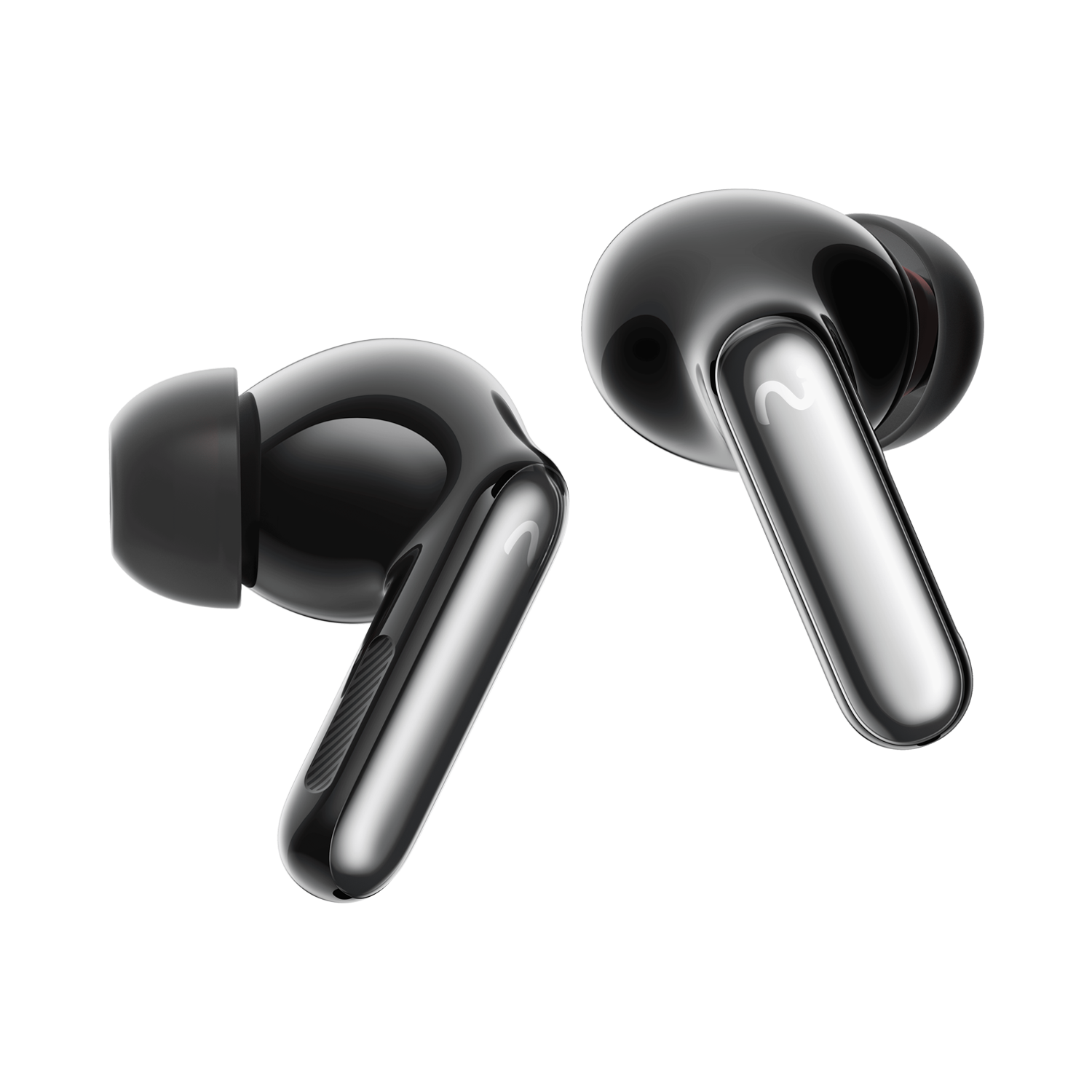
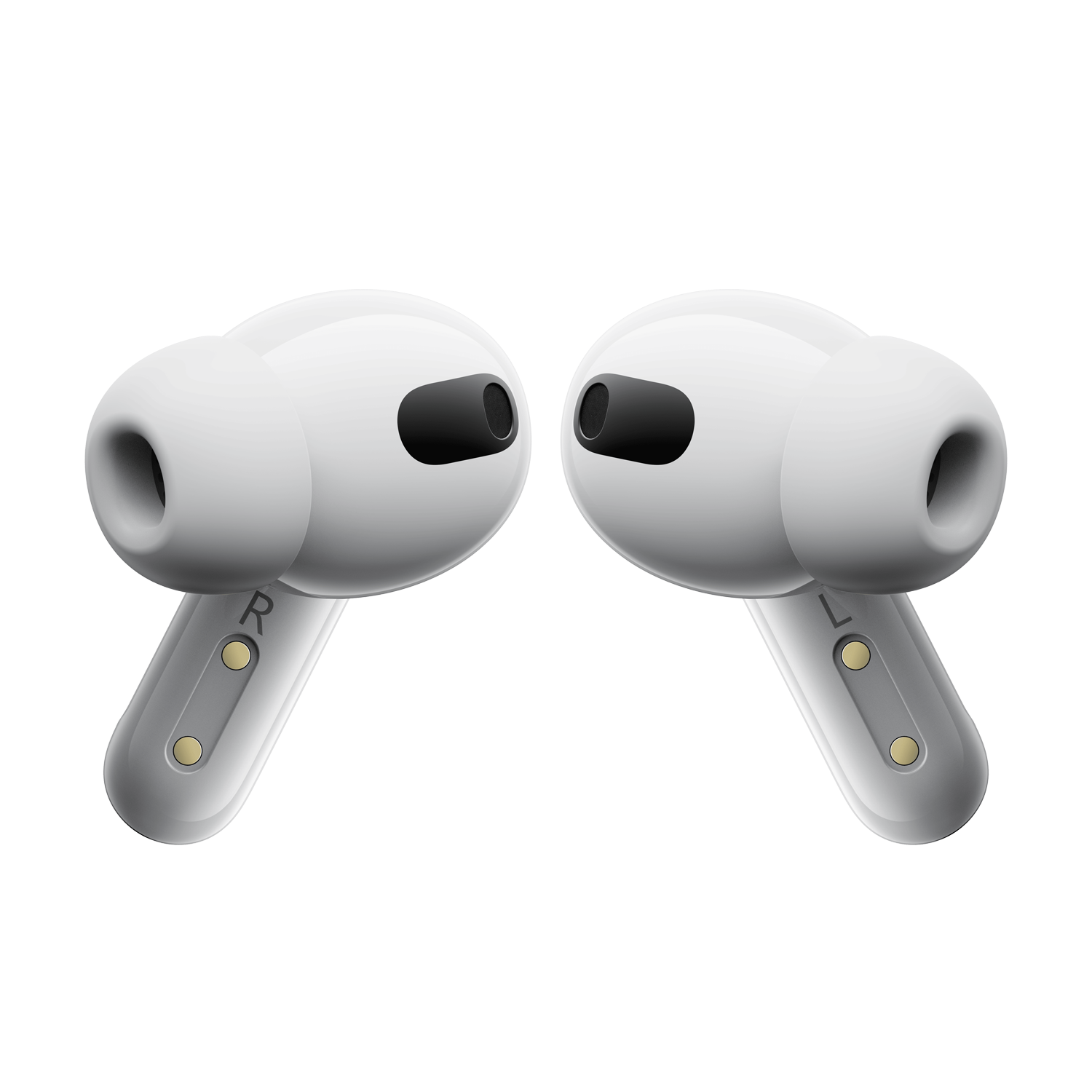
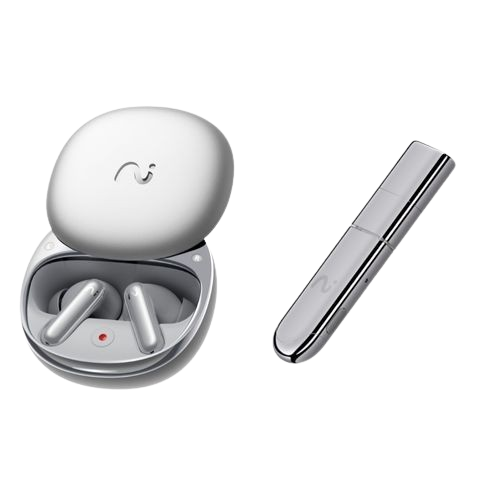
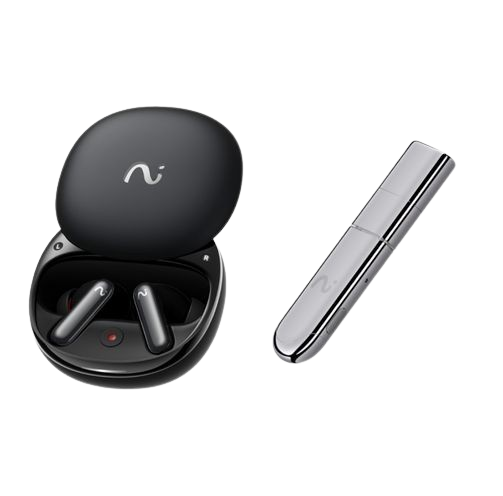

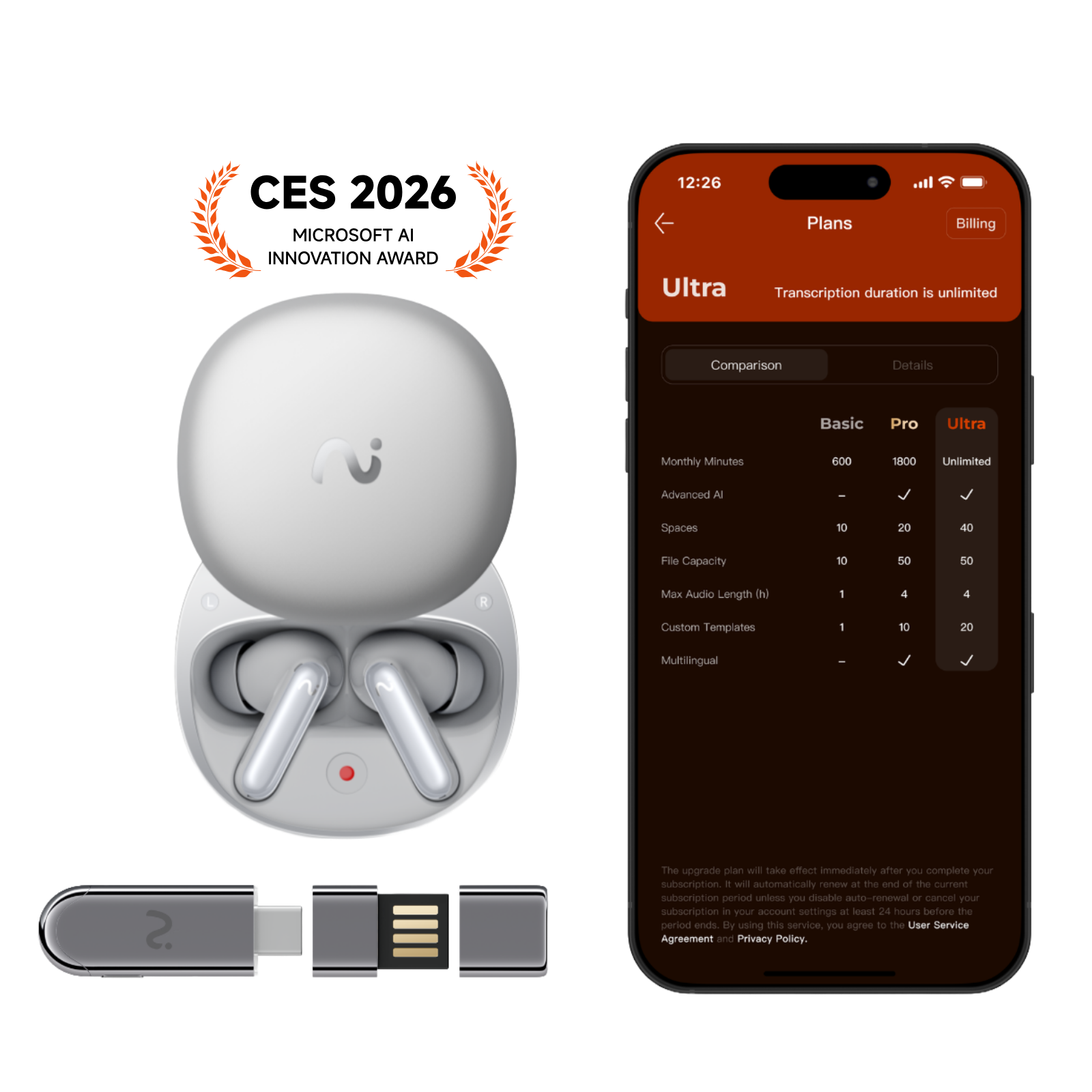
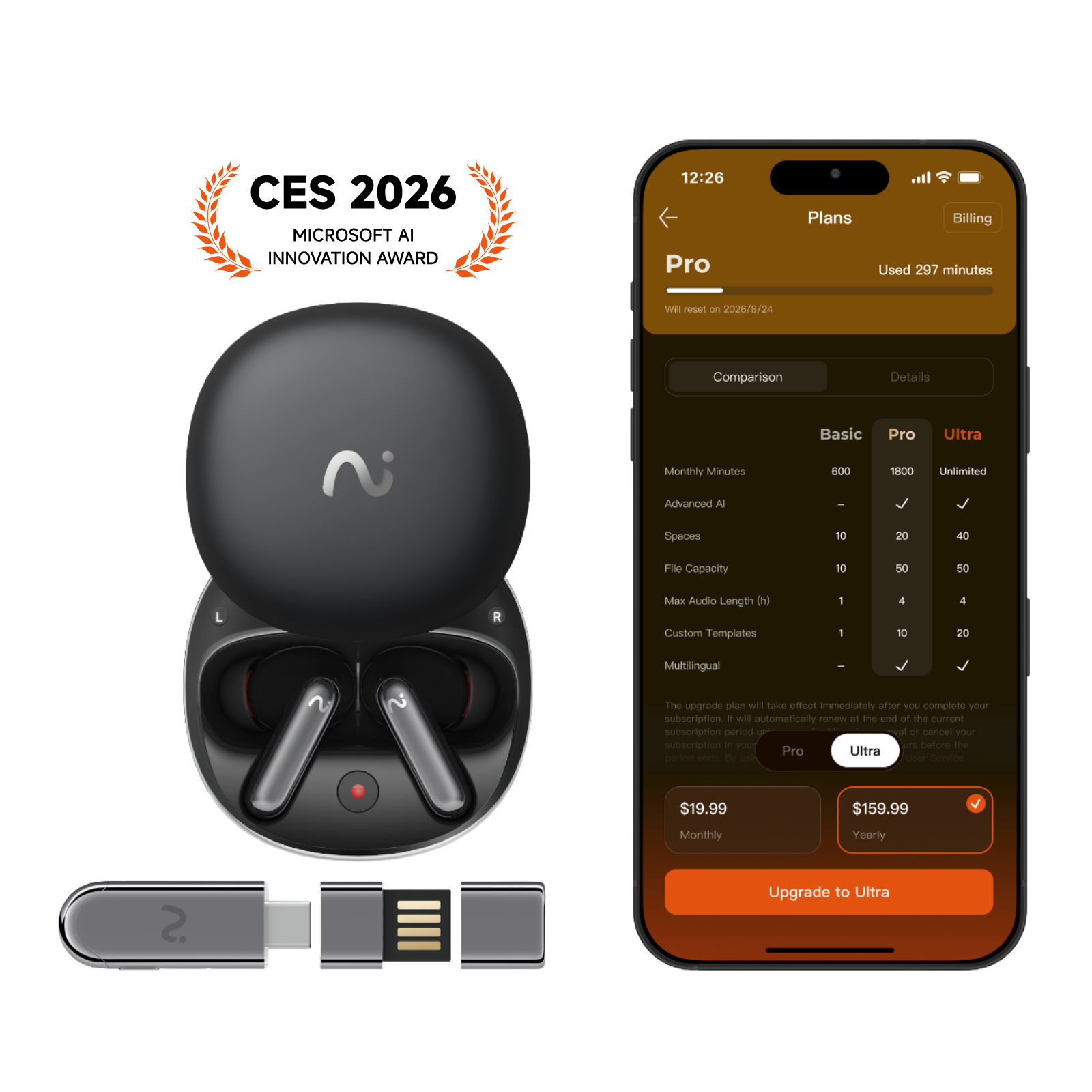
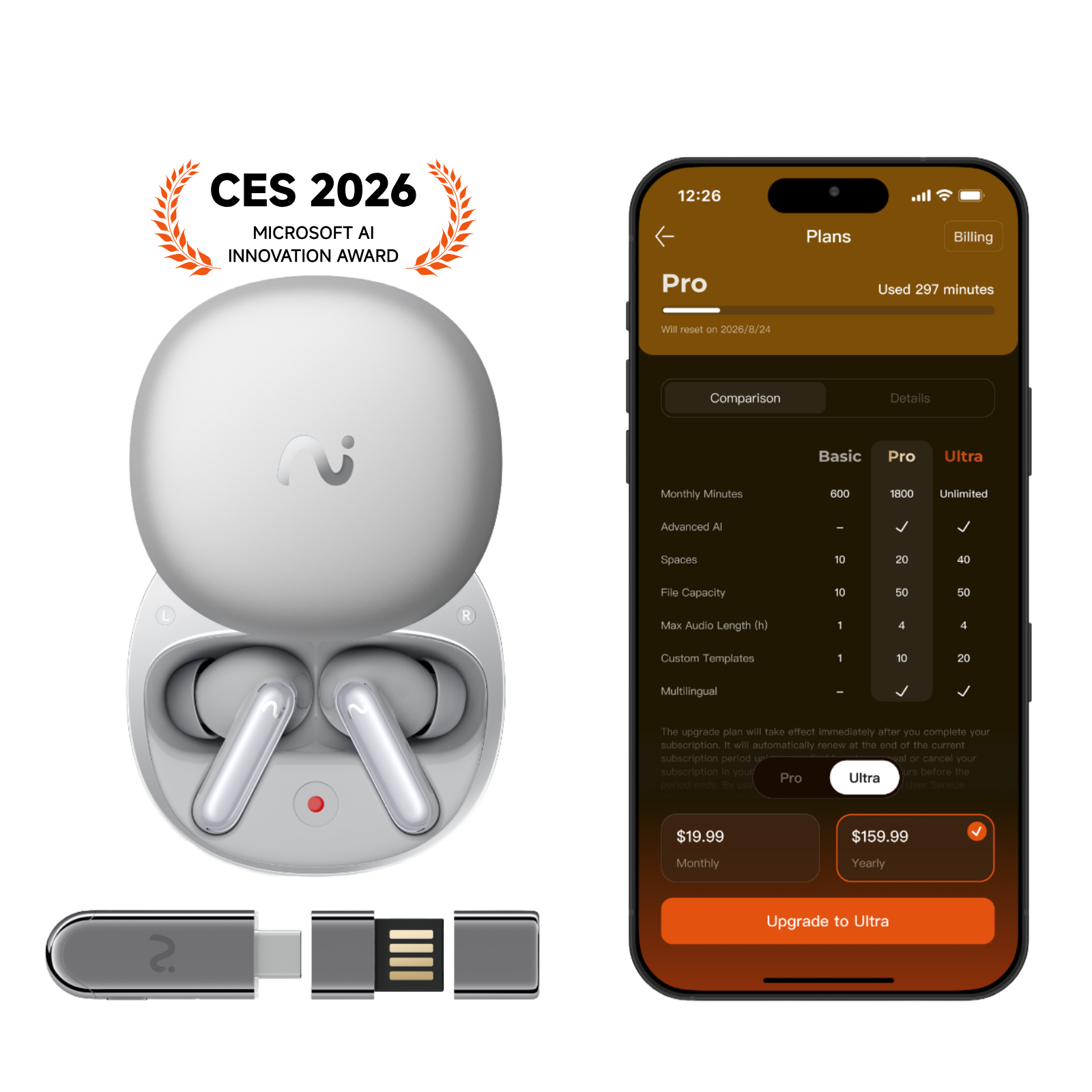
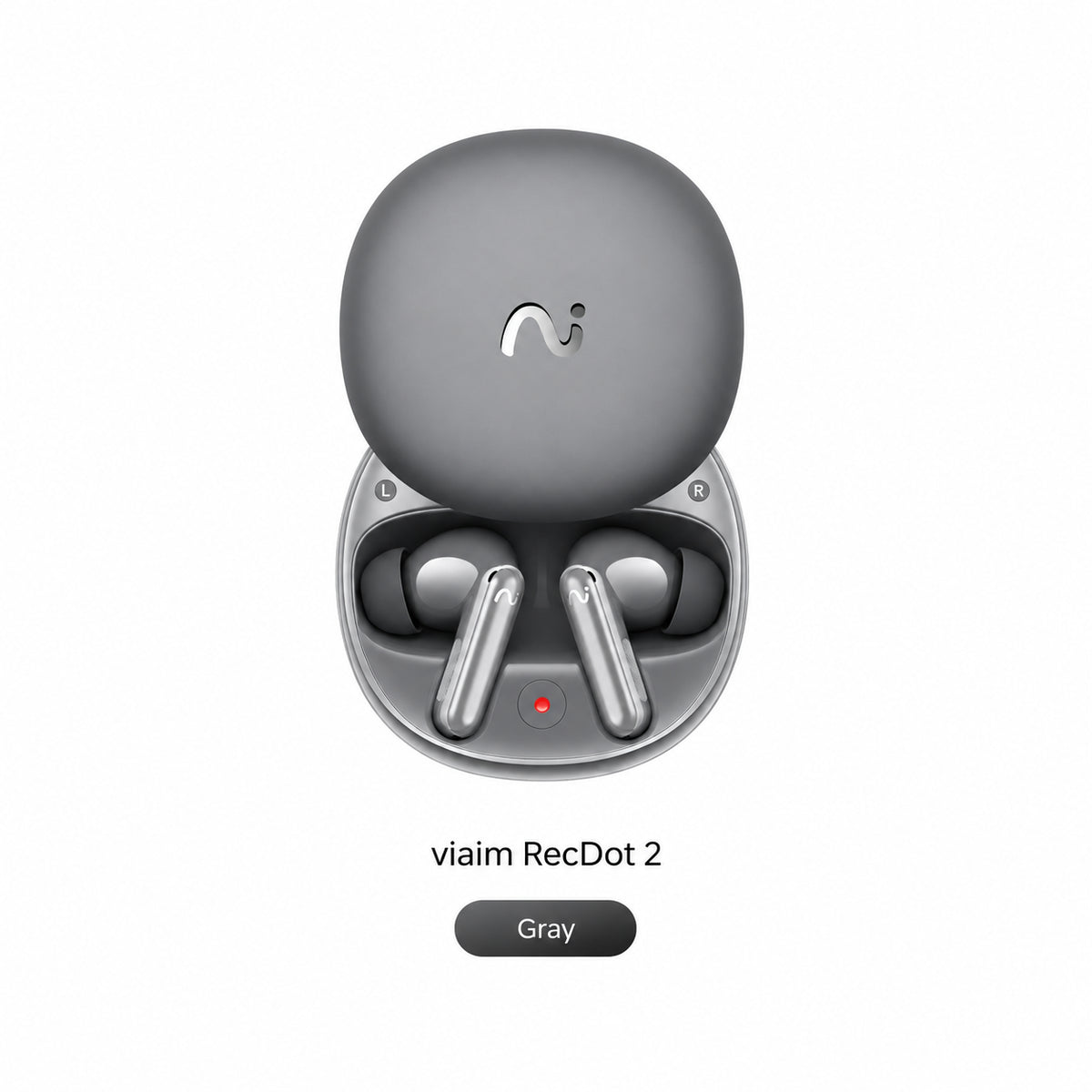
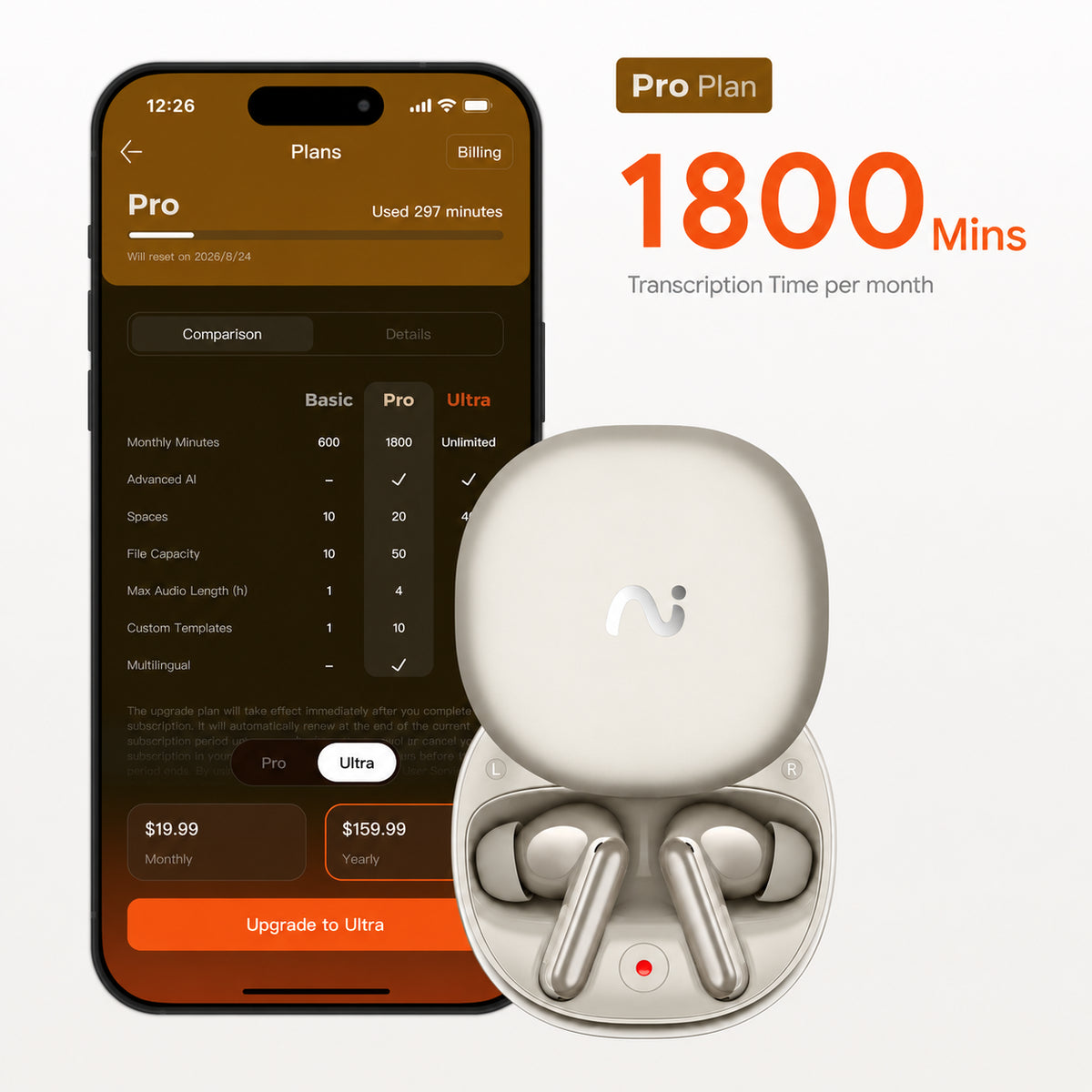
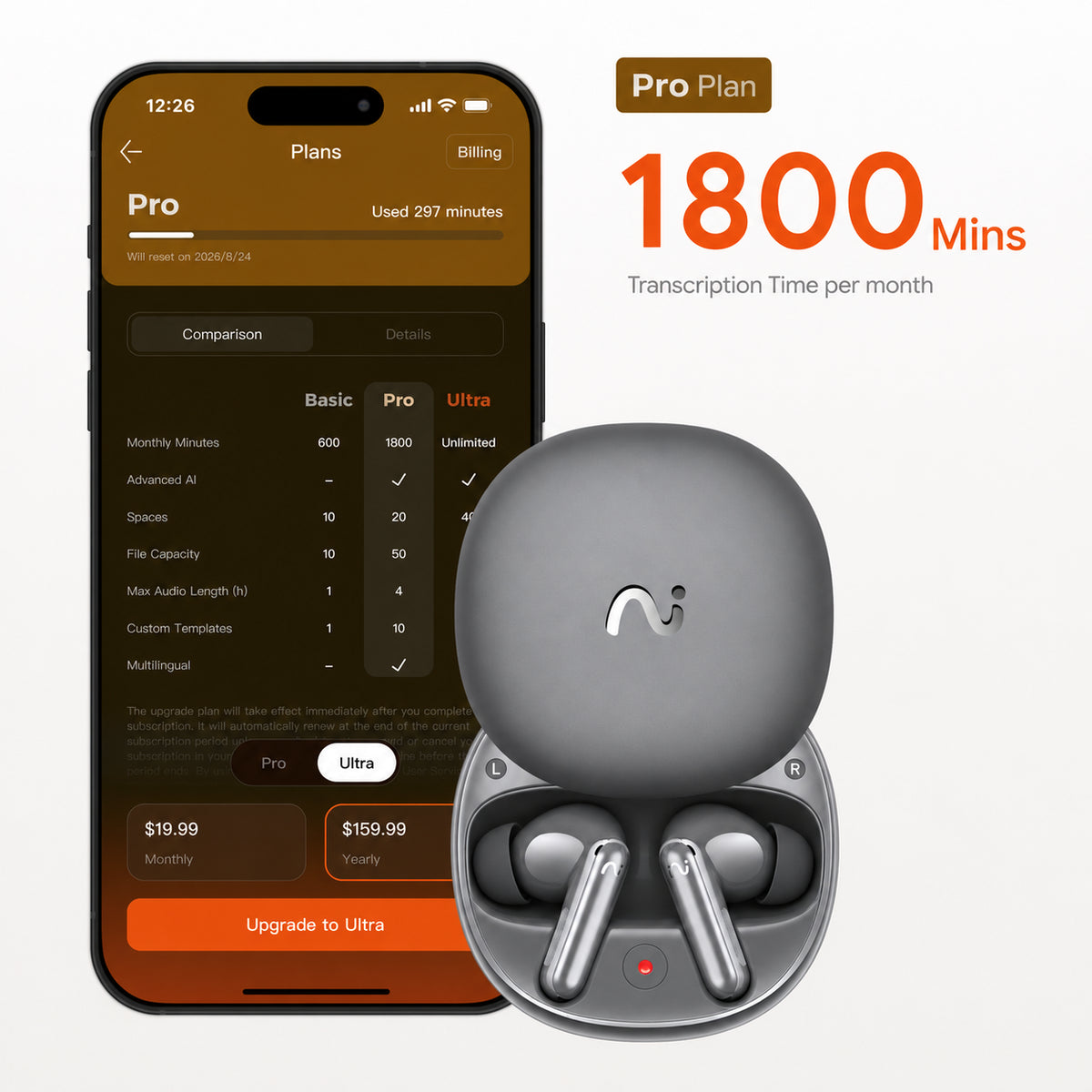
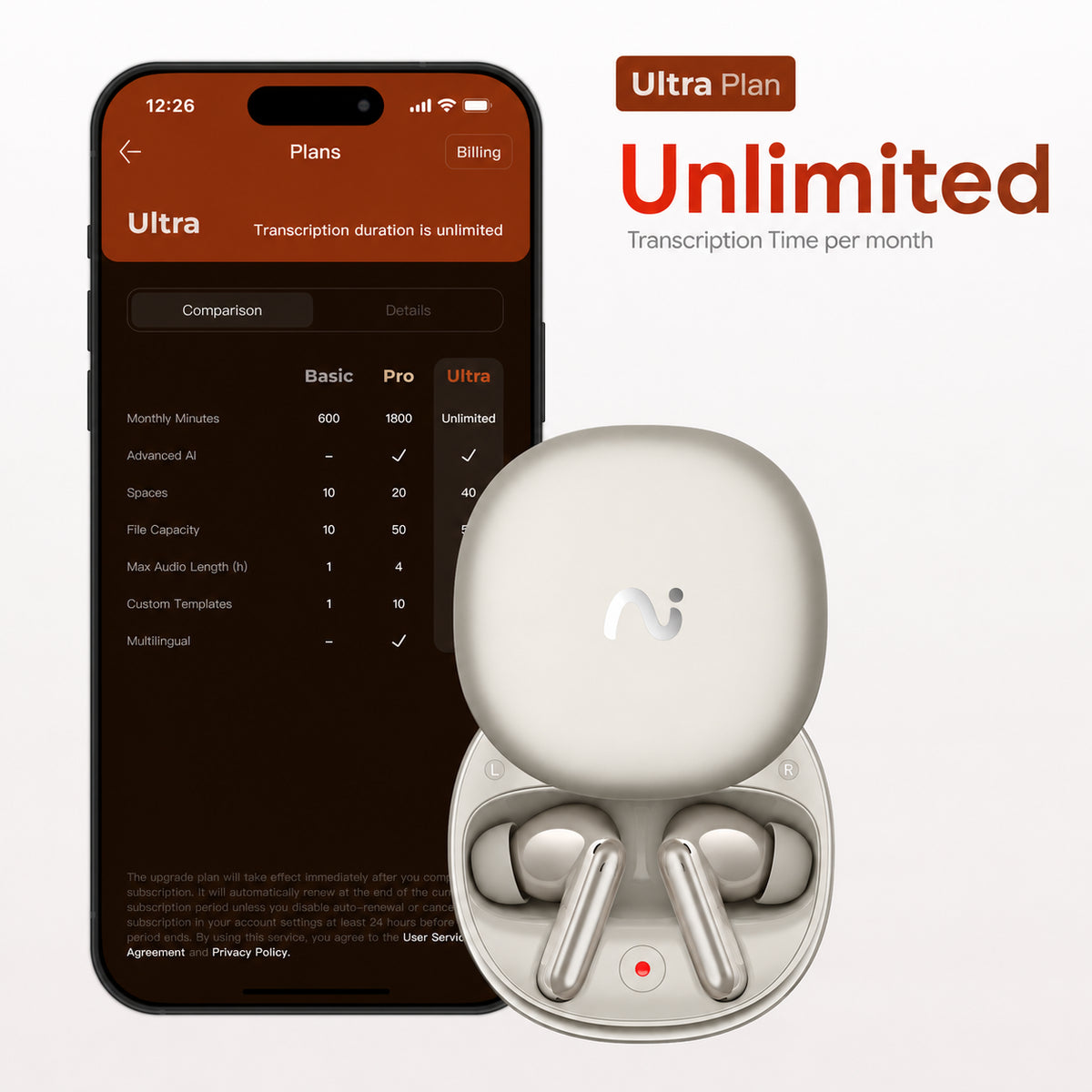
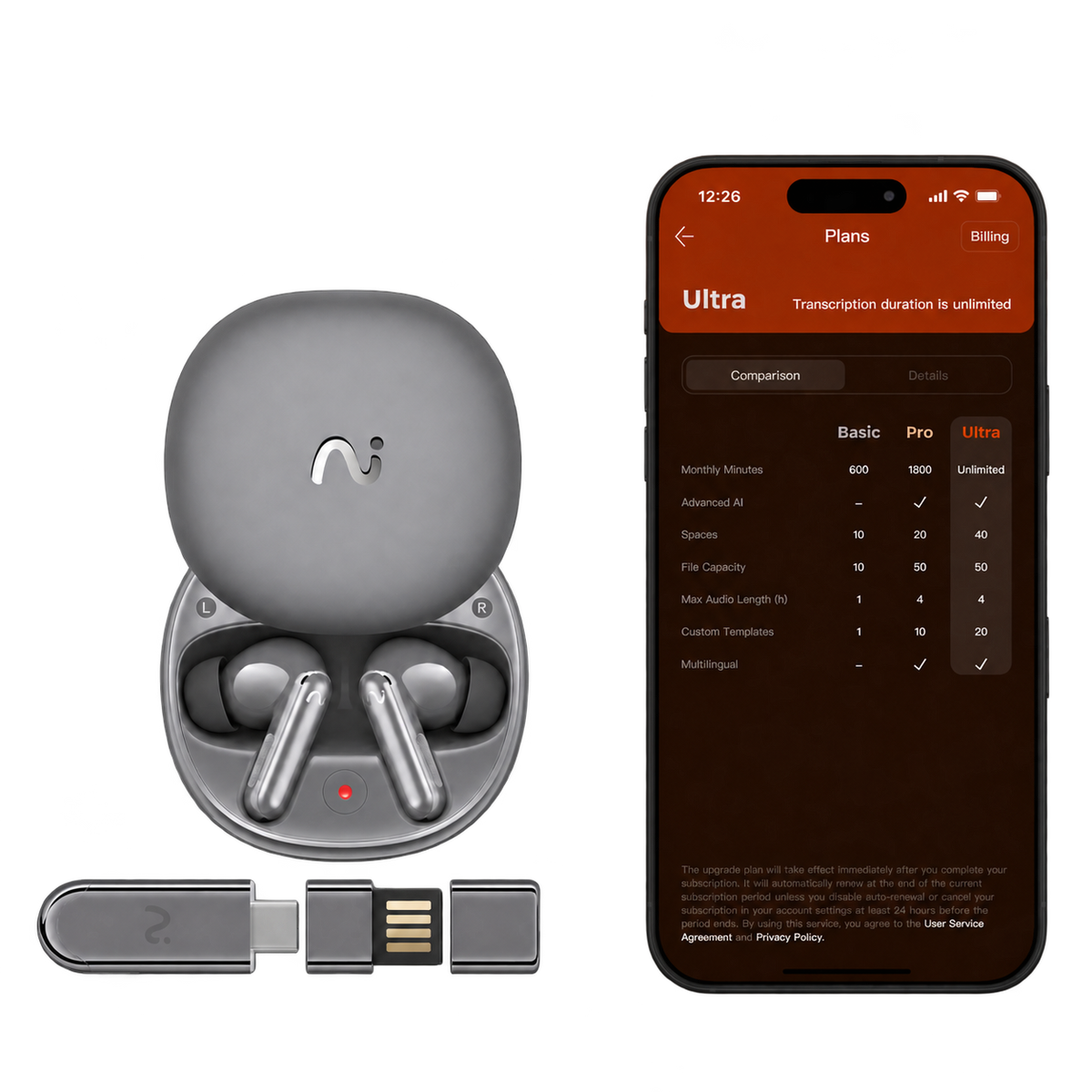
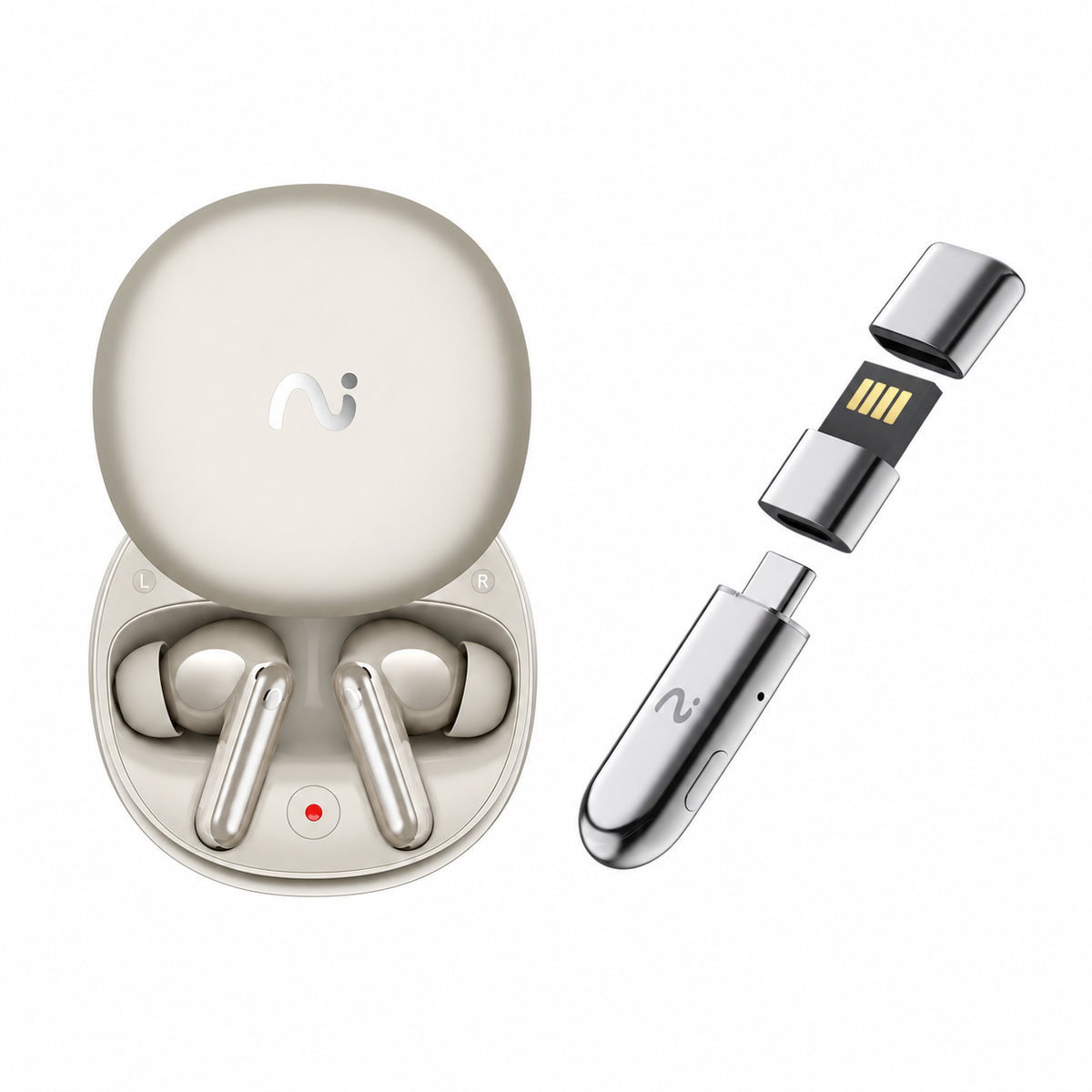
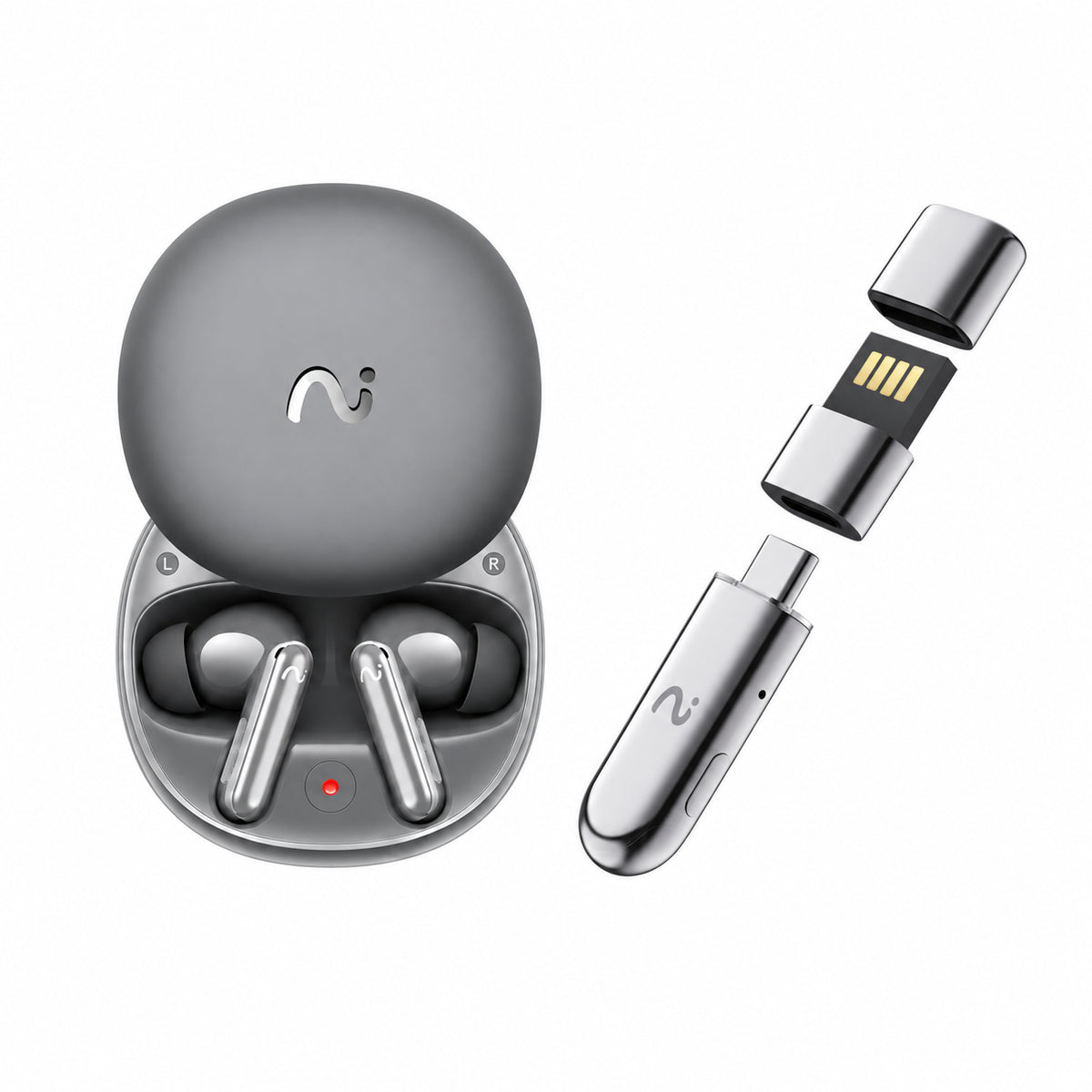
FlashRecord: Instant one-tap recording from case & earbuds
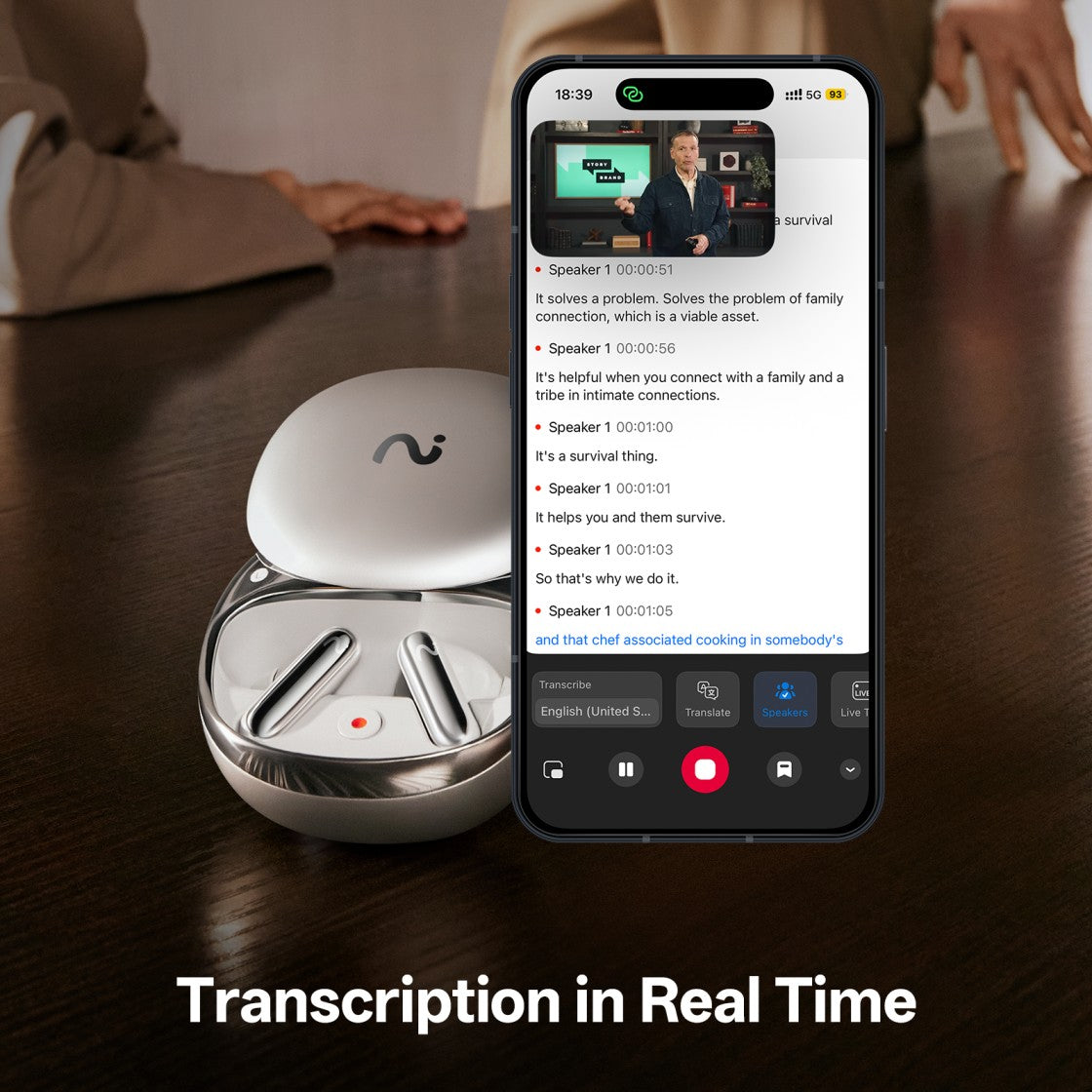
AI Transcription: Turn conversations into clear, searchable transcripts in 145 languages
Instant Summaries: Generate notes, key takeaways, tasks, and deep insights automatically.
Certified Secure: Built with GDPR, ISO 27001, ISO 27701, SOC 2 Type II, and EN 18031 compliance.
Immersive Audio: Hi-Res sound with Active Noise Cancellation for work and everyday listening.
Built for Real Life: Up to 36 hours of battery life, lightweight at 4.8g per earbud.
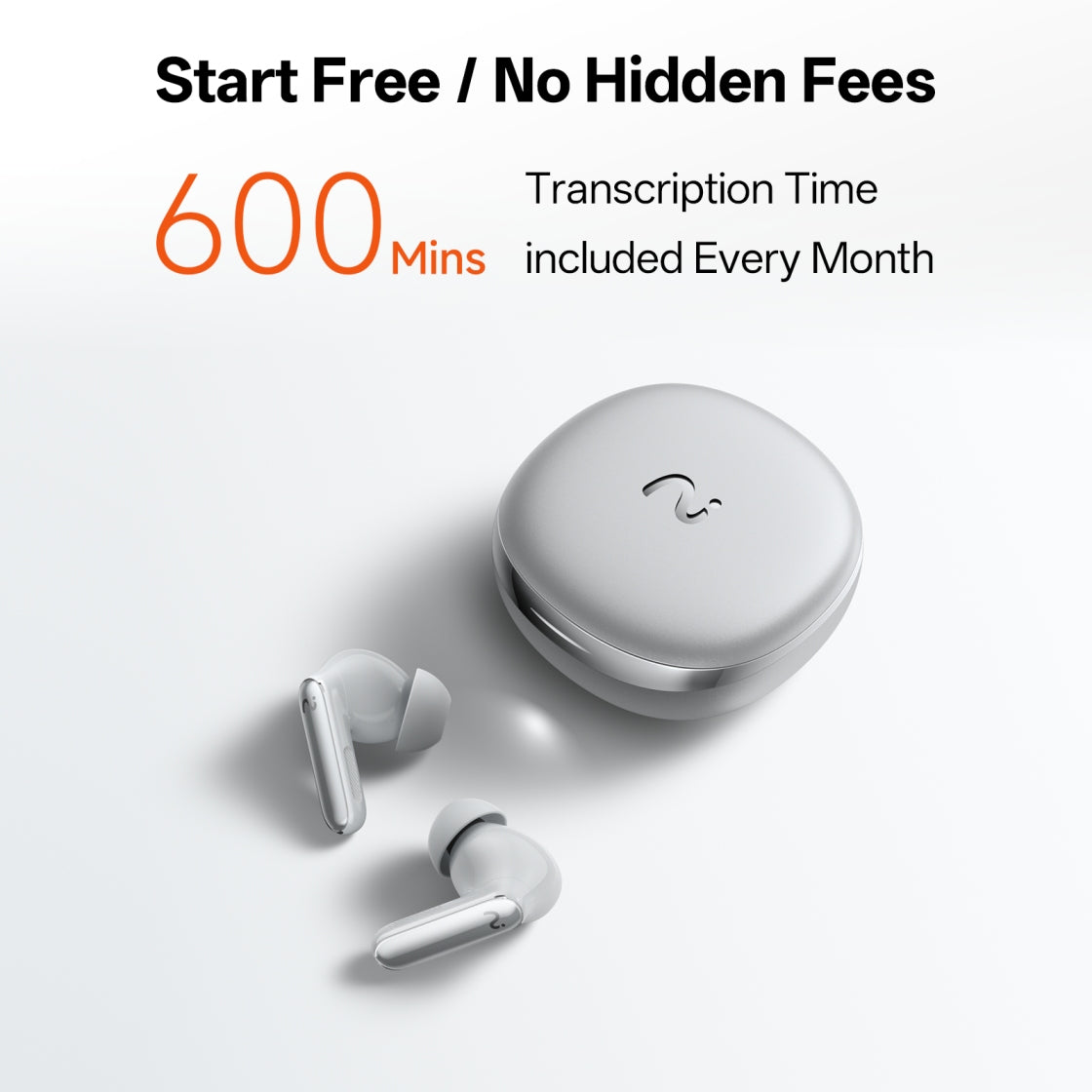
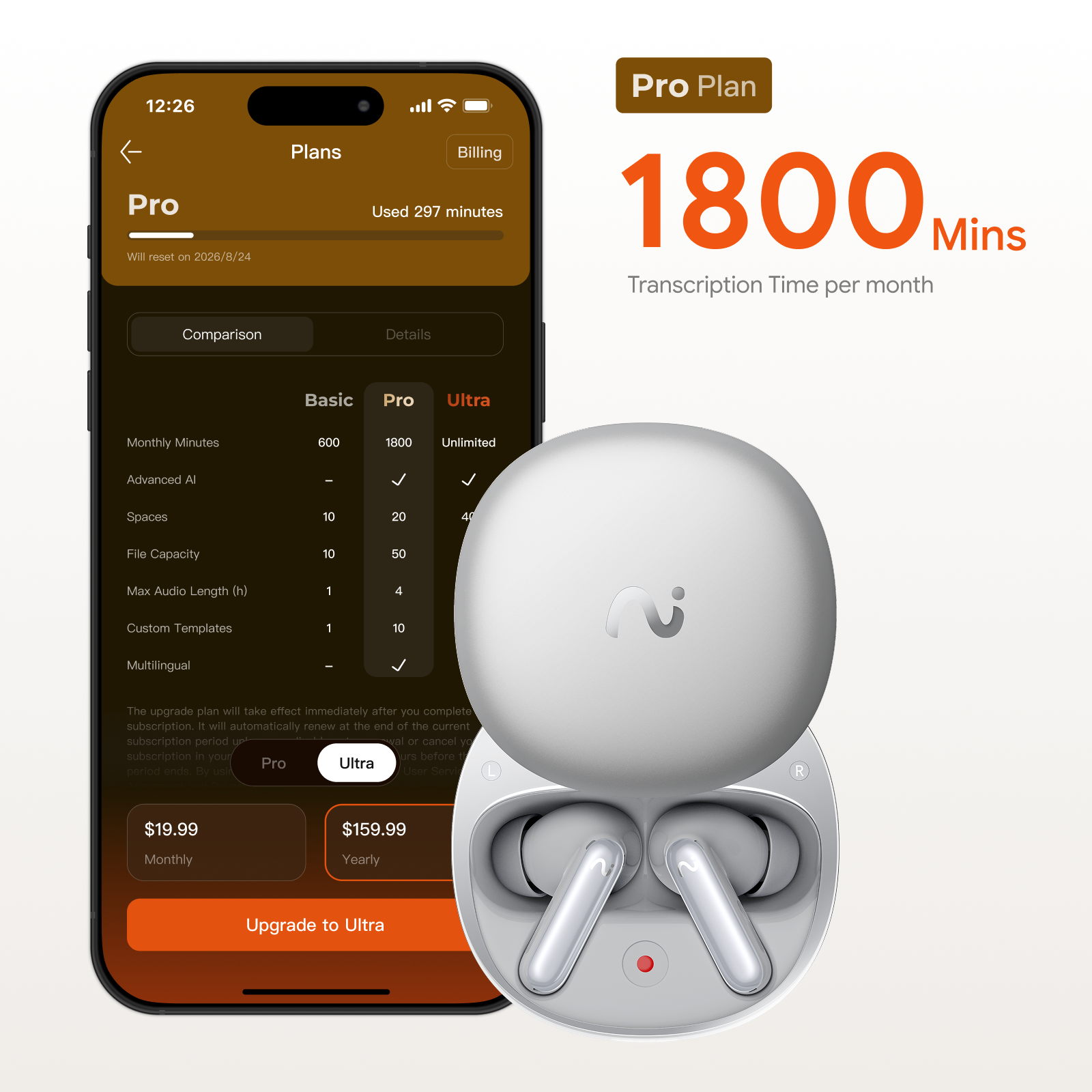
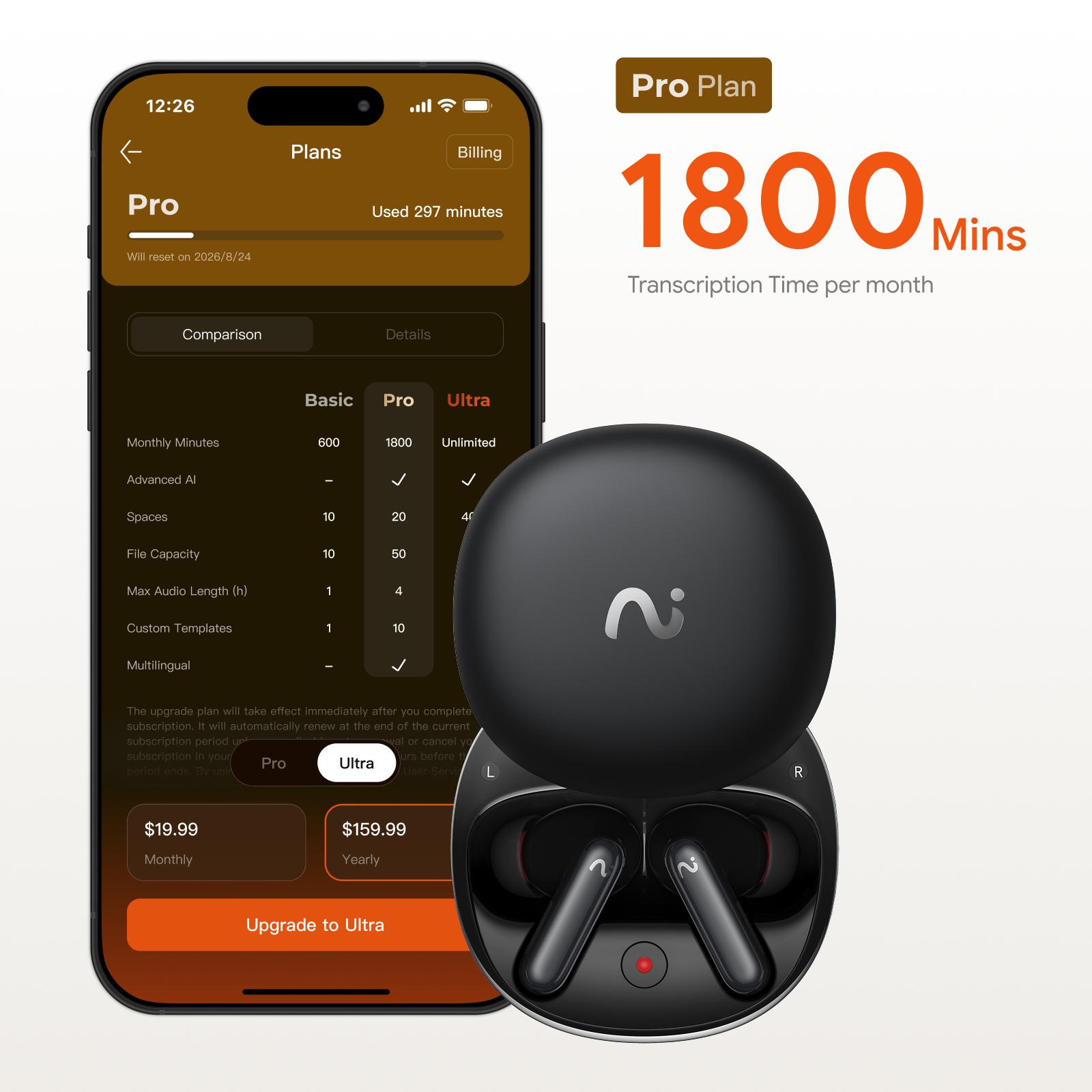
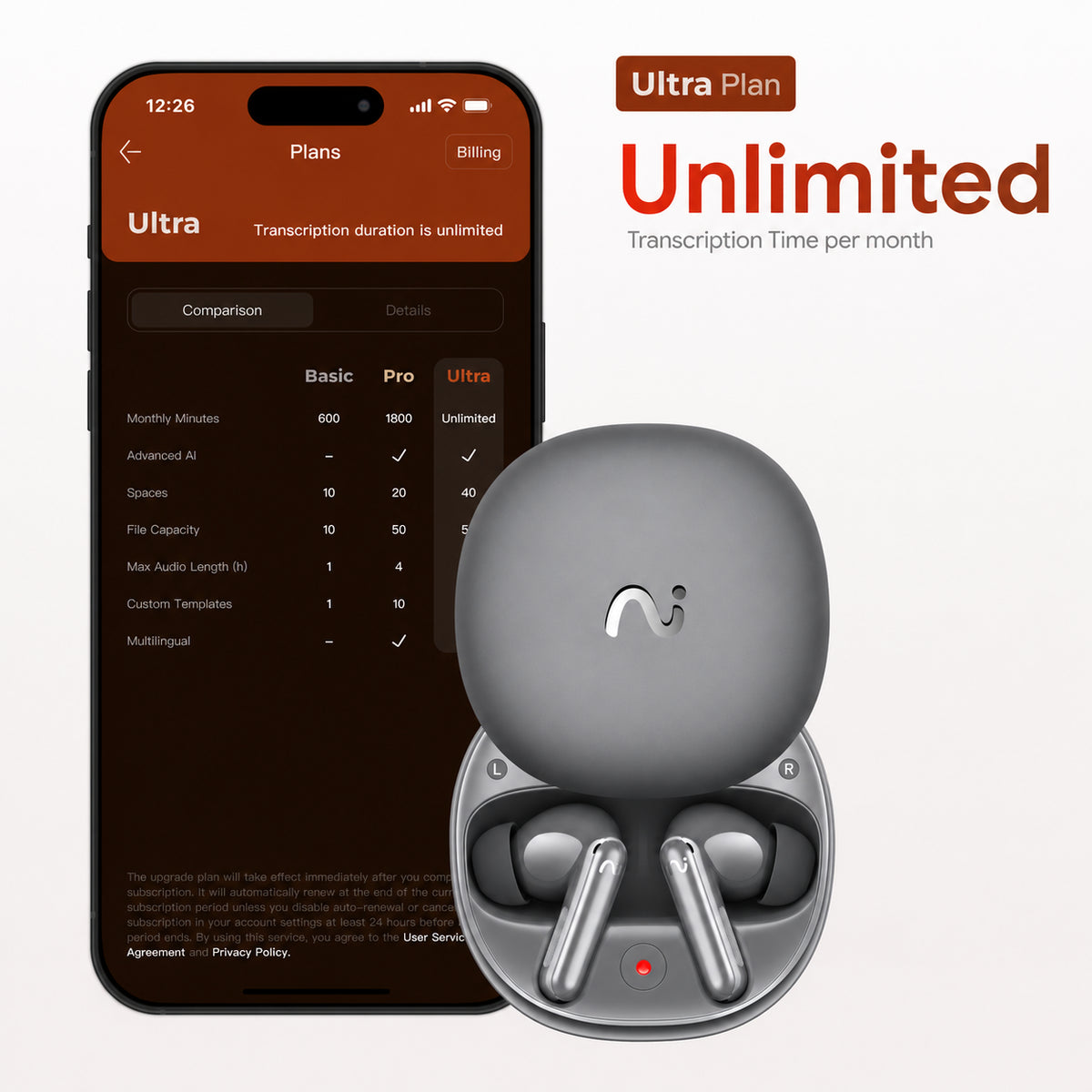
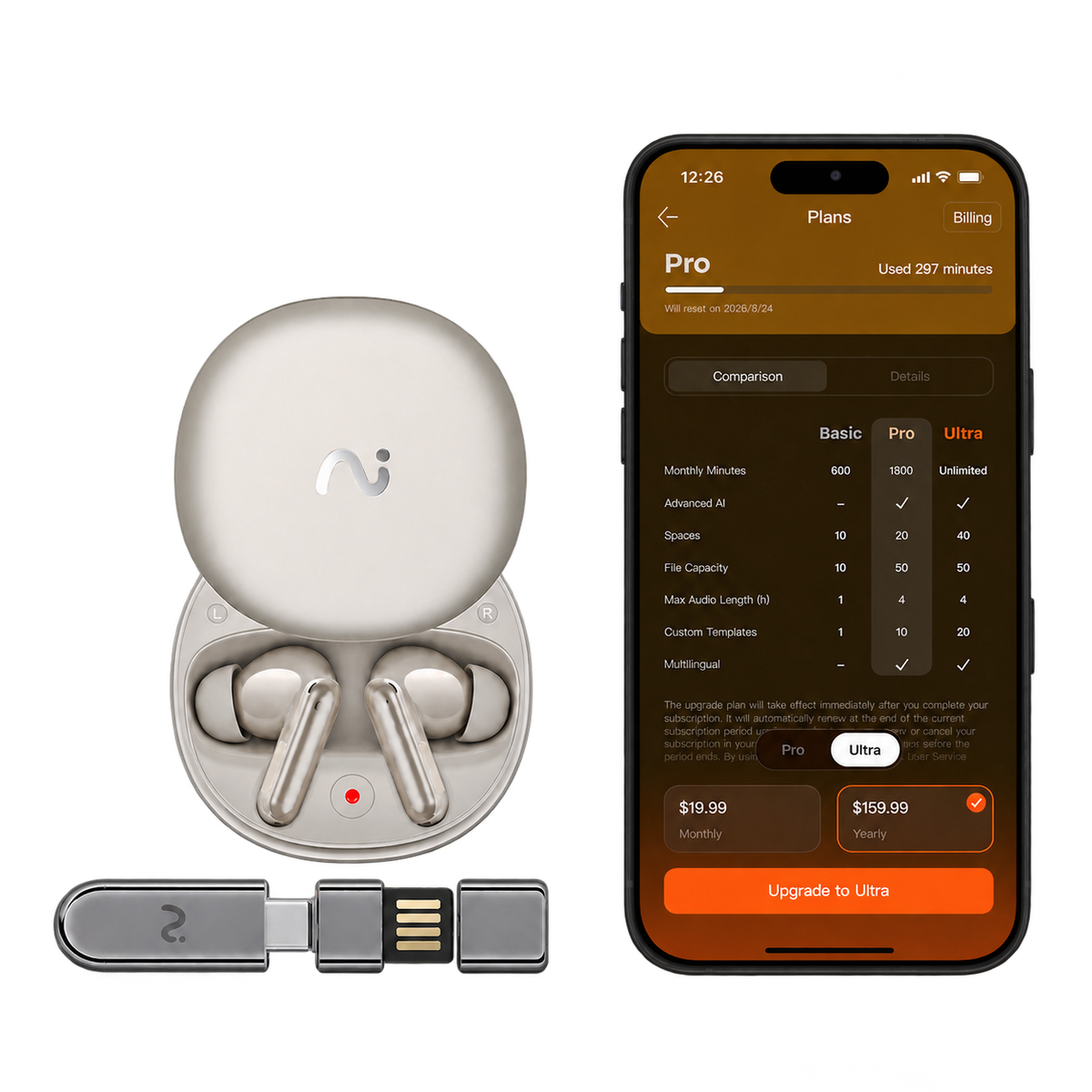
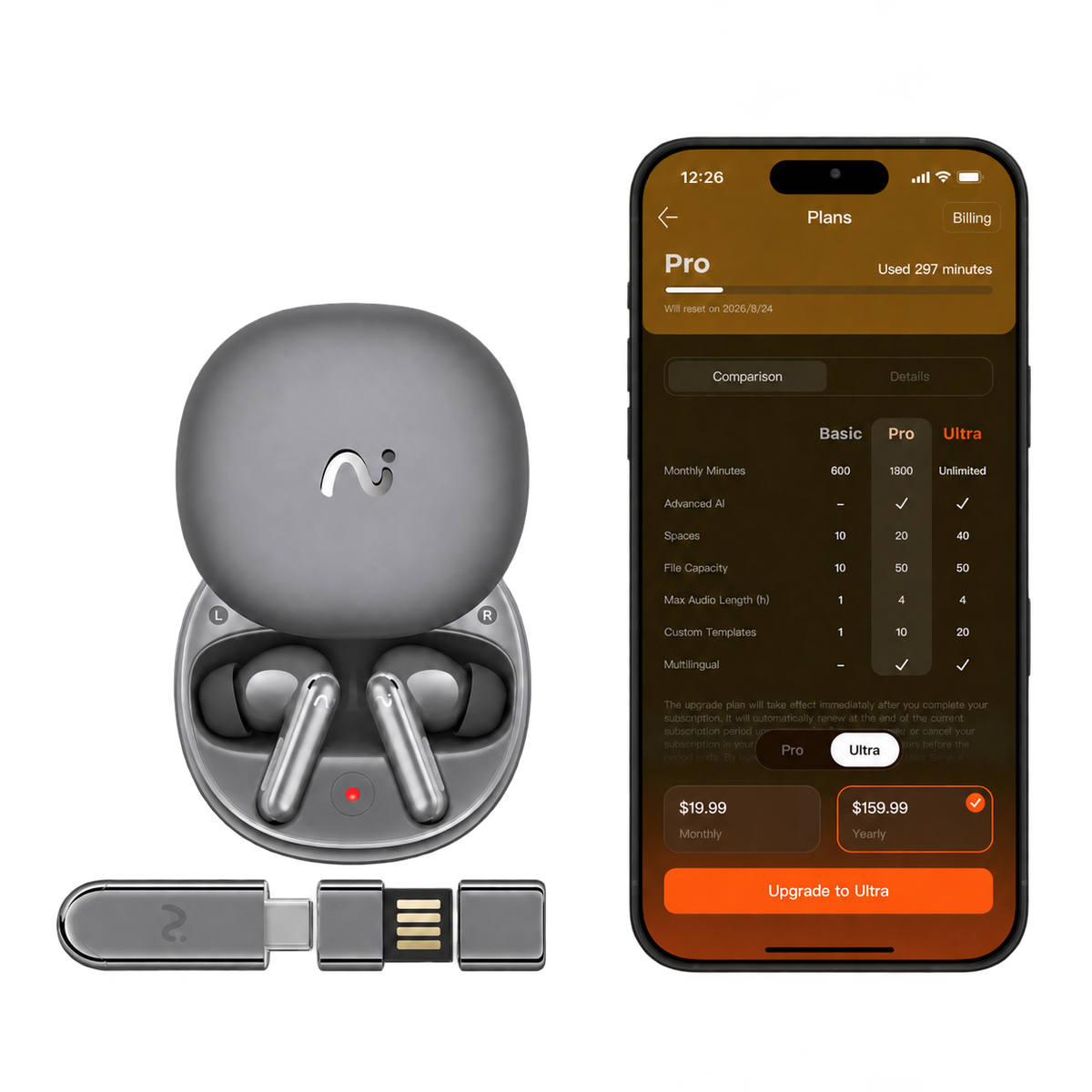
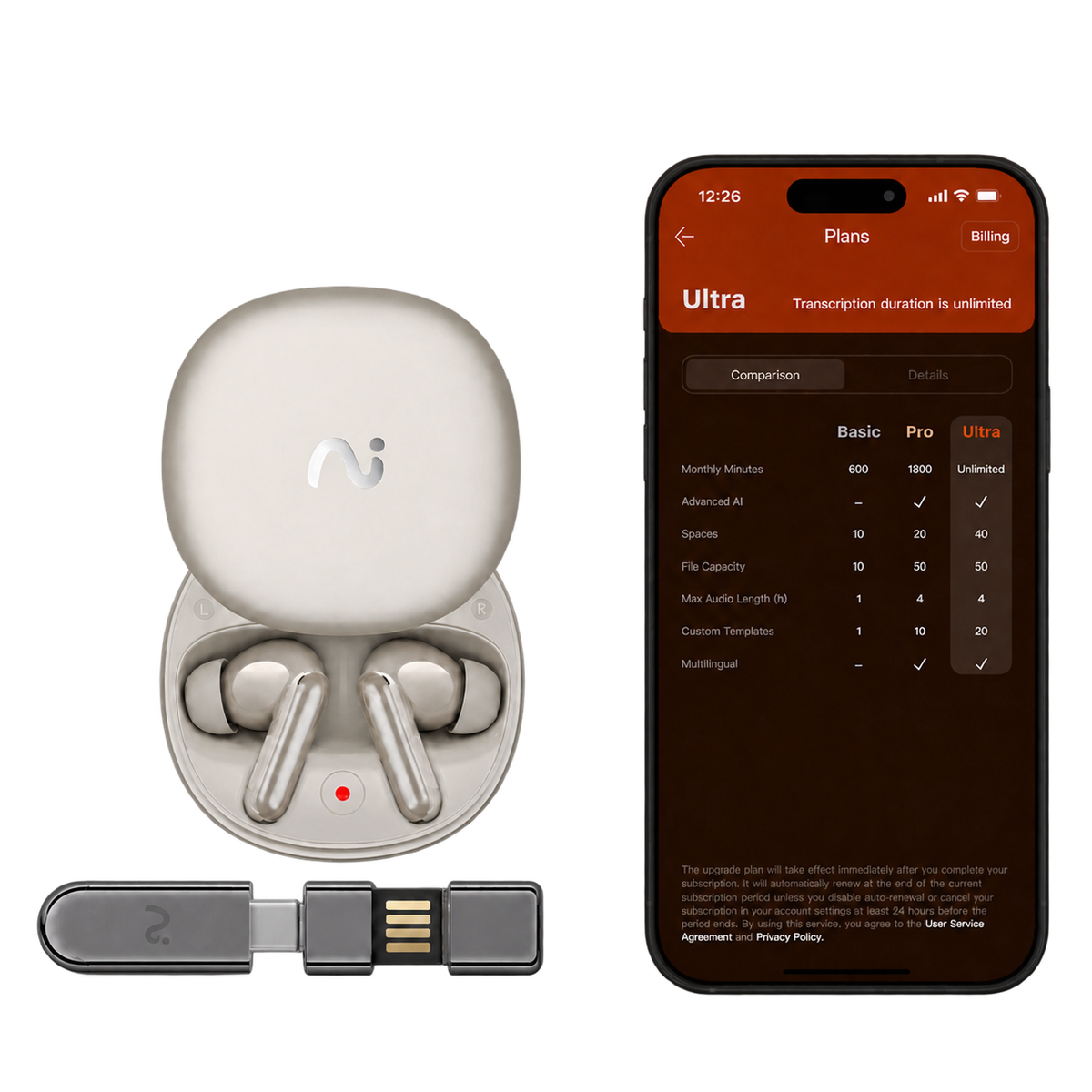
600 Minutes Included: Start with 600 mins/month of AI transcription, upgrade when needed.
RecDot works without a paid subscription and includes 600 free transcription minutes each month. You can add an AI Plan for more transcription time and advanced AI features, or upgrade anytime later.
After purchase, you’ll receive an activation code by email. Redeem the code in your viaim account to activate your plan.
Unused AI Plans can be eligible for a refund. Once an AI Plan has been activated or redeemed, it is non-refundable. If you return your RecDot after activating the included AI Plan, the value of the activated plan will be deducted from your refund.
Yes. Your AI Plan is linked to your viaim account, not a single device, so you can use your plan across compatible viaim devices signed in to the same account.
NoteKit is a USB AI meeting recorder for your computer. Plug it into your Mac or Windows PC to capture computer audio and nearby conversations, then get transcripts, summaries, and action items in viaim.
Why add NoteKit if I already have RecDot?
RecDot is ideal when you want to record while wearing your earbuds. NoteKit gives you another option for computer-based meetings—especially when you’d rather use your speakers or join a meeting without wearing earbuds.
Do I need a separate subscription for NoteKit?
No separate subscription is required. NoteKit uses the same viaim AI service as your other viaim devices, including your available transcription minutes and AI features.
Free shipping within 1-2 business days.
30-day risk-free return
12-Month Warranty
Worry-Free Delivery
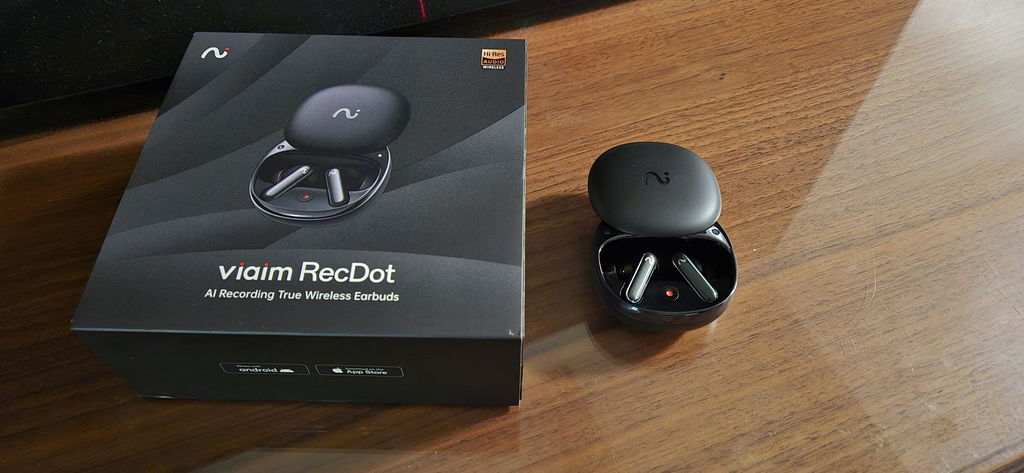
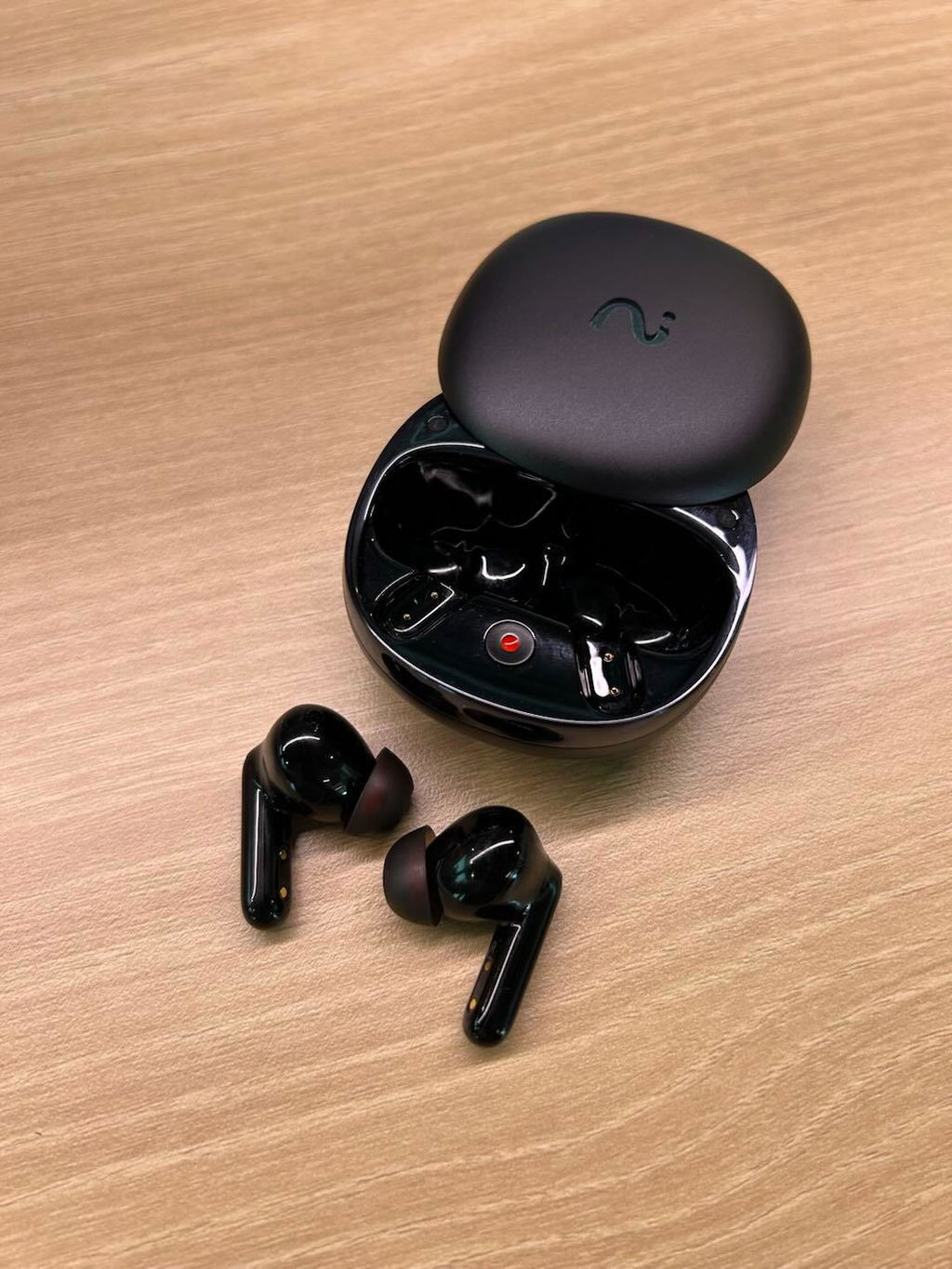
viaim RecDot · AI NOTE-TAKING EARBUDS
Everyday earbuds with recording built in. Capture conversations and turn them into useful notes with viaim AI.
EVERYDAY EARBUDS
Your music, your calls, your moment to focus. Get to know the everyday earbuds behind the built-in recording.

Texture and depth for the music you know by heart. Hi-Res Audio Wireless support with a compatible device.

ACTIVE NOISE CANCELLATION
Reduce surrounding distractions and make room for your own moment.

CLEAR CALLS
Triple microphones plus bone conduction help pick up your voice and reduce background noise.

Phone. Laptop. One pair.
ALL-AROUND PERFORMANCE
Per earbud
Total listening with case*
Water and dust resistance
Charge with a Qi-certified charger.
*Battery life varies with settings and use. LHDC requires a compatible device. Noise reduction varies by fit and environment. ANC describes listening performance, not recording quality. Water resistance is not permanent.
EXPLORE THE FINISHES

Black
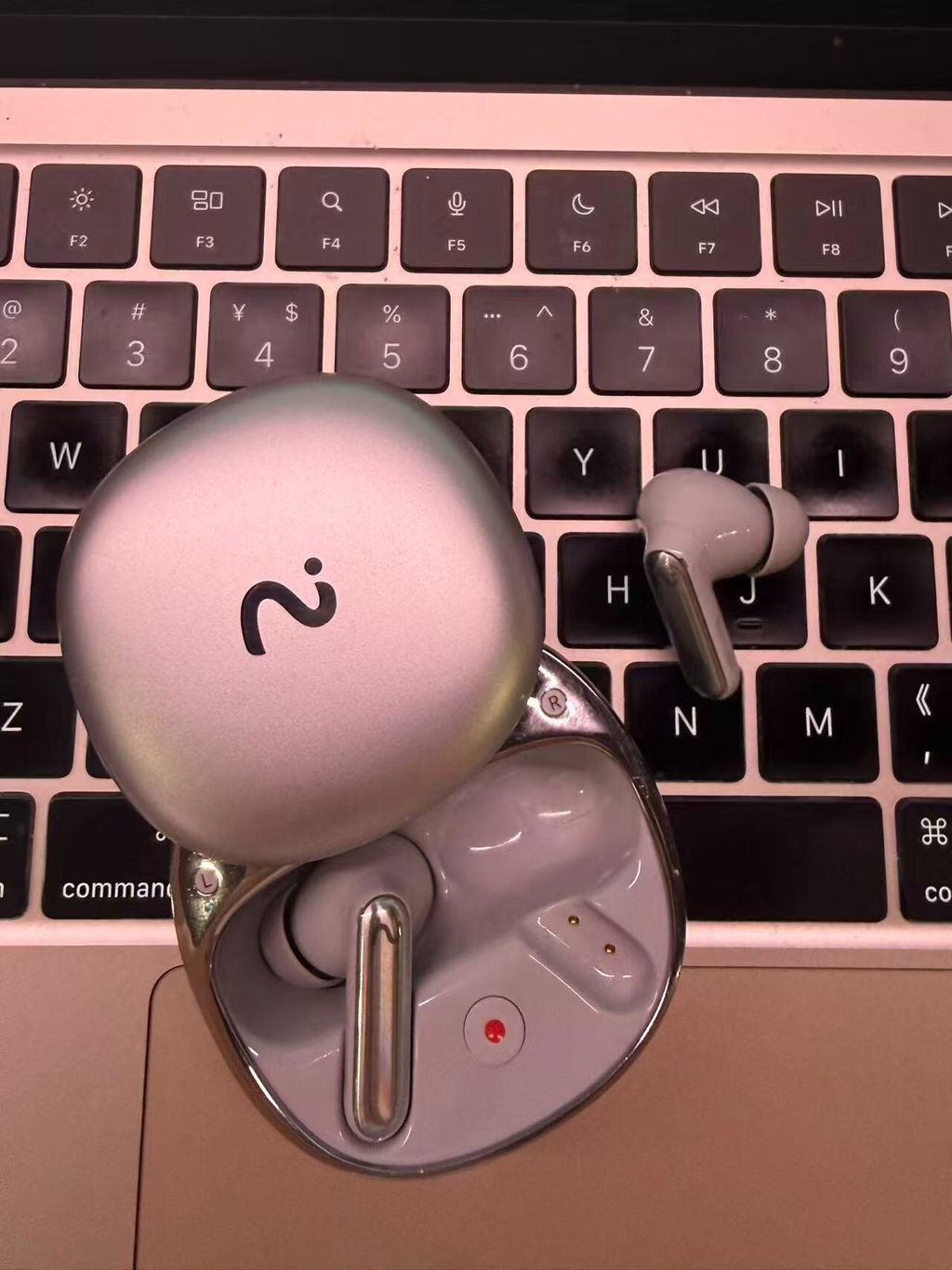
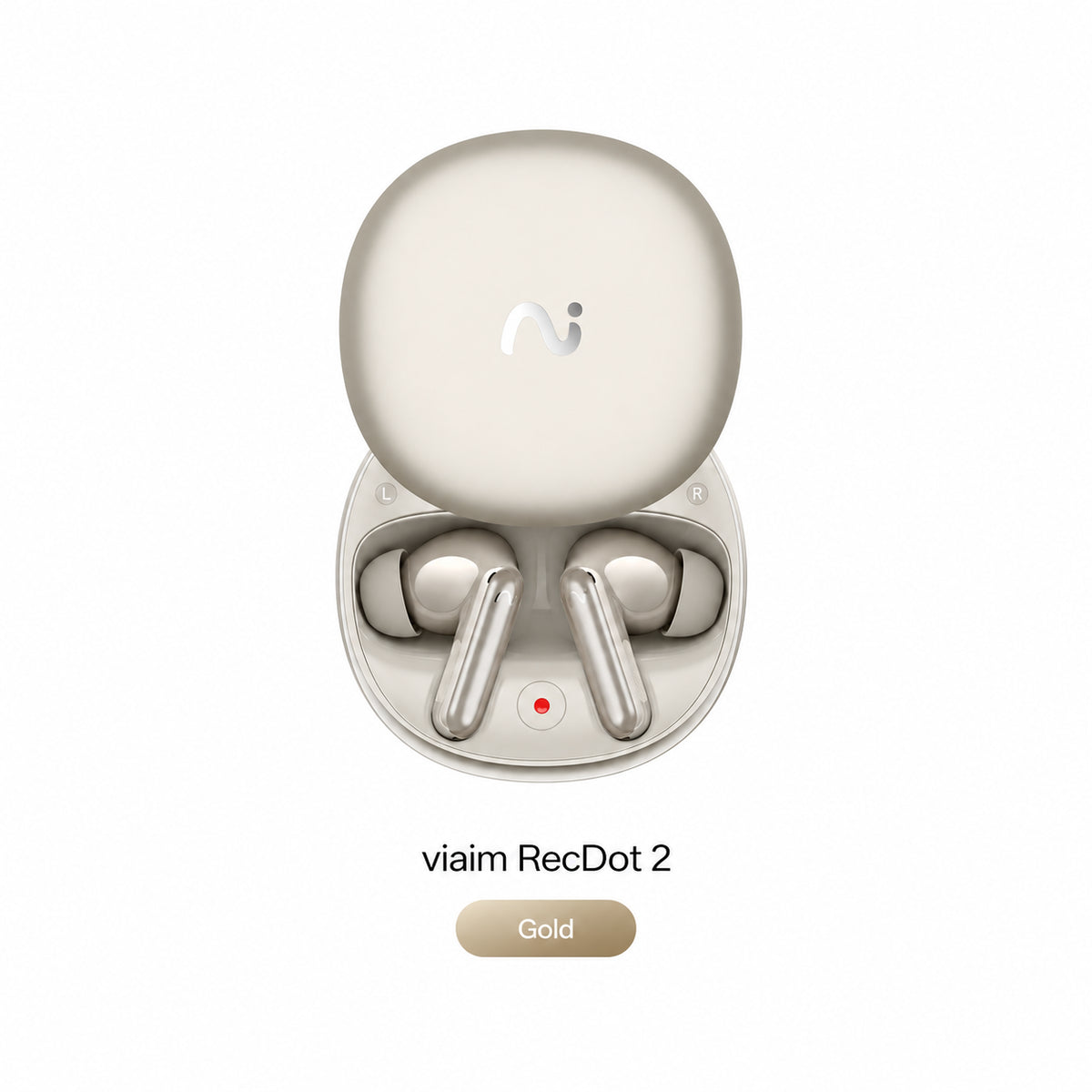
Same RecDot, new colors. Gold and Gray appear as RecDot 2 in the viaim app.

FROM EVERYDAY EARBUDS TO AI NOTES
Capture the moment. Make sense of it. Put it to use.
viaim AI · 01 / CAPTURE · FLASHRECORD
Start recording from your earbuds or charging case, without interrupting the moment.
Keep the conversation flowing. Start recording from the earbuds you’re already wearing.
Put RecDot on the table and capture the discussion directly from the case.
One device. Different ways to capture.

CAPTURE / CALLS
Capture phone and internet calls with RecDot, then return to the details afterward.
In the viaim app
Open your connected device settings to review the recording announcement preference.


Let participants know before you record, and obtain any consent required by applicable law. Announcement settings do not replace these responsibilities.
02 / MAKE SENSE · VIAIM AI
Find the detail. Review the decision. Keep the next steps close. Your recording is just the beginning.
01
Find a detail, rename a speaker, and edit what needs refining.
02
Bring key points, decisions, and action items together.
03
Choose a template and reshape the summary around what you need.
More control, when you need it.
More ways to make sense

Separate speakers, give them names, and save familiar voices for future recordings.

Create reusable templates that focus on the information you care about most.

Choose up to three languages for multilingual transcription in one session.

Add names and professional terms to your personal vocabulary.

Translate your summary for a different audience when needed.
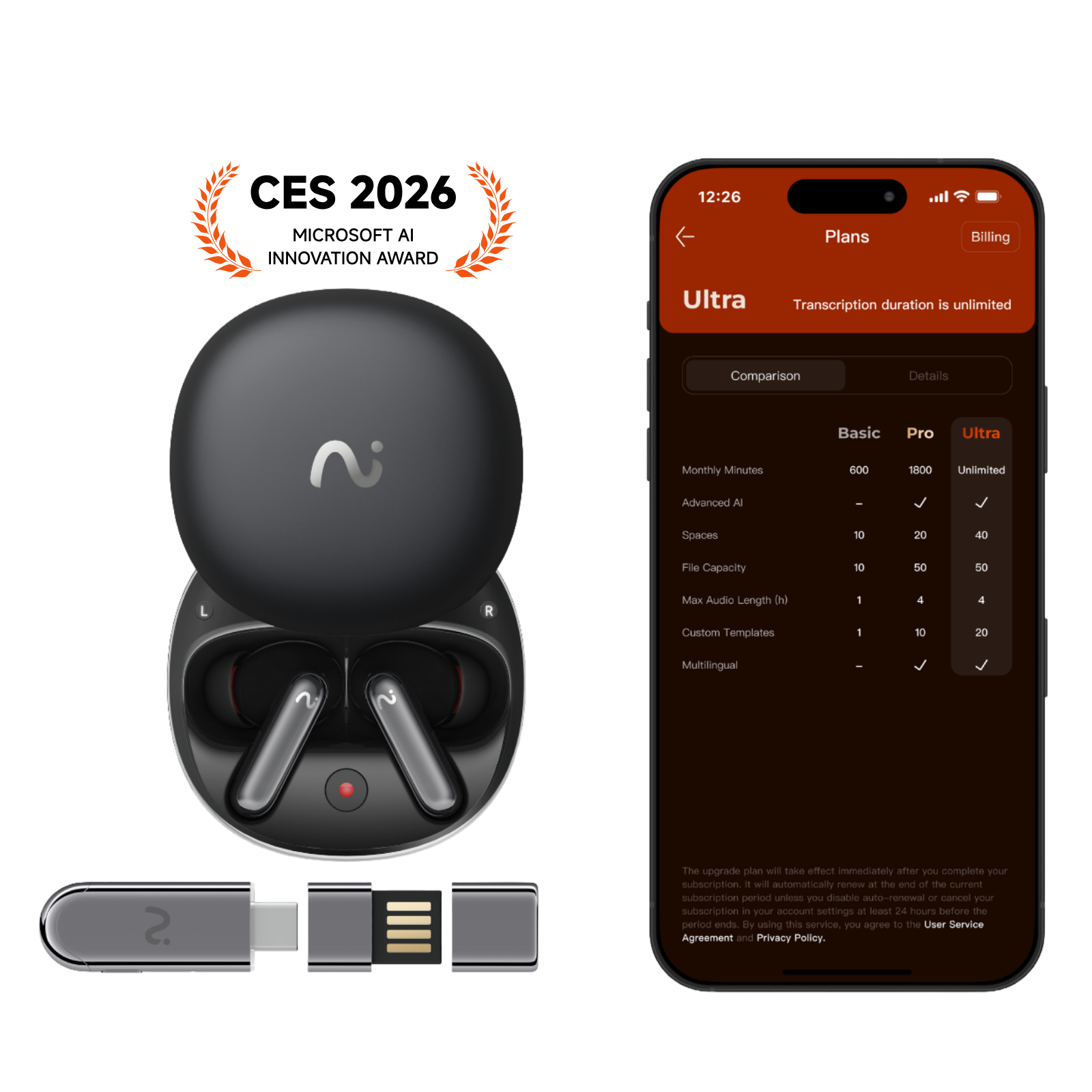
A great place to start.
More room for your working day.
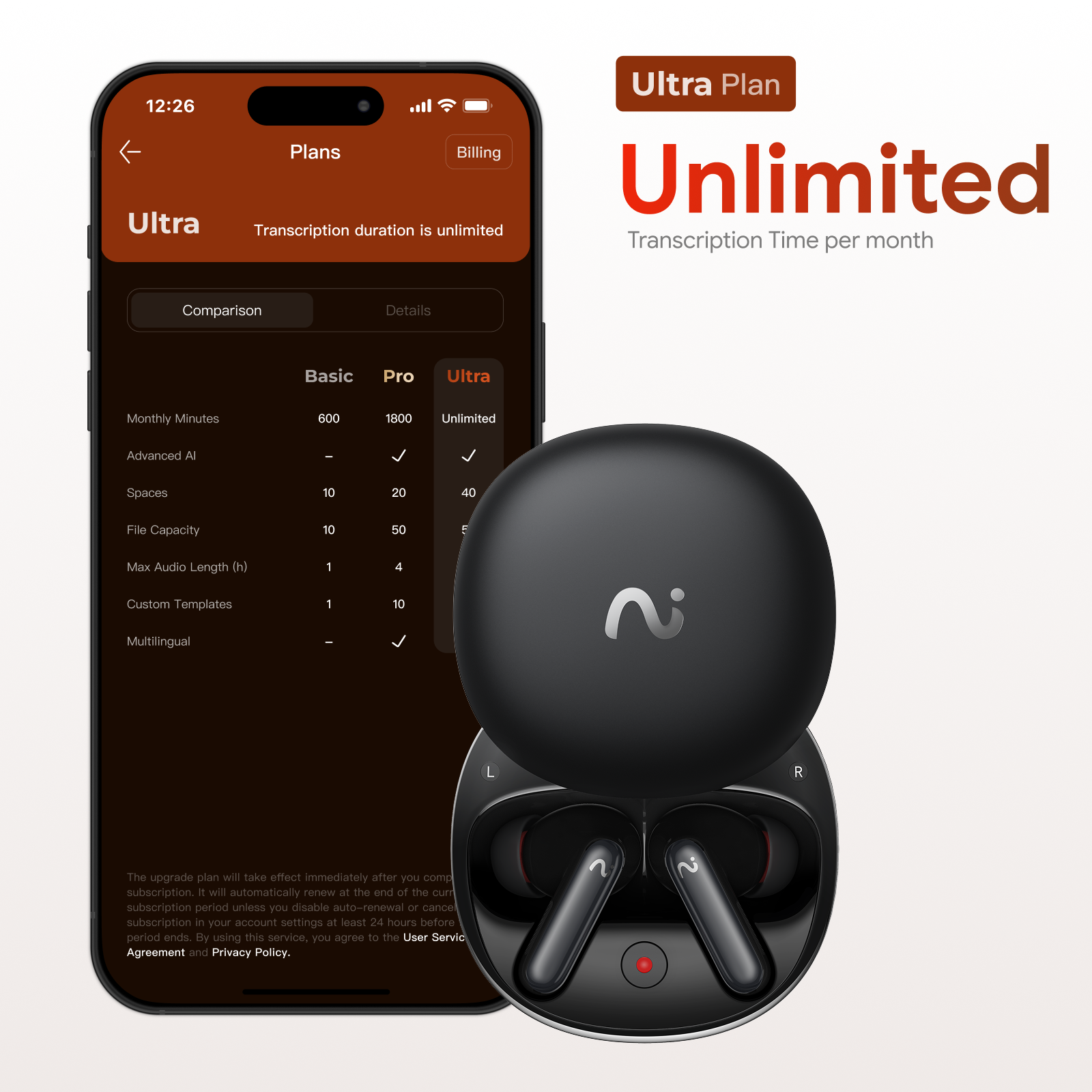
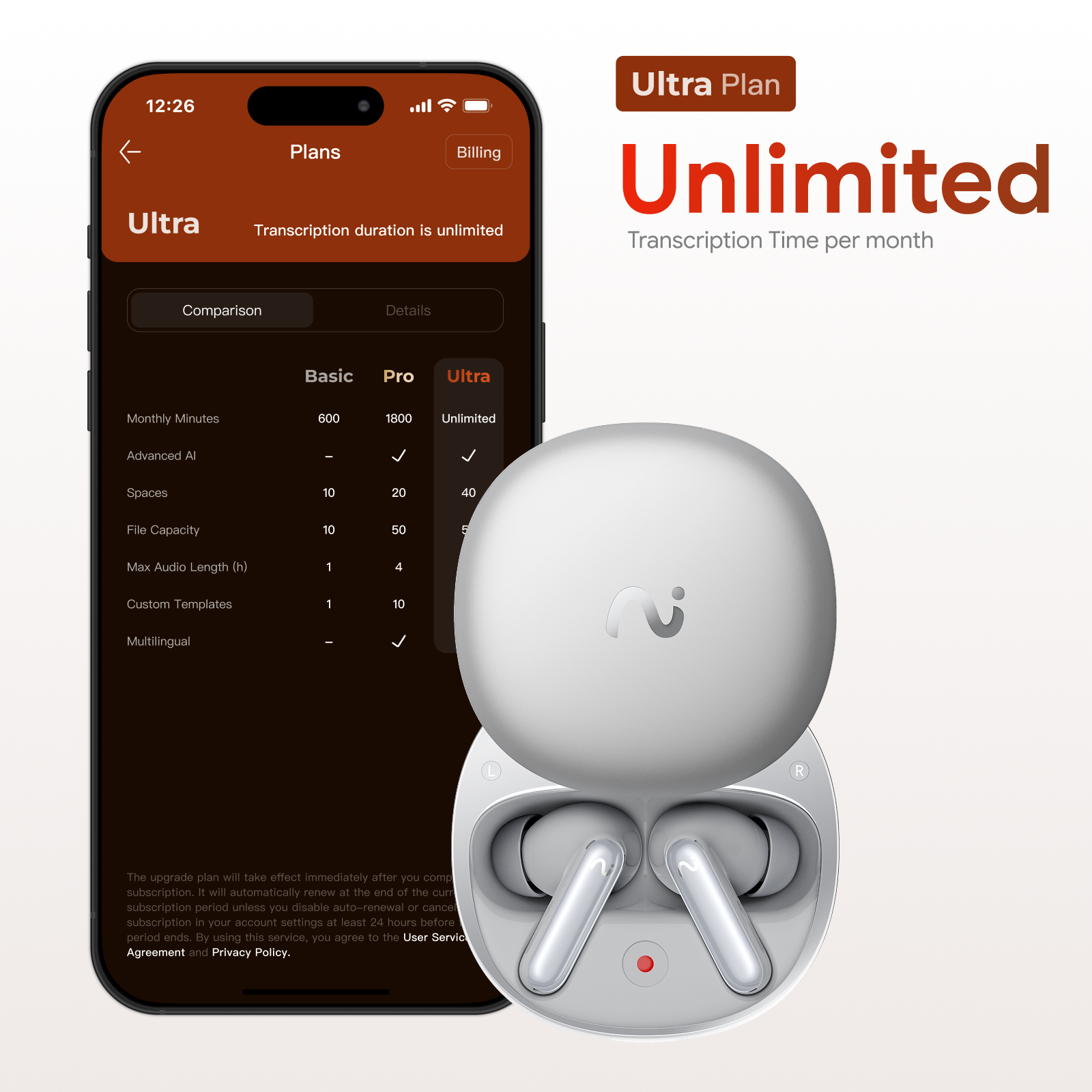
For conversations that never stop.
* Ultra transcription is subject to the 24-hour daily limit stated in the app.
600 monthly transcription minutes with Basic.
Summaries, multilingual transcription, Vitana and exports across all three plans.
More minutes for more meetings, calls and ideas.
03 / REMEMBER

Project

Ask Vitana
A question to bring to your client project
04 / MOVE FORWARD
Review on your phone. Work with more room on the web. Share what moves things forward.


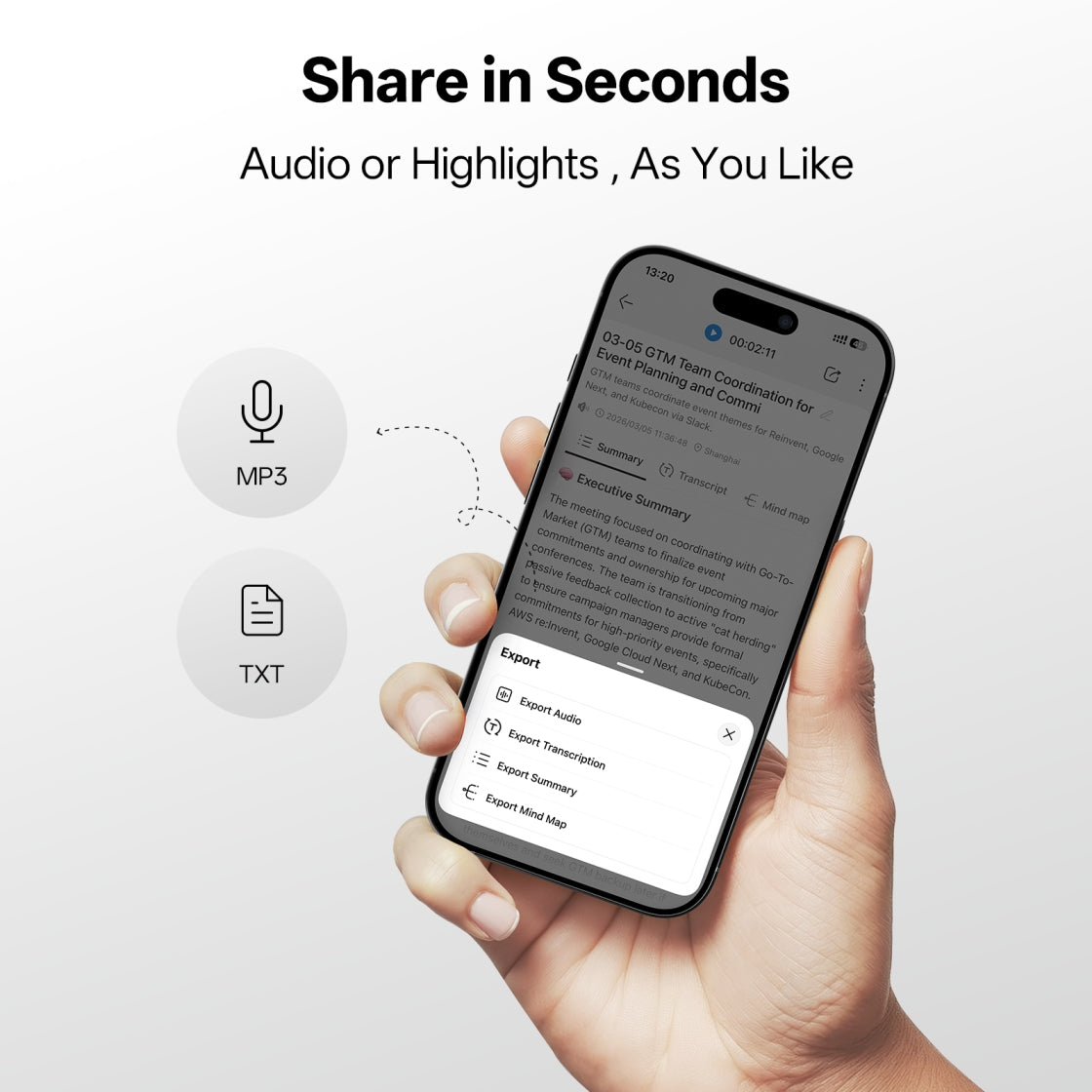
Share a summary link or export the notes in the format you need.
Capture ideas on your phone. Upload, organize, and review your notes on a bigger screen.
Connect your favorite apps and AI agents to bring your recordings into your everyday workflow.
Built around trust
Understand how your conversations, notes, and work context are protected, and control how you record.
Explore our trust center


A FEW THINGS TO KNOW
RecDot combines everyday wireless earbuds with recording and viaim AI tools for transcription, summaries, and reviewing conversations.
The current RecDot offer includes 600 free transcription minutes each month. Paid plans provide additional usage and features. Check the selected plan for current limits and inclusions.
RecDot supports several recording scenarios, including calls and in-person conversations. Recording mode and connection requirements apply. You can also import supported files into the viaim app.
Recording announcements are enabled by default. Make sure everyone is aware of the recording and follow the requirements that apply to your situation.
You can edit transcripts, rename speakers, and refine your summaries. Review AI-generated content before relying on or sharing it.
Unlike traditional recorders, RecDot doesn’t just capture audio.
It understands conversations — turning them into searchable transcripts, summaries, and answers you can actually use.
11mm titanium-coated dynamic driver
48dB depth active noise cancellation
Triple microphones + bone conduction microphone
SBC, AAC, LHDC
5.2
Supported
Supported
Supported
9 hours
36 hours
Wired / Wireless
63mAh
550mAh
4.8g each
52g
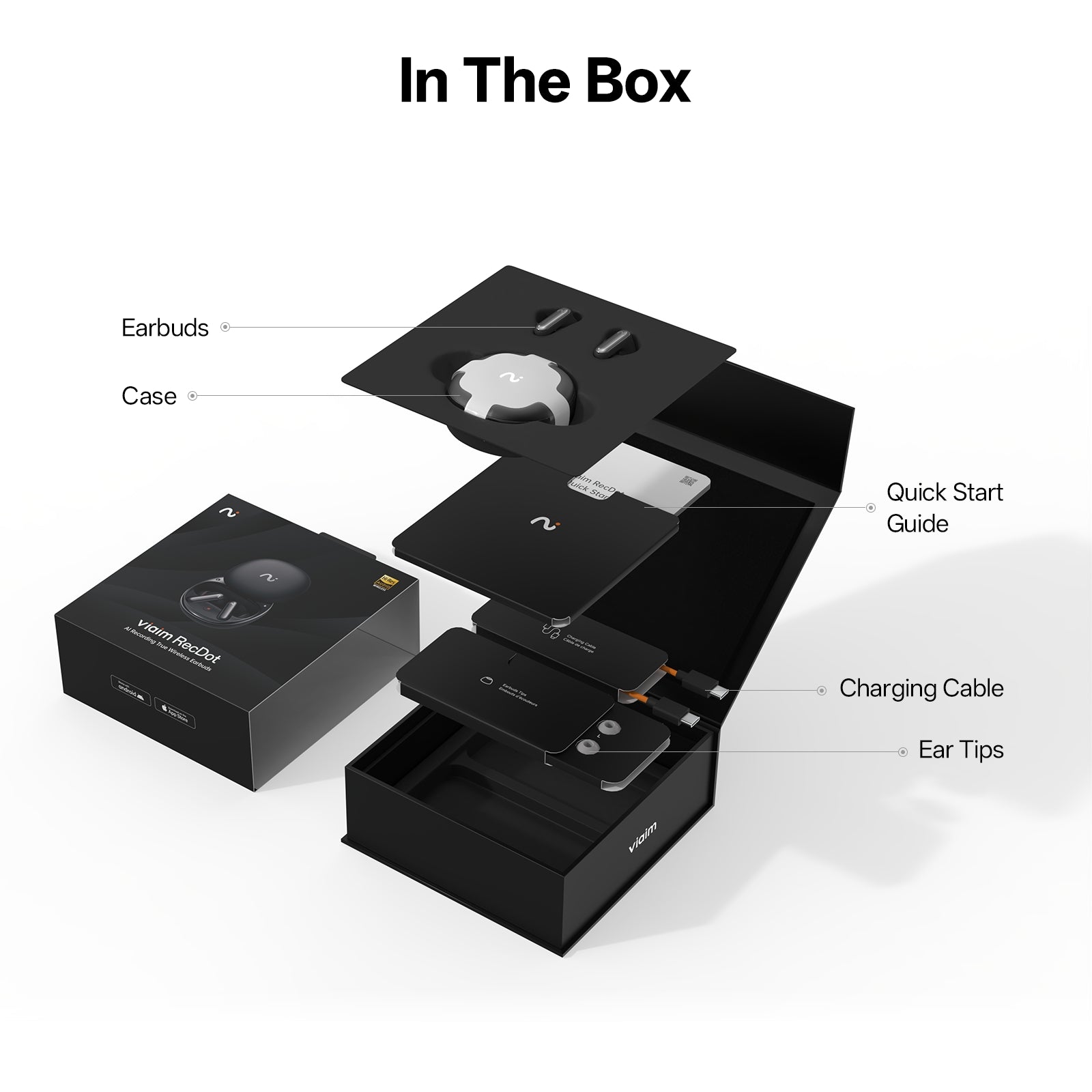
Included in the Box

Earbuds

Case

USB-C Cable

Quick Start Guide
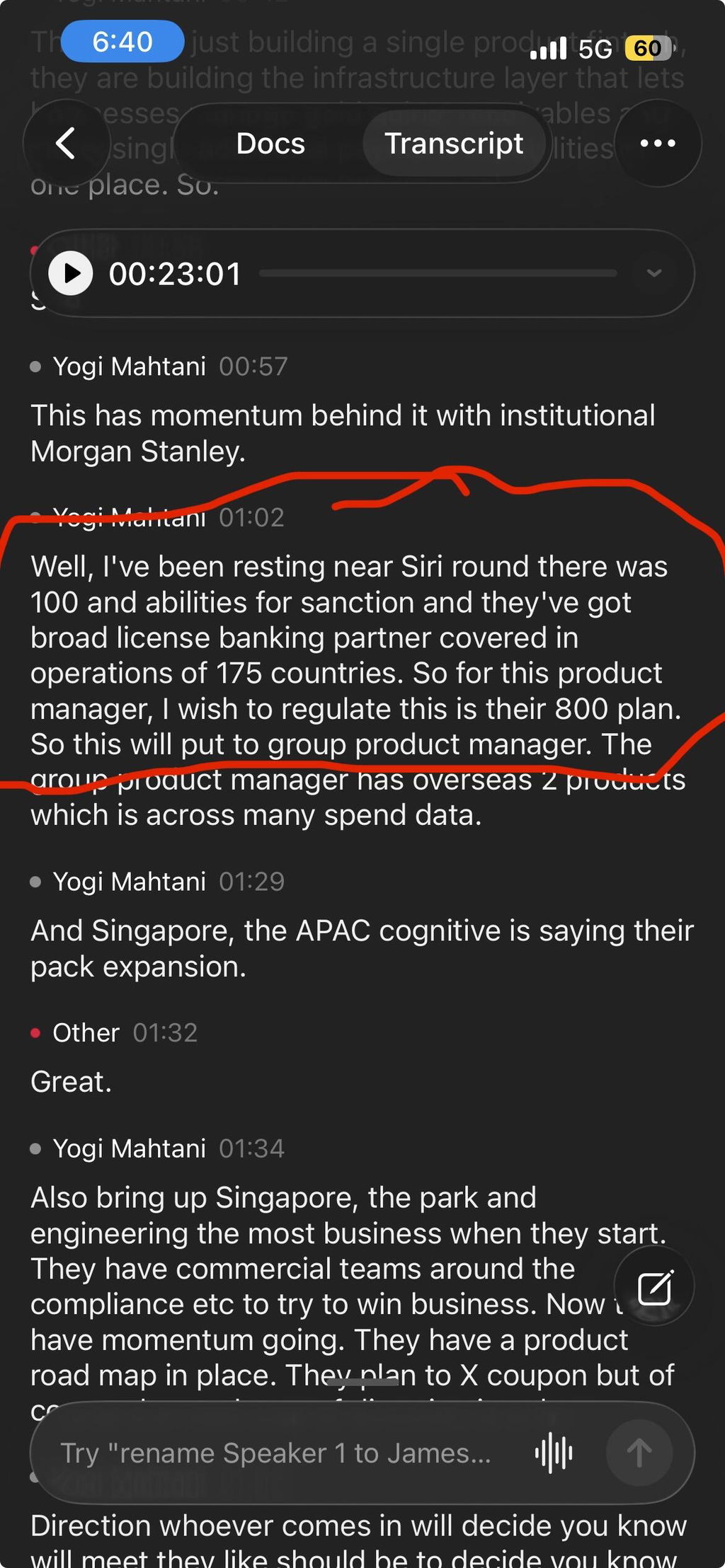
The transcription quality is really bad. That’s my main purpose of purchasing this. I’ve gone back over the audio and it’s not the best. This is a serious issue because of the product claim. If I wanted a good audio and mic, I’d always go for the Sony XM series which is cheaper.
Hi Yogi, thanks for sharing the example. We can see that parts of the highlighted transcript are not reading correctly, and we understand why that would be frustrating, especially if transcription was a main reason for your purchase.
Transcription quality can be affected by several factors, including the quality of the original recording, background noise, recording environment, and network conditions. If possible, we recommend listening back to the original audio around the affected section to check how clearly the speech was captured. You can also try regenerating the transcript, as this may sometimes produce a better result.
At the same time, we are continuing to improve our transcription models. We are currently working on integrating more advanced models in Q4 to further improve transcription quality and robustness across different recording scenarios.
— viaim Team
It works perfectly. Not only for AI transcription but also for play music with noise cancelation.
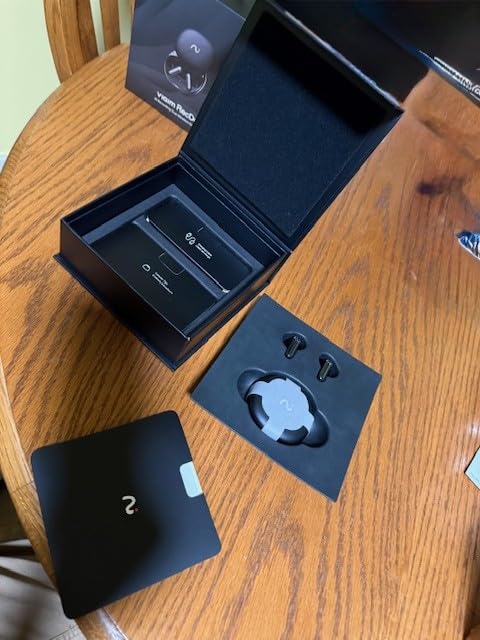
It brings its charging cable and some of earplugs tips to get adapted to your ears.
Thanks so much for sharing this!
We’re really glad to hear RecDot is working perfectly for both AI transcription and everyday listening. We designed it to be just as useful for capturing important conversations as it is for enjoying music with comfort and noise cancellation.
It’s also great to hear the included ear tips helped you find the right fit — that makes a big difference for both comfort and audio performance.
Thanks again for choosing viaim and being part of our early community.
My new favorite earbuds
Actually sound great and wearing comfortably all day
Been using this Recdot for about three months and I’d probably rate it a 4.5. The noise cancelling isn’t quite as strong as I expected, but I really like that it can record straight from the earbuds. I’ve even captured some of my daughter’s cute little conversations when we’re chatting, and the playback is really clear. The summary of our random conversation was actually pretty funny to read.
I’ve been using the RecDot AI Voice Recorder Earbuds by viaim for a few days now, and I’m genuinely impressed. These earbuds are not just for listening, they’re like having a personal assistant in your ears.The FlashRecord function is super handy too, one tap and it starts recording instantly. Once finished, you can translate the transcription in your phone to your selected language.Highly recommend for professionals, students and anyone who needs to record and transcribe for work.
The media could not be loaded.
Clear in Noisy Trading FloorsThe 48dB ANC on viaim RecDot earbuds is exceptional. I can clearly record conversations even on loud trading floors. Essential for capturing time-sensitive market information.
I have been contemplating buying this product for a while because I was worried it might sound terrible and record poorly, especially since they were advertising it with all this new AI recording technology. But honestly, it does the recording job surprisingly well. The build quality is decent, and the audio quality is actually much better than my AirPods Pro with ANC. I can finally hear some bass. Overall, it is a solid purchase if you want quality product while trying to experiment with recording phone calls, business meetings, or even school work.
I really like the design and its cool ai feature! The music quality is much better than I expected
I would give these a 3.5 because of the difficulty in getting the recordings and transcriptions.I love the concept of these earbuds! And they are very nice quality. However, there are several things that could be improved to get a 5+ star review.1) too many steps to get what I need. First you must connect the earbuds via blue tooth, which means they have to be in the case, with the case open, just to transfer the recording from the earbud. Next, I have to tap to download and wait for generic named "call recording" to finish and then wait again while it transfers to the cloud. And to get the transcript, I have to again go through way too many steps to transcribe the meeting. I selected English as my preferred language and it should be able to remember my choices so I don't have to accept or select every time. When I have back to back meetings, and the storage is full, I cannot use them to record.2) Transferring the transcription does not allow me to transfer the summary or lists, only the overall transcription. I will say the transcription is pretty accurate.3) I have back to back meetings some days that need to be recorded. It would be nice if the name defaulted to date/time vs. Call Recording with the number of minutes. In order to ensure I get the notes for the correct meeting, I either have to use the meager 600 transcribed minutes per month OR listen to the call and then rename it. Overall, the recording quality and transcription is really good but the steps it takes to get there are not anywhere close to saving time for me!1. For the price of these, 600 mins a month of transcription is not enough.2. It should be much easier to transfer these calls; maybe auto download from the earbud when the call ends? Having to put them in my case means that I miss recording some meetings because the earbud storage is full. And the time it takes to download one 30 minute meeting is approximately 6-8 minutes; then another 5-8 mins to transcribe. This is PER RECORDING!3. I should be able bulk download and transcribe. Only allowing for one download at a time is terrible! If the buds are in the case, set it to auto download. And you can't listen to a meeting that is still stored in the earbud; you must download first.At the end of the day, I do like these and they are a great concept but the time and effort it takes to get the recording and the transcription is not worth the price tag.PROS: Battery life is great, easy to press and hold to record, and quality of the product is good. The design is nice and comes with extra earpiece covers to ensure the best fit. Very nicely packaged!CONS: Not for the impatient or a professional who needs access to recording or notes quickly!
I’ve been using this product for a week now and I’m already loving it. It’s a wonderful device, very useful for both meetings and lectures. The AI transcription and assistance work perfectly, and the sound quality is excellent with great noise cancellation. Overall, it’s a really impressive gadget that makes work and study so much easier.
REALLY like the case recording, just left it on my desk and no need to wear earbuds.
I am getting pretty poor sound quality especially when connected to my laptop for work meetings which is the main use case I bought them for .. I’m considering returning them because it’s frustrating
Hi Steven,
We're sorry to hear about your experience.
RecDot is designed to support work meetings and calls, so this isn't the experience we want our users to have.
Our team would be happy to investigate the issue and help troubleshoot or discuss available options. Please contact us at service@viaim.ai with your order details.
Thank you for taking the time to share your feedback.
Best,
The viaim team
The Viaim Recdot headphones are fantastic—great sound, comfortable fit, and easy to use. The AI features are amazing, making calls clearer, notes easier, and everyday use smarter. Highly recommend!
Thanks Brad! Glad the sound quality and AI note features are helping in your day-to-day use. Really appreciate you taking the time to share your experience.
The overall user content and instructions are limited regarding the product's features and benefits. There is a lot of guessing about how to record, depending on whether you have one earbud or two on and what you’re recording, which leads to uncertainty in our content.
Thank you for your thoughtful feedback — it’s exactly the kind of input that helps us improve.
You’re absolutely right that recording behavior can feel different depending on how many earbuds you’re wearing and the situation you’re using them in (such as face-to-face conversations, online meetings, or solo note-taking). We clearly haven’t made this intuitive enough, and we appreciate you pointing it out.
Here’s a quick clarification:
**By default, recording starts or pauses by pinching the right earbud.**
If you’d like, you can customize the gesture controls in the viaim App and assign recording controls to both earbuds.
This means you can:
• Wear both earbuds — pinch either earbud (if enabled in Gesture Control settings) to start recording
• Wear one earbud — the same pinch gesture works as long as recording is assigned to that earbud
• Use the charging case — even without wearing the earbuds, simply open the case and press and hold the red button to start recording
For more detailed instructions, our User Guide (https://store.viaim.ai/blogs/user-guide/recording-guide-to-viaim-earbuds) walks through each recording scenario step by step.
We’re also using feedback like yours to improve both our in-box instructions and the app onboarding experience so setup feels clearer from the start.
If you have any other questions, please don’t hesitate to reach out — our team is always happy to help at service@viaim.ai.
The sound quality is solid, but what I use the most now is the call recording feature. During online meetings, I don’t feel like I have to stay super focused on taking notes because it records everything automatically—and the playback is really clear. I haven’t even subscribed to a plan yet, but so far the transcription accuracy and AI analysis have been pretty impressive.
I love them so much. They work like a charm. I only hope they don't break and keep on working because I really never ecer want to be without them.The recordings are saving me DAYS of time in summarising sales meetings - excellent
Thank you so much for this — it genuinely means a lot to us.
We’re especially happy to hear it’s saving you days of work on sales meeting summaries — that’s exactly what we built it for.
And don’t worry — we’re continuously improving both durability and performance to make sure it stays something you can rely on every single day.
The earphones is good enough, but recent updates have made it even better, especially the new web version, I just prefer handling all my documents and notes on my computer.
Appreciate this feedback — it’s great to hear the updates are making things better for you.
The web version is something we’re continuously building around, especially for users who prefer handling notes and documents on a larger screen.
Our goal is to make the transition between recording on your earphones and working on your computer feel completely seamless.
The customer service is excellent. Helps me a lot on how to setup and offer me free trial of pro subscription plan.
The biggest issue is when automatic recording is started it doesn't work more than 50% of the time unless you open the app and double check. So to have a Bluetooth that you can't use without looking at your phone is kind of ridiculous. But when it does record it that's a really good job and the AI built in is great. I won't waste the money subscriptions especially with the product being $200 and recordings not being reliable without the phone.
Thank you for your honest feedback — we really appreciate you taking the time to share your experience.
Regarding automatic recording, you're right to point this out. This is intentional, as fully automatic recording can sometimes capture unintended or irrelevant conversations, which may create confusion or unnecessary recordings for users. At the moment, you can record by a long-pinch of earbuds or one-press the charging case.
In addition, we completely understand the need for a more seamless experience. Our team is actively working on improving this, and a smarter automatic recording feature — combined with filtering out irrelevant recordings — is something we’re planning to introduce in future updates.
We’re glad to hear that when it works, the recording quality and AI features meet your expectations. Your feedback is incredibly valuable in helping us prioritize what to improve next.
Thanks again for your support 🙏
Everything works well so far
I ran into an issue where my left earbud suddenly had no sound while the right one was working fine. I thought it was a hardware problem at first.
Reached out to support and they got back to me within a few hours with troubleshooting steps, and even said they’d replace it if needed. Turned out the charging case was out of battery, so the left earbud never actually charged.
Overall, really quick and helpful support.