
The best AI note taker for everyday conversations is not necessarily the best AI note taker for meetings.
That sounds obvious, but many comparison articles skip the most important question: where does the conversation happen?
If everything happens on Zoom, a software meeting assistant may be the easiest choice. If you record interviews at a table, a card-style AI voice recorder may make sense. If you need to study existing documents and transcripts, a source-based AI tool may be more useful than a recorder. But if your important conversations happen across phone calls, client chats, quick recaps, office moments, and real-world movement, you need a different kind of product.
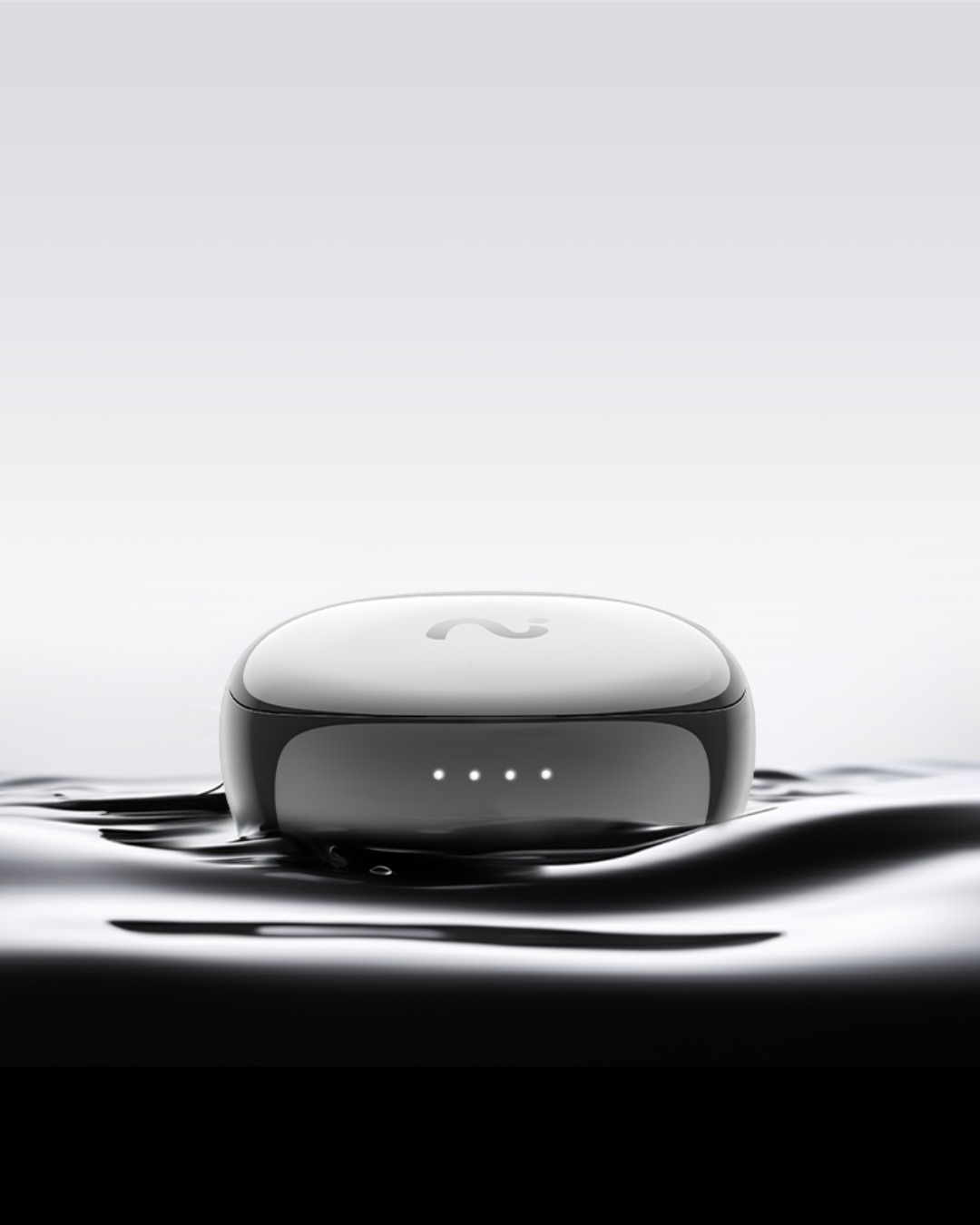
For most everyday conversations, viaim OpenNote is our best overall recommendation because it fits the mobile, conversational, all-day workflow better than a meeting bot or dedicated table recorder.
Quick Answer: Best AI Note Takers for Everyday Conversations
| Rank | Best For | Product / Type | Why It Fits |
|---|---|---|---|
| 1 | Real-world conversations across the day | viaim OpenNote | Open-ear AI earbuds keep capture close while letting you stay aware during client-facing, mobile, and informal conversations. |
| 2 | Calls, travel, and capture-first earbud users | viaim RecDot | Combines AI recording, transcription, summaries, translation, calls, and everyday audio in one earbud workflow. |
| 3 | Seated interviews and table conversations | PLAUD Note-style card recorder | Dedicated recording hardware is useful when placing a recorder in the room feels natural. |
| 4 | Scheduled online meetings | Otter or Fathom-style meeting assistant | Strong for Zoom, Meet, and Teams, but weaker for spontaneous offline conversations. |
| 5 | Team search and meeting follow-up | Fireflies-style team note library | Useful when shared meeting memory matters more than personal field capture. |
| 6 | Studying existing sources | NotebookLM-style source assistant | Great for analyzing documents and transcripts, but not a live capture device. |
Start With the Conversation, Not the Feature List
Most AI note takers promise some combination of recording, transcription, summaries, and action items. Those features matter, but they do not decide the category.
Start with the conversation instead:
| Conversation Type | Best Product Path | Why |
|---|---|---|
| Client conversations, in-person moments, quick recaps, mobile work | Open-ear AI earbuds | You need something comfortable, ready, and aware across the day. |
| Phone calls, online meetings, travel, private voice notes | AI recording earbuds | Your earbud is already part of the communication workflow. |
| Interviews or table meetings | Card-style AI voice recorder | Dedicated hardware works when the conversation stays in one place. |
| Scheduled Zoom, Google Meet, or Teams calls | Software meeting assistant | The platform is predictable, so a bot or meeting capture app can work well. |
| Shared meeting history for a team | Team note library | Search, sharing, and follow-up matter more than personal capture. |
| Reviewing PDFs, lecture notes, uploaded transcripts, or docs | Source-based AI assistant | You already have the source material; you need analysis, not recording. |
How We Chose These Products
This list is not meant to compare six nearly identical AI recorders. It maps six different ways people try to remember conversations.
That matters because "best AI note taker" is too broad. A student in an online lecture, a Realtor after a showing, a manager in a team meeting, and a researcher interviewing someone at a table do not need the same product.
| Product Role | Representative Type | What It Helps You Decide |
|---|---|---|
| Everyday wearable capture | viaim OpenNote | Do I need AI notes to follow me through real-world conversations? |
| Call-heavy earbud capture | viaim RecDot | Do I want calls, recording, and everyday audio in one device? |
| Dedicated physical recording | PLAUD Note-style recorder | Do I prefer a separate recorder for seated conversations? |
| Online meeting notes | Otter / Fathom-style tools | Are my conversations mostly scheduled and online? |
| Team meeting memory | Fireflies-style tools | Do I need shared search and team follow-up? |
| Source-based thinking | NotebookLM-style assistant | Do I need to analyze existing material instead of capture live audio? |
1. viaim OpenNote: Best Overall for Everyday Conversations
viaim OpenNote is the best overall viaim pick for everyday conversations because it solves a very specific problem: important conversations often happen while you are still in the room with people.
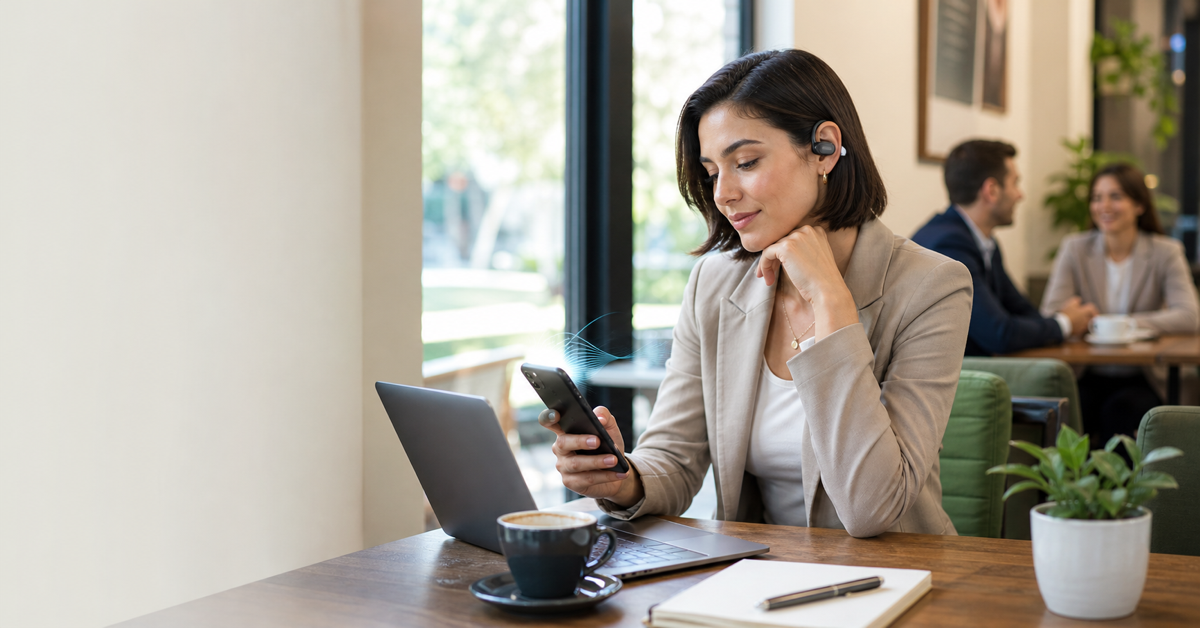
In those moments, you do not want to look like you are operating a device. You want to listen, respond, and stay aware. Open-ear AI earbuds fit that better than a meeting bot and often better than a recorder you need to place on a table.
| Everyday Need | Why OpenNote Fits |
|---|---|
| Client-facing conversations | Open-ear design helps you stay present and aware. |
| Quick post-meeting recaps | You can capture spoken context before it fades. |
| Long workdays | Built around all-day comfort, not just one meeting. |
| Follow-up quality | AI notes can turn conversations into summaries, tasks, and searchable context. |
Choose OpenNote if: your important conversations happen in person, on calls, between meetings, or while moving through the day.
Skip OpenNote if: all your conversations are scheduled online meetings or you strongly prefer a separate physical recorder.
2. viaim RecDot: Best for Calls, Travel, and Capture-First Earbud Users
viaim RecDot is the better fit if you want a more capture-focused earbud. It makes sense for users who live in calls, online meetings, travel, voice notes, and daily audio.
The difference between OpenNote and RecDot is not that one has AI and the other does not. The difference is the work style:
| Choose OpenNote When... | Choose RecDot When... |
|---|---|
| You want open-ear awareness. | You want a traditional premium earbud feel. |
| You spend more time in real-world conversations. | You spend more time on calls, travel, or capture-heavy work. |
| Comfort and presence are the priority. | Recording flexibility and everyday audio are the priority. |
3. PLAUD Note-Style Card Recorder: Best for Dedicated Room Capture
A card-style AI voice recorder is useful when you want dedicated physical capture. It can be a strong fit for interviews, table conversations, lectures, or meetings where placing a recorder near the conversation feels normal.
The tradeoff is workflow. A separate recorder is one more device to carry, place, charge, and retrieve. That may be fine for interviews or seated meetings, but it can feel less natural when your conversations happen across calls, errands, client visits, and quick recaps.
| Card Recorder Works Well For | AI Earbuds Work Better For |
|---|---|
| Interviews at a table | Calls and mobile work |
| Lectures or seated sessions | Client-facing conversations across the day |
| Room capture where device placement is easy | Quick recaps when no table setup exists |
4. Otter or Fathom-Style Meeting Assistant: Best for Online Meetings
Software meeting assistants are the easiest answer when your conversations are scheduled, online, and platform-based. If your day is mostly Zoom, Google Meet, or Microsoft Teams, tools in this category can create transcripts, summaries, highlights, and action items with very little hardware friction.
The weakness is that they usually depend on the meeting environment. They are not designed to capture an offline client conversation, a quick hallway decision, or a spoken idea while walking between appointments.
Choose this category if: your conversations are online, scheduled, and mostly remote.
Choose viaim instead if: the conversation often happens outside the meeting link.
5. Fireflies-Style Team Note Library: Best for Shared Meeting Memory
Some AI note takers are built around teams. Their value is not just recording one conversation; it is creating a searchable meeting library that teammates can revisit.
This is useful for internal meetings, customer success handoffs, project updates, and recurring team calls. But it solves a different problem from personal everyday capture. If you are trying to remember what someone said during an informal conversation, team search may be more system than you need.
| Use Team Notes When... | Use viaim When... |
|---|---|
| Multiple people need access to meeting history. | You need personal capture across your day. |
| Meetings are recurring and searchable. | Conversations are spontaneous or mobile. |
| Follow-up is shared across departments. | You are capturing context for your own next action. |
6. NotebookLM-Style Source Assistant: Best After the Conversation Is Already Captured
A source-based AI assistant is not primarily a live recorder. It is useful when you already have documents, PDFs, transcripts, research notes, or learning materials and want to ask questions about them.
That makes it powerful, but it belongs later in the workflow. It does not solve the capture problem. If the conversation was never recorded or summarized, there is nothing for the source assistant to analyze.
For everyday conversations, think of this category as a companion to capture, not a replacement for capture.
Best Product by Everyday Workflow
| Workflow | Best Product Path | Best viaim Fit | What You Want Out |
|---|---|---|---|
| Client conversation | Open-ear AI earbuds | OpenNote | Preferences, concerns, commitments, next steps |
| Phone call | AI recording earbuds | RecDot or OpenNote | Call summary, tasks, follow-up details |
| Interview | Card recorder or AI earbuds | RecDot | Transcript, quotes, themes |
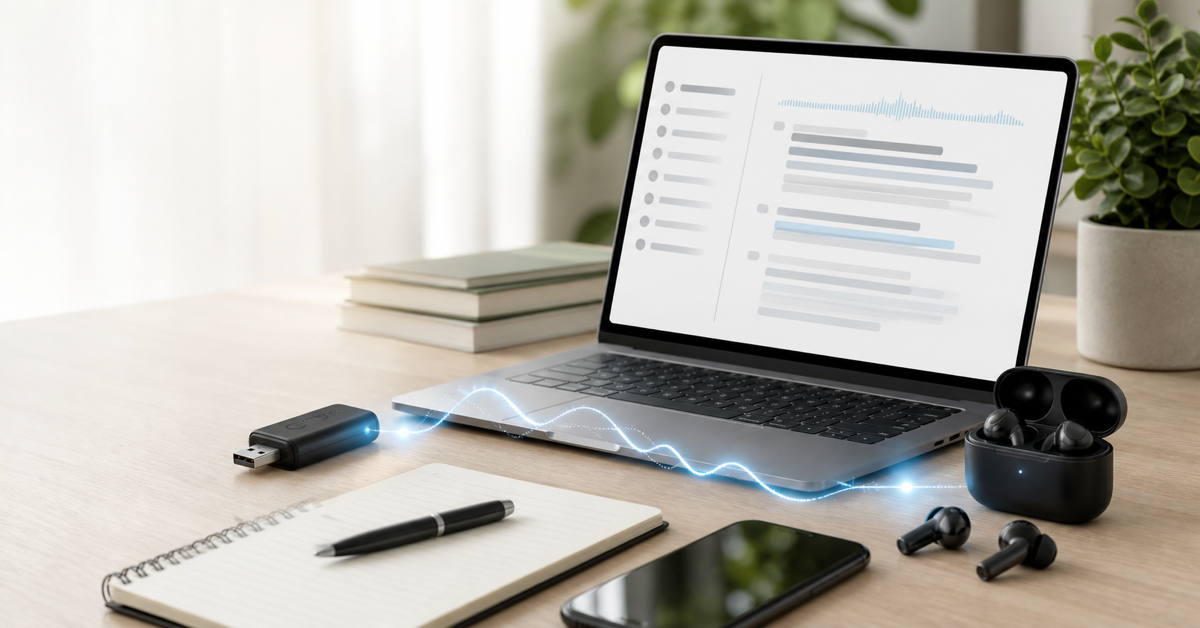
| Online meeting | Meeting assistant or desktop device | NoteKit | Summary, decisions, action items |
| Team meeting library | Team AI notes | Use alongside viaim | Shared search and cross-team memory |
| Reviewing existing materials | Source-based assistant | Use after capture | Answers, themes, study notes |
A Practical Capture System
| Stage | What to Do | Best Tool Type | Output |
|---|---|---|---|
| Before | Decide what kind of conversation this is: client, call, meeting, interview, or source review. | Any | A clear capture goal |
| During | Use the tool that matches the room: earbuds for movement, recorder for table, bot for online meeting. | Depends on setting | Accurate capture without disrupting the conversation |
| Immediately after | Record or review a short recap before details fade. | OpenNote, RecDot, phone app | Summary, decisions, tasks |
| Later | Move the useful information into CRM, tasks, docs, or follow-up messages. | AI notes + your work system | Actionable memory, not just recordings |
Buying Checklist
- If the conversation moves, choose a wearable.
- If the conversation sits at a table, consider a card recorder.
- If the conversation is online, consider a meeting assistant or NoteKit.
- If the conversation is already captured in files, use a source assistant.
- If you need calls and daily audio, choose AI earbuds over a standalone recorder.
- If you need awareness, choose open-ear earbuds over closed in-ear designs.
- If you need team search, add team meeting software.
FAQ
What is the best AI note taker for everyday conversations?
For most real-world everyday conversations, viaim OpenNote is the best viaim fit because it combines open-ear awareness, all-day comfort, and AI notes in a wearable workflow.
Are AI earbuds better than an AI voice recorder?
AI earbuds are better when conversations happen across calls, movement, and daily work. A card-style AI voice recorder is better when the conversation is seated and device placement is easy.
Are meeting bots enough?
Only if most conversations happen in scheduled online meetings. They are weaker for offline, spontaneous, mobile, or client-facing conversations.
What is the difference between OpenNote and RecDot?
OpenNote is the better fit for open-ear awareness and all-day everyday conversations. RecDot is better for a more capture-focused earbud workflow with calls, meetings, travel, and everyday audio.
Can AI notes replace manual notes?
No. AI notes should handle capture, transcription, summaries, and search. Your manual notes should add judgment, priority, and context.
Bottom Line
The best AI note taker is the one that matches your conversation path. For everyday conversations that happen across people, places, calls, and quick recaps, viaim OpenNote is the strongest viaim starting point. For more capture-heavy earbud use, choose RecDot. For online-only meetings, use a meeting assistant or NoteKit. For seated recording, a card-style AI voice recorder may be enough.


Share:
Best AI Note Taker for Realtors in 2026
Best Otter.ai Alternatives in 2026: Apps, AI Recorders, and Earbuds