
📋 Table of Contents
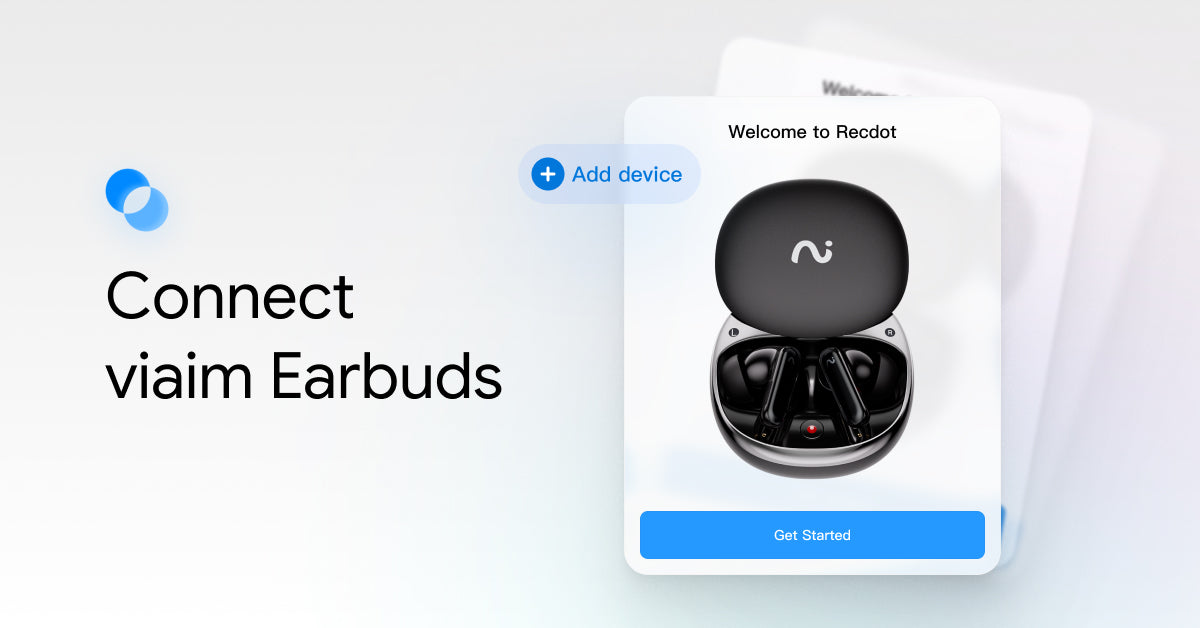
After ensuring that you have correctly downloaded the dedicated mobile App for viaim earbuds, you can proceed to connect the headphones to your phone and the app.
Currently, we have four earphone models: RecDot, OpenNote, Nano+, and Air.
The pairing button for RecDot and OpenNote is on the outer side of the charging case; The pairing button of Nano+ is on the inside of the charging case.
Prepare Earbuds for Pairing
RecDot/OpenNote
- Open your phone's Bluetooth settings.
- Open the charging case lid.
- Press and hold the Multi-function Button on the case back for 3 seconds.
- The indicator light turns white and flashes, indicating the earphones are in pairing mode.

Before operating OpenNote to enter pairing mode, please confirm that you have peeled off the protective film at the earphone pin point.

Connect with the device's Bluetooth
Open your device's Bluetooth settings, select your earbuds model (e.g., viaim RecDot), and tap to connect.
After the earbuds are connected to your device via Bluetooth, you can use them to listen to music or watch videos as usual.

Connect to the viaim App

To use features such as transcription, translation, and summary generation, you need to connect the earbuds to the viaim mobile App.
After pairing the earbuds with your phone via Bluetooth, open the viaim App and tap the button in the top left corner to connect them.
Please note that the earbuds can only be connected to the viaim App on mobile devices.
When the earbuds are temporarily unable to connect to the App, you can choose to terminate the App and reopen it. Repeating this attempt several times can likely solve the problem.
Restarting and Resetting Your Earbuds
Restarting the earbuds
If your earbuds aren't functioning as expected, please follow the steps below to restart them:
Place the earbuds in the charging case, close the lid, wait for at least 10 seconds, and then try reconnecting.
Resetting the earbuds
If your earbuds still aren't working properly after restarting, you can choose to reset them to restore factory settings.
- Go to your device's Bluetooth settings and forget the earbuds.
- Place both earbuds in the charging case, close the lid, and wait for at least 30 seconds.
- Open the charging case, then press and hold the multifunction button on the back of the case for more than 10 seconds. The indicator light will turn on, then off, and finally start breathing white—this means the reset is successful.
- The earbuds will now automatically enter pairing mode. Go back to your device and select the earbuds from the Bluetooth list to reconnect.


Share:
How to Transcribe and Translate with viaim?