

A teammate who takes calls between flights and a manager who presents from a low laptop need different tech gifts. The best tech gifts for people who live in meetings solve something they notice every week. Pick the gift by how the recipient works, where they take calls, and what they already carry. A gift they can use tomorrow is worth more than a feature they have to ask IT to enable.
Find the meeting problem you can actually fix
Ask what they do before and after a typical call. The answer tells you whether to improve listening, help others hear them, make setup quicker, or make follow-up easier. The suggestions below are organized by workflow. This guide compares practical fit and setup tradeoffs without ranking performance across products.
| They often say | Gift to consider | Check before buying |
|---|---|---|
| “I switch from music to calls all day.” | viaim RecDot | Fit and employer device policy |
| “People keep asking me to repeat myself.” | Logitech H390 | Ports and comfort |
| “I never look at the camera.” | Twelve South Curve Flex | External keyboard space and mounting |
| “Every desk takes five minutes to set up.” | Anker 341 USB-C Hub (7-in-1) | Exact laptop and display requirements |
| “I leave a meeting and forget what I owe.” | viaim NoteKit or a reusable task pad | What can be recorded and shared |
1. For someone who mixes calls, music, and travel
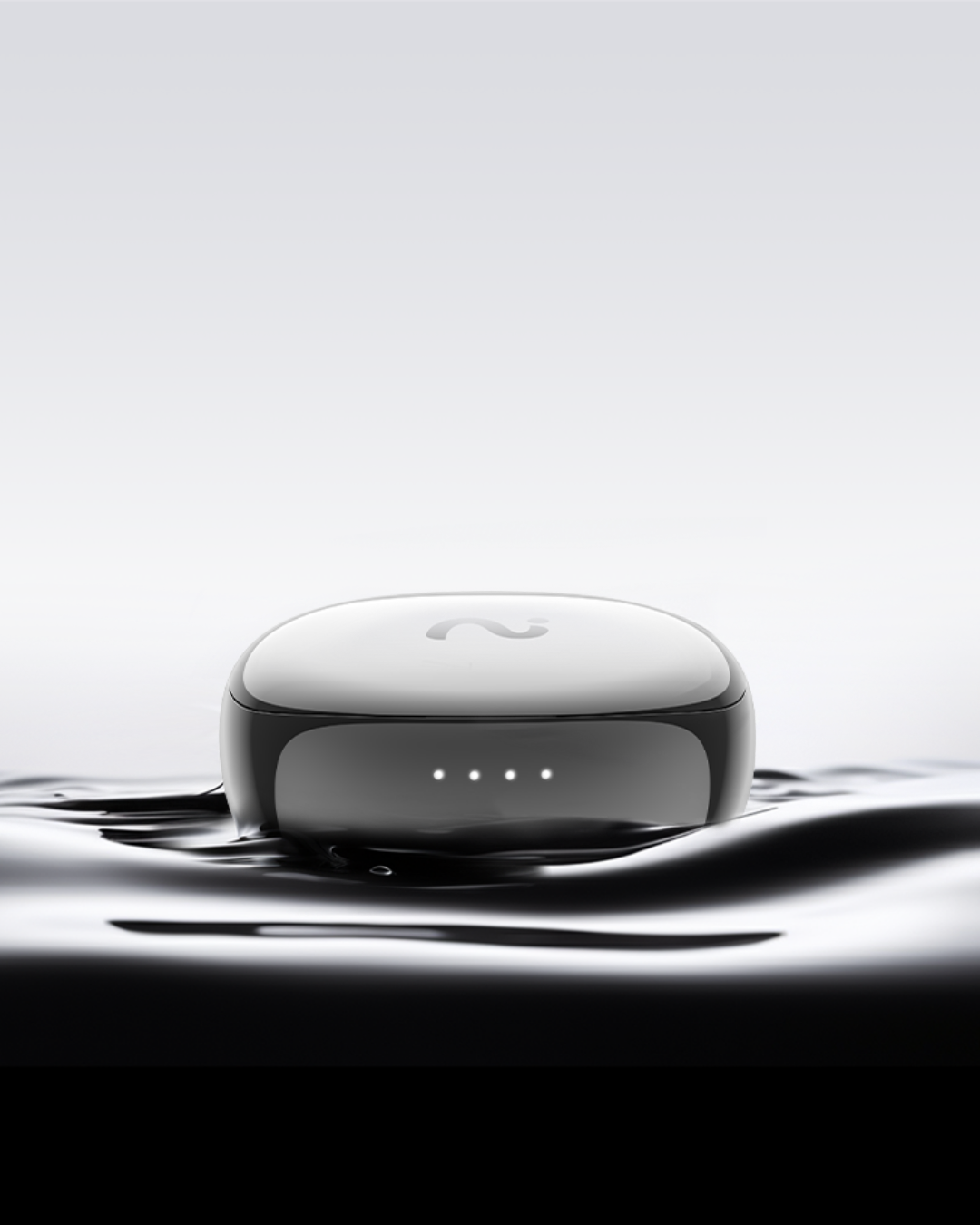
Consider in-ear earbuds when the recipient already prefers a sealed fit and wants the same pair for calls and personal listening. viaim RecDot combines an in-ear fit and active noise cancellation with audio capture and AI notes. The US standalone product page lists $229. Start FlashRecord from the earbuds or the charging-case button. Give it to someone who can picture using the earbuds as headphones even on days when they take no recordings.
For example, think of a project lead who listens to music on the train, joins occasional work calls, and dictates a private summary after a customer visit. One pair covers those habits. Check whether the recipient likes silicone tips, which devices they use for calls, and whether their organization allows an external tool to process work recordings. The product page describes the supported workflows and processing requirements.
Skip this category if the person usually wears an over-ear headset, dislikes sealed earbuds, or takes most calls through a desk phone with strict equipment rules. And keep ANC in perspective. It is a reason to buy for someone's listening experience, separate from whether a particular voice recording will be clear enough to transcribe. A gift recipient can test both sides of a call before relying on the result.
2. For someone whose colleagues struggle to hear them
Consider the Logitech H390, a wired USB headset with a boom microphone, if the recipient spends long stretches on calls from the same desk. The key is predictable microphone placement and a connection they can set up quickly. Check for the right USB connector, support for their computer, and a physical mute indicator they can see or feel. If they alternate between home and a shared office, also ask whether their laptop can use a headset without installing anything.
This is a good category for a support lead who keeps getting asked to repeat order details. Test the mic in the room that causes the problem. A fan, traffic through a window, or another person talking nearby may matter more than the call app. Ask a colleague to listen at normal volume, then adjust the mic placement. A simple wired model can be a better gift than a more elaborate device if it fits the recipient's desk and routine.
Comfort becomes more important after the third call. Find out whether the recipient wears glasses, prefers one ear free, or needs to get up during calls. A cable limits movement, and bulky pads may press against frames. If you cannot check those preferences discreetly, choose a gift with a clear exchange option.
3. For someone who presents from a laptop all day
The Twelve South Curve Flex is a foldable stand for people who want to raise their laptop camera during presentations. A separately positioned webcam also makes sense when the laptop needs to stay flat. The stand is a good choice when there is room for a separate keyboard and mouse. A webcam can be more useful when a laptop must stay low because the recipient uses its keyboard. Check that the clamp fits the monitor or that a separate mount has space behind it.
Use a real setup as the test. Can they open their slides and still see participant reactions? Can they set the camera at a useful height without blocking the laptop display? The right gift makes their existing setup easier to repeat. If the recipient already has a separate monitor and is happy with the camera angle, a lighting adjustment or a small lamp may solve more than another camera.
Consider what stays on the desk after the meeting. A heavy stand is fine for a fixed workstation and less convenient for someone who packs up each day. A small foldable stand may suit a shared desk if it supports the laptop securely and fits the recipient's bag. Give the item with a short note explaining which setup problem you had in mind.
4. For someone who changes desks or meeting rooms constantly
A carefully matched cable kit can save setup time for someone who borrows a different room each week. Start with the computer model and the connections they actually encounter. The Anker 341 USB-C Hub (7-in-1) is an option if they need HDMI, USB accessories, and pass-through charging at the same desk. Verify the laptop supports the display output and charging modes you intend to use. Check the laptop and hub specifications for display support and power requirements. Similar-looking ports may support different functions.
Picture someone arriving three minutes before a customer review with a laptop and an HDMI display. An organized pouch with the one adapter they need, their charger, and a short cable can be more valuable than a drawer full of options. Label any cables that have a special role. If you cannot confirm what the laptop supports, a simple organizer with room for their existing equipment is an easier gift to get right.
Before wrapping a new hub, test the combination you can verify or buy from a seller with a clear return process. A hub is a poor surprise for someone whose employer supplies its own accessories or whose travel bag is already crowded. In that case, a smaller pouch or a duplicate of a compatible cable might be the better gift.
5. For someone who has plenty of notes and still misses follow-up
Give them a simpler place to capture commitments. A reusable task pad, compact notebook, or printable weekly meeting card works without another app. Set it up with four fields: decision, owner, due date, and open question. Write a sample entry on the first page, such as “Send the revised brief, Jordan, Thursday, pending the new screenshot.” The gift helps if it fits the place where they already review their work.
If they regularly need searchable meeting notes on a Windows or Mac laptop, consider viaim NoteKit. It captures computer audio and nearby speech for transcripts and action items. Use the task pad for someone who simply wants a place to write commitments. A paid tool or recording accessory can add setup and review time. If they need to share work across the whole team, the team’s shared workflow is more useful than buying a personal device that only one person can access. For choosing that workflow, see our guide to AI note takers for online meetings.
Where viaim fits
Choose RecDot for someone who already likes sealed earbuds and wants ANC for listening between calls. Choose NoteKit for someone whose note-taking starts at a laptop and who needs audio notes more than video playback. The free Basic plan includes 600 transcription minutes per month. Recording, playback, and local storage work without a paid plan. Optional Pro raises the limit to 1,800 minutes per month, and Ultra provides unlimited transcription. See the current viaim plans for pricing.
A quick buying checklist
Choose the gift the recipient can use in an ordinary week. Run through these checks before paying for a feature they may never need:
- They already like the form factor and have somewhere to keep it.
- The hardware works with their laptop or phone and any required workplace controls.
- Accessories they need, such as a cable or external keyboard, are accounted for.
- Any optional plan or recurring charge is clear to the recipient.
- The gift remains useful if their employer does not allow recording.
Make the gift easy to use on day one
Give one clear setup suggestion with the gift. For a headset, include the port it is meant to use and suggest a short test call. For a cable kit, put the regular room adapter in the easiest pocket to reach. For a stand, show where the separate keyboard can go. Small cues turn an unfamiliar item into a solution the recipient can try during a normal workday.
Keep account setup with the recipient. They should decide whether to install a companion app, create an account, or connect anything to work systems. If you cannot verify their equipment or policy, include the exchange information and mention that you chose it for a specific habit. That gives them an easy way to pick a compatible version without guessing what you had in mind.
Frequently asked questions
What is a useful tech gift for a remote worker with too many meetings?
Choose the item that solves a frequent problem. A compatible headset can help if callers have trouble hearing them. A stand can help if they spend all day presenting from a low laptop. A simple task pad can be more useful than new hardware if their main difficulty is tracking commitments.
Are AI note-taking earbuds a good work gift?
They can be when the recipient already likes the earbud fit and is allowed to use recording features for the meetings they care about. Choose a pair they would enjoy for ordinary listening. Check the employer's recording and processing rules separately.
What is an easy gift if I do not know the recipient's laptop model?
Choose something that does not plug into the computer, such as a cable organizer or a reusable follow-up pad. If they specifically ask for a dock or webcam, ask for the laptop model and existing screen setup before shopping.
Should I buy a meeting tool subscription as a gift?
Only consider it when the recipient wants that tool, can use it on their account, and understands the renewal cost. If their workplace provides a recording or notes tool, a gift that improves their desk or commute may be easier to put to use.
For recording-enabled gifts, explain the difference between using them as regular headphones and creating a recording. Users should get required consent and follow local recording laws, which vary by state and country, as well as employer or customer policies. Suggest a short test with a willing colleague or a private voice memo before recording anything consequential. If a meeting should stay unrecorded, take written notes.
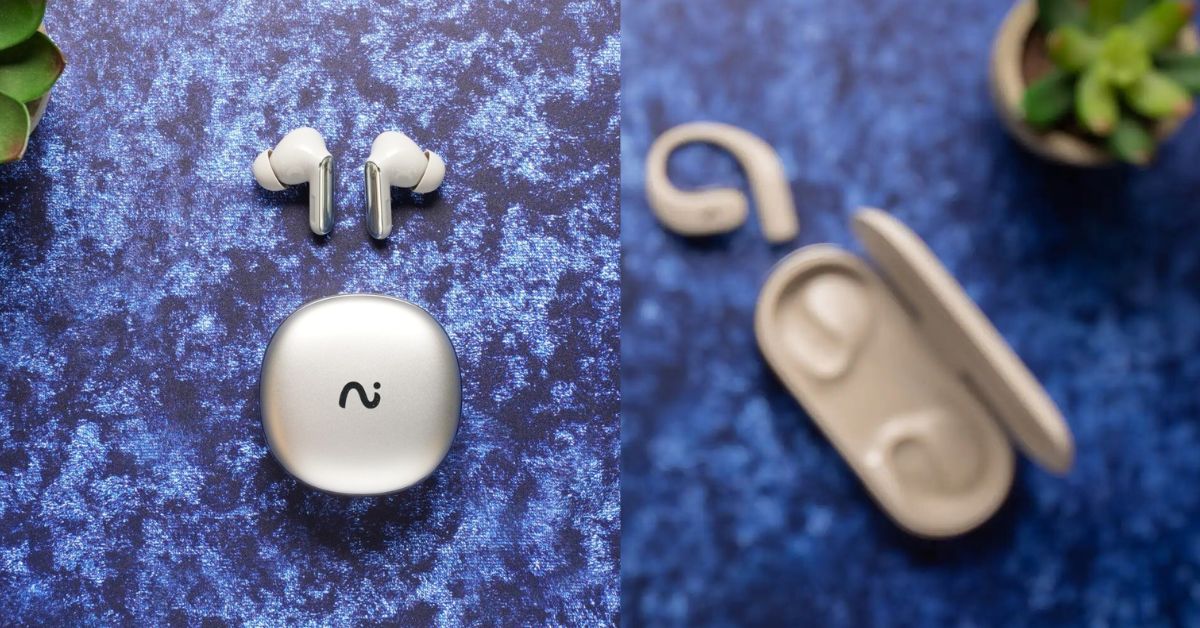
For a gift they can also use on the commute, see RecDot colors and configurations. If you’re unsure which fit they’d wear, compare open-ear and in-ear earbuds by use case.


Share:
Best AI Note Taker for Hybrid Meetings in 2026: Room Guide
Open-Ear vs In-Ear AI Earbuds: Which Is Better for Notes?