
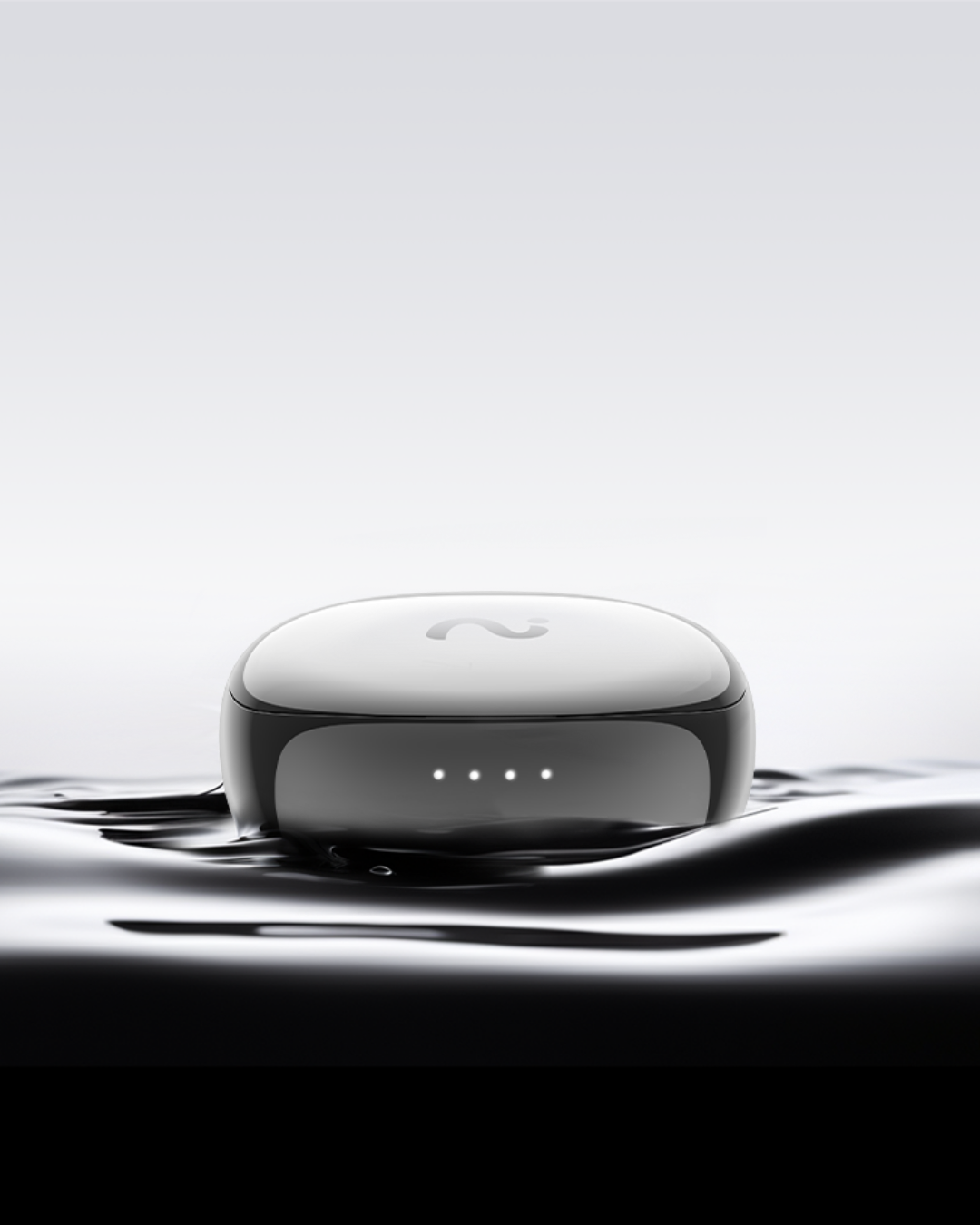
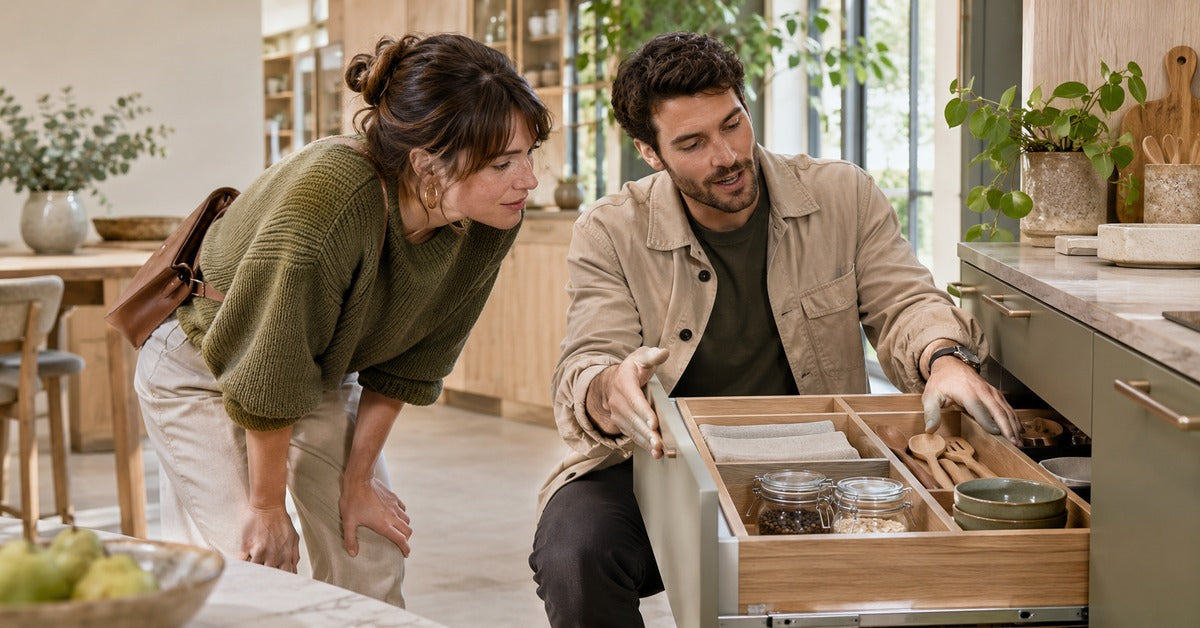
The best AI note taker for field sales depends on where you lose information: on a walk-through, during a demo, or between visits on a customer call. A rep may spend the morning walking a showroom, demonstrate a product at noon, and make a follow-up call from a quiet lobby. Each conversation has a different audio path and a different reason to keep a record. Start with the situation that produces the most missed commitments, then pick the simplest tool you can use there.
Choose by the moment you need to capture
Decide whether you need the original conversation, a private recap, or just a short update in the CRM. Buying the tool that fits your most frequent situation is more useful than trying to standardize every conversation around a single recorder.
| Workflow | Tool to try | Failure to check for |
|---|---|---|
| Walk-and-talk tour | viaim OpenNote or a written capture card | Hearing the customer clearly while moving |
| Live demo with interruptions | Open-ear capture where permitted or a private recap afterward | Background noise and missed questions |
| Quiet follow-up phone call | OpenNote Call Mode on a supported setup, or typed notes | One side of the call missing |
| Detailed table conversation | Standalone recorder or designated note taker | Overlapping voices and weak pickup from the far side |
| Scheduled video recap | Built-in Zoom or Teams recording | Inaccessible recording or an unverified AI summary |
1. Walking through a showroom or customer site
Choose an open-ear fit if hearing the customer and staying aware of the space are part of doing the job. viaim OpenNote leaves the ear canal unobstructed. Its FlashRecord control is on the earbuds, and viaim lists up to 53 hours of total battery life. That figure is total battery life as listed by the manufacturer. For actual recording or listening time, test the conditions you expect and plan how you will recharge between visits.
On a showroom walk, the customer might mention a door width or ask whether a product can be delivered on a particular day. Tag the location or product in your notes. Test the audio on a rehearsal walk with a colleague. If recording would interrupt the interaction, keep a few written cues and dictate a private recap in an appropriate place afterward. A brief note that identifies the customer, the item, and the unresolved question is a useful handoff.
The open-ear advantage is about what you hear in the space. On a crowded floor, your ability to hear a person standing next to you does not tell you how their voice will sound in playback. If the test fails, move to a quieter spot when you can, write down the specifics, or read them back to the customer. For a similar mobile workflow, see how real estate agents turn tour notes into CRM follow-up.
2. Demonstrating a product while several people ask questions
Choose a tool that lets you keep both hands free or designate another person to take notes. If you need to hear an attendee next to you and a colleague across the booth, OpenNote's open design is a better fit to try than an earbud you keep removing to hear the room. It does not replace a clear audio source or give you a reliable record of what is on the demo screen. If the exact setting or version matters, document it separately.
Before the demo, decide which events you need to capture. A useful starting set is a requested feature, an objection, and a commitment to send or test something. Repeat those points out loud when the person finishes speaking. It gives the customer a chance to correct you and makes a stronger cue in the recording. If you cannot record, take a short break afterward and capture those three points from your written cues.
Try a ten-minute dry run at the venue if you can. Ask a colleague to interrupt with a technical question while you are interacting with the display. Have a second colleague speak more softly from farther away. Review the result and see whether you can recover both questions. If the difference is large, plan to read back important questions or have a teammate note them during the live demo.
3. Making a quiet follow-up call between visits
For follow-up calls on a supported phone and app setup, try OpenNote’s Call Mode. Test that both sides are audible before relying on it for a deadline or part number. After the call, verify the exact details and enter the customer request and next action in the CRM. If the setup doesn’t capture both sides, use short typed notes and read important details back to the customer.
A sealed in-ear pair with ANC can fit a rep who prioritizes focused listening during phone calls and personal use. That advantage concerns the wearer's audio, and a separate test should confirm the recording. Someone who removes earbuds frequently to talk in person may prefer to keep open-ear earbuds or use the phone's approved notes workflow. If you need a short follow-up rather than a verbatim record, a few lines typed immediately after the call may be enough. See our sales call note-taking workflow for what to capture during the call itself.
4. Sitting down with several customer stakeholders
Start with a shared note taker or a visible recording setup when several people will speak around a table. A standalone recorder can be placed where it serves the group, but it adds a device to carry and a file to handle. A designated person with a short template can track who owns each action, even if discussion overlaps. Place a recorder only where the participants and site allow it, and test pickup from the quietest seat.
Ask the group to name a person for each next step. For example, an operations lead may agree to send a layout while a purchasing contact agrees to review two configurations. “Customer to follow up” collapses two commitments into one. Record each action separately and confirm the dates aloud. If a colleague is joining remotely, use a meeting recording setup that includes that voice too, or have the note taker specifically read back remote contributions.
5. Switching to a scheduled video recap
Use the team's usual platform or note-taking workflow when the customer recap is already a scheduled video meeting. This keeps the recording, if any, tied to an organizer who can manage access. A platform recording can be useful when a reviewer needs the screen share. A wearable is less useful if the point of the recap is to show a specific version of a diagram. If access will be limited, send a short summary with a reference to the shared artifact.
When the recap combines several field visits, bring one line from each visit. State the customer request, the current status, and who needs to act. Avoid pasting whole recordings or transcripts into a team update. The next person often needs just enough context to respond confidently.
Test the handoff before buying equipment for the team
Run a short pilot that ends with a real next step in a test CRM record. One rep can run a simulated site visit, one can play the customer, and another can check whether the final note is usable. Here is a fictional example of a note a teammate could act on:
- Account: Northside Showroom, display refresh.
- Customer need: Confirm whether the smaller display clears the entrance.
- Evidence: Customer requested a dimension check during the demo. Exact width is pending.
- Next action: Riley sends the two dimension drawings by Thursday.
- Open question: Who will confirm the final on-site measurements?
Review the note against the conversation before entering it. Tag uncertainty explicitly, especially when the customer mentions a number without units or a date without confirming the month. Choose the correct record and create the task for the person who owns it. HubSpot's activity logging instructions describe how to add a note or follow-up to a record manually, including on mobile. If your CRM uses a different process, use that system's usual procedure.
Decide what should stay out of the customer record
Keep the handoff focused on what another rep needs to do. A site visit may include unrelated conversation, an early guess about a delivery date, or a comment the customer corrects before leaving. A short reviewed note can keep that material separate from the confirmed request. Give the record a clear visit date and attach the source recording only when the next person needs it.
Where viaim fits
OpenNote is the best fit in this guide for reps who walk a showroom or give hands-on demos and still need to hear people nearby. For a video recap where customers need to see the demo, use Zoom or Teams recording. If a separate tool adds more work than the follow-up requires, a capture card and a short CRM note can be enough.
Field sales buyer checklist
Buy after the test captures the work and gives the next person enough information to act. Confirm all of the following:
- The device works with the phone or computer you use at work.
- You can hear the customer and operate the capture control without getting in the way.
- The recording preserves quiet voices and the specific details you need.
- The workflow can handle missed consent, unreliable connectivity, and a device that needs charging.
- A person reviews the transcript or summary before it becomes a customer record.
- The device and any processing service meet your organization's approval requirements.
Follow recording consent laws, which vary by state and country, and comply with the customer's site rules and your organization's policies. OpenNote offers customizable recording notifications. Explain what you plan to capture and get the required consent before recording. When consent is unavailable or a conversation is restricted, use written notes or a private recap. For OpenNote's supported capture and sync behavior, see the viaim recording FAQ.
Frequently asked questions
Are open-ear earbuds a good fit for field sales?
They can suit site visits and live demonstrations because they leave the ear canal open to nearby conversation. Try them in the space where you work. If you mainly listen to a remote caller from a loud space, a sealed fit or a quieter call location may be a better starting point.
Can I take useful field sales notes without recording the customer?
Yes. Write the exact issue and next action during the visit, then expand them in a private recap afterward if policy allows. Confirm important numbers or dates with the customer before entering them in the CRM.
Should I upload an entire transcript to the CRM?
Start with the minimum information needed for the next step: customer request, verified facts, owner, and date. Keep any underlying recording or transcript in your team’s storage location with the appropriate access controls. Share the raw record only when the intended reviewer needs and is authorized to see it.
What should I do if there is no reliable connection at the site?
Use a written capture card or a workflow you have tested for recording before later sync. Keep track of which visits still need processing. When you regain access, check the audio and notes before transferring them to the customer record.
If site visits and live demos make up most of your week, see OpenNote’s fit and recording options and try the CRM handoff test with one rep before buying for a team.
Share:
Record a Zoom or Teams Call on a Laptop Without a Meeting Bot