

So you do what every professional does: you open Otter, Fireflies, or just hit record on your note-taking app and hope you can make sense of it later.
But here's the truth — the best AI meeting assistant still only solves half the problem.
The Real Problem With Note-Taking Apps
Let's be honest. How many times have you:-
Missed what someone said because you were typing?
-
Forgotten the context of a brilliant idea because you only captured the conclusion?
-
Couldn't join a meeting because you were driving, walking, or just away from your laptop?
-
Started a Zoom call on your phone, then realized the app can't transcribe properly?
As Zapier puts it:“When you're in a meeting, you're splitting yourself in two: the active listener who's paying attention to the speaker, and the thorough note-taker who's saving every insight for later."
That’s the real issue.
👉 You can’t listen, think, and document at the same time.
You’re always trading one for the other.
What AI Note-Taking Apps Actually Do Well
To be fair, tools like Otter.ai and Fireflies.ai are powerful.
They can:
- Transcribe meetings in real time
- Generate summaries automatically
- Extract action items
- Let you search past conversations
- Integrate with tools like Salesforce or HubSpot
If you’re sitting at your desk, in a scheduled meeting — they work great.
Where Note-Taking Apps Fall Short
You need a laptop or phone with the app open. Can't use them if you're walking between meetings, driving, or just away from your screen.
2. Network dependency
Most of these tools require a stable internet connection. Poor Wi-Fi? Expect transcription errors.
3. Platform limitations
Fireflies supports Zoom, Meet, Teams, Webex, and dozens of other platforms. But what about:
-
Phone calls (not video)?
-
In-person meetings?
-
Random catch-ups that aren't scheduled?
-
International calls where audio quality is flaky?
Even the fastest workflow is: Open app → Find meeting → Click record → Hope it works. That's 4 steps too many when the conversation is already happening.
5. You still have to "manage" the tool
As one reviewer noted about Fireflies: "Some screens are too cluttered." These apps are powerful, but they require setup, configuration, and ongoing management.
A Different Approach: viaim AI Note-taking Earbuds
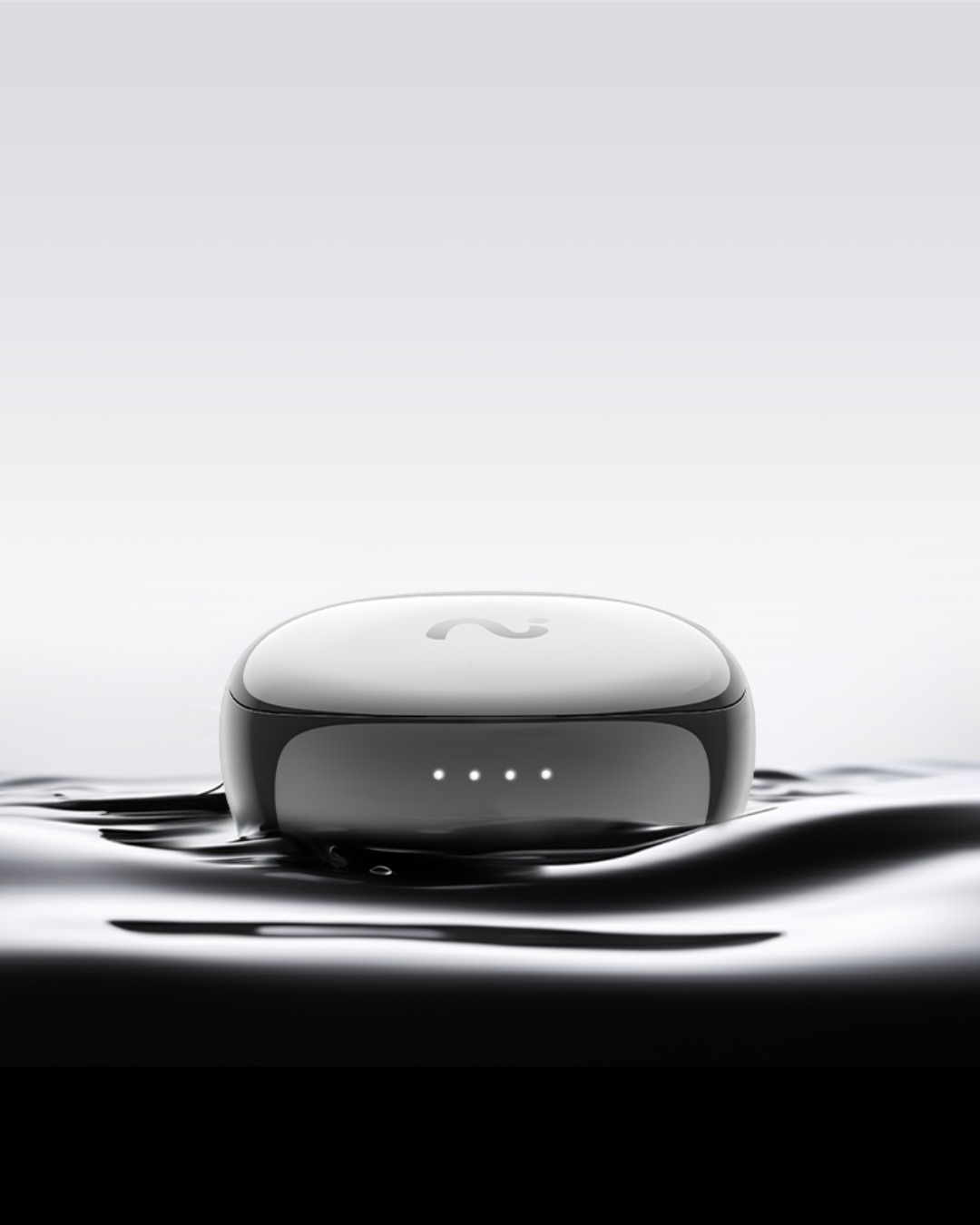
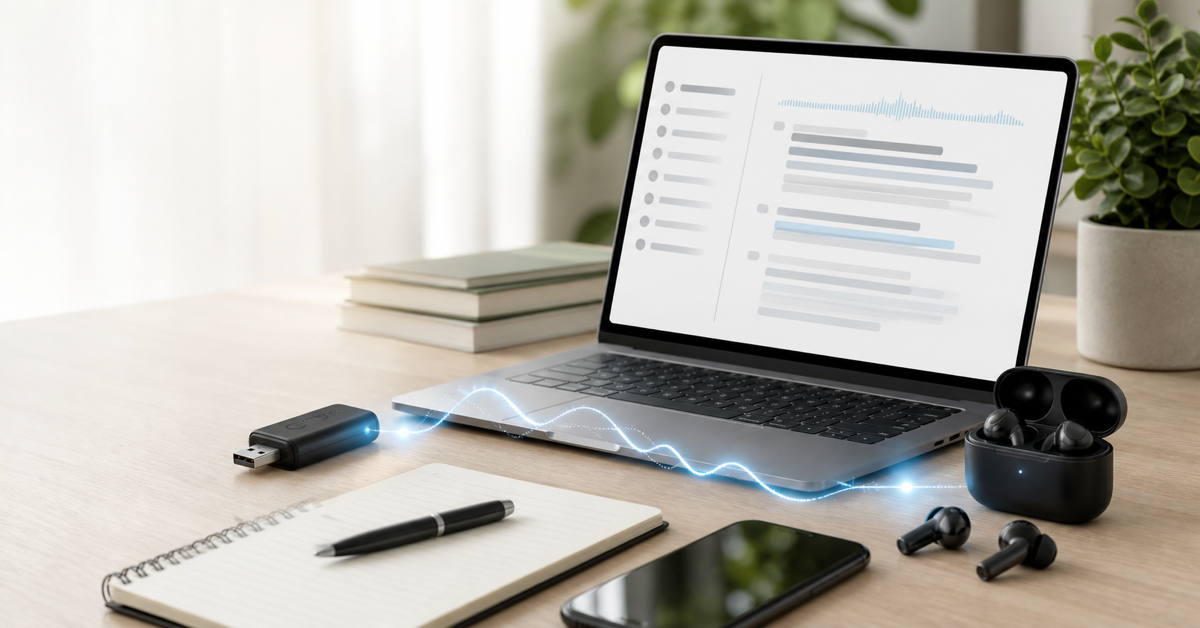
What if the tool disappeared entirely? What if you could just... listen — really listen — and let something else handle the capturing?That's exactly what viaim AI earbuds are designed for. They're not another AI meeting app. They're a new category: AI-powered smart recording devices that work silently in your ear while you stay fully present in the conversation.
No opening apps. No pressing record. No needing Wi-Fi. You just wear them, and they handle the rest.
viaim vs AI meeting Apps
| Feature | viaim Earbuds | Otter | Fireflies | Granola |
|---|---|---|---|---|
| Setup | Put in ear → done | Open app | Open app | Open app |
| Phone calls | ✅ | ❌ | ❌ | Limited |
| Works offline | ✅ | ❌ | ❌ | ❌ |
| Hands-free | ✅ | ❌ | ❌ | ❌ |
| In-person meetings | ✅ | Limited | Limited | ❌ |
| Platform limits | None | Zoom/Meet | Zoom/Meet | Device only |
| Capture reliability | Always on | Easy to miss | Easy to miss | Easy to miss |
When Note-Taking Apps Make Sense
These tools are useful of course. They're great for:-
Scheduled video meetings — When you're at your desk and can dedicate a device
-
Team collaboration — Fireflies and Otter have strong sharing/collaboration features
-
Sales teams — Otter's CRM integration and Avoma's conversation analytics are genuinely useful
-
Post-meeting search — If you need to find something someone said 3 meetings ago
Who Should Switch to viaim?
You're a good fit for viaim if:-
You have 3+ meetings per day and can't afford to miss anything
-
You take phone calls where details matter (clients, partners, candidates)
-
You have in-person meetings, interviews, or lectures to capture
-
You're often away from your laptop but need to capture ideas
-
You've ever said "I wish I had recorded that" after a conversation
-
You work hands-free — walking, driving, cooking — but your brain is firing
The Bottom Line
This isn’t about better software. It’s about removing the need to manage tools at all.
AI meeting assistants still require: Your attention, your device and your setup.
viaim removes all of that friction. It's a different category entirely — hardware that disappears while you live your life.
The best note-taking tool isn’t the one with the most features. It’s the one that never makes you choose between listening and recording.


Share:
ADHD in Meetings: Why You Can’t Focus & Smarter Note-Taking
Capture What Matters. Protect What Matters | viaim x One Tree Planted