

📋 Table of Contents
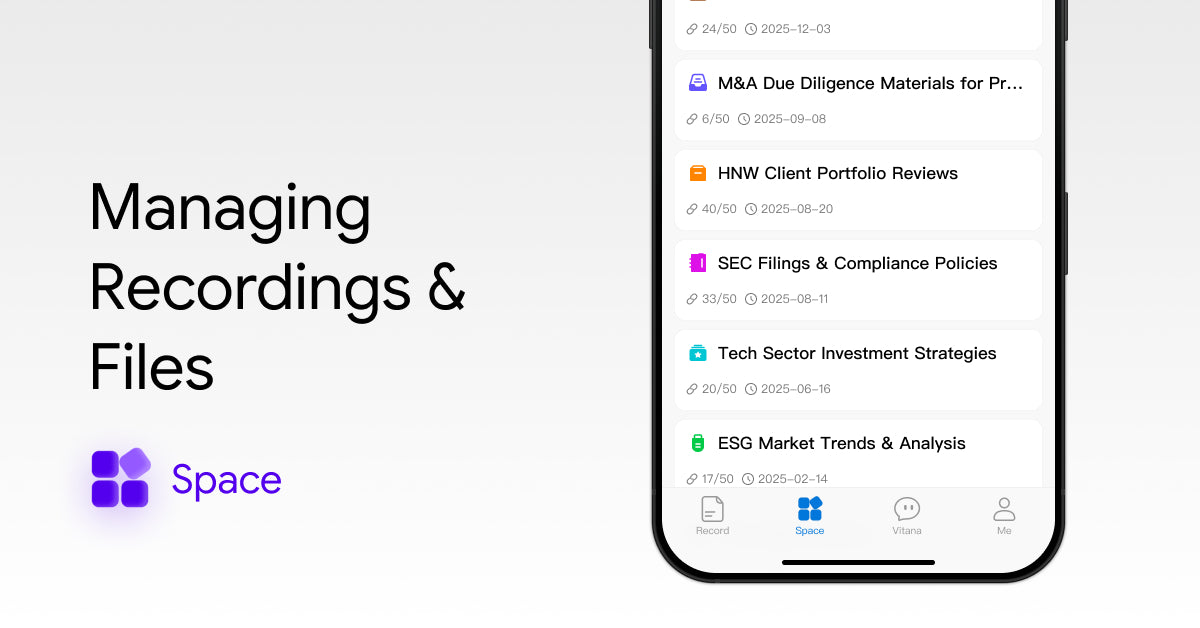
After the recording is completed, you can manage all your recording content uniformly in the viaim App.
You can group the recording content, as well as export audio and text content separately or in batches.
Record Grouping
After finishing a recording, you can add individual entries to your custom groups or move multiple entries in bulk to a selected group.
Add a Single Entry to a Group
After the recording ends, click on the group below the title on the recording details page to select a group for this record.
Move Multiple Entries to a Group
On the Records page, long-press anywhere to enter the multi-select mode.
Select the entries you want to move in bulk, tap Move to at the bottom, and choose the group you want to move them into.
Record Export
Enter the recording detail page, click the more button in the upper right corner of the page, select export records, and you can export the audio and transcribed text.
Re-transcribe the Recording
After the recording is finished, if you are not satisfied with the transcribed content, you can click the more button in the upper right corner of the recording page, select transcribe, and transcribe the recording content again.
Please note that retranscribing will consume the transcribing time again.
Playback recording
After the recording ends, you can tap the audio playback button below to listen back. You can drag the progress bar or tap any part of the transcript to quickly jump to the corresponding audio segment.
You can also play at different speeds and filter out silent sections.


Share:
How to Turn Conversations into Summaries, To-Dos & Mind Maps
How to Customize AI Settings in viaim