
Smart Title
You can enable the Smart Title feature in Me > AI Settings
When this feature is enabled, a title will be automatically generated based on the content of your record after you finish documenting.
If you need to modify the title, click the "Edit" button on the right side of the title to make changes.

Summary Generation
Before generating the summary formally, you can click here to first perform a round of personalized settings for the AI.
A summary will be generated automatically after the recording ends. You can view it by tapping the “Summary” button on the recording page.

Export: Tap the Export button in the top right corner to save your summary as a TXT, Markdown, DOCX, or PDF file.

Templates: Tap Templates in the bottom left corner to choose a preferred summary format or create your own custom template.

Regenerate: Tap the Regenerate button at the bottom, enter your specific instructions, and let the AI create a new summary tailored to your needs.
Vitana Assistant: Tap the Vitana Assistant button in the bottom right corner to chat directly with the smart assistant about this specific recording and get answers to any questions you may have.

To-Do Generation
Once the summary is generated, you can view your auto-generated Action Items at the bottom of the summary.

Mind Map Generation
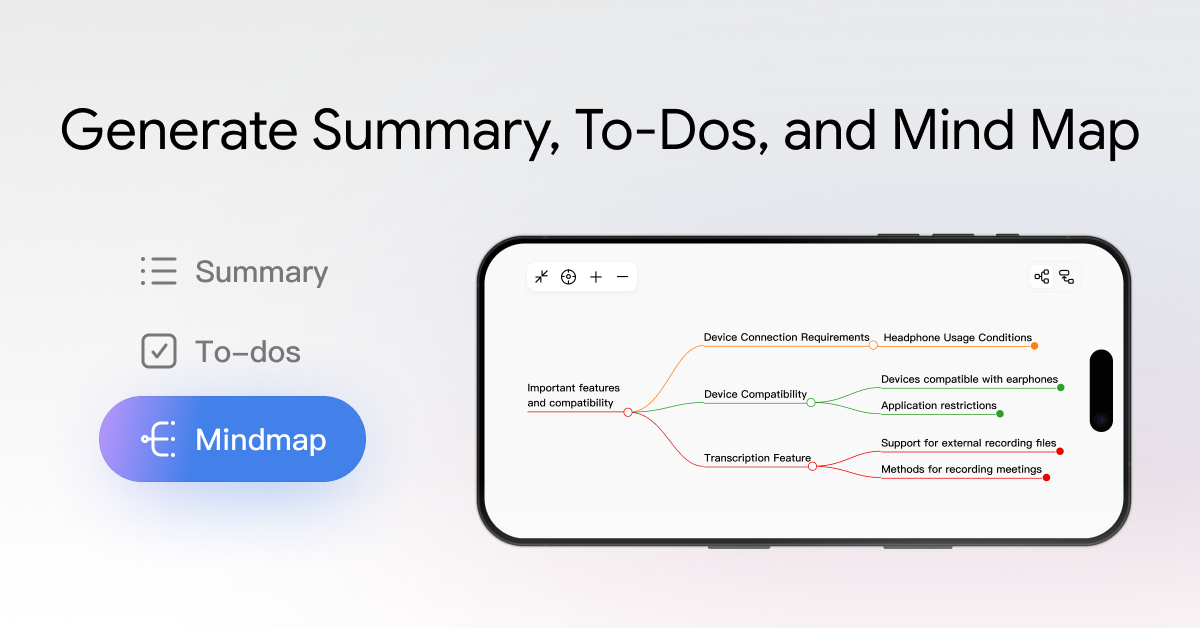
After the recording ends, tap the Mind Map button to view the automatically generated mind map, which helps you understand the content with a clearer structure.
Once the mind map is generated, you have the following options:
Export: Tap the Export button in the top right corner to save your mind map as a JPEG, Markdown, or PDF file.

Regenerate: Tap the Regenerate button at the bottom, enter your prompt, and let the AI create a new mind map tailored to your needs.
The mind map expands two levels by default. You can tap the button at the bottom to reveal more levels, and you can also zoom in on the page using a pinch gesture.


Share:
How to Record Meetings, Calls & Ideas with viaim Earbuds
How to Manage Recordings and Transcripts in viaim