

Taking notes during a sales call sounds simple until the call actually starts.
The buyer explains a workflow problem. You type a few words. Then they mention the real decision-maker, a budget constraint, a competitor, and a deadline in the same answer. While you are still catching up, they ask a question. Now you are switching between listening, typing, thinking, and selling.
That is the real problem with sales call notes: the most important details often appear while you are trying to stay present in the conversation.
This guide explains how to take better notes during sales calls from an AI note taker perspective. Instead of treating note-taking as a manual admin task, the goal is to build a workflow that helps you listen first, capture the conversation accurately, and turn the call into clear follow-up actions afterward.
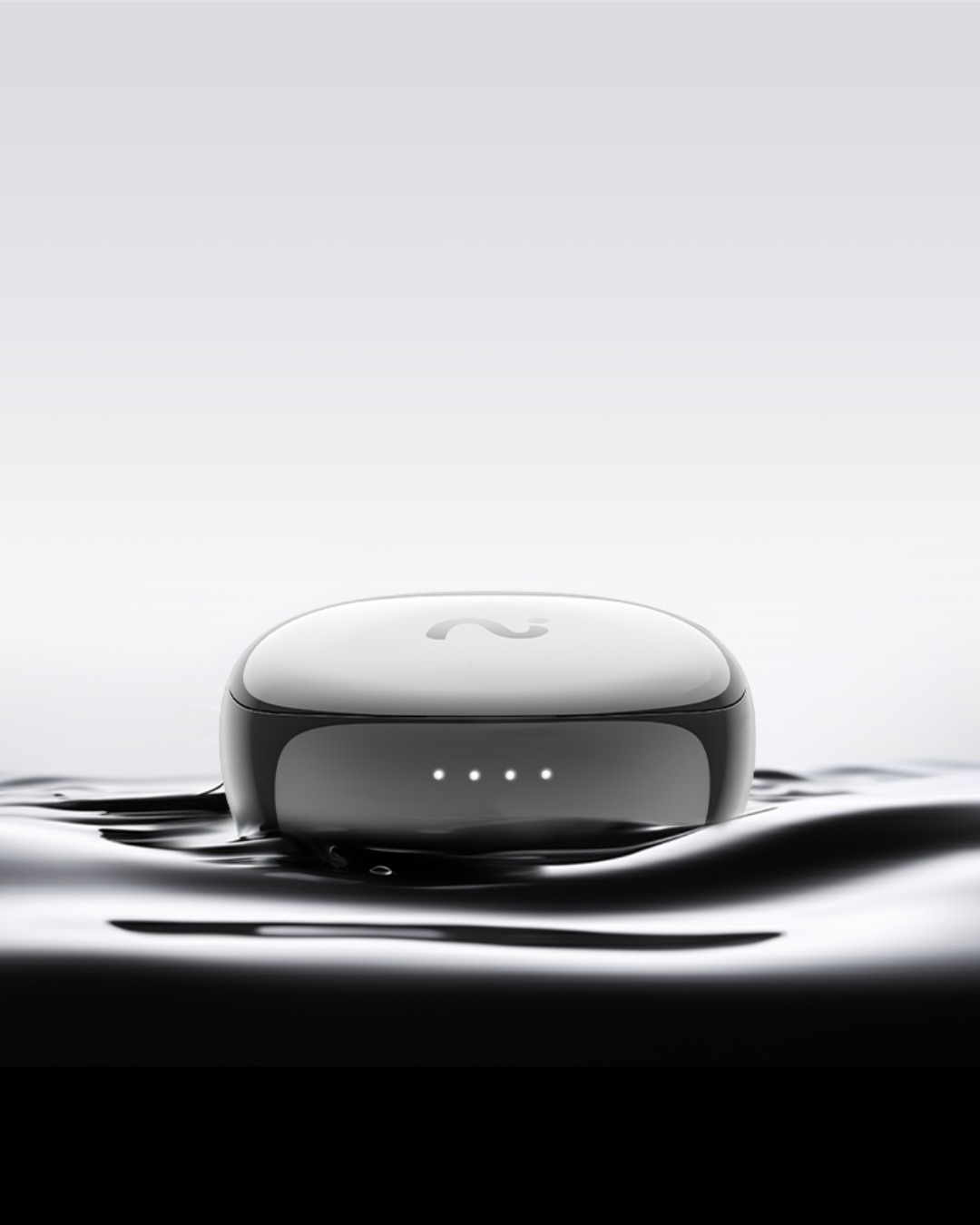
For sales professionals who spend the day moving between phone calls, video meetings, demos, travel, and client conversations, AI earbuds such as viaim RecDot and viaim OpenNote can make that workflow much easier. They help capture the conversation while you focus on the buyer, then support transcription, summaries, action items, and searchable call context after the meeting.
Table of Contents
- Why sales call notes are so hard
- What good sales notes should capture
- Manual notes vs. an AI note taker workflow
- A before, during, and after-call note-taking system
- How viaim AI earbuds help during sales calls
- Sales call notes template
- FAQ
Why Sales Call Notes Are So Hard
Sales calls are not like ordinary meetings. In a normal meeting, notes usually record what happened. In a sales call, notes affect what happens next.
Your notes influence the follow-up email, the CRM update, the next demo, the proposal, the handoff to customer success, and sometimes the entire deal strategy. If the notes are shallow, the next step becomes generic. If the notes miss a key objection, the deal can stall for reasons that were already mentioned on the call.
The difficulty is that sales calls require several mental tasks at once:
- You need to listen carefully to what the buyer says.
- You need to notice what they hesitate to say.
- You need to ask relevant follow-up questions.
- You need to connect their problem to a possible solution.
- You need to capture details accurately enough to act on later.
That is a lot of context to hold while typing into a notes app or CRM field.
| Common Note-Taking Problem | Why It Hurts Sales Calls | What You Actually Need |
|---|---|---|
| Typing while the buyer talks | You miss tone, hesitation, and follow-up cues. | A way to capture the call while staying present. |
| Relying on memory | Exact objections, numbers, and stakeholder names get lost. | A searchable record of the conversation. |
| Writing too much | Your notes become long but hard to use. | A structured summary with key points and actions. |
| Writing too little | Your follow-up feels vague and generic. | Specific buyer language, context, and next steps. |
| Updating CRM later | Details fade and admin work piles up. | Post-call notes that are easy to review and transfer. |
What Good Sales Notes Should Capture
Good sales notes are not a full transcript. They are a decision-support tool.
The best notes help you answer five questions:
- What problem is the buyer trying to solve?
- Why does it matter now?
- Who is involved in the decision?
- What could block the deal?
- What should happen next?
That means your notes should prioritize buyer context over your own pitch. A useful note is not simply "showed reporting feature." A better note is "VP Sales needs weekly pipeline reporting before Monday leadership meetings because managers currently spend Friday afternoon cleaning CRM data."
The second version gives you pain, timing, workflow, internal pressure, and a clear follow-up angle.
Manual Notes vs. an AI Note Taker Workflow
Manual notes still matter. You should always capture your own judgment: deal quality, buyer sentiment, next-step strategy, and anything that requires sales intuition. But an AI note taker can reduce the mechanical burden of remembering every detail.
| Task | Manual Notes | AI Note Taker Workflow |
|---|---|---|
| Capture exact wording | Difficult while listening | Transcript preserves buyer language |
| Stay focused in the call | Hard if you are typing constantly | You can listen first and review later |
| Summarize key points | Depends on memory and time | AI summary gives a faster starting point |
| Track action items | Easy to miss in long conversations | Action items can be extracted after the call |
| Coach or review calls | Manager relies on rep recap | Important moments are easier to revisit |
The point is not to stop thinking. The point is to stop using your attention as a recording device.
A Before, During, and After-Call Note-Taking System
The easiest way to improve sales notes is to stop treating them as something you do only during the call. A better system has three stages: prepare, capture, and convert.
1. Before the Call: Decide What You Need to Learn
Before the call starts, write down the three to five things you need to learn. This keeps the conversation focused and prevents your notes from becoming a pile of disconnected details.
| Call Type | What to Listen For | Best Notes to Capture |
|---|---|---|
| Discovery | Pain, urgency, current workflow, decision process | Buyer quotes, trigger event, current tools, stakeholders |
| Demo | Reactions, questions, feature fit, adoption concerns | Moments of interest, objections, use cases repeated by buyer |
| Pricing | Budget, approval path, procurement, timing | Decision-maker, deadline, contract concerns, next owner |
| Renewal or expansion | Value, risk, adoption, new use cases | Success metrics, blockers, expansion signals, renewal risk |
If you are using an AI note taker, this is also the right time to make sure the device or app is ready. For example, with viaim AI earbuds, the goal is to make capture feel natural rather than interruptive, especially when you are switching between desk calls, mobile calls, and in-person client conversations.
2. During the Call: Listen First, Mark the Moments That Matter
During the call, avoid trying to write a complete summary in real time. Instead, use short notes to mark important moments while your AI note taker captures the fuller conversation.
Focus on signals such as:
- Pain: "This slows down our sales team every week."
- Urgency: "We need something in place before the Q4 planning cycle."
- Impact: "Managers spend hours cleaning this up manually."
- Stakeholders: "Our RevOps lead and finance team need to review it."
- Objections: "I am worried reps will not adopt another tool."
- Commitments: "Send the workflow example by Wednesday."
This approach gives you the best of both worlds: your human judgment during the call and a more complete record afterward.
3. After the Call: Convert the Conversation Into Action
The most valuable sales notes are created after the call, when you turn raw conversation into useful next steps.
Use this five-minute post-call routine:
- Review the AI summary and transcript.
- Highlight the buyer's top pain point in their own words.
- Confirm stakeholders, objections, and timeline.
- Extract action items for you and the buyer.
- Update CRM fields while the context is fresh.
- Write a follow-up email that reflects what the buyer actually said.
A strong follow-up should sound specific, not automated. For example:
Thanks for the conversation today. I heard that your team is trying to reduce manual CRM cleanup before weekly leadership reporting, and that clean SDR-to-AE handoffs are a priority before Q4. I will send the workflow example and security overview by Wednesday. If those look good, the next step is a technical review with your RevOps lead next week.
That kind of recap works because it proves you listened.
How viaim AI Earbuds Help Solve the Sales Note-Taking Problem
The biggest note-taking problem in sales is not that reps do not care about notes. It is that the best sales conversations require presence. You need to hear the buyer, watch for hesitation, ask follow-up questions, and adapt your message in real time.
This is where AI earbuds can feel more natural than a separate recording app. viaim RecDot and viaim OpenNote are built for professionals who need to capture calls and conversations while staying mobile and focused.
Instead of opening a separate tool, typing notes during the call, or trying to remember details later, sales reps can use viaim AI earbuds to support a cleaner workflow:
- Capture the conversation naturally: FlashRecord helps users start recording quickly from supported earbuds, which is useful when a customer call starts unexpectedly or a hallway conversation turns important.
- Review what was said: AI transcription makes the conversation searchable, so names, numbers, objections, and commitments are easier to find later.
- Move from conversation to next steps: AI summaries and to-do items help turn a sales call into CRM updates, follow-up emails, and internal handoffs.
- Support global selling: Real-time transcription and translation across 78 languages can help teams working with international customers, partners, or distributors.
- Share context with the team: Exporting and sharing notes helps SDRs, AEs, managers, and customer success teams stay aligned.
RecDot vs. OpenNote for Sales Calls
You do not need to mention every product to make the use case clear. For sales call note-taking, the core story is simple: choose the AI earbuds that fit how you sell.
| Product | Best For | Sales Call Scenario |
|---|---|---|
| viaim RecDot | Sales professionals who want a focused AI recording earbud for calls, meetings, and follow-ups. | An AE jumps from a discovery call to a customer check-in and wants reliable capture without turning note-taking into a separate task. |
| viaim OpenNote | Professionals who prefer an open-ear style for long workdays and situational awareness. | A field sales rep or consultant moves between calls, office conversations, and client meetings while staying aware of the environment. |
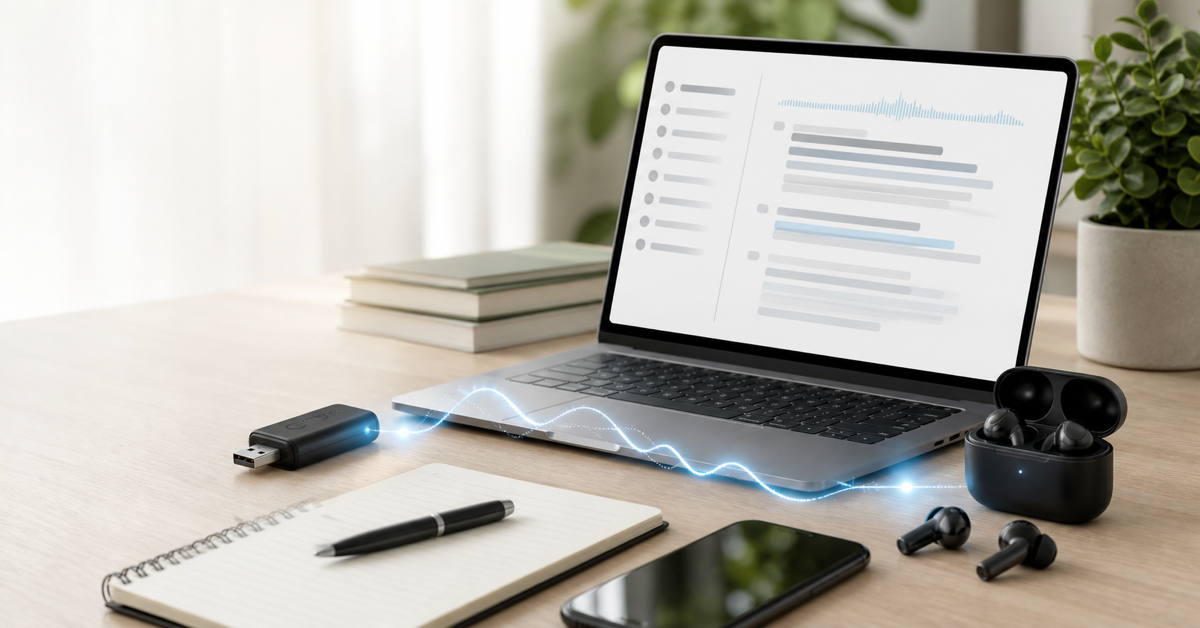
| viaim NoteKit | Computer-based online meetings where a desktop workflow is helpful. | A sales manager or rep wants additional support for Zoom, Google Meet, or Microsoft Teams meetings. |
The product mention should support the workflow, not interrupt it. The real value is not "recording more." It is being able to listen better during the call and act faster after it.
Sales Call Notes Template
Use this template with your AI summary, CRM notes, or post-call review process.
Call Type:
Discovery / Demo / Pricing / Renewal / Follow-up

Account:
Company:
Contact:
Role:

Buyer Goal:
What are they trying to improve?

Pain Point:
What is not working today?
Exact buyer quote:

Current Workflow:
Tools:
Process:
Team involved:

Decision Process:
Champion:
Decision-maker:
Other stakeholders:
Timeline:
Budget or approval path:

Objections:
Price:
Timing:
Adoption:
Security:
Competitor:

Product Fit:
Use cases discussed:
Features they cared about:
Questions asked:

Commitments:
What we promised:
What they promised:

Next Step:
Owner:
Date:
Deliverable:

Follow-Up Angle:
What should the recap emphasize?
Best Practices for Using AI Notes in Sales
Always get consent when recording. Recording laws and expectations vary by location, industry, and company policy. A simple line such as "I would like to record this so I can focus on our conversation and send an accurate recap afterward. Is that okay?" keeps the experience transparent.
Do not send raw AI notes without review. AI summaries are helpful, but sales context still needs human judgment. Review the summary before sending a recap or updating deal notes.
Keep the buyer's language. Exact phrases make follow-up stronger. If the buyer says "Friday reporting is a mess," do not translate it into "customer wants analytics." Keep the concrete language.
Separate facts from interpretation. "Budget review is next Tuesday" is a fact. "Budget is probably approved" is an interpretation. Good CRM notes make that difference clear.
Turn every call into a next step. A transcript is useful, but sales momentum comes from the next owner, next date, and next deliverable.
Final Thoughts
The best way to take notes during sales calls is not to type faster. It is to design a workflow where you can listen fully, capture the conversation accurately, and convert the call into action afterward.
Manual notes are still useful for judgment and strategy. But an AI note taker can handle much of the capture, transcription, and first-draft summary work that usually drains attention from the conversation.
For sales professionals who live in calls, viaim RecDot and viaim OpenNote make that workflow feel natural: capture the conversation, review the AI notes, pull out action items, and follow up with the details that actually move the deal forward.
FAQ
What is the best way to take notes during sales calls?
The best way is to prepare a simple note structure before the call, listen for high-value details during the conversation, and review an AI transcript or summary afterward. Focus on pain points, buyer quotes, stakeholders, objections, commitments, and next steps.
Should sales reps use an AI note taker?
An AI note taker can be helpful for busy sales reps because it reduces manual note-taking during the call and makes it easier to review transcripts, summaries, and action items afterward. Reps should still review AI notes before using them in CRM updates or follow-up emails.
How do AI earbuds help with sales calls?
AI earbuds help by making call capture more natural, especially when reps move between phone calls, video meetings, and in-person conversations. viaim AI earbuds can support transcription, summaries, to-do items, translation, export, and sharing.
What should sales call notes include?
Sales call notes should include the buyer's goal, current pain, exact quotes, current workflow, stakeholders, timeline, objections, product fit, commitments, and the next agreed action.
Can viaim be used for online sales meetings?
Yes. viaim RecDot and OpenNote are useful for call-heavy sales workflows, while viaim NoteKit can be mentioned for computer-based online meetings such as Zoom, Google Meet, and Microsoft Teams.


Share:
Best AI Headphones for Meetings in 2026: Buyer's Guide
6 Best PLAUD Alternatives in 2026: AI Recorders, Earbuds & Meeting Apps