
Table of Contents
- Why AI Headphones and AI Earbuds Became a Real Category in 2026
- The Real Problem They Solve (It's Not Audio Quality)
- What AI Headphones Actually Do for Meeting-Heavy Work
- AI Headphones vs. Regular Premium Headphones
- 7 Specs That Actually Matter (and 3 That Don't)
- Who Gets the Most Value: 5 Real Use Cases
- Recommended AI Headphones and Earbuds by Workflow
- 5 Mistakes to Avoid Before You Buy
- FAQ
Why AI Headphones and AI Earbuds Became a Real Category in 2026
For most of headphone history, the only question was sound. Bigger drivers, deeper bass, better noise cancelling. The category was about what you heard.
That changed once meetings moved into our ears. Harvard Business Review has reported that the number of meetings workers attend rose sharply during the shift to remote work, and anyone living in Zoom, Teams, and phone calls knows the pattern: work now happens through earbuds as much as it happens on a laptop.
AI headphones and AI earbuds are the response. Instead of asking "how do they sound?", they ask a different question: what should happen with everything you hear? Recording, transcription, summarization, translation, and recall — built into the same device you already wear all day.
If your week is mostly meetings, calls, and conversations, AI headphones are no longer a gadget category. They're a productivity tool that happens to play music.
The Real Problem They Solve (It's Not Audio Quality)
Here's what most people don't admit out loud: you don't remember most of your meetings.
You walk out of a 45-minute call confident you'll remember the three things that mattered. By Friday, you remember one. By next Tuesday, when someone references "what we agreed last week," you're guessing.
This isn't a memory problem. It's a capture problem. Manual note-taking forces a brutal trade-off: listen well, or write things down. You can't do both at full attention. So either your notes are thin, or your engagement in the conversation is thin. Usually both.
Add to this:
- Calls in different languages where you miss nuance
- Phone calls and in-person chats where laptops aren't welcome
- Back-to-back meetings with no buffer to write anything down
- Decisions made verbally that nobody puts in writing afterward
The real promise of AI headphones isn't "AI features." It's not having to choose between being present and having a record. They listen. You focus. With proper consent and a workflow that respects company policy, the transcript and summary show up after.
What AI Headphones Actually Do for Meeting-Heavy Work
Strip away the marketing language and AI headphones do four useful things. Everything else is a variation on these.
1. Capture meetings with AI earbuds or headphones
Modern AI earbuds let you start recording with a pinch on the stem or a button on the case — no phone needed, no app to open, no "is this thing on?" moment. The audio gets stored locally or synced to a companion app.
This matters more than it sounds. The friction of opening a recording app is exactly enough to make you skip the meetings you should have captured. Zero-friction capture is the entire game.
For more on the mechanics of always-ready capture, see our breakdown of how FlashRecord works on viaim earbuds.
2. Turn 60-minute calls into 5-minute summaries
Raw transcripts are not useful. A 60-minute meeting produces roughly 9,000 words — nobody reads that twice. The actual unlock is the layer on top: structured summaries with decisions, action items, and open questions extracted automatically.
Good AI meeting earbuds don't just hand you a wall of text. They produce:
- A short executive summary (what was decided)
- Action items with owners (who's doing what)
- Open questions and parking-lot items (what's still unresolved)
- Searchable transcript for the moments you need verbatim
If you want to see how this looks in practice, our guide on turning conversations into summaries, to-dos, and mind maps walks through the workflow end to end.
3. Translate live, across languages and accents
If any part of your work crosses borders — international clients, global teams, cross-region partners — live translation in your ear is the feature that pays for the headphones by itself. The current generation handles 70+ languages with sub-second latency, and the better ones handle accents and technical vocabulary that older translation tools choked on.
This isn't a gimmick. It's the difference between nodding along to a fast Brazilian Portuguese supplier call and actually catching what they said about lead times.
4. Protect your focus between meetings
The underrated half of AI headphones is what they do between meetings. Strong active noise cancellation gives you the 90 minutes of deep work you need before your next call. Transparency mode lets you stay aware of your environment when you want to. Adaptive modes switch between them automatically.
Without focus protection, all the AI features in the world just help you remember meetings you weren't actually present for.
AI Headphones vs. Regular Premium Headphones
The honest comparison: regular premium headphones are still better at being headphones. AirPods Pro, Sony WF-1000XM5, Bose QuietComfort Ultra — all excellent at noise cancellation, sound staging, and pure listening.
What they're not built for is the work loop. They have no native recording, no transcription, no meeting summary, no translation. You can bolt those on with software (Otter.ai, Fireflies, etc.), but software meeting bots create their own friction: they need to join the call, the other side sees a "recording bot" in the participant list, in-person and phone meetings are off the table entirely.
Here's the cleanest way to think about it:
- Regular premium headphones: Best if your work is mostly listening — music, podcasts, focused solo work, occasional calls.
- AI headphones: Best if your work is mostly conversations — meetings, sales calls, interviews, multilingual discussions, in-person decisions.
For a deeper breakdown of where the lines fall, our piece on AirPods vs. AI earbuds covers the trade-offs honestly, including where AI headphones still lose on pure audio.
7 Specs That Actually Matter (and 3 That Don't)
The category is new enough that spec sheets are noisy. Here's what to actually care about.
Specs that matter:
- Recording trigger speed. Can you start a recording in under 2 seconds without your phone? If yes, you'll use it. If it takes opening an app, you won't.
- Microphone array quality for voice capture, not just music. Voice capture and music playback optimize for different things. Look for headphones that explicitly tune their mic array for transcription accuracy in noisy environments.
- Transcription accuracy in your primary languages. 95%+ in clean audio is table stakes. The differentiator is performance with accents, cross-talk, meeting recordings, and technical vocabulary.
- Battery life with recording on. The marketing number is usually playback only. Recording draws more power. Ask for the recording-mode number, not the headline number.
- Active noise cancellation depth (in dB). 40dB+ is the threshold where ANC actually creates focus. Below 30dB, it's marketing.
- Free monthly AI minutes / subscription cost. Some products meter AI processing. A pair that gives you 600 free minutes a month is meaningfully different from one that caps you at 100 and upsells the rest.
- Platform coverage. Phone calls, Zoom, Google Meet, Microsoft Teams, in-person — does it work everywhere, or only in the app's own ecosystem?
Specs that don't matter for meetings:
- Hi-Res audio certification. Useful for music. Irrelevant for capturing your standup.
- Spatial audio for movies. Nice for entertainment, doesn't help one-on-ones.
- RGB lighting on the case. No comment.
Who Gets the Most Value: 5 Real Use Cases
AI headphones aren't for everyone. Here's where the ROI is genuinely high:
- Sales and customer success. Capture discovery calls, generate CRM-ready summaries, never lose a prospect's exact words. If you take 15+ calls a week, the time saved on follow-up notes alone justifies the cost.
- Consultants and client services. Billable conversations are revenue. AI summaries become deliverables. Multilingual translation handles global accounts without an interpreter.
- Founders and operators. 1:1s, board prep, investor calls, partnership conversations — all captured, all searchable later when you need to remember exactly what was committed.
- Researchers and journalists. Interviews transcribed in real time. Multi-speaker labeling. Verbatim quotes when you need them, summaries when you don't.
- Students and lifelong learners. Lectures, study groups, online courses. Summaries after class. Translation for international programs.
If you're mostly listening to music or watching movies, AI headphones are not the right purchase. Buy a pair of Sony or Bose and call it a day.
Recommended AI Headphones and Earbuds by Workflow
If you've decided AI headphones are right for your workflow, start with the job you need the device to do. The best choice is not always the most expensive pair on a spec sheet.
| Workflow | Best category | Why it fits | Main trade-off |
|---|---|---|---|
| Back-to-back meetings, sales calls, interviews | AI earbuds with one-tap recording | Captures phone, video, and in-person conversations without a visible meeting bot | Pure music quality is not the main design priority |
| Focused solo work and occasional calls | Regular premium ANC earbuds | Best sound, silence, and ecosystem polish | No native meeting memory, summary, or translation workflow |
| Desk-first Zoom, Teams, and Meet calls | AI note taker or desktop capture device | Better for laptop audio and room conversations when earbuds are optional | Less useful for walking calls or phone-first work |
| Multilingual client or supplier conversations | AI headphones with live translation | Helps you follow nuance across languages and accents | High-stakes legal or technical calls still need human review |
Below are the viaim options by workflow. We're including our own products honestly — including where they're not the right fit.
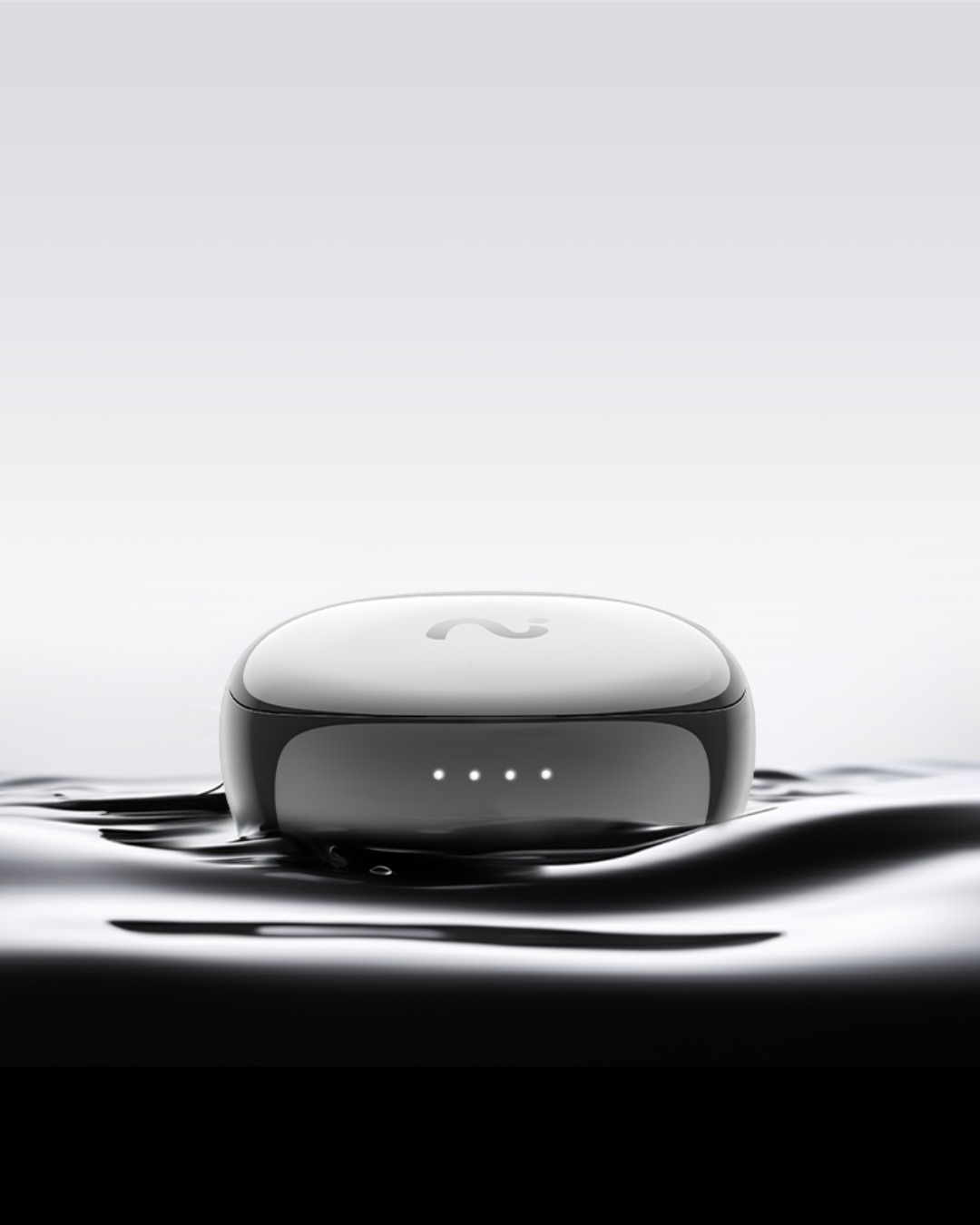
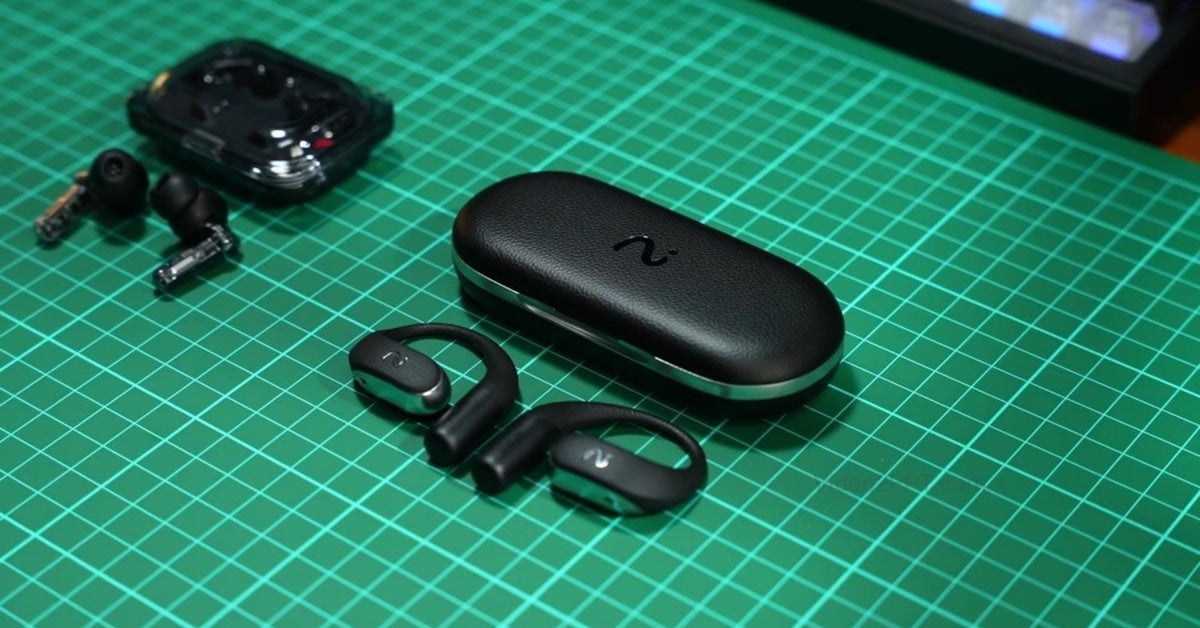
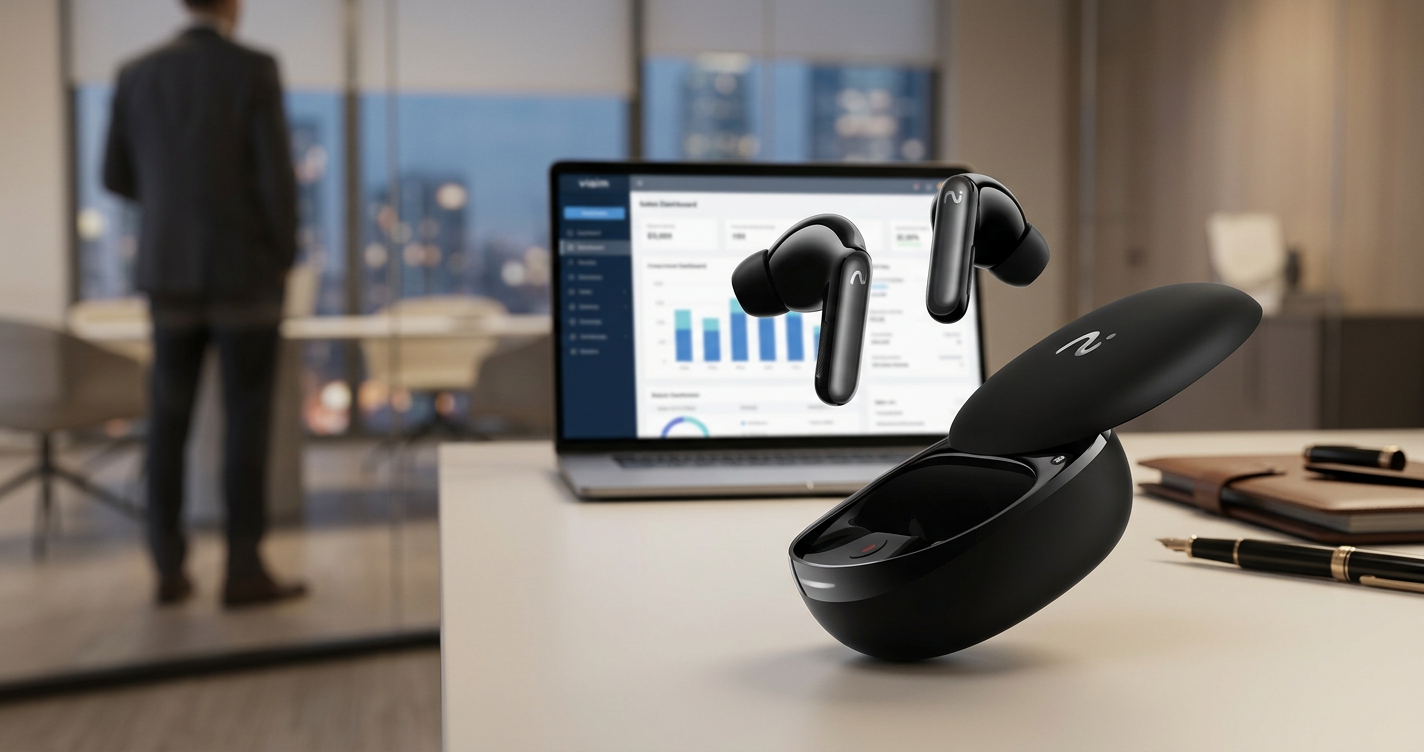
Best AI earbuds for meeting-heavy professionals: viaim RecDot
RecDot is built specifically for the work loop described above. One-pinch FlashRecord captures any meeting — phone, Zoom, in-person — without opening an app. 48dB ANC for focus between meetings. Hi-Res audio for the music side. 600 free AI minutes per month built in, with transcription and summaries in 78 languages.
Trade-offs: ANC is excellent for the form factor, but if pure noise cancellation is your top priority and you don't need recording, current AirPods Pro, Sony, or Bose models may still be the cleaner choice. RecDot's design priority is voice capture clarity, not maximum isolation.
Best for: Sales leaders, consultants, founders, anyone in meeting-heavy roles.
Best open-ear AI headphones for long workdays and outdoor calls: viaim OpenNote
Open-ear design with 53-hour total battery. The pick if you don't want anything in your ear canal all day, take a lot of walking calls, or share your environment with kids/colleagues you need to stay aware of. Same AI engine as RecDot — recording, transcription, summaries, translation.
Trade-offs: Open-ear means less audio isolation. Not the right pick for noisy offices or open-plan environments.
Best for: Remote workers, parents, frequent travelers, anyone who can't wear closed earbuds for 8+ hours.
Best entry-level AI meeting earbuds or backup pair: viaim Nano+
Same AI capture engine in a lighter, lower-priced package. 45dB ANC, 600 AI minutes, full transcription and summary support. The pick if you want to try AI headphones before going all-in on the flagship.
Best for: First-time AI headphone buyers, secondary pairs for travel.
Best for desktop-first workflows: viaim NoteKit
Not headphones — a USB AI note taker that pairs with your laptop. Worth mentioning because if your work is 90% at a desk, NoteKit may be a better fit than earbuds. It captures system audio plus mic, works with Zoom/Teams/Meet/in-person room mics, and feeds into the same viaim AI app.
Best for: Desk-bound roles where headphones aren't the right form factor.
For a head-to-head comparison between the two flagship earbuds, see RecDot vs. OpenNote. For a broader market scan including non-viaim options, our Best AI Earbuds 2026 guide covers what else is available.
5 Mistakes to Avoid Before You Buy
- Buying for music quality first. If meetings are 80% of your use, prioritize mic array and recording reliability over driver size. You will regret optimizing for the wrong job.
- Ignoring the AI minutes cap. A pair with 100 free minutes/month sounds fine until your second day of heavy meetings. Check the included quota and the upgrade cost.
- Assuming software meeting bots are equivalent. They don't work for phone calls, in-person meetings, or any conversation where having a visible "recording bot" is awkward (most sensitive conversations).
- Skipping the platform check. Not all AI headphones support all major meeting platforms equally. Confirm Zoom, Google Meet, and Microsoft Teams are all first-class before buying.
- Buying for the spec sheet, not the workflow. The headphones that win on paper often lose at "do I actually use this every day?" Read user reviews about daily friction, not just initial unboxing.
FAQ
Are AI headphones worth it if I only have 5–10 meetings a week?
Probably not the flagship tier. At that volume, software tools like Otter or your meeting platform's built-in transcription will cover most needs. AI headphones earn their keep above ~15 meetings/week or when in-person and phone calls are part of the mix.
Is recording meetings legal?
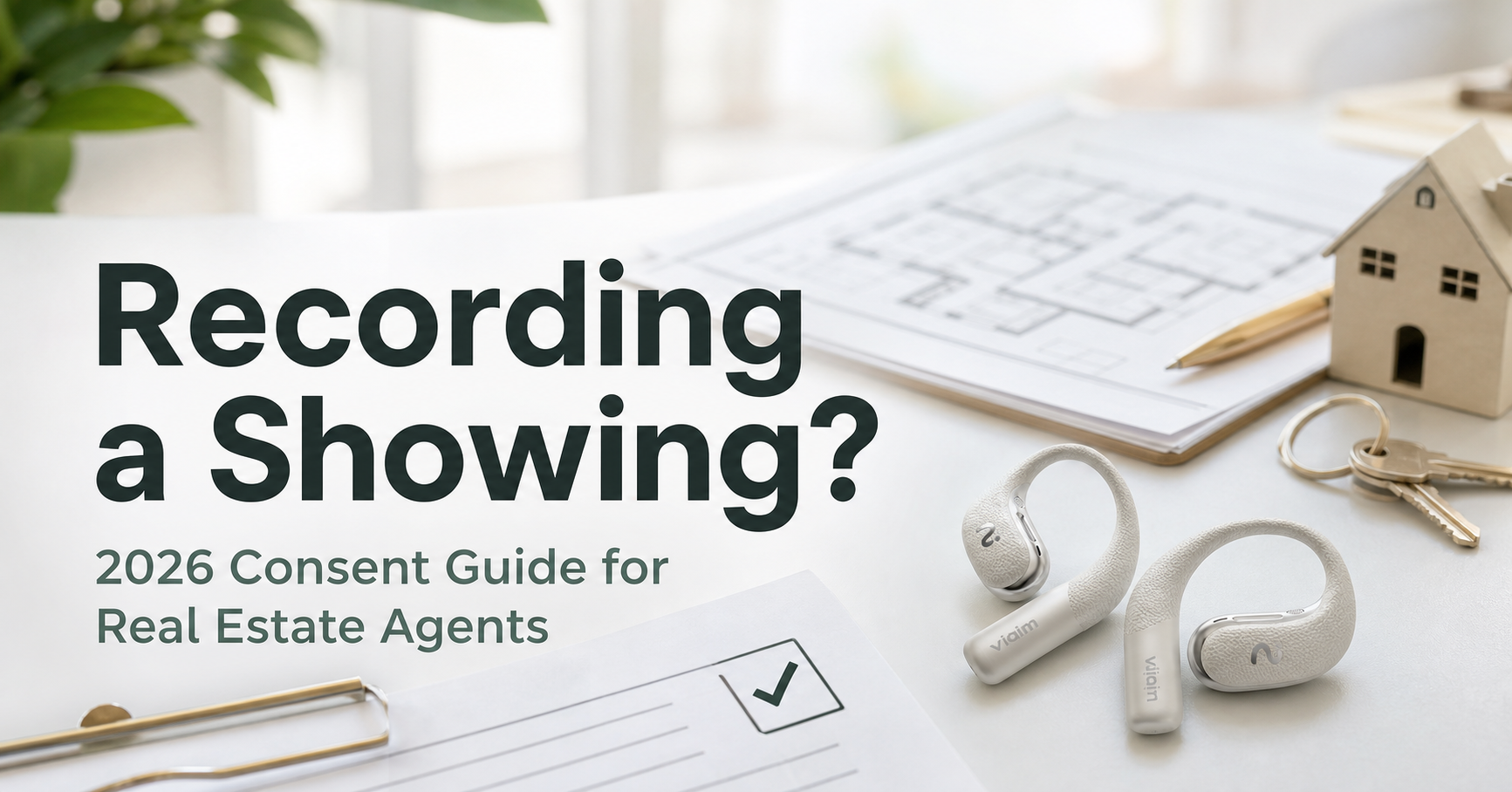
It depends on your jurisdiction. The U.S. has a mix of one-party and two-party consent states, and many countries require explicit consent. We covered this in detail in our piece on U.S. state recording laws. The short version: get consent, document it, and use it ethically.
Do AI headphones work without a phone?
The best ones do. Look for products that record on-device or to the charging case, then sync to your phone or laptop after. If recording requires the phone to be unlocked and the app open, you'll skip recording most of the time.
How accurate is real-time translation in 2026?
For major language pairs (English, Spanish, Mandarin, Japanese, French, German, Portuguese), accuracy is high enough for everyday business conversations. For low-resource languages or technical/legal vocabulary, expect more errors. Always have a human review for high-stakes content.
What's the difference between AI headphones and AI voice recorders?
Form factor and use case. AI voice recorders (like the Plaud Note Pro) sit on the table or clip to a phone — better for in-person interviews where you want a dedicated device. AI headphones live in your ear all day — better for meeting-heavy workflows where the device needs to be on you, not on the table. We compared the two categories in Plaud Note Pro vs. viaim RecDot.
Can I use AI headphones for music too?
Yes. The leading options offer Hi-Res certification and tuned drivers. They're not pure audiophile headphones, but they're well above average for general music listening — closer to AirPods Pro than to entry-level earbuds.
The Bottom Line
If your job runs on conversations, AI headphones and AI earbuds aren't a luxury — they're the same productivity upgrade that going from a notepad to a laptop was 20 years ago. The right pair gives you back two things: the cognitive load of trying to remember everything, and the time you spend writing notes after meetings instead of doing the actual work.
Start by being honest about your workflow. If you're in 15+ meetings a week, take cross-language calls, or split your day between Zoom and in-person, the ROI is straightforward. If you're mostly heads-down with the occasional check-in, regular headphones are still the right answer.
For meeting-heavy roles, our pick is viaim RecDot — built for exactly this category, with the recording reliability and AI quota to back it up. If you want to compare the full lineup, including open-ear and lighter options, see our product comparison page.
Share:
Is It Legal to Record a Real Estate Showing or Client Call? (2026 State Guide)