
User Guide
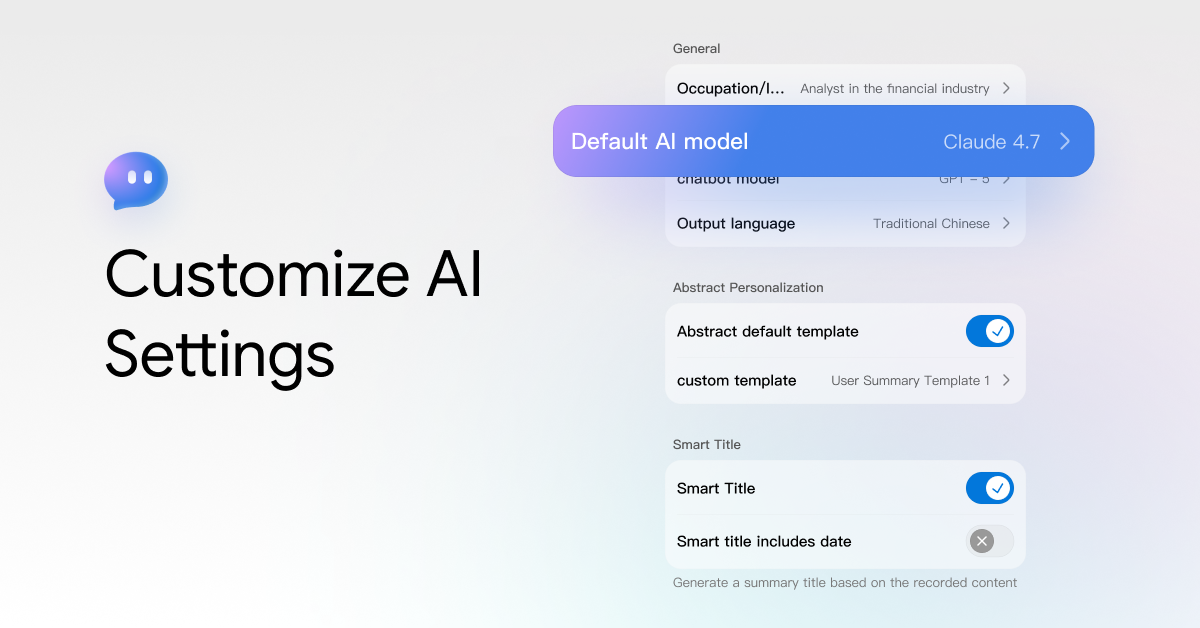
How to Customize AI Settings in viaim
📋 Table of Contents AI Settings — Where to Find Occupation Default AI Model Chatbot Model Output Language Smart Titles viaim AI-generated related content supports personalized customization. You can use AI settings to make the generated content more in line...

How to Manage Recordings and Transcripts in viaim
📋 Table of Contents Record Grouping Add a Single Entry to a Group Move Multiple Entries to a Group Record Export Re-transcribe the Recording Playback Recording After the recording is completed, you can manage all your recording content uniformly in...
Read moreabout How to Manage Recordings and Transcripts in viaim
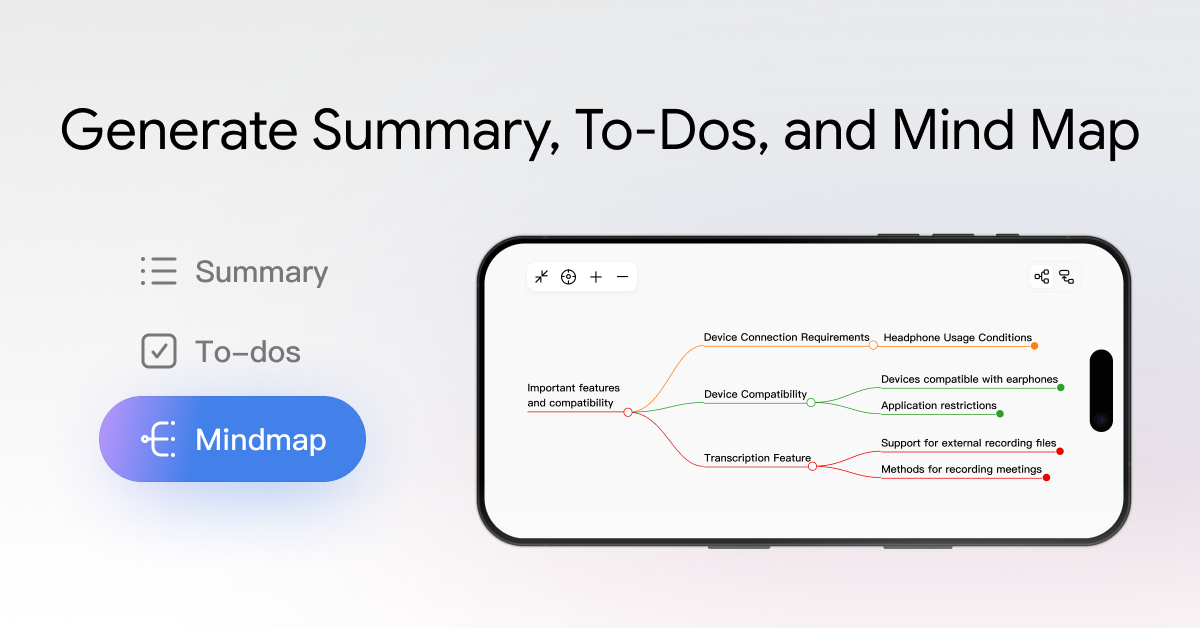
How to Turn Conversations into Summaries, To-Dos & Mind Maps
Smart Title You can enable the Smart Title feature in Me > AI Settings When this feature is enabled, a title will be automatically generated based on the content of your record after you finish documenting. If you need to...
Read moreabout How to Turn Conversations into Summaries, To-Dos & Mind Maps
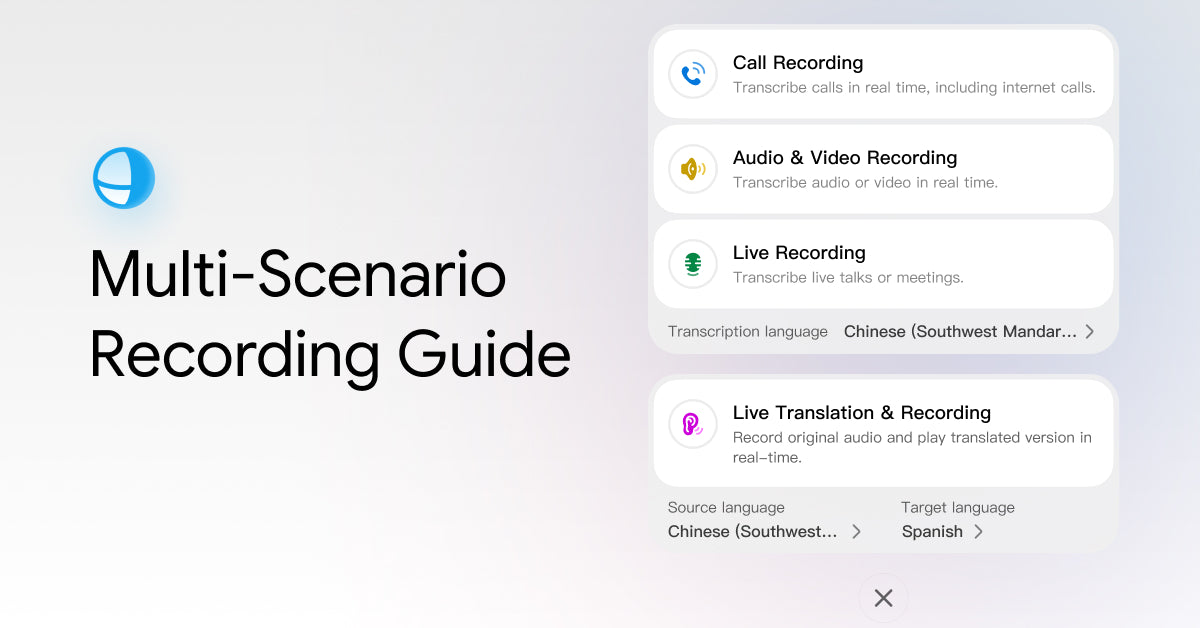
How to Record Meetings, Calls & Ideas with viaim Earbuds
📋 Table of Contents Record through the viaim App Call Recording Live Recording Audio & Video Recording Live Translation & Recording Record through FlashRecord Suitable Recording Scenarios How to Start FlashRecord Headphone Storage Space You can start recording directly in...
Read moreabout How to Record Meetings, Calls & Ideas with viaim Earbuds
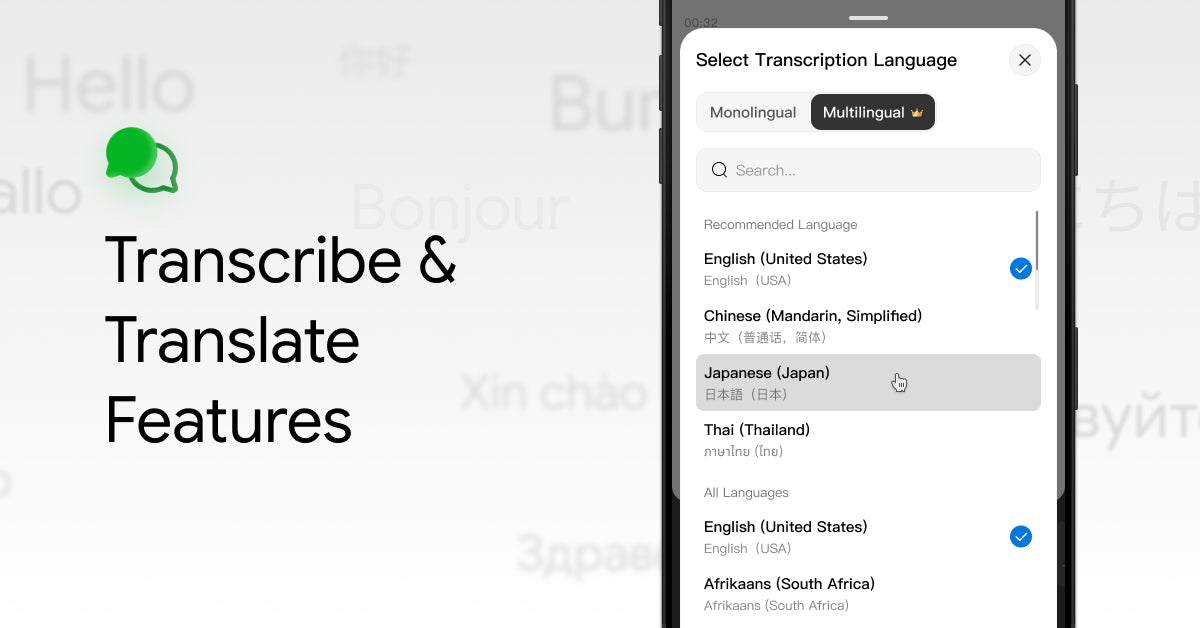
How to Transcribe and Translate with viaim?
📋 Table of Contents How to Use Transcription Transcribe While Recording Transcribe After Recording How to Use Translation Applicable Modes Translation While Recording Translation After Recording Supported Transcription & Translation Languages You can choose to transcribe while recording to see...
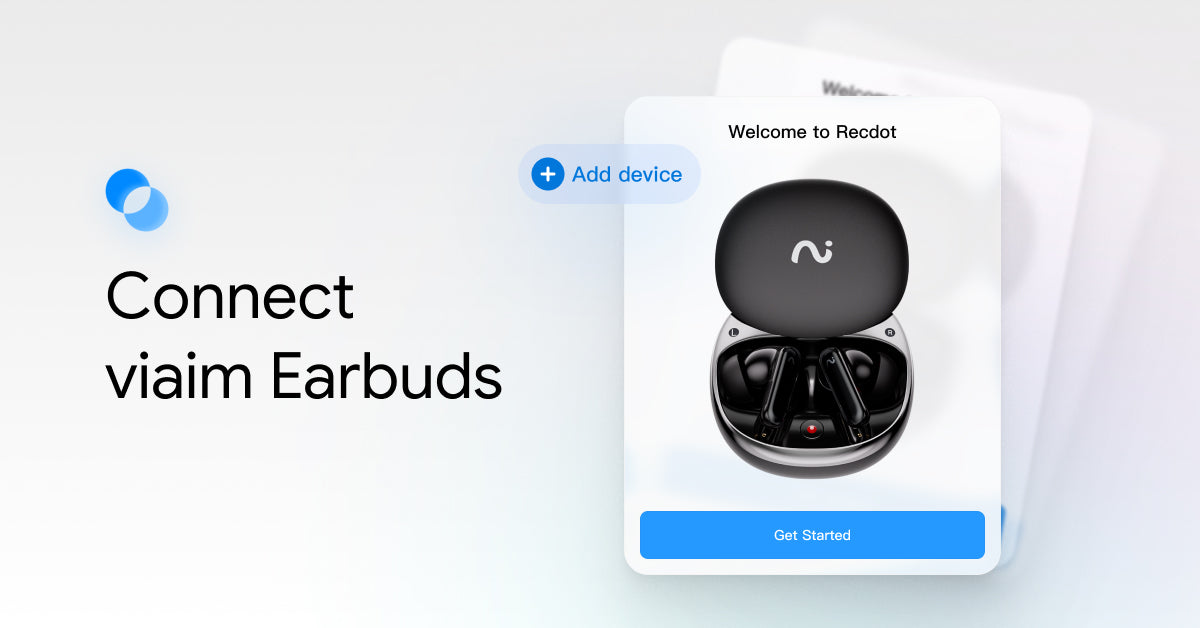
How to Connect Your viaim Earbuds?
📋 Table of Contents Prepare Earbuds for Pairing RecDot / OpenNote Pairing Steps Connect with the Device's Bluetooth Connect to the viaim App Restarting and Resetting Your Earbuds Restarting the Earbuds Resetting the Earbuds After ensuring that you have correctly...